
As technology advances at breakneck speed, many users are left wondering whether their older devices can still hold up in today’s digital landscape. The iPad Mini 2 and the Samsung Galaxy Tab A represent two once-popular tablets from different ecosystems—Apple’s iOS and Google’s Android. Released nearly a decade ago, both models were entry-level performers in their time. Now, in 2024, they face obsolescence due to outdated hardware, limited software support, and rising app demands. Yet, some users still rely on them for basic tasks. Is that still practical?
This article breaks down the real-world performance of the iPad Mini 2 and Galaxy Tab A in 2024, compares their strengths and weaknesses, and helps you decide whether holding on is economical—or if upgrading is now unavoidable.
Performance and Hardware: A Reality Check
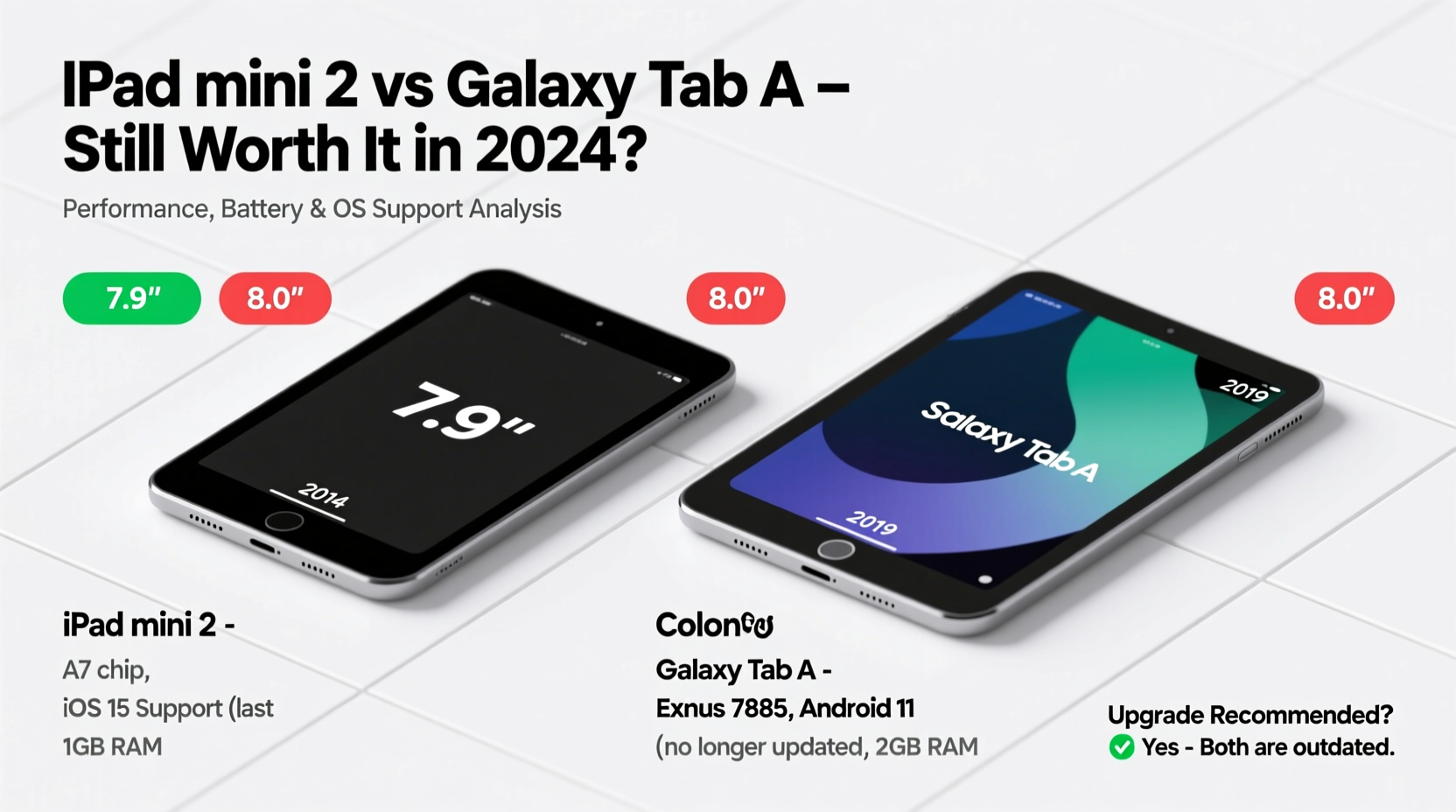
The iPad Mini 2 launched in 2013 with an Apple A7 chip and 1GB of RAM. At the time, it was one of the first tablets to feature a 64-bit processor, giving it a brief edge in performance. However, by modern standards, its processing power is severely underpowered. Most apps today require faster CPUs and more memory to run smoothly. Web browsing, for instance, becomes sluggish when loading media-rich pages, and multitasking is nearly impossible.
The Galaxy Tab A (2015 model, often compared to the Mini 2) came with a quad-core 1.2GHz processor and 1.5GB of RAM—slightly better on paper but similarly constrained in daily use. While Android tends to be more forgiving with lower-end hardware than iOS, even this device struggles with newer versions of the operating system and resource-heavy applications like YouTube, Zoom, or Google Docs with multiple tabs open.
Software Support and Security Risks
One of the most critical issues with both tablets in 2024 is the lack of ongoing software updates. The iPad Mini 2 maxed out at iOS 12, missing out on all advancements introduced in iOS 13 through iOS 17—including dark mode, improved multitasking, enhanced privacy controls, and optimized battery management. More importantly, Apple no longer provides security patches for iOS 12, leaving the device vulnerable to exploits and malware.
Similarly, the Galaxy Tab A (2015) stopped receiving major OS updates after Android 8.0 Oreo and never got Android 10 or beyond. Samsung also ended security updates years ago. Without regular patches, both devices are sitting ducks for phishing attempts, unsecured Wi-Fi networks, and malicious websites.
“Devices without active security updates should not handle sensitive data like banking, emails, or social media logins.” — David Lin, Cybersecurity Analyst at NetShield Group
Comparison Table: iPad Mini 2 vs Galaxy Tab A (2015)
| Feature | iPad Mini 2 | Galaxy Tab A (2015) |
|---|---|---|
| Release Year | 2013 | 2015 |
| Processor | Apple A7 (Dual-core 1.3GHz) | Qualcomm Snapdragon 410 (Quad-core 1.2GHz) |
| RAM | 1GB | 1.5GB |
| OS Support Cap | iOS 12 (No further updates) | Android 8.0 Oreo (No major updates) |
| Security Updates | None since 2019 | Ended in 2019 |
| App Compatibility (2024) | Limited; many apps no longer supported | Moderate; some apps still functional |
| Battery Health | Degraded in most units | Varies; replaceable battery helps |
| Storage Options | 16GB, 32GB, 64GB, 128GB | 8GB, 16GB (expandable via microSD) |
| Display Resolution | 2048×1536 (Retina) | 1280×800 (HD) |
Real-World Use Case: Can They Still Serve a Purpose?
Consider Maria, a retired teacher who received her iPad Mini 2 as a gift in 2015. She uses it primarily to read e-books, check weather, and view family photos. For years, it performed adequately. But in early 2024, she noticed that her favorite news app stopped working. Safari crashes when loading videos. Even email attachments fail to open consistently. After visiting a local repair shop, she learned the device can’t be updated and lacks compatibility with current web standards.
In contrast, James uses a Galaxy Tab A as a kitchen recipe viewer. He loads PDFs onto the device manually via USB and avoids online accounts. Because he doesn’t rely on app stores or cloud sync, his tablet remains marginally useful. The microSD slot lets him expand storage, and the removable battery means he can swap in a fresh one when performance dips.
These cases illustrate a key point: functionality depends entirely on usage patterns. Light, offline tasks may still be feasible. Anything involving internet services, streaming, or communication apps will likely disappoint.
When to Upgrade: Signs It’s Time to Move On
Holding onto aging tech isn't inherently bad—but ignoring clear warning signs can lead to frustration or security breaches. Here are definitive indicators that upgrading is necessary:
- Frequent app crashes or freezes – Modern apps expect faster processors and more memory.
- Inability to install essential apps – If WhatsApp, Chrome, or your bank’s app won’t install, the device is obsolete.
- No access to security updates – This alone makes continued use risky.
- Slow charging or poor battery life – Aging lithium-ion batteries degrade irreversibly.
- Missing features you now need – Such as dark mode, split-screen, or voice assistants.
Upgrade Alternatives Under $200
You don’t need to spend hundreds to get a meaningful improvement. Several budget-friendly tablets released between 2022 and 2024 offer dramatically better experiences:
- Amazon Fire HD 10 (2023) – Priced around $139, it includes a 1080p display, octa-core processor, 4GB RAM, and four years of software support.
- Samsung Galaxy Tab A9 (2023) – At $229, it runs Android 13, supports Google Play Services fully, and includes a headphone jack and microSD expansion.
- Apple iPad (10th gen, 2022) – Starting at $329, it’s a significant leap from the Mini 2 with an A14 chip, USB-C, and iPadOS 17 support.
Even mid-tier options provide years of reliable use, security updates, and compatibility with current apps—something neither the iPad Mini 2 nor the Galaxy Tab A can promise.
Frequently Asked Questions
Can I still use my iPad Mini 2 for YouTube?
Possibly, but not reliably. The YouTube app no longer supports iOS 12, so you’ll be limited to mobile browser playback, which is slow, lacks background play, and may not support HD streaming.
Is the Galaxy Tab A safer than the iPad Mini 2?
Not significantly. Both lack current security patches. While Android allows sideloading and manual app management, the absence of updates makes both equally vulnerable over time.
Can I sell or donate my old tablet?
If it powers on, you might sell it for parts or donate it to educational programs that refurbish devices. However, wipe all personal data first and disclose that it cannot receive updates.
Final Verdict: Hold On or Let Go?
In 2024, the iPad Mini 2 and Galaxy Tab A are relics of a past tech era. Their hardware is too weak, their software too outdated, and their security posture too risky for everyday use. While niche, offline roles—like digital photo frames or dedicated e-readers—are possible, their utility is shrinking by the month.
If you depend on your tablet for anything beyond nostalgia, upgrading is not just advisable—it’s essential. Today’s budget tablets offer vastly superior performance, safety, and longevity. Investing $150–$250 now can save you hours of frustration and protect your personal information.




 浙公网安备
33010002000092号
浙公网安备
33010002000092号 浙B2-20120091-4
Comments
No comments yet. Why don't you start the discussion?