
When Apple released the iPad Mini 5 in 2019, it brought a surprising upgrade to a compact tablet line that had been dormant for years. Meanwhile, the iPhone X, launched in 2017, was a flagship device that redefined smartphone design with its edge-to-edge OLED display and Face ID. Today, many users wonder: if they’re still using an iPhone X, does upgrading to an iPad Mini 5 offer better speed and performance? The answer isn’t as straightforward as release dates might suggest.
While the iPad Mini 5 is technically newer, both devices run on Apple’s A-series chips and share similar software environments. But differences in hardware optimization, screen size, memory management, and real-world usage patterns can significantly affect perceived performance. Let’s break down the key factors that determine whether the iPad Mini 5 is truly faster—and more capable—than the iPhone X.
Performance Under the Hood: Chipset & Architecture
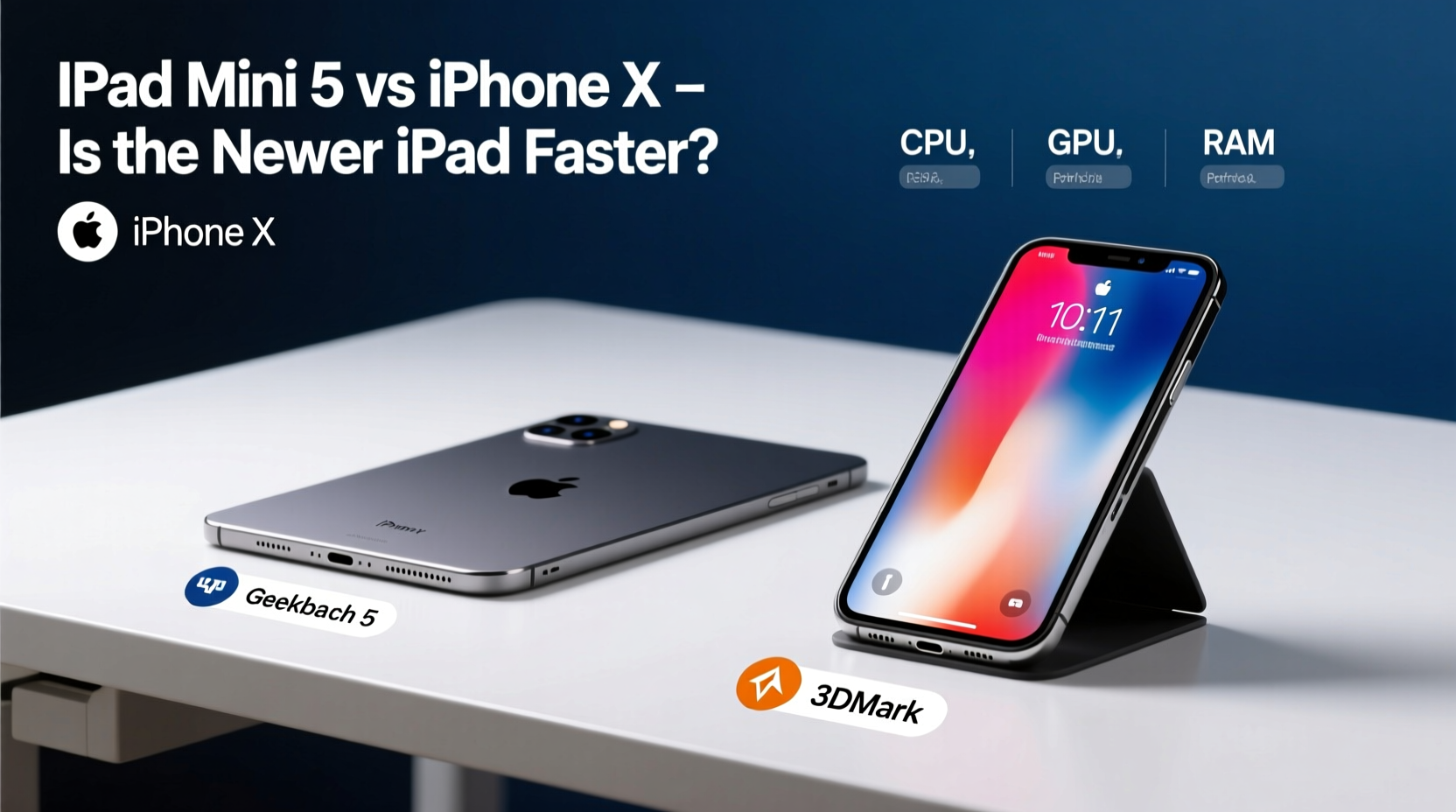
The heart of any mobile device lies in its processor. The iPhone X runs on the Apple A11 Bionic chip, a 64-bit hexa-core processor built on a 10nm process. At launch, it delivered exceptional speed for its time, particularly in machine learning tasks thanks to its Neural Engine.
The iPad Mini 5, despite being released two years later, uses the **A12 Bionic chip**—the same powerhouse found in the iPhone XS and XR. This 7nm chip features a six-core CPU (two high-performance cores and four efficiency cores), a four-core GPU, and an upgraded eight-core Neural Engine. Apple claimed the A12 offered up to 15% faster CPU performance and 50% faster graphics than the A11.
In synthetic benchmarks like Geekbench 5, the A12 consistently outperforms the A11 by around 20–30% in single-core tasks and even more in multi-core workloads. This gives the iPad Mini 5 a measurable advantage in processing power, especially when handling multitasking or graphics-heavy apps like games and video editors.
Real-World Speed: How Do They Feel in Daily Use?
Benchmarks tell one story, but user experience tells another. In everyday scenarios—opening apps, browsing Safari, switching between messages and email—both devices feel snappy and responsive, thanks to iOS’s efficient app lifecycle management.
However, subtle differences emerge:
- App Launch Times: On average, apps open slightly faster on the iPad Mini 5 due to the A12’s improved architecture and potentially faster storage access.
- Multitasking: The iPadOS environment allows split-screen and slide-over views, enabling smoother transitions between multiple active apps—a feature absent on iPhone X’s iOS version.
- Gaming Performance: Games like *Genshin Impact* or *Alto’s Odyssey* run at higher frame rates on the iPad Mini 5, with fewer stutters during complex scenes.
- Camera Processing: While not relevant for the iPad (which lacks advanced camera systems), the iPhone X still excels in photo rendering and computational photography thanks to optimized firmware.
“Even with older silicon, Apple’s software optimization ensures that devices like the iPhone X remain remarkably usable years after release.” — David Liu, Mobile Hardware Analyst at TechPulse Weekly
Display & Interaction: Does Screen Size Affect Perceived Speed?
One often overlooked factor in performance perception is screen real estate. The iPad Mini 5 has a 7.9-inch Retina display with a resolution of 2048x1536 pixels, while the iPhone X features a 5.8-inch Super Retina OLED display at 2436x1125.
Despite the iPhone X having a sharper pixel density and richer color reproduction, the larger canvas of the iPad makes navigation feel more spacious and less cluttered. This spatial advantage can create the illusion of greater responsiveness, especially when reading articles, editing documents, or watching videos.
Touch input latency is nearly identical across both devices—Apple maintains tight control over display drivers—but the iPad’s support for the Apple Pencil (1st gen) adds a layer of precision interaction that enhances productivity workflows.
Detailed Comparison Table: iPad Mini 5 vs iPhone X
| Feature | iPad Mini 5 | iPhone X |
|---|---|---|
| Release Year | 2019 | 2017 |
| Chipset | A12 Bionic | A11 Bionic |
| Operating System | iPadOS (upgradable to latest) | iOS (max iOS 16 support) |
| RAM | 3GB | 3GB |
| Storage Options | 64GB / 256GB | 64GB / 256GB |
| Display Size | 7.9 inches (Retina) | 5.8 inches (Super Retina OLED) |
| Battery Life | Up to 10 hours | Up to 13 hours video playback |
| Cameras | 8MP rear, 7MP front | 12MP dual rear, 7MP front (TrueDepth) |
| Connectivity | Wi-Fi + optional LTE | Wi-Fi + LTE |
| Pencil Support | Yes (1st gen) | No |
| Fingerprint/Face ID | Touch ID | Face ID |
Mini Case Study: Sarah’s Transition from iPhone X to iPad Mini 5
Sarah, a freelance writer and part-time student, relied on her iPhone X for note-taking, research, and light editing. After purchasing an iPad Mini 5 for online classes, she noticed immediate improvements in workflow efficiency.
“I expected the bigger screen to help, but I didn’t think it would feel faster,” she said. “Switching between Safari, Notes, and Google Docs using slide-over mode saves me so much time. Even loading PDFs is quicker now.”
She attributed this boost not just to raw speed, but to the combination of better multitasking tools and reduced cognitive load from managing smaller windows. For her, the iPad Mini 5 wasn’t just faster—it was smarter for her use case.
Step-by-Step Guide: How to Test Which Device Feels Faster for You
If you're deciding between holding onto your iPhone X or relying more on an iPad Mini 5, follow these steps to evaluate real-world performance:
- Open the same set of apps (e.g., Safari, Mail, Camera, Notes) on both devices and time how quickly they launch.
- Run a demanding game or AR app and observe frame rate stability and heat generation.
- Try multitasking on the iPad: open two apps side-by-side and switch between them repeatedly.
- Test web browsing with 10+ tabs open; see which device handles memory better without reloading pages.
- Evaluate battery drain during a consistent task (like streaming video) over 30 minutes.
- Assess software updates: check which device supports the latest iOS/iPadOS features and security patches.
Frequently Asked Questions
Can the iPad Mini 5 replace my iPhone X?
Not entirely. While the iPad excels in media consumption, reading, and productivity, it lacks cellular calling capabilities unless used with Wi-Fi calling and an iPhone nearby. It also doesn’t have Face ID or advanced camera features ideal for portraits and low-light photography.
Is the iPad Mini 5 still supported with updates?
Yes. As of 2024, the iPad Mini 5 supports up to iPadOS 17, ensuring continued security patches and feature updates. The iPhone X maxes out at iOS 16, meaning it no longer receives major OS upgrades.
Why does my iPhone X still feel fast after all these years?
Apple’s ecosystem prioritizes long-term software optimization. Even older devices benefit from efficient coding, background process management, and app developer adherence to performance guidelines. This extends usability far beyond typical smartphone lifespans.
Conclusion: Speed Isn’t Just About the Chip
The iPad Mini 5 is objectively faster than the iPhone X in terms of raw processing power, thanks to its A12 Bionic chip and modern architecture. However, “faster” depends on context. For multitasking, creative work, and immersive media, the iPad offers a superior experience. For portability, communication, and photography, the iPhone X remains purpose-built and highly functional.
Ultimately, the iPad Mini 5 represents a meaningful leap—not just in speed, but in versatility. If you're using an iPhone X daily and considering expanding into tablet territory, the Mini 5 delivers noticeable gains in performance and functionality, especially under sustained workloads.




 浙公网安备
33010002000092号
浙公网安备
33010002000092号 浙B2-20120091-4
Comments
No comments yet. Why don't you start the discussion?