
Choosing between an iPhone 11 and an iPad Air isn’t just about specs—it’s about how you use your device every day. While both run on Apple’s ecosystem and share similar processors, their form factors create vastly different experiences. The iPad Air offers a larger display, better multitasking, and enhanced media consumption, but the iPhone 11 wins in portability, camera quality, and communication. So, is that bigger screen truly worth sacrificing pocketability? Let’s break it down with real usage scenarios, performance benchmarks, and lifestyle trade-offs.
Design and Portability: Size Matters More Than You Think
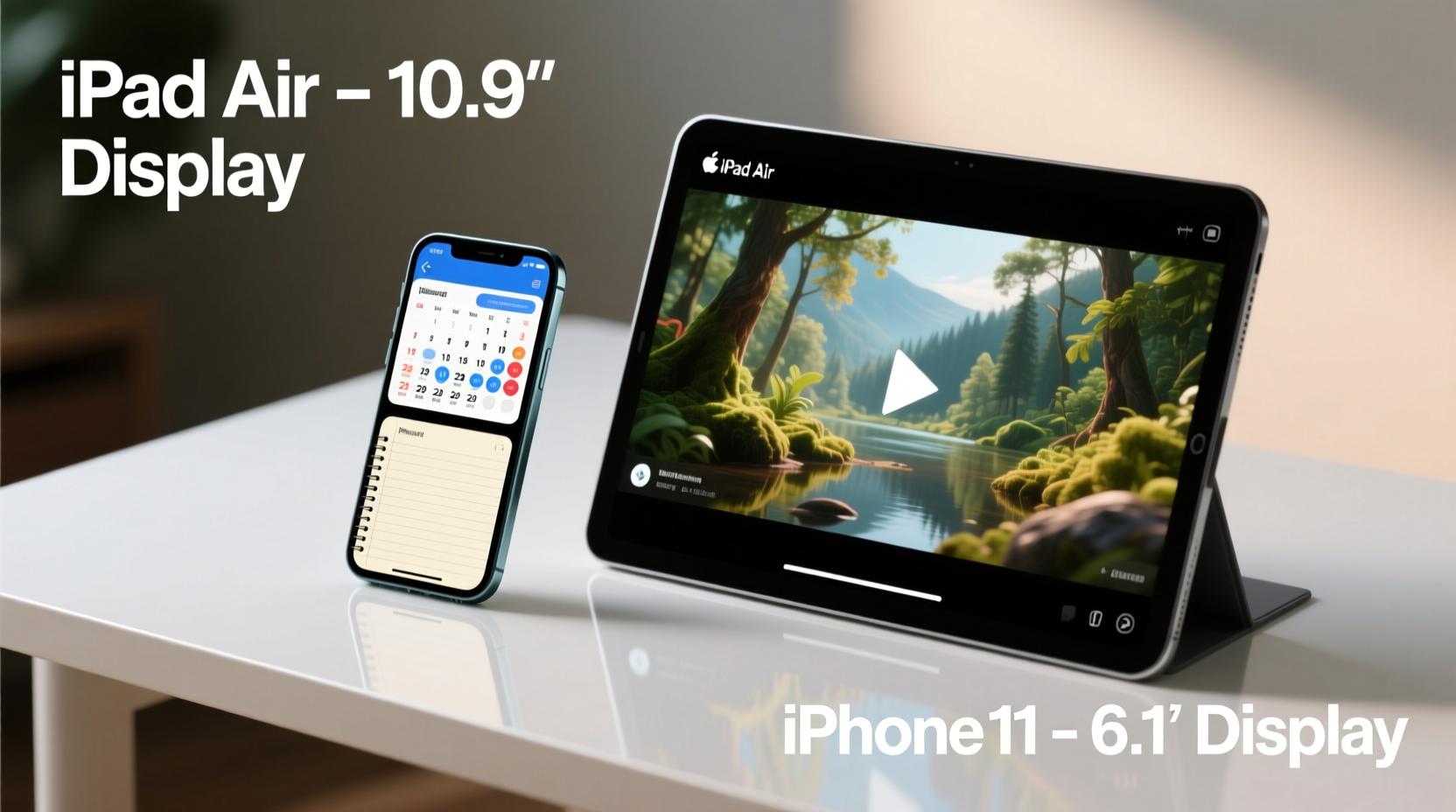
The most immediate difference between the iPhone 11 and iPad Air is size. The iPhone 11 measures 5.94 x 2.98 inches and weighs 6.07 ounces—compact enough to fit comfortably in one hand or a front pocket. In contrast, the iPad Air (4th gen) spans 9.74 x 7.02 inches and tips the scales at 1 pound. That makes it significantly less portable, especially for users who value mobility.
Carrying an iPad Air daily requires a bag or backpack. It doesn’t slip into a jacket easily, and using it one-handed while walking is impractical. Meanwhile, the iPhone 11 supports quick checks, messaging, and navigation without breaking stride. For commuters, parents, or professionals on the move, this distinction is critical.
Display and Media Experience: Where the iPad Air Shines
When it comes to screen real estate, the iPad Air dominates. Its 10.9-inch Liquid Retina display offers over twice the surface area of the iPhone 11’s 6.1-inch LCD. This isn’t just about watching videos—it impacts productivity, reading, and app usability.
- Video & Streaming: On the iPad Air, Netflix, YouTube, or Disney+ feel cinematic. Subtitles are easier to read, and split-screen viewing enhances immersion.
- E-Reading & PDFs: Reading textbooks, reports, or e-books is far more comfortable on the larger screen, reducing eye strain during extended sessions.
- Web Browsing: Websites render closer to desktop versions, minimizing zooming and horizontal scrolling.
However, the iPhone 11 compensates with True Tone and excellent color accuracy. For casual browsing or social media, its screen is more than adequate—and often preferable due to brightness and responsiveness in outdoor environments.
Performance Comparison: Closer Than You’d Expect
Both devices launched with Apple’s A13 Bionic chip (iPhone 11) and A14 Bionic (iPad Air), making them surprisingly matched in raw power. Despite the iPad Air’s slightly newer processor, real-world performance differences are minimal for everyday tasks like email, web browsing, and social apps.
| Feature | iPhone 11 | iPad Air (4th Gen) |
|---|---|---|
| Processor | A13 Bionic | A14 Bionic |
| RAM | 4GB | 4GB |
| Storage Options | 64GB, 128GB, 256GB | 64GB, 256GB |
| Battery Life | Up to 17 hours video playback | Up to 10 hours |
| Camera System | Dual 12MP (wide + ultra-wide) | Single 12MP rear, 7MP front |
| Fingerprint Sensor / Face ID | Face ID | Touch ID (top button) |
The A14 does offer a modest edge in graphics and machine learning tasks, which benefits creative apps like Procreate or video editing tools. But for most users, the iPhone 11 handles games, AR apps, and multitasking smoothly. The real bottleneck isn’t processing power—it’s screen size limiting interface efficiency.
“Screen size amplifies device utility more than any spec upgrade. A powerful phone is still limited by its display.” — Jordan Lee, Mobile UX Designer at AppFlow Studios
Use Case Scenarios: Who Benefits From What?
Let’s consider three real-life situations to illustrate where each device excels.
Case Study: Remote Student Balancing Work and Study
Sophia, a university student taking online courses, initially used her iPhone 11 for lectures and note-taking. She found herself constantly zooming in on slides, struggling to view instructor notes, and losing focus during long sessions. After switching to an iPad Air with a keyboard case, she could split her screen between Zoom and OneNote, annotate PDFs directly, and keep her calendar visible. The larger screen reduced fatigue and improved comprehension. For her, the iPad Air was a clear upgrade despite the added bulk.
Case Study: Freelancer Managing Clients On-the-Go
Mark, a freelance photographer, uses his iPhone 11 as his primary tool. He shoots client previews, edits on Lightroom Mobile, and sends files via iCloud—all from his phone. When traveling, he occasionally uses an iPad Air for client presentations, but finds it cumbersome to carry both. For him, the iPhone’s integrated camera, cellular connectivity, and compact size make it indispensable. The iPad Air serves as a secondary device, useful only when stationary.
Practical Tips: Maximizing Value Based on Your Needs
Before deciding whether the bigger screen is worth it, assess your actual usage patterns. Here’s a checklist to guide your decision:
- ✅ Do you need cellular calling? → iPhone 11
- ✅ Will you use it mostly for video calls or reading? → iPad Air
- ✅ Do you edit photos or documents frequently? → iPad Air (with accessories)
- ✅ Do you want one device for everything? → iPhone 11
- ✅ Are you pairing it with a laptop? → iPad Air can complement well
- ✅ Is portability non-negotiable? → iPhone 11
If your workflow involves heavy typing, multitasking, or visual work, the iPad Air’s screen enables features like Slide Over, Split View, and external keyboard support—transforming it into a mini-laptop. However, if your needs center around communication, photography, and quick access, the iPhone 11 remains unmatched.
Frequently Asked Questions
Can the iPad Air replace my iPhone?
No. While the iPad Air supports Wi-Fi calling and messaging, it lacks native cellular voice calling (unless linked to an iPhone). You cannot receive traditional phone calls independently, making it unsuitable as a standalone communication device.
Is the iPad Air better for gaming than the iPhone 11?
In some ways, yes. The larger screen improves visibility and touch control spacing, especially in strategy or simulation games. However, the iPhone 11 often has better thermal management due to smaller form factor, sustaining peak performance longer. For competitive mobile gamers, the iPhone may offer a more responsive experience.
Which has better battery life?
The iPhone 11 generally lasts longer per charge for mixed usage. Apple rates it for up to 17 hours of video playback versus 10 hours for the iPad Air. However, actual usage varies: light tasks on the iPad Air can stretch across a full day, but intensive apps drain it faster due to screen size and resolution.
Final Verdict: It Depends on Your Definition of “Worth It”
The bigger screen of the iPad Air is objectively superior for content consumption, productivity, and creative work. But “worth it” depends on how much you value those benefits against the cost of reduced portability and higher price. The iPhone 11 delivers exceptional versatility in a pocketable format, with a superior camera system and seamless integration with Apple’s ecosystem.
For many users, owning both makes sense—one as a primary communicator, the other as a media or work companion. But if forced to choose, ask yourself: do you spend more time creating and consuming, or connecting and capturing? The answer will point you toward the right device.




 浙公网安备
33010002000092号
浙公网安备
33010002000092号 浙B2-20120091-4
Comments
No comments yet. Why don't you start the discussion?