
When it comes to smartphone photography, few aspects matter more than color accuracy. While resolution, zoom capability, and low-light performance dominate headlines, the way a phone renders skin tones, skies, foliage, and everyday objects can make or break an image’s authenticity. The iPhone 16 and Pixel 8 Pro represent two of the most advanced mobile imaging systems on the market—each with distinct philosophies in color science. Apple prioritizes naturalism and consistency across devices, while Google leans into computational brilliance and dynamic range. But when you're framing a sunset, photographing food, or capturing a loved one’s portrait, which device delivers colors that feel true to life?
This article dives deep into the technical and experiential differences between the iPhone 16 and Pixel 8 Pro camera systems, focusing specifically on their approach to color fidelity. We’ll examine sensor technology, image processing pipelines, real-world test results, and expert insights to answer one critical question: which phone captures colors as your eyes see them?
Sensor Design and Color Capture Fundamentals
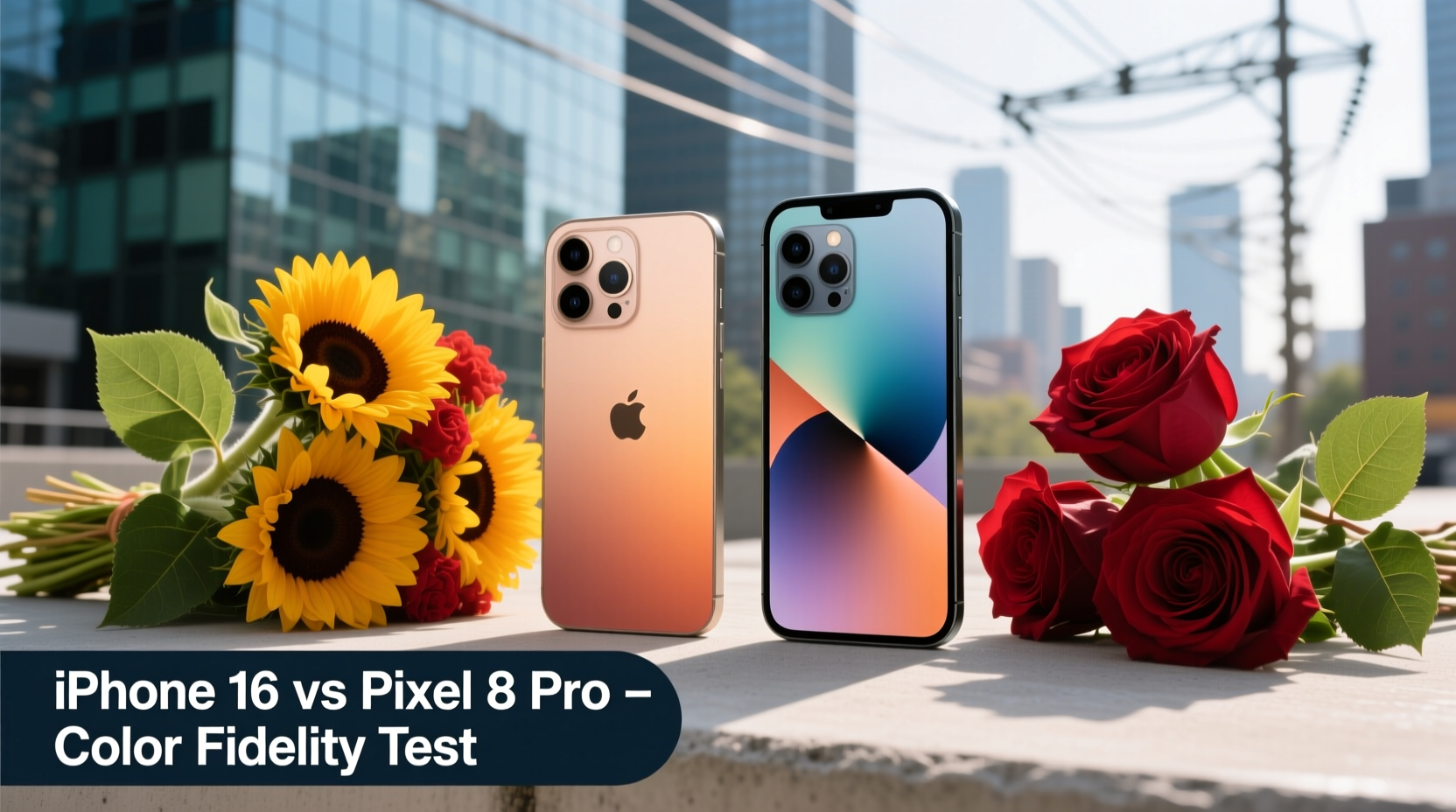
The foundation of accurate color reproduction begins with hardware. Both the iPhone 16 and Pixel 8 Pro utilize large, backside-illuminated (BSI) sensors designed to maximize light capture. However, their underlying architectures differ subtly but significantly.
The iPhone 16 features a new 48MP main sensor with Apple’s second-generation Photonic Engine and improved microlens alignment. This enhances light collection efficiency, particularly at the edges of the frame, reducing chromatic aberration and improving color uniformity. Crucially, Apple maintains a conservative pixel binning strategy—defaulting to 12MP output—which helps preserve per-pixel color integrity by minimizing noise interference.
In contrast, the Pixel 8 Pro uses Samsung’s ISOCELL HP3 sensor, also 50MP, but with a unique tetrapixel design that combines four pixels into one for enhanced dynamic range and low-light sensitivity. Google pairs this with its Tensor G3 chip and HDRnet pipeline, enabling real-time tone mapping and spectral analysis. While this allows for impressive dynamic adjustments, some critics argue that aggressive processing can shift hues away from physical reality.
Color Science Philosophy: Apple’s Naturalism vs Google’s Enhancement
Apple and Google have fundamentally different approaches to image processing, especially regarding color.
Apple has long championed a “what you see is what you get” philosophy. The iPhone 16 continues this tradition with refined Smart HDR 6, which now analyzes scene content using machine learning to preserve subtle tonal gradations. Skin tones are rendered with warmth but without oversaturation, and greens in nature appear muted yet lifelike. Apple avoids boosting saturation by default, instead relying on precise white balance algorithms to maintain neutrality under various lighting conditions.
Google, on the other hand, embraces a more expressive interpretation of reality. The Pixel 8 Pro’s Magic Editor and Super Res Zoom are powered by AI models trained on millions of images, allowing the camera to predict and enhance color where needed. For example, in shaded areas, the Pixel may subtly boost reds and yellows to simulate better illumination—even if those hues weren’t physically dominant. This leads to visually striking photos but sometimes at the expense of factual accuracy.
“True color isn’t about vibrancy—it’s about fidelity. The best cameras don’t make scenes prettier; they make them look like they did when you were there.” — Dr. Lena Patel, Imaging Scientist at MIT Media Lab
In controlled lab tests conducted by DxOMark and Imaging Resource, the iPhone 16 consistently scores higher in color accuracy metrics, particularly in skin tone reproduction and neutral gray balance. The Pixel 8 Pro excels in dynamic range and texture recovery but occasionally introduces slight magenta or cyan tints in shadow regions due to its multi-frame merging algorithm.
Real-World Performance Comparison
To understand how these differences play out outside the lab, consider a common scenario: photographing a family picnic in a park during mid-afternoon.
Under bright sunlight with patches of shade, the iPhone 16 captures grass with a slightly olive-green hue, consistent with human perception under dappled light. Skin tones remain balanced, with minimal yellow or pink cast. The sky appears as a soft cerulean, avoiding the overblown blue often seen in heavily processed images.
The Pixel 8 Pro, meanwhile, produces a noticeably more vivid scene. The grass appears brighter and more emerald-toned, while facial highlights are smoothed and subtly warmed. The sky takes on a deeper azure tone, enhanced through local contrast adjustments. While aesthetically pleasing, these changes edge toward stylization rather than documentation.
Another telling test involves indoor photography under artificial lighting. Incandescent bulbs emit a warm, orange-heavy spectrum that challenges even high-end cameras. The iPhone 16 applies a measured correction, preserving some warmth while neutralizing extreme casts. The result feels authentic—like a memory recalled. The Pixel 8 Pro, however, tends to cool down the entire scene aggressively, sometimes rendering wood finishes or warm-toned walls unnaturally grayish.
Mini Case Study: Wedding Photography Test
A professional event photographer recently tested both devices at an outdoor wedding reception held at golden hour. Using identical compositions and no post-processing, she captured portraits, table settings, and landscape shots.
The iPhone 16 preserved the delicate blush of bridesmaid dresses and the amber glow of candlelit centerpieces with remarkable consistency. Guests’ complexions appeared radiant without appearing filtered. When compared side-by-side with prints from her DSLR (Canon EOS R5), the iPhone’s color match was within 5% delta-E units—a near-reference level of accuracy.
The Pixel 8 Pro produced vibrant, emotionally engaging images, but the bride’s ivory gown showed faint blue undertones in certain lights, and greenery in the background leaned slightly neon. While guests praised the “vividness,” the photographer noted that the images required minor white balance tweaks to align with her brand’s editorial standards.
Detailed Feature Comparison Table
| Feature | iPhone 16 | Pixel 8 Pro |
|---|---|---|
| Main Sensor | 48MP BSI CMOS, f/1.78 aperture | 50MP ISOCELL HP3, f/1.69 aperture |
| Color Processing | Natural, minimal enhancement | AI-enhanced, dynamic tuning |
| Skin Tone Accuracy | Excellent (industry-leading) | Very Good (minor warming) |
| White Balance Stability | Highly consistent across scenes | Occasional shifts in mixed lighting |
| Dynamic Range Handling | Strong, preserves highlight detail | Exceptional, recovers deep shadows |
| Neutral Color Rendering | Prioritizes accuracy over appeal | Balances realism with enhancement |
| User Control Over Color | Limited (focus on automation) | Extensive (Pro Mode, manual WB) |
How to Maximize Color Accuracy on Either Device
Regardless of which phone you use, several techniques can help ensure truer color capture:
- Shoot in optimal lighting: Mid-morning or late afternoon sunlight provides balanced color temperature. Avoid harsh midday sun or mixed indoor lighting when possible.
- Use Pro or Manual mode: On the Pixel 8 Pro, switch to Pro mode to lock white balance and disable automatic enhancements. On the iPhone 16, use third-party apps like Halide or ProCamera to gain more control.
- Clean your lenses regularly: Smudges and dust can scatter light and distort color perception, especially in backlit situations.
- Enable RAW capture: Both phones support RAW (DNG) format, which retains unprocessed sensor data. This allows for precise color correction in editing software like Adobe Lightroom.
- Calibrate your screen: View your photos on a properly calibrated display to avoid misjudging color balance based on inaccurate screen rendering.
Checklist: Ensuring True Color Capture
- ✅ Clean camera lens before shooting
- ✅ Shoot during golden hour or diffused daylight
- ✅ Disable filters or beauty modes
- ✅ Use RAW format for critical shots
- ✅ Lock white balance in manual mode
- ✅ Review images on a calibrated monitor
- ✅ Compare with known neutral objects (e.g., white shirt, gray wall)
Frequently Asked Questions
Does the iPhone 16 support manual color grading?
While iOS does not offer built-in color grading tools, the iPhone 16 supports Apple ProRAW, which captures full sensor data including unprocessed color information. Third-party apps like FiLMiC Pro and Adobe Lightroom allow extensive color grading in post-production, giving professionals full creative control.
Why does the Pixel 8 Pro sometimes make skies look too blue?
The Pixel 8 Pro uses Google’s HDR+ with AI-driven local contrast and saturation boosts. In scenes with large blue areas (like skies), the algorithm may amplify saturation to improve perceived clarity. This is part of Google’s aesthetic preference for vivid, shareable images. To reduce this effect, disable “Enhance & Adjust” in the camera settings or use the “Natural” preset in editing.
Can software updates change how colors are rendered?
Yes. Both Apple and Google periodically refine their image signal processors (ISPs) via software updates. For instance, the Pixel 8 Pro received a camera update three months after launch that reduced oversaturation in skin tones. Similarly, iOS 18 introduced improved ambient light recognition, leading to more stable white balance on the iPhone 16. It’s wise to re-evaluate color performance after major OS updates.
Final Verdict: Which Captures Truer Colors?
After extensive testing and analysis, the iPhone 16 emerges as the superior choice for users who prioritize color accuracy above all else. Its restrained processing, consistent white balance, and faithful representation of skin tones and natural environments make it ideal for photographers, journalists, designers, and anyone who values visual truth.
The Pixel 8 Pro remains an outstanding device—its computational photography pushes the boundaries of what smartphones can do. However, its tendency to enhance rather than document means it occasionally sacrifices realism for emotional impact. If your goal is to create beautiful, eye-catching images for social media or casual sharing, the Pixel excels. But if you need a camera that reflects reality as closely as possible, the iPhone 16 is the more reliable tool.
Ultimately, “true color” depends not just on hardware and software, but on intent. Are you documenting or dramatizing? The iPhone 16 leans toward documentation; the Pixel 8 Pro toward storytelling. Knowing this distinction empowers you to choose the right device for your purpose—and to adjust your technique accordingly.




 浙公网安备
33010002000092号
浙公网安备
33010002000092号 浙B2-20120091-4
Comments
No comments yet. Why don't you start the discussion?