
When Apple released the iPhone 6s in 2015, many iPhone 6 owners faced a familiar dilemma: should they upgrade? The two models looked nearly identical, but beneath the surface, significant changes had been made. For users still on the iPhone 6, especially those considering an upgrade years later—perhaps for cost or nostalgia reasons—the question remains relevant. Was the jump from the iPhone 6 to the 6s truly worthwhile?
This isn’t just a retrospective look at outdated hardware; it’s a practical analysis of how meaningful upgrades impact real-world usage. Whether you’re holding onto an old device, buying secondhand, or simply curious about Apple’s evolution, understanding the differences between these two phones offers valuable insight into what actually matters in a smartphone upgrade.
Design and Build: Subtle Changes, Noticeable Differences
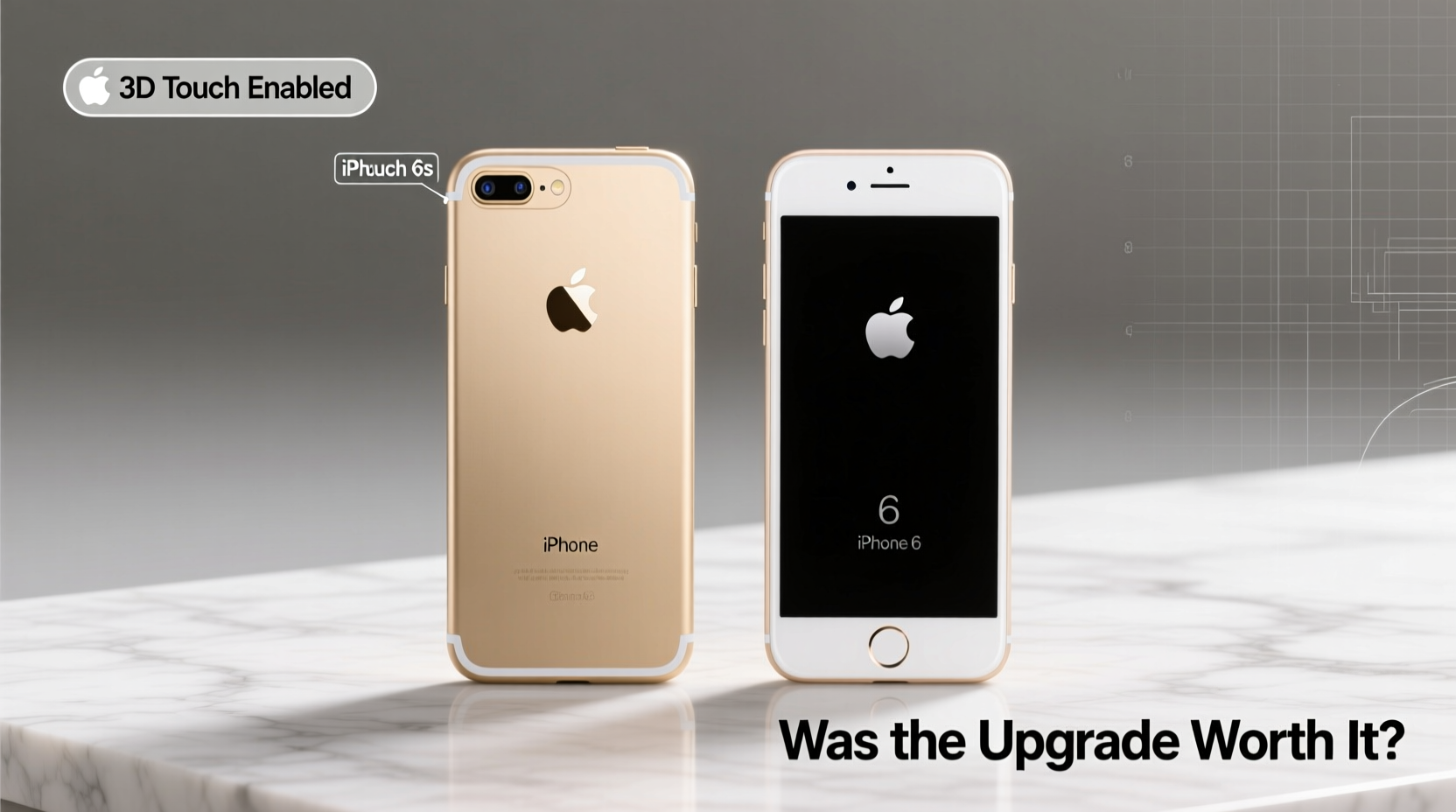
At first glance, the iPhone 6 and 6s are indistinguishable. Both feature the same 4.7-inch display, rounded aluminum body, and overall aesthetic introduced with the iPhone 6. However, Apple made one critical material change: the 6s uses 7000-series aluminum, the same grade later used in the MacBook line, making it more resistant to bending.
The infamous “bendgate” issue that plagued early iPhone 6 units—where excessive pressure could warp the chassis—was effectively addressed in the 6s. While not indestructible, the newer model offered greater structural integrity. Weight also increased slightly (from 129g to 143g), giving the 6s a more solid, premium feel in hand.
Another subtle but important difference is the antenna lines on the back. The 6s features revised banding for better signal reception, particularly for LTE and Wi-Fi. While not a game-changer, it contributed to improved connectivity stability in weak signal areas.
Performance: A Generational Leap Under the Hood
If there’s one area where the iPhone 6s clearly outshines its predecessor, it’s performance. The iPhone 6 runs on the A8 chip with 1GB of RAM, while the 6s introduces the A9 processor and doubles the memory to 2GB. This may sound modest by today’s standards, but in 2015, it translated to a dramatically smoother experience.
Apps launched faster, multitasking became more reliable, and system animations were noticeably snappier. iOS updates over the years further highlighted this gap. The iPhone 6 struggled with iOS 10 and later versions, frequently stuttering during basic tasks. In contrast, the iPhone 6s handled iOS 12 comfortably and even ran iOS 13 with acceptable performance.
“The A9 chip wasn’t just faster—it extended the usable lifespan of the device by nearly two additional years.” — David Lin, Mobile Hardware Analyst at TechPulse
For users who kept their phones long-term, this meant the 6s remained functional for daily use well into the late 2010s, whereas the 6 often became frustratingly slow after just three years.
Camera Improvements That Actually Mattered
The iPhone 6 featured an 8MP rear camera, which was solid for its time. The 6s upgraded to a 12MP sensor—a 50% increase in resolution—along with improved color accuracy, better low-light performance, and support for 4K video recording.
More than megapixels, the enhancements in image processing made a tangible difference. Photos taken with the 6s exhibited finer detail, reduced noise, and more natural skin tones. The front-facing camera also jumped from 1.2MP to 5MP, making selfies and FaceTime calls significantly clearer.
| Feature | iPhone 6 | iPhone 6s |
|---|---|---|
| Rear Camera | 8MP, 1080p video | 12MP, 4K video |
| Front Camera | 1.2MP | 5MP |
| Flash | Single LED | Dual-tone True Tone Flash |
| Slow Motion | 720p at 120fps | 1080p at 120fps |
The True Tone flash on the 6s balanced warm and cool LEDs to match ambient lighting, resulting in more natural-looking photos in dark environments. Combined with better autofocus algorithms, this made the 6s a superior choice for casual photographers.
New Features That Changed User Experience
Beyond specs, the iPhone 6s introduced two features that redefined interaction: 3D Touch and Live Photos.
3D Touch allowed users to press harder on the screen to access contextual menus—like previewing emails or quickly launching camera shortcuts. While the feature never became essential for all users, power users appreciated the added layer of control. Over time, Apple integrated 3D Touch deeply into iOS, though it was eventually phased out in favor of Haptic Touch starting with the iPhone 11.
Live Photos, which capture 1.5 seconds of motion before and after a shot, added a dynamic element to photography. Though storage-intensive, they brought moments to life in a way static images couldn’t. With iCloud optimization, users could manage space without losing the feature’s charm.
Real-World Example: Sarah’s Upgrade Dilemma
Sarah bought an iPhone 6 at launch in 2014. By 2016, her phone was slowing down—apps crashed, Safari tabs reloaded constantly, and iOS updates took over an hour to install. She hesitated to upgrade, thinking the 6s was too similar.
After trading in her 6 for a 6s, the difference was immediate. Messages loaded instantly, she could switch between apps without reloading, and taking photos no longer caused lag. Most importantly, when iOS 11 dropped in 2017, her 6s handled it smoothly, while her friend’s iPhone 6 became nearly unusable.
“I waited too long,” Sarah admitted. “The 6s felt like a new phone. I got three more good years out of it.”
Step-by-Step: Should You Upgrade from iPhone 6 to 6s Today?
Even now, some users may consider purchasing either model secondhand for budget or backup purposes. Here’s how to decide:
- Evaluate your current device: Is your iPhone 6 experiencing frequent crashes or failing to run modern apps?
- Check iOS compatibility: The 6 supports up to iOS 12, while the 6s can run iOS 15 (with limitations). Newer apps may not function on older OS versions.
- Assess camera needs: If photo quality matters, the 6s is clearly superior.
- Consider longevity: Even in 2024, a well-maintained 6s will perform better than a 6 due to its extra RAM and stronger processor.
- Price comparison: On the secondhand market, the price difference is minimal—often under $20. Spend the extra for the 6s.
Frequently Asked Questions
Can the iPhone 6 still be used in 2024?
Possibly, but not practically. It maxes out at iOS 12, meaning no security updates since 2019, and most modern apps either won’t install or run poorly. Basic calling and texting work, but web browsing and app usage are severely limited.
Is the iPhone 6s battery replaceable?
Yes, and it’s highly recommended. After 2017, Apple began offering affordable battery replacements for aging iPhones. A fresh battery can restore near-original performance, especially when combined with iOS optimizations.
Why did Apple keep the same design?
Apple often iterates incrementally. The 6 introduced a major redesign; the 6s focused on internal refinement. This strategy allows manufacturing efficiency while delivering meaningful improvements without alienating users accustomed to the form factor.
Final Verdict: Was the Upgrade Worth It?
Yes—unequivocally. While the iPhone 6s didn’t reinvent the wheel, it delivered critical upgrades in performance, camera, durability, and software longevity. For users clinging to an iPhone 6 past 2016, upgrading to the 6s wasn’t just a luxury; it was a necessity to stay within the modern iOS ecosystem.
The added RAM, stronger processor, and improved build quality extended the 6s’s usability far beyond the 6’s shelf life. When measured by real-world functionality and user satisfaction, the 6s was one of Apple’s most impactful “S” releases—a true silent upgrade that mattered.




 浙公网安备
33010002000092号
浙公网安备
33010002000092号 浙B2-20120091-4
Comments
No comments yet. Why don't you start the discussion?