
Photography on smartphones has evolved from casual snapshots to a full-fledged creative discipline. With high-resolution sensors, computational photography, and powerful software, today’s mobile devices are capable of producing images that rival professional cameras. But behind every great photo is the editing process — and here lies a critical divide: iPhone versus Android. While both platforms offer robust photo editing ecosystems, their approaches differ significantly in accessibility, integration, app quality, and long-term flexibility. The question isn’t just about which has more apps, but which delivers a superior editing experience for creators at every level.
Ecosystem Integration: How Deeply Editing Is Built In
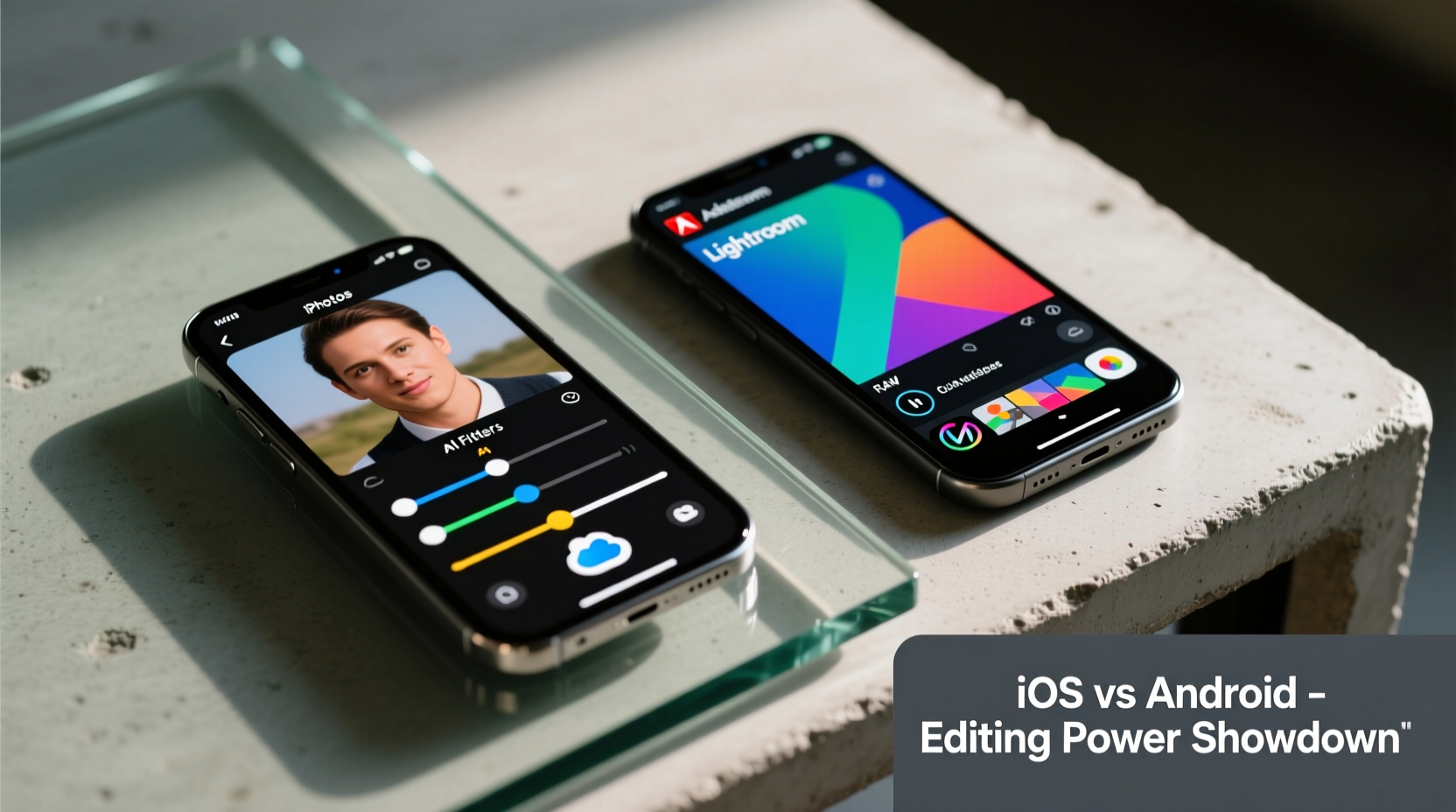
Apple has long prioritized seamless hardware-software integration, and this philosophy extends directly into its native photo editing capabilities. The Photos app on iPhone includes advanced non-destructive editing tools powered by machine learning. Adjustments like exposure, contrast, saturation, and white balance are refined with intuitive sliders. More impressively, Apple’s Smart HDR and Deep Fusion technologies feed into editing suggestions, allowing users to fine-tune shadows, highlights, and even depth effects with precision.
On Android, integration varies widely due to fragmentation. Google’s Pixel line comes closest to matching Apple’s cohesion, with its own suite of AI-powered enhancements in the Google Photos editor. Features like Magic Eraser, Best Take, and cinematic blurs are built directly into the stock app. However, most other Android manufacturers (Samsung, OnePlus, Xiaomi) overlay their own editing interfaces atop Android’s base system, leading to inconsistent experiences across brands.
iOS Advantages in Native Tools
- Tight integration between Camera, Photos, and iCloud ensures edits sync instantly across devices.
- Supports HEIF and ProRAW formats, giving professionals more dynamic range to work with.
- Face-time Portrait Mode edits allow depth refocusing and lighting adjustments post-capture.
Android’s Fragmented Reality
- Google’s Pixel-exclusive features aren’t available on all Android phones.
- Samsung’s One UI adds layers of editing options but can feel bloated and slow.
- Lack of standardized RAW support across brands limits advanced editing potential.
“Apple’s control over hardware and software allows them to optimize image pipelines from capture to edit in ways most Android OEMs simply can’t replicate.” — Lena Torres, Mobile Imaging Analyst at TechVision Labs
Third-Party App Availability and Performance
When moving beyond native tools, both platforms open up vast libraries of third-party photo editors. The App Store and Google Play collectively host thousands of applications, but availability, optimization, and feature parity vary.
iOS remains the preferred launch platform for premium editing apps. Developers often release on iPhone first due to higher average user spending, tighter performance controls, and fewer device variations. Apps like Halide Mark II, Pixelmator Photo, and Procreate (for illustrative editing) showcase near-desktop-level functionality with smooth rendering and responsive interfaces.
Android supports many of the same apps, but performance can be inconsistent. High-end devices like the Galaxy S24 Ultra or Pixel 8 Pro handle intensive editing well, but mid-range models may struggle with large files or complex filters. Additionally, some developers delay Android releases or offer scaled-down versions due to testing complexity across screen sizes, chipsets, and OS versions.
Top Cross-Platform Editors Compared
| App | iOS Experience | Android Experience | Key Strength |
|---|---|---|---|
| Adobe Lightroom Mobile | Full desktop-sync features, RAW support, AI masking | Same core tools, occasional lag on older devices | Cross-platform workflow |
| VSCO | Smooth interface, reliable presets | Slightly delayed updates, ads in free version | Community-driven filters |
| SNAPSEED | Stable, fast, minimal bugs | Functional but occasional crashes on budget phones | Granular local adjustments |
| Facetune | Premium pricing, flawless skin retouching | Same features, subscription model less optimized | Portrait enhancement |
The disparity isn’t always about raw capability — it’s about polish and reliability. An app that runs fluidly on an iPhone 15 Pro Max might stutter on a two-year-old Android phone, not because of inferior code, but due to inconsistent GPU drivers and memory management across the ecosystem.
Professional Workflow: From Capture to Export
For serious photographers, editing isn’t isolated — it’s part of a broader workflow involving cloud syncing, external storage, desktop integration, and batch processing. Here, iOS gains a distinct edge through continuity features.
With AirDrop, iCloud Drive, and Handoff, transferring edited photos between iPhone, iPad, and Mac is effortless. Apps like Affinity Photo and Luminar Neo offer synchronized projects across devices, enabling touch-up on the go and final refinement on desktop. Even when using third-party cloud services like Dropbox or Google Drive, iOS maintains metadata integrity better than most Android implementations.
Android counters with greater file system access. Users can plug in USB-C drives, browse raw directories, and edit files directly without proprietary sandboxing. This openness benefits power users who want granular control over their assets. However, this freedom comes at the cost of security and consistency — mismanaged permissions can lead to lost edits or corrupted previews.
Step-by-Step: Building a Pro Editing Workflow
- Capture in RAW mode using a supported camera app (e.g., Halide on iOS, Open Camera on Android).
- Transfer files wirelessly to your primary editing device via cloud or direct transfer.
- Edit using a non-destructive app (Lightroom, Snapseed, or Pixelmator).
- Apply metadata tags and keywords for organization.
- Sync finalized images to desktop or publishing platform using cross-device tools.
- Archive originals in encrypted cloud storage or external drive.
This workflow functions more reliably on iOS due to uniform file handling and background synchronization. On Android, manual steps are often required to locate and move files, especially if the manufacturer uses a custom file manager.
Real-World Example: A Travel Photographer’s Dilemma
Consider Maya, a freelance travel photographer who shoots exclusively on mobile. She spent three months documenting rural villages in Nepal, capturing hundreds of portraits and landscapes. Her goal was to deliver a curated gallery to a European magazine, requiring consistent color grading and minor retouching.
She began with a Samsung Galaxy S23 Ultra, attracted by its 200MP sensor and versatile zoom. While the hardware impressed, she quickly encountered issues: the default gallery app applied automatic enhancements that couldn’t be disabled, and exporting unprocessed RAW files required navigating buried settings. When she tried editing in Lightroom, the app occasionally froze during selective adjustments.
Frustrated, she borrowed an iPhone 15 Pro and repeated the process. The Photos app preserved her original captures exactly, and Lightroom ran smoothly. Using Quick Look and Share Sheet, she previewed edits across apps without exporting. Most crucially, she could apply a preset across multiple images with one tap, then fine-tune individually — a task that took twice as long on Android.
Maya concluded that while Android offered higher specs on paper, the iPhone provided a more predictable, efficient editing environment. “It’s not about megapixels,” she said later. “It’s about whether I can trust the tool to stay out of my way while I create.”
Future Trends and Platform Trajectories
Both platforms are advancing rapidly. Apple continues refining its neural engine for smarter editing suggestions, such as auto-enhancing backlit subjects or detecting noise patterns in low light. With iOS 17 and beyond, on-device AI is being leveraged to enable real-time style transfers and semantic segmentation — separating sky, skin, and hair automatically for targeted edits.
Google is pushing generative AI harder. The Pixel 8’s Photo Unblur and Magic Editor use diffusion models to reconstruct missing details or reposition objects in a scene. These tools blur the line between editing and manipulation, raising ethical questions but undeniably expanding creative possibilities.
Meanwhile, third-party developers are increasingly adopting ML-powered features across both platforms. However, Apple’s Core ML framework provides tighter optimization, meaning AI filters load faster and consume less battery on iPhones compared to equivalent Android implementations.
Checklist: Choosing the Right Platform for Your Editing Needs
- ✅ Do you value seamless ecosystem integration? → Lean toward iPhone.
- ✅ Are you on a budget but want strong editing tools? → Mid-range Android offers more value.
- ✅ Do you need full file system access and customization? → Android wins.
- ✅ Are you a prosumer or professional? → iPhone’s consistency reduces workflow friction.
- ✅ Do you prioritize cutting-edge AI features? → Compare Pixel vs. latest iPhone based on specific tools.
- ✅ Will you edit across multiple devices? → iOS + Mac or iPad provides smoother handoff.
Frequently Asked Questions
Can Android match iPhone’s photo editing quality?
Yes, in terms of end results — a skilled editor can achieve comparable output on either platform. However, the journey matters. iPhone generally offers a more stable, integrated, and developer-supported environment, making high-quality editing more accessible and repeatable.
Are there editing apps exclusive to one platform?
Some apps launch exclusively on iOS due to development priorities. Examples include Darkroom (initially iOS-only, now on Android with limited features) and Halide, which remains iOS-exclusive. Conversely, certain Android-specific tools leverage open file systems, such as Folder Sync for direct SD card editing.
Does RAW editing work better on iPhone or Android?
iPhone holds an edge due to consistent ProRAW implementation across supported models and excellent compatibility with desktop-grade software. Android’s RAW support is fragmented — while available on many flagships, bit depth, color profiles, and file naming conventions vary, complicating batch processing.
Conclusion: It Depends on What \"Better\" Means to You
The debate over iPhone versus Android photo editing tools doesn’t have a universal answer. If “better” means reliability, ecosystem harmony, and polished third-party support, the iPhone emerges as the stronger choice. Its tightly controlled environment ensures that apps perform consistently, updates roll out uniformly, and creative workflows remain uninterrupted.
But if “better” means flexibility, affordability, and access to experimental AI features — particularly on Pixel devices — Android presents compelling advantages. For users willing to navigate fragmentation and invest time in optimizing their setup, Android can deliver powerful, customizable editing experiences.
In the end, the best platform is the one that aligns with your creative rhythm. Whether you’re a minimalist seeking quick fixes or a perfectionist crafting pixel-level details, both ecosystems empower mobile photography like never before. The real tool isn’t the phone — it’s your vision. Choose the platform that helps it shine brightest.




 浙公网安备
33010002000092号
浙公网安备
33010002000092号 浙B2-20120091-4
Comments
No comments yet. Why don't you start the discussion?