
By 2025, the smartphone landscape has evolved significantly. Apple’s tightly integrated ecosystem, advancements in AI, and deeper privacy controls have reshaped what an iPhone offers. Meanwhile, Android continues to lead in hardware diversity and customization. For users entrenched in the Android world, the question isn’t just about features—it’s about whether the switch delivers tangible improvements in daily use, longevity, and digital harmony. The answer depends on your priorities, habits, and long-term tech investments.
Ecosystem Integration: The Hidden Advantage of iPhones
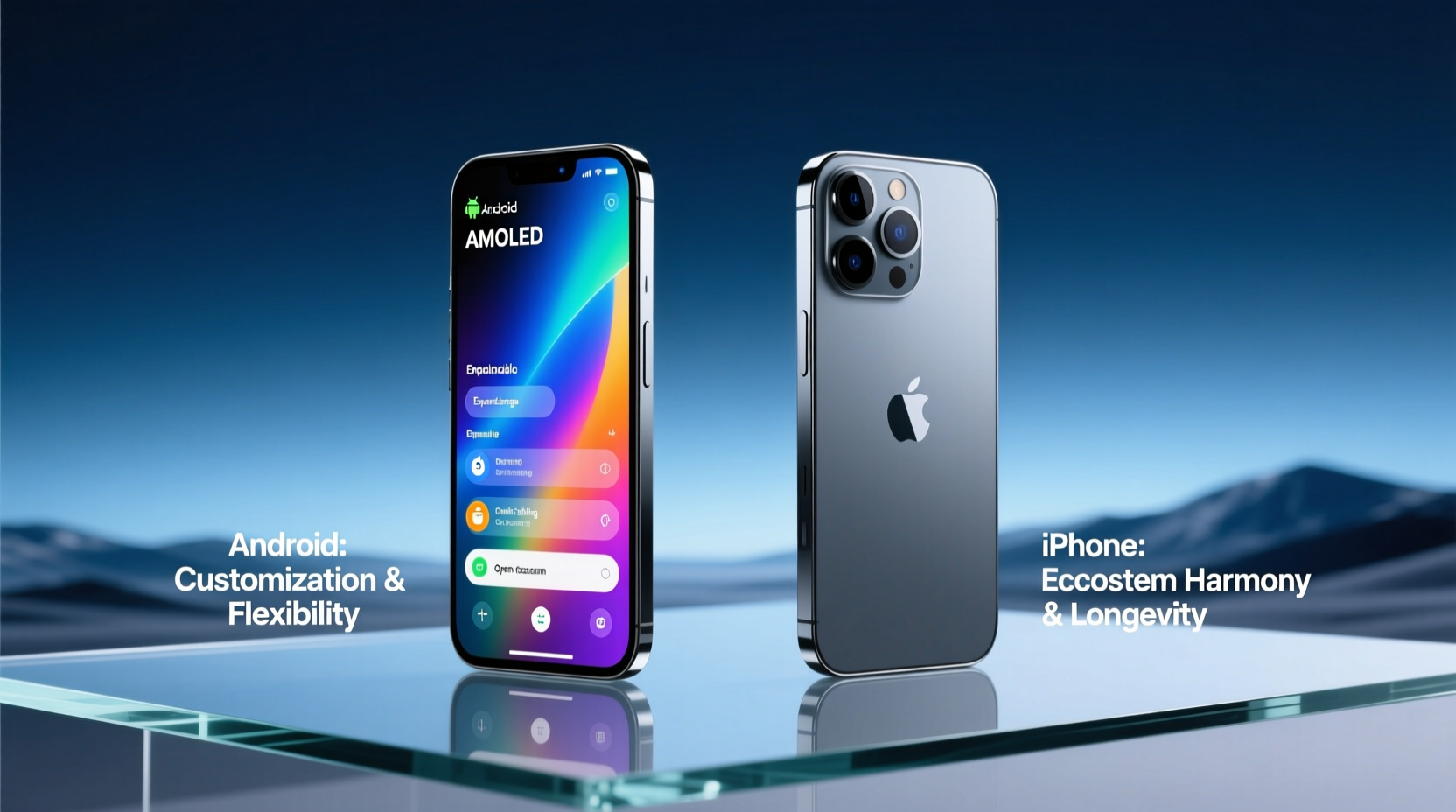
One of the most compelling reasons to consider switching lies in Apple’s ecosystem. Unlike Android, which runs on devices from dozens of manufacturers with varying software support, Apple controls both hardware and software. This allows seamless integration between iPhone, iPad, Mac, Apple Watch, AirPods, and even HomePod.
For example, copying text on your iPhone and pasting it directly on your Mac—known as Universal Clipboard—is only possible within Apple’s closed environment. Similarly, Handoff lets you start an email on your phone and finish it on your laptop. AirDrop remains one of the fastest and most intuitive ways to share files between Apple devices, without relying on cloud services or third-party apps.
This cohesion extends to services like iCloud, iMessage, FaceTime, and Continuity Camera. In 2025, Apple has further refined these tools with AI-powered suggestions and predictive workflows, making the experience feel almost anticipatory. Android alternatives like Samsung’s Quick Share or Google’s Nearby Share are improving but still lack the depth and reliability of Apple’s implementation.
Privacy and Security: A Core Differentiator
Apple has positioned itself as a privacy-first company, and by 2025, this commitment is more evident than ever. Features like App Tracking Transparency, on-device processing for Siri, and Privacy Nutrition Labels give users greater control over their data.
When you install an app on iPhone, you’re often prompted to allow access to photos, location, or microphone—with clear explanations of why the app needs it. Crucially, Apple doesn’t monetize user data the way Google does through ad targeting. While Android has improved permissions over the years, Google’s business model still revolves around data collection for advertising.
“Apple treats privacy as a fundamental right, not a feature. That distinction shapes every decision they make—from hardware design to software updates.” — Dr. Lena Patel, Cybersecurity Researcher at Stanford University
iOS also receives consistent security updates for five to six years, regardless of the device model. In contrast, most Android phones outside the Pixel line get only three years of OS updates and fewer security patches. This means your iPhone will stay secure—and supported—longer, reducing the risk of vulnerabilities as time goes on.
Performance and Longevity: Do iPhones Last Longer?
It’s a common belief that iPhones last longer than Android phones. In practice, this holds true—not because of raw specs, but due to software optimization. Apple designs iOS specifically for its hardware, allowing older models to run new operating systems smoothly well into their lifecycle.
As of 2025, iOS 18 supports devices as old as the iPhone XR (2018), a testament to Apple’s long-term support. Compare that to flagship Android phones from 2018, many of which never received Android 12 and are now vulnerable and sluggish.
Battery health management, optimized background processes, and consistent update delivery all contribute to a smoother experience over time. While high-end Android phones like the Samsung Galaxy S24 or Google Pixel 8 Pro perform excellently out of the box, their performance decline becomes noticeable after three years, especially when running newer versions of Android.
| Factor | iPhone (2025) | Typical Android Phone |
|---|---|---|
| OS Update Support | 5–6 years | 3–4 years (except Pixel: 5 years) |
| Sepia Processing | Fully integrated, efficient | Varies by manufacturer |
| Battery Optimization | Advanced health management | Limited; varies by brand |
| Resale Value After 3 Years | ~50–60% of original price | ~30–40% (varies widely) |
The result? iPhones maintain higher resale value and remain functional longer, making them a better long-term investment despite the higher upfront cost.
Switching Challenges: What Android Users Should Expect
Moving from Android to iPhone isn’t frictionless. The transition involves adapting to a different interface, relearning gestures, and migrating data. While Apple’s Move to iOS app simplifies the transfer of contacts, messages, photos, and accounts, some elements don’t carry over seamlessly.
- App Ecosystem Differences: Some Android-exclusive apps either don’t exist on iOS or offer limited functionality.
- Customization Limits: No launchers, widgets are restricted, and system-level tweaks are minimal.
- Default Apps: While iOS now allows setting default browsers and email apps, deep integration (like default messaging) is still limited.
- File Management: The Files app is functional but less flexible than Android’s native file explorer.
Additionally, if you rely heavily on Google services—Gmail, Google Drive, Google Photos, YouTube—the experience on iPhone is serviceable but not always optimal. Google’s iOS apps often lack features available on Android, such as background playback on YouTube without Premium or full offline sync options.
Mini Case Study: Sarah’s Switch in Early 2024
Sarah, a freelance designer based in Portland, used Samsung flagships for over a decade. She switched to an iPhone 15 Pro in early 2024 after buying a MacBook for her remote work. Initially frustrated by the lack of customization and slower photo import process, she began to appreciate the stability of iMessage, the reliability of AirDrop when sharing mockups with clients, and the seamless handoff between devices during video calls.
Within six months, she reported spending less time troubleshooting connectivity issues and more time working. “I didn’t realize how much mental load came from managing multiple Android devices until I had one ecosystem that just worked,” she said. Her iPhone remained fast and responsive even after updating to iOS 18, while her old Galaxy S21 had begun lagging on Android 14.
Step-by-Step Guide to Making the Switch Smoothly
If you’re seriously considering the move, follow this timeline to minimize disruption:
- Week 1: Evaluate Your Dependencies
List the apps and services you use daily. Check their availability and functionality on iOS. Pay special attention to banking, productivity, and cloud storage tools. - Week 2: Backup & Prepare
Back up your Android phone to Google Drive and ensure all photos are synced. Export important notes, contacts, and calendars. Use Google Takeout if needed. - Day of Switch: Use Apple’s Move to iOS App
During iPhone setup, select “Move Data from Android” and follow the prompts. Ensure both devices are on the same Wi-Fi and fully charged. - First Week: Reinstall & Configure
Install essential apps from the App Store. Set up two-factor authentication, enable iCloud backups, and customize privacy settings under Settings > Privacy & Security. - First Month: Test Workflows
Try using Continuity features like AirDrop, Handoff, and Universal Clipboard. Experiment with Focus modes and Shortcuts to automate tasks.
When Staying on Android Makes More Sense
The switch isn’t universally beneficial. Android still excels in several areas:
- Hardware Choice: From budget-friendly models to foldables and rugged devices, Android offers unmatched variety.
- Customization: Launchers, icon packs, automation via Tasker, and sideloading provide freedom iOS restricts.
- Google Assistant Integration: If you rely on Google’s AI across smart home devices, Android delivers a more cohesive experience.
- USB & File Flexibility: Direct file access, expandable storage, and universal charging (with USB-C) are more practical for power users.
If you’re deeply invested in Google’s ecosystem, use a Chromebook, or prefer open platforms, Android remains the logical choice. Additionally, frequent upgraders who change phones every 18–24 months may find Android’s lower entry cost more appealing.
FAQ
Will my Android accessories work with an iPhone?
Most USB-C accessories like headphones, chargers, and external drives will work. However, proprietary accessories (e.g., Samsung DeX, certain fitness trackers) may not be compatible. Lightning-to-USB-C adapters are no longer included with iPhones, so plan accordingly.
Can I keep using WhatsApp and Instagram?
Yes. All major social media and communication apps are available on iOS. Message history can be transferred from Android to iPhone using built-in tools, though media may take longer to sync.
Is the camera really better on iPhone?
It depends on preference. iPhones excel in color accuracy, dynamic range, and video stabilization—especially in low light. Android flagships like the Pixel and Galaxy series offer superior computational photography and zoom capabilities. For vloggers and casual shooters, the iPhone’s consistency is often preferred.
Checklist: Is Switching Right for You?
Answer these questions to determine if the move makes sense:
- ✅ Do you own or plan to buy a Mac, iPad, or Apple Watch?
- ✅ Do you value long-term software support and security updates?
- ✅ Are you frustrated with inconsistent performance on your current Android device?
- ✅ Do you prioritize privacy and want more control over app tracking?
- ✅ Are you willing to adapt to a less customizable but more stable interface?
If you answered “yes” to most of these, switching to iPhone in 2025 is likely worth it.
Conclusion: A Strategic Move, Not Just a Gadget Upgrade
Switching from Android to iPhone in 2025 isn’t just about getting a new phone—it’s about choosing a different philosophy of technology. Apple emphasizes integration, longevity, and privacy. Android champions openness, flexibility, and choice. Neither is objectively better, but for users who value consistency, long-term usability, and a frictionless multi-device experience, the iPhone offers compelling advantages.
The initial adjustment period is real, but for many, the payoff in reliability, performance retention, and ecosystem synergy becomes apparent within months. If you're nearing a phone upgrade and already use other Apple products—or plan to—making the switch now could save time, reduce frustration, and extend the value of your tech investment for years to come.




 浙公网安备
33010002000092号
浙公网安备
33010002000092号 浙B2-20120091-4
Comments
No comments yet. Why don't you start the discussion?