
The tablet market is more crowded than ever, but two names consistently come up in casual conversations: Apple’s latest iPad and Samsung’s Galaxy Tab A 10.1. One carries premium branding and ecosystem integration, while the other offers affordability and Android flexibility. But when it comes down to actual daily use—reading, working, streaming, learning—which one truly delivers more value? Let’s cut through the marketing noise and examine how real users leverage these devices, where they excel, and whether the iPad’s higher price tag is justified.
Understanding the Core Differences
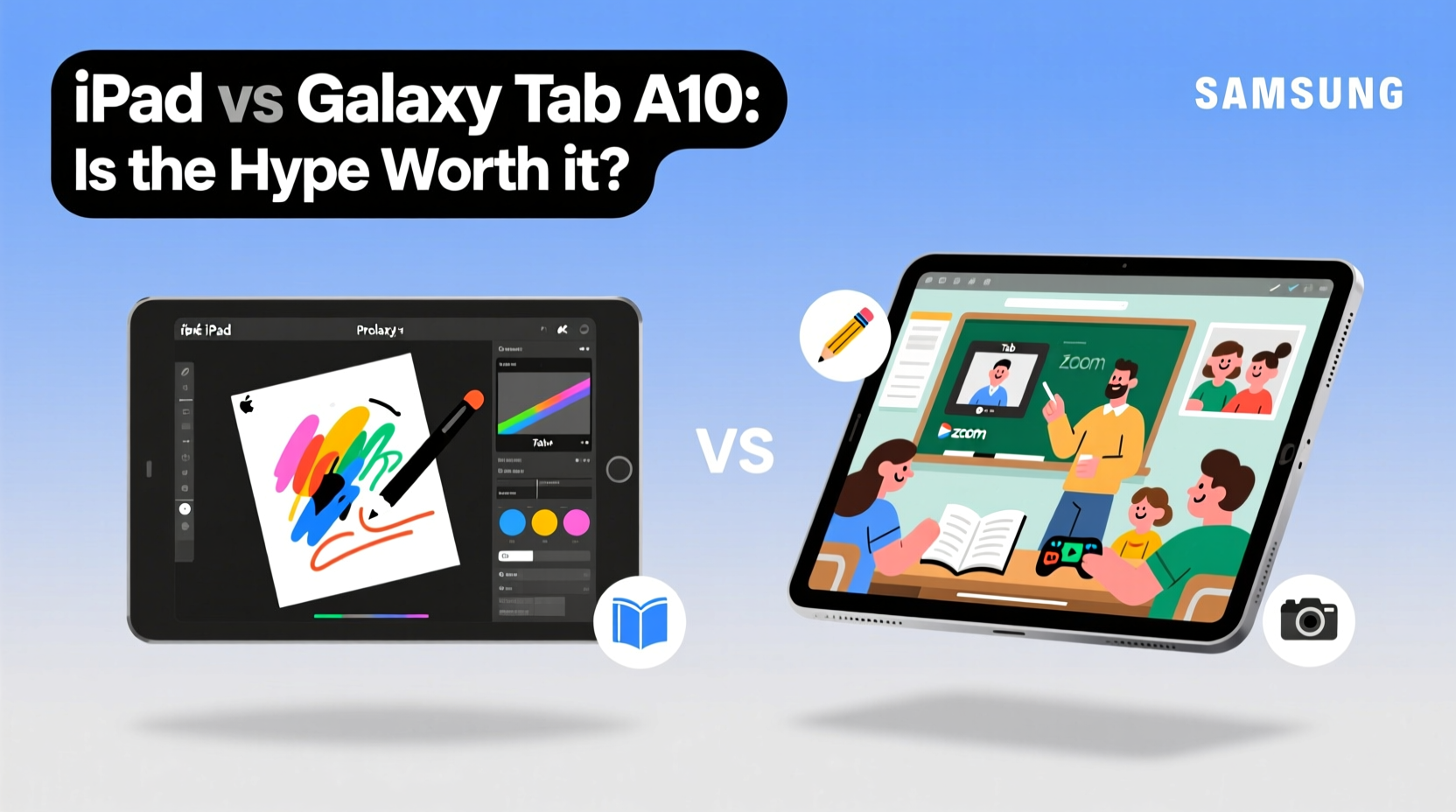
The starting point for any meaningful comparison is understanding what each device brings to the table. The \"new iPad\" typically refers to Apple’s entry-level model, currently the 10th generation iPad (as of 2023), featuring a 10.9-inch Liquid Retina display, A14 Bionic chip, USB-C port, and support for the first-gen Apple Pencil and Smart Keyboard Folio. It runs iPadOS, which enables multitasking, app splitting, and deeper integration with iPhones and Macs.
In contrast, the Samsung Galaxy Tab A 10.1 is positioned as a budget-friendly option. It has a 10.1-inch TFT display, an older MediaTek or Qualcomm processor (depending on region), 3GB of RAM, and runs Android with Samsung’s One UI overlay. While it supports expandable storage via microSD, its software experience is more limited in multitasking and stylus functionality.
How People Actually Use These Tablets
Usage patterns reveal far more than specs ever can. Most consumers fall into one of five categories: students, remote workers, media consumers, parents, and casual users. Let’s see how each group interacts with these devices.
- Students: Take notes, read textbooks, watch lectures. The iPad shines here with Apple Pencil support, PDF annotation apps like GoodNotes, and split-screen research. The Galaxy Tab A can handle basic note-taking but lacks precision and app depth.
- Remote Workers: Need email, video calls, light document editing. The iPad’s external keyboard support and desktop-class Safari make it viable for part-time productivity. The Tab A struggles with complex spreadsheets and prolonged typing sessions.
- Media Consumers: Stream Netflix, YouTube, audiobooks. Both tablets perform well here, though the iPad’s brighter display and stereo speakers offer a slightly better viewing experience.
- Parents: Use tablets for kids’ entertainment, parental controls, and family calendars. Samsung’s Kids Mode is robust, but Apple’s Screen Time and Family Sharing provide tighter control and integration.
- Casual Users: Browse social media, check recipes, play games. For this group, the Galaxy Tab A often suffices—and at nearly half the price.
“Many buyers don’t realize how much OS limitations affect long-term usability. An underpowered tablet isn’t just slow—it becomes unusable within two years.” — Lena Patel, Tech Analyst at MobileInsight Group
Performance & Longevity: A Realistic Outlook
Beyond initial speed, longevity is critical. Apple commits to five or more years of iOS updates for iPads, meaning a new iPad bought today will likely receive updates until 2028. This ensures continued app compatibility, security patches, and feature upgrades.
Samsung promises about three major Android updates and four years of security patches for the Galaxy Tab A 10.1—still respectable, but historically, lower-tier devices receive delayed updates and fewer optimization improvements.
In practical terms, this means the iPad maintains snappy performance longer. Apps launch faster, multitasking remains smooth, and newer software features roll out reliably. The Galaxy Tab A may feel sluggish by year two, especially when running resource-heavy apps like Zoom or Adobe Acrobat.
Table: Key Comparison – iPad vs. Galaxy Tab A 10.1
| Feature | Apple iPad (10th Gen) | Samsung Galaxy Tab A 10.1 |
|---|---|---|
| Display | 10.9\" Retina LCD, 2360x1640 | 10.1\" TFT, 1200x1920 |
| Processor | A14 Bionic | MediaTek Helio G99 / Snapdragon 680 |
| RAM | 4GB | 3GB |
| Storage | 64GB / 256GB (no expandable) | 64GB (expandable via microSD) |
| Stylus Support | Apple Pencil (1st gen) | S Pen (basic input, no tilt/pressure) |
| OS Update Commitment | 5+ years | 3 OS + 4 security |
| Price (Starting) | $349 | $199 |
When the Galaxy Tab A Makes More Sense
The iPad isn’t always the better choice. There are clear scenarios where the Galaxy Tab A 10.1 is not only sufficient but smarter.
For example, if you need a dedicated kitchen tablet for recipes and music, the Tab A’s lower cost makes it a low-risk investment. Similarly, parents giving their child a first tablet may prefer the Samsung due to its rugged Kids Mode and replaceability. Travelers who want a lightweight e-reader or movie player without spending heavily also find the Tab A compelling.
Additionally, users already embedded in the Google ecosystem—relying on Google Drive, Docs, and Chrome—can operate efficiently on the Tab A without friction. Its microSD slot allows storage expansion, useful for offline media.
Step-by-Step: Choosing the Right Tablet for You
Follow this decision framework to determine which tablet aligns with your lifestyle:
- Define your primary use: Is it productivity, education, media, or child supervision?
- List essential features: Do you need a stylus, keyboard support, multitasking, or long-term updates?
- Assess your ecosystem: Are you invested in Apple or Google services? Syncing matters.
- Set a realistic budget: Consider total cost, including accessories like cases, pens, and keyboards.
- Test responsiveness: Visit a store if possible—try opening apps, scrolling, and using the touchscreen.
- Project lifespan: Will you keep it for 3+ years? If yes, prioritize update support and build quality.
Real-World Example: Maria’s Decision
Maria, a college sophomore, needed a tablet for lecture notes, reading PDFs, and watching recorded classes. She initially considered the Galaxy Tab A due to its $199 price. However, after testing both in-store, she noticed the iPad’s smoother writing experience with the Apple Pencil and the ability to view her slides while taking notes side-by-side. She invested $349 plus $99 for the Pencil. Two semesters later, she credits the iPad with improving her study efficiency and says she’ll likely use it through grad school thanks to ongoing updates.
Frequently Asked Questions
Can the Galaxy Tab A replace a laptop?
Not effectively. It lacks robust multitasking, file management, and peripheral support. For true laptop replacement, even the base iPad with a keyboard gets closer, especially with iPadOS 17’s improved Stage Manager.
Is the Apple Pencil worth the extra cost?
If you take handwritten notes, sketch, or mark up documents, yes. The precision and low latency are unmatched in this price range. On the Galaxy side, the S Pen included with higher-end models (not the Tab A) offers similar benefits—but not here.
Do both tablets work well for Zoom calls?
Both support Zoom, but the iPad’s front-facing landscape camera and superior mic array provide clearer audio and video. The Tab A’s centered top bezel camera often captures unflattering angles unless propped perfectly.
Final Verdict: Hype vs. Reality
The new iPad *is* worth the hype—but only for specific users. If you value long-term reliability, creative tools, or academic productivity, the iPad’s ecosystem, performance, and accessory support justify its higher cost. It’s not just a bigger iPhone; it’s a capable computing device that grows with you.
The Galaxy Tab A 10.1, meanwhile, is a pragmatic choice for budget-conscious buyers whose needs are simple and temporary. It’s ideal as a secondary device, a starter tablet for kids, or a media-only tool. But it won’t evolve with advanced demands.
In the end, the question isn’t which tablet is “better” overall—it’s which one fits *your* life. Tech hype favors the shiny and new, but real value lies in sustained usefulness.




 浙公网安备
33010002000092号
浙公网安备
33010002000092号 浙B2-20120091-4
Comments
No comments yet. Why don't you start the discussion?