
For many casual photographers, smartphone cameras are more than just tools—they’re companions that capture life’s fleeting moments. The Google Pixel series has long stood out in this space, praised for its computational photography and natural-looking images. If you're using a Pixel 7 and considering an upgrade to the Pixel 8 Pro, it's fair to ask: is the improvement significant enough to justify the cost?
The answer isn’t a simple yes or no. It depends on how you use your phone, what kind of photos matter most to you, and whether subtle refinements in image quality and usability translate into tangible benefits in your daily life.
Camera Hardware: What’s Changed?
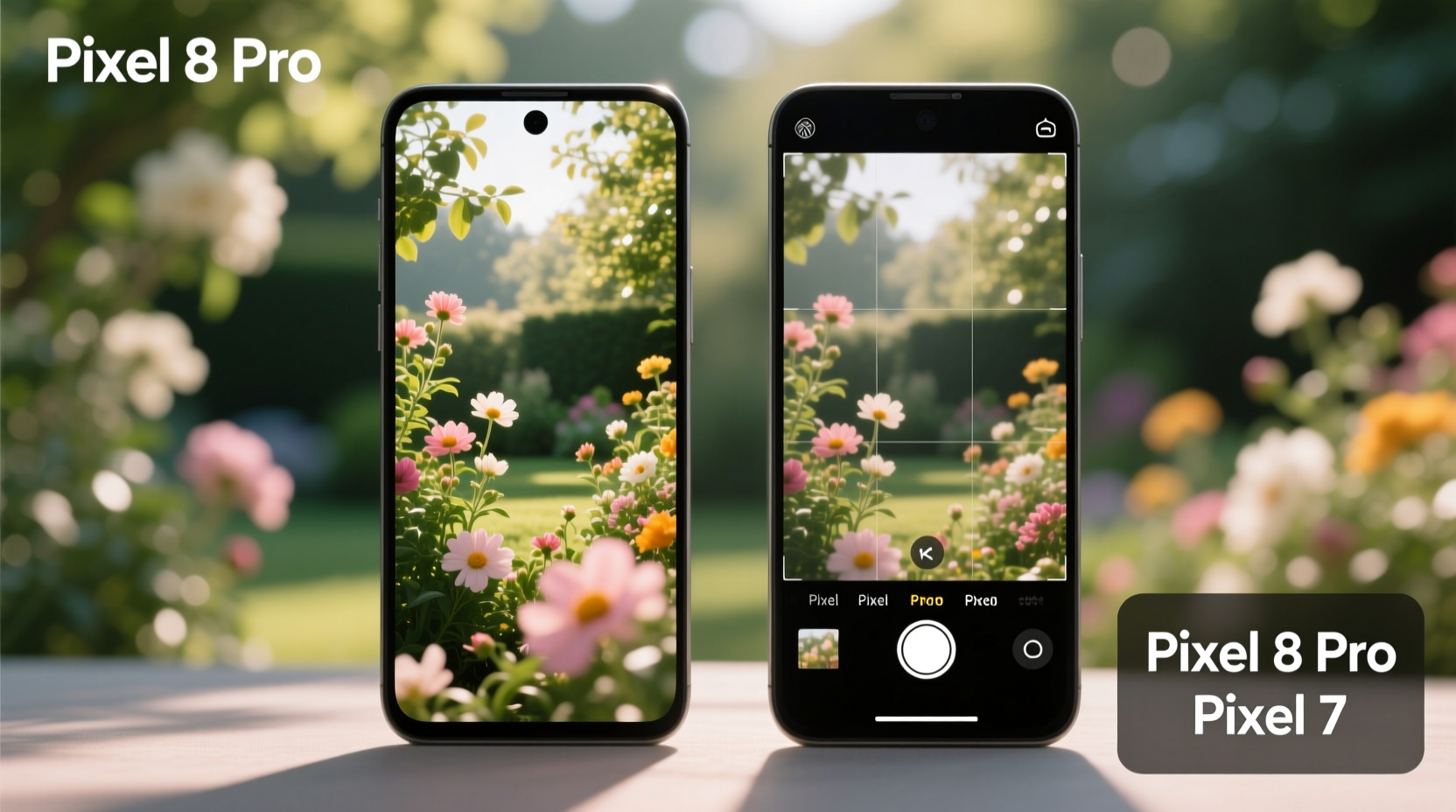
At first glance, the camera hardware upgrades from the Pixel 7 to the Pixel 8 Pro may seem modest. Both phones feature a triple-lens rear system: a primary sensor, an ultrawide, and a telephoto lens with 5x optical zoom on the Pro models. However, the devil is in the details.
The Pixel 8 Pro introduces a new 50MP main sensor (Sony IMX890), slightly larger than the Pixel 7 Pro’s sensor, which improves light capture and dynamic range. More importantly, Google paired this with a new image processing pipeline powered by the Tensor G3 chip, enabling faster HDR+ processing, better noise reduction, and enhanced autofocus accuracy—even in low light.
The ultrawide lens also received attention. While both generations use a 48MP sensor, the Pixel 8 Pro reduces lens flare and edge distortion significantly thanks to improved coatings and software correction. Casual photographers will appreciate cleaner group shots and wider landscapes without worrying about ghosting or color fringing.
Image Quality: Real-World Differences
For casual shooters who prioritize point-and-shoot reliability, the Pixel 8 Pro delivers noticeably more consistent results across diverse lighting conditions. In daylight, colors appear slightly more balanced, with less oversaturation in skies and foliage. Skin tones remain true to life—a hallmark of Google’s tuning—without the plasticky look some competitors produce.
In mixed or low-light environments, the improvements become more apparent. The Pixel 8 Pro produces images with finer texture retention and reduced smudging in shadows. Hair detail, fabric patterns, and facial features remain visible where the Pixel 7 might blur them into smooth blobs.
One area where Google made quiet but impactful progress is in dynamic range. Backlit scenes—like someone standing near a window or against a sunset—are handled with greater finesse. Highlights don’t blow out as easily, and shadows retain usable detail without aggressive shadow boosting that introduces noise.
“Google continues to refine rather than reinvent. The Pixel 8 Pro doesn’t shock with radical changes, but it quietly raises the floor of acceptable image quality.” — David Kim, Mobile Imaging Analyst at TechLens Review
Software Features That Matter to Casual Users
Hardware matters, but for casual photographers, software often defines the experience. The Pixel 8 Pro introduces several features designed to make taking good photos easier—without requiring technical knowledge.
- Best Take: Allows you to swap faces between multiple shots in a burst, perfect for group photos where someone blinked.
- Audio Eraser: Removes background noise like wind or chatter from video clips—ideal for travel vlogs or kids’ birthday parties.
- Photo Unblur: Enhances motion-blurred photos after capture, rescuing otherwise unusable shots.
- Video Boost: Applies AI enhancements to recorded videos for improved clarity and stabilization.
These aren’t gimmicks; they solve real problems faced by everyday users. Best Take alone has saved countless family portraits. Audio Eraser makes outdoor videos watchable without headphones. And Photo Unblur can turn a shaky concert clip into something shareable.
| Feature | Pixel 7 | Pixel 8 Pro |
|---|---|---|
| Main Sensor Resolution | 50MP | 50MP (improved sensor) |
| Ultrawide Lens Quality | Good, prone to flare | Reduced flare, sharper edges |
| Low-Light Detail | Solid, moderate smudging | Improved texture retention |
| New Computational Features | Face Unblur, Magic Eraser | Best Take, Audio Eraser, Video Boost |
| Autofocus Speed | Fast | Faster, especially in dark |
A Real-Life Example: Capturing Family Moments
Consider Sarah, a parent of two young children who uses her phone to document birthdays, school plays, and weekend outings. She owns a Pixel 7 and was hesitant about upgrading until she tested the Pixel 8 Pro during a rainy park visit.
The sky was overcast, and her kids were running through puddles—challenging conditions for any camera. On her Pixel 7, earlier attempts at action shots resulted in slight motion blur and muted colors. With the Pixel 8 Pro, the same scene produced sharper images with vibrant raincoats popping against gray skies. Later, she used Best Take to replace her daughter’s closed-eye expression with one from another frame in the burst—all within the Gallery app, in seconds.
She didn’t need manual settings or third-party apps. The improvements were automatic, invisible, and immediately useful. For Sarah, the upgrade wasn’t about megapixels—it was about reliability and fewer missed moments.
Is the Upgrade Worth It? A Practical Checklist
Before spending $999 on a new phone, consider these questions. Answer “yes” to three or more, and the Pixel 8 Pro likely offers meaningful value:
- Do you frequently take photos in low light (indoors, evenings, restaurants)?
- Are you frustrated by blurry group shots or blinking subjects?
- Do you record videos and wish they looked or sounded better?
- Have you found yourself editing photos heavily to fix exposure or color?
- Do you value having the latest software features for at least two more years?
If most answers are yes, the Pixel 8 Pro’s refinements add up to a genuinely better experience. But if your Pixel 7 still captures memories you’re happy with, the marginal gains might not outweigh the cost.
Longevity and Software Support
Another factor beyond raw photo quality is longevity. Google promises seven years of OS updates, security patches, and feature drops for the Pixel 8 Pro—until 2030. That means future camera improvements via software updates are virtually guaranteed.
In contrast, the Pixel 7 launched with a five-year update promise, ending in 2027. While it will continue receiving support for now, it won’t benefit from long-term AI advancements that could enhance night photography, portrait mode, or video editing down the line.
For casual photographers who prefer to keep phones for three years or more, this extended support adds tangible value. You’re not just buying today’s camera—you’re investing in a device that will get smarter over time.
FAQ
Will I notice a big difference in photos if I print them?
For standard prints (4x6 or 8x10 inches), the difference may be subtle. However, larger prints (11x14 or bigger) will show clearer details and smoother gradients from the Pixel 8 Pro, especially in high-contrast scenes.
Can the Pixel 8 Pro replace a dedicated camera for casual use?
Absolutely. For social sharing, family albums, and travel documentation, the Pixel 8 Pro exceeds the capabilities of most entry-level mirrorless or DSLR setups when ease of use and sharing are factored in. Its AI-assisted processing delivers reliable results without post-processing.
Does the telephoto lens improve much from the Pixel 7?
Optically, both offer 5x periscope zoom. However, the Pixel 8 Pro applies better stabilization and sharpening algorithms, making distant subjects clearer. At 10x digital zoom, the improvement is noticeable—edges stay defined, and noise is better controlled.
Conclusion: Who Should Upgrade?
The Pixel 8 Pro camera isn’t a revolution over the Pixel 7, but it represents a thoughtful evolution—one that prioritizes consistency, usability, and long-term value. For professional photographers, the gains may feel incremental. But for casual users who rely on their phone to preserve memories effortlessly, those small improvements compound into a more satisfying experience.
You won’t shoot dramatically different photos, but you’ll shoot better ones more reliably—especially in challenging conditions. And with new tools like Best Take and Audio Eraser, you gain creative flexibility without complexity.
If your Pixel 7 still meets your needs and you’re not facing battery degradation or performance lag, waiting another year is perfectly reasonable. But if you want the most dependable point-and-shoot experience available on Android—with the assurance of years of future improvements—the Pixel 8 Pro is worth the upgrade.




 浙公网安备
33010002000092号
浙公网安备
33010002000092号 浙B2-20120091-4
Comments
No comments yet. Why don't you start the discussion?