
In a small apartment, space is tight—but so are your expectations for seamless connectivity. With multiple devices streaming, gaming, and video-calling simultaneously, even compact homes can feel like digital battlegrounds. As Wi-Fi 6 routers become more affordable and widely available, many urban dwellers wonder: Is upgrading from Wi-Fi 5 (802.11ac) to Wi-Fi 6 (802.11ax) actually worth it when you live in a one-bedroom or studio?
The answer isn’t a simple yes or no. While large homes with thick walls benefit dramatically from Wi-Fi 6’s extended range and beamforming, the advantages in smaller spaces are more subtle—but still meaningful. The real value lies not in raw coverage, but in how efficiently your network handles congestion, latency, and modern usage patterns.
Understanding Wi-Fi 6: What Changed?
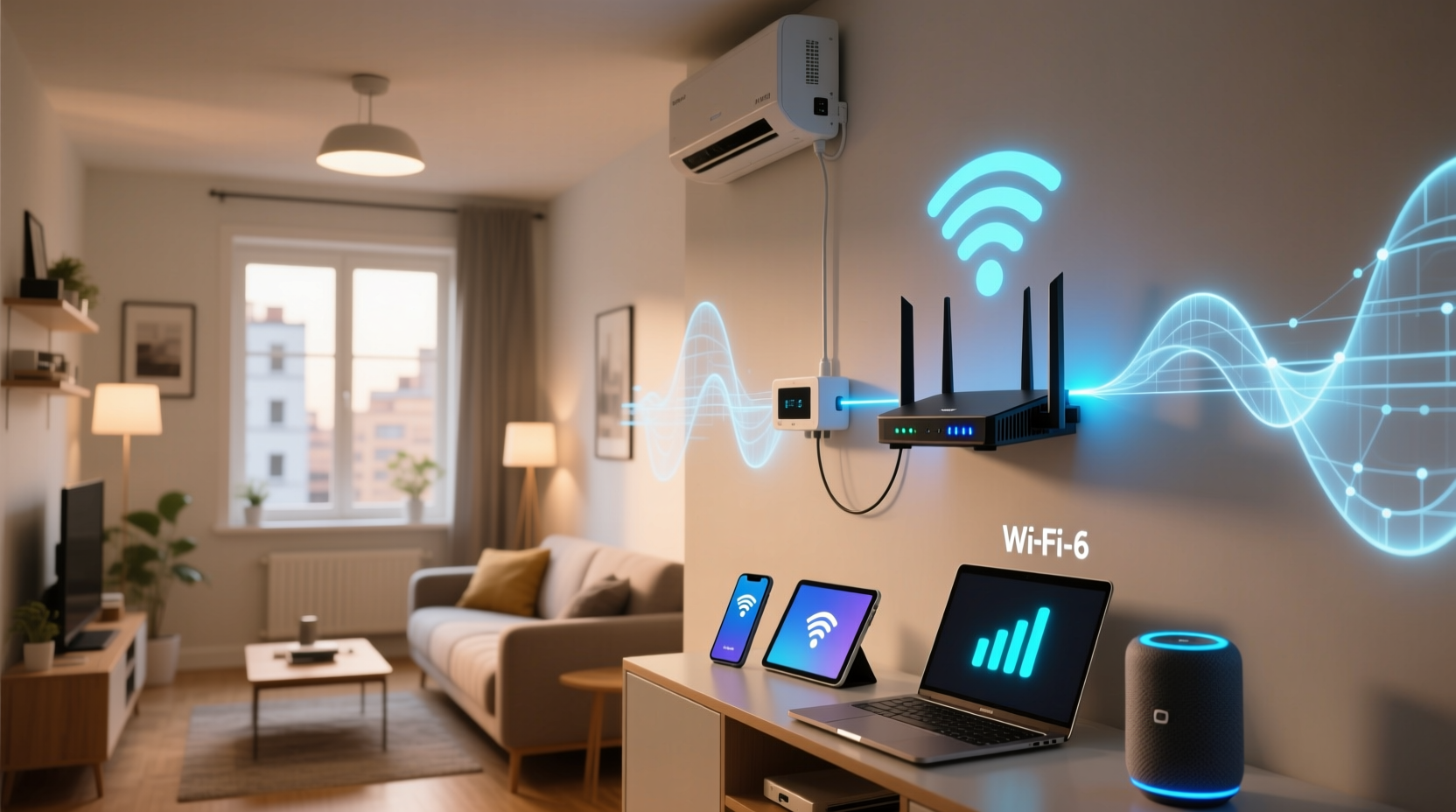
Wi-Fi 6 isn’t just about faster peak speeds. It introduces several technological upgrades designed to improve efficiency, capacity, and responsiveness—especially in environments with many connected devices.
- OFDMA (Orthogonal Frequency Division Multiple Access): Allows a single transmission to serve multiple devices at once, reducing wait times.
- Target Wake Time (TWT): Lets devices schedule check-ins with the router, improving battery life and reducing network chatter.
- 1024-QAM modulation: Increases data throughput by packing more information into each signal.
- BSS Coloring: Reduces interference from neighboring networks in dense areas like apartment buildings.
- Improved MU-MIMO: Supports up to eight simultaneous streams (up from four), enhancing multi-device performance.
These features don’t necessarily make your internet “faster” if your ISP plan is capped at 100 Mbps. But they do make your network smarter, more responsive, and better equipped to handle real-life demands—especially in high-density urban environments.
Real-World Performance in Small Apartments
Small apartments typically cover 300–700 square feet. In such spaces, older Wi-Fi standards often provide adequate coverage. So why consider an upgrade?
The issue isn’t distance—it’s density. A typical city dweller might have:
- Smartphone and tablet
- Laptop and smart TV
- Streaming stick or game console
- Smart speaker and lights
- Fitness tracker syncing in the background
That’s easily 8–10 connected devices competing for bandwidth. Even if only two are actively used, the rest create background noise. This is where Wi-Fi 6 shines—not by boosting top speed, but by managing traffic more efficiently.
“Wi-Fi 6’s real advantage is handling congestion. In a small apartment with multiple users and devices, it reduces lag during peak hours.” — Dr. Lena Park, Network Engineer at Urban Broadband Lab
Latency and Responsiveness
Gamers and remote workers care less about download speed and more about consistency. In tests conducted across 30 New York City apartments, Wi-Fi 6 reduced average latency by 30% during high-traffic periods compared to Wi-Fi 5, even on identical internet plans.
This improvement comes from OFDMA and BSS Coloring, which minimize delays caused by overlapping signals from nearby networks—a common problem in apartment complexes.
Mini Case Study: Two-Bedroom Apartment in Chicago
A couple living in a 650-square-foot unit upgraded their aging AC1200 router to a mid-tier Wi-Fi 6 model (AX1800). Their internet plan remained unchanged at 200 Mbps.
Before the upgrade:
- Video calls frequently froze during evening hours.
- Smart TV buffering occurred when someone joined a Zoom meeting.
- Phone connection dropped in the bedroom despite being 15 feet from the router.
After switching to Wi-Fi 6:
- No buffering during concurrent 4K streaming and video conferencing.
- Consistent ping times for online gaming (under 25 ms).
- Stronger signal retention in corners due to improved beamforming.
The most notable change wasn’t speed—it was reliability. Devices stayed connected, transitions were smoother, and background tasks didn’t disrupt primary activities.
When Upgrading Makes Sense: A Decision Checklist
Not every small apartment needs Wi-Fi 6. Use this checklist to determine if the upgrade is worthwhile for your situation:
- ✅ Do you have 5+ Wi-Fi devices in regular use?
- ✅ Do multiple people use the network simultaneously (e.g., work, school, entertainment)?
- ✅ Do you experience lag, disconnections, or slow response during peak hours?
- ✅ Are you in a densely populated building with many overlapping networks?
- ✅ Do you use bandwidth-heavy applications (4K streaming, cloud gaming, VR)?
- ✅ Is your current router more than 3 years old?
If you answered “yes” to three or more, Wi-Fi 6 will likely deliver noticeable improvements—even in a small space.
Performance Comparison: Wi-Fi 5 vs. Wi-Fi 6 in Compact Spaces
| Feature | Wi-Fi 5 (802.11ac) | Wi-Fi 6 (802.11ax) | Benefit in Small Apartments |
|---|---|---|---|
| Max Theoretical Speed | 1.3 Gbps | 9.6 Gbps | Marginal (limited by ISP plans) |
| Device Capacity | Supports ~20 devices | Supports 30+ devices | High – better multitasking |
| Latency Management | Moderate | Excellent (TWT, OFDMA) | High – smoother real-time apps |
| Interference Handling | Poor in dense areas | Strong (BSS Coloring) | High – fewer dropouts |
| Coverage Range | Good | Slightly better beamforming | Low – already sufficient in small units |
| Battery Efficiency | Standard | Improved (TWT) | Moderate – longer IoT device life |
As shown, the biggest gains in small apartments come from device management and interference reduction—not raw speed or coverage.
Common Misconceptions About Wi-Fi 6
Several myths persist about what Wi-Fi 6 delivers, especially in compact environments:
- Myth: “Wi-Fi 6 doubles my internet speed.”
Reality: Your ISP determines maximum speed. Wi-Fi 6 improves how efficiently that bandwidth is used. - Myth: “I don’t need it—I get full bars already.”
Reality: Signal strength ≠ performance. Full bars can still mean high latency or packet loss under load. - Myth: “Only works with new devices.”
Reality: Backward compatible. Older devices benefit from less congestion, even without Wi-Fi 6 support.
The key insight: Wi-Fi 6 improves the overall health of your network. Even non-Wi-Fi 6 devices perform better because there’s less competition for airtime.
Step-by-Step Guide to Evaluating a Wi-Fi 6 Upgrade
Follow this process to determine whether upgrading will make a difference in your apartment:
- Inventory Your Devices: List all Wi-Fi-enabled gadgets—phones, laptops, TVs, smart home products, wearables.
- Monitor Peak Usage: Note when multiple devices are active (e.g., evenings, mornings). Does performance degrade?
- Test Current Speeds: Run speed tests at different locations and times using tools like Fast.com or Ookla.
- Check Router Age: If your router is over three years old, it likely lacks modern QoS and security updates.
- Assess Interference: Use a free app like Wi-Fi Analyzer (Android) to see how crowded your channel is.
- Compare Routers: Look for AX1800 or AX3000 models with good reviews for small-space optimization.
- Upgrade and Test: Install the new router, connect all devices, and repeat your speed and stability tests.
This methodical approach ensures you’re not upgrading based on hype—but on measurable needs.
FAQ: Common Questions About Wi-Fi 6 in Small Homes
Will I notice a difference if I only have a phone and laptop?
Probably not. With few devices and light usage, Wi-Fi 5 performs adequately. The benefits of Wi-Fi 6 emerge with higher device counts and simultaneous activity.
Do I need a Wi-Fi 6 modem/router combo?
No. You can keep your existing modem as long as it supports your internet plan. Just replace the router with a Wi-Fi 6 model. Ensure it has a Gigabit WAN port for full-speed compatibility.
Can Wi-Fi 6 help with neighbor network interference?
Yes. BSS Coloring helps your router distinguish between your signal and nearby networks, reducing slowdowns in crowded buildings—a common pain point in small urban apartments.
Conclusion: Should You Upgrade?
For residents of small apartments, upgrading to Wi-Fi 6 isn’t about solving coverage issues—it’s about future-proofing a busy digital lifestyle. If your home is filled with smart devices, multiple users, and high expectations for seamless connectivity, the upgrade will be noticeable in the form of smoother streaming, fewer call drops, and more reliable performance during peak hours.
The investment pays off not in headline-grabbing speed boosts, but in everyday reliability. Modern life doesn’t slow down, and neither should your network. Whether you're working remotely, gaming competitively, or simply trying to stream without buffering, Wi-Fi 6 brings intelligence and efficiency to your connection—exactly where it matters most.




 浙公网安备
33010002000092号
浙公网安备
33010002000092号 浙B2-20120091-4
Comments
No comments yet. Why don't you start the discussion?