
Every school year, students face the same dilemma: what kind of backpack best supports their academic routine? With technology now central to learning, the debate isn’t just about storage space or style—it’s about compatibility with devices. Should you choose a laptop backpack designed for heavier gear, or opt for a sleeker tablet backpack that promises portability? The answer depends on your workload, schedule, and how you use technology throughout the day.
While both options serve students well in certain contexts, understanding the core differences in design, protection, ergonomics, and functionality can make all the difference in daily comfort and long-term productivity.
Design & Structure: Built for Different Devices
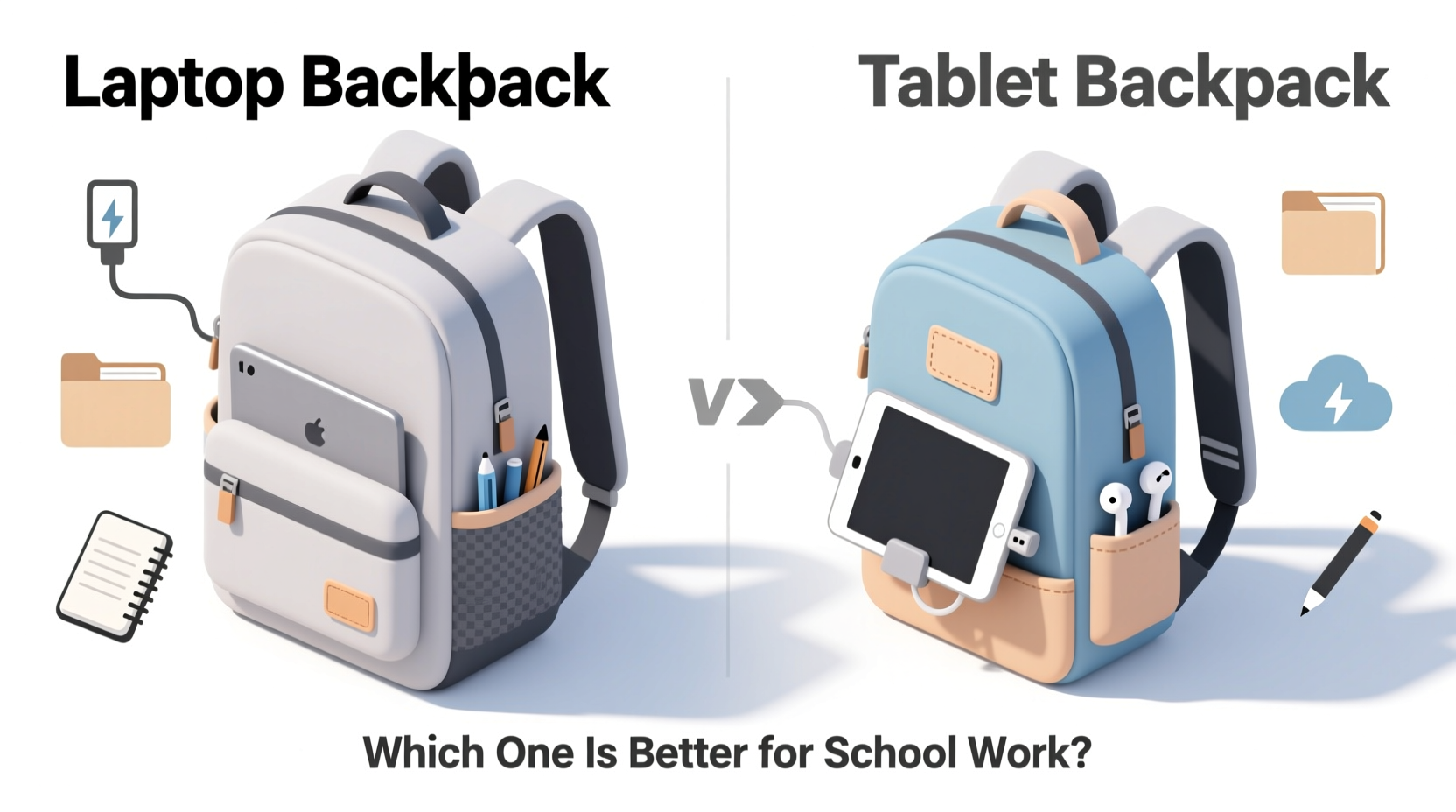
Laptop backpacks are engineered with bulkier electronics in mind. Most models include a dedicated, padded compartment sized specifically for 13” to 17” laptops. These compartments often feature suspended suspension systems—where the laptop floats slightly inside the bag—to reduce impact from drops or bumps. The rest of the bag usually includes multiple pockets for chargers, notebooks, pens, and textbooks, making it ideal for full-day academic use.
Tablet backpacks, by contrast, prioritize minimalism. They typically accommodate tablets up to 10–12 inches and lack deep padding for larger machines. Their structure is lighter, with fewer organizational pockets. Some even double as casual daypacks, suitable for quick commutes or hybrid learners who rely mostly on digital notes and cloud-based platforms.
Durability & Load Capacity
Students carrying heavy loads—textbooks, lab equipment, multiple binders—benefit significantly from the reinforced stitching, thicker fabrics, and weight-distribution systems found in laptop backpacks. Many are made from ballistic nylon or polyester blends rated for over 50 pounds of stress testing. Padded shoulder straps, sternum straps, and back panel ventilation help manage strain during long walks between classes.
Tablet backpacks, while durable enough for light use, aren’t built for sustained heavy loads. Their thinner materials and simpler frames may degrade faster under constant stress. If your course load involves more than a tablet, water bottle, and notebook, this type of bag will likely fall short by mid-semester.
“Backpacks should support the student, not become part of the burden. A poorly matched bag leads to posture issues and fatigue.” — Dr. Lena Patel, Ergonomics Researcher at Stanford Health Lab
Organization Features Compared
Organization is where laptop backpacks truly shine. Most come equipped with:
- Dedicated laptop sleeve (often lockable)
- Separate tablet pocket
- Pen loops, key clips, and card slots
- Front utility panel with zippered compartments
- Side mesh pockets for water bottles
- Hidden anti-theft pockets
Tablet backpacks usually offer only basic divisions: one main compartment, a small front zipper pouch, and perhaps a single interior sleeve. This streamlined layout works well for minimalist users but becomes chaotic when trying to juggle cords, IDs, snacks, and writing tools without designated spaces.
Comparison Table: Key Features Side-by-Side
| Feature | Laptop Backpack | Tablet Backpack |
|---|---|---|
| Max Device Size | Up to 17” laptop | Up to 12” tablet |
| Padding Level | Heavy-duty, shock-absorbent | Light foam or none |
| Weight Capacity | 15–20 lbs recommended | 5–8 lbs max |
| Number of Pockets | 6–12+ organized sections | 2–4 simple zones |
| Ergonomic Support | Padded straps, back vents, chest clip | Basic padding, no support add-ons |
| Ideal For | Full-time students, STEM majors, commuters | Casual learners, grad students, remote workers |
Real-World Use Case: Sarah’s Semester Switch
Sarah, a sophomore biology major at the University of Michigan, started her spring term using a minimalist tablet backpack she’d bought for online classes. It held her iPad, stylus, and a small notebook—perfect for virtual lectures. But once labs resumed and she needed to carry dissection kits, lab manuals, and her external hard drive, the bag became impractical. She began slinging a second tote over her shoulder, doubling her load.
By week six, she developed mild shoulder pain and realized her backpack offered zero protection when she dropped it on marble floors. After switching to a mid-tier laptop backpack with dual compartments and airflow back padding, she reported improved comfort, better organization, and peace of mind knowing her devices were secure—even during rushed class changes.
Her experience reflects a common pattern: backpacks optimized for simplicity often fail under real academic demands.
When a Tablet Backpack Makes Sense
Despite their limitations, tablet backpacks have legitimate uses in education. They’re excellent for:
- High school students in 1:1 iPad programs
- Graduate students attending seminars with only note-taking apps
- Remote learners who attend hybrid sessions occasionally
- Those prioritizing aesthetics and lightweight mobility
If your entire workflow fits inside a tablet case—with digital textbooks, cloud-stored assignments, and wireless accessories—a compact backpack eliminates unnecessary bulk. Just be aware that expanding your toolkit later may require an upgrade.
Step-by-Step: Choosing the Right Backpack for Your Academic Lifestyle
Follow this decision-making process to ensure your backpack aligns with your actual usage:
- Inventory your daily carry: List every item you bring to class—devices, books, supplies, personal items.
- Weigh your total load: Use a household scale. Anything over 10 lbs suggests a need for ergonomic support.
- Check device sizes: Measure your largest gadget including its case.
- Assess commute type: Long walks, stairs, or public transit increase the need for padding and stability.
- Test fit in-store or via return policy: Shoulder strap comfort and balance matter more than specs alone.
- Look for future-proofing: Choose a bag that accommodates potential upgrades (e.g., adding a secondary device).
Frequently Asked Questions
Can I use a tablet backpack for a small laptop?
Only if the manufacturer explicitly states compatibility. Most tablet sleeves lack sufficient padding and structural support for laptops, increasing the risk of screen damage from pressure or impact.
Do laptop backpacks take up more space?
Slightly yes—due to thicker materials and padding—but the trade-off is better weight distribution and device security. Compact models exist for urban commuters needing efficiency without sacrificing protection.
Are there hybrid backpacks that work for both?
Yes. Several brands like Targus, SwissGear, and Herschel offer “tech-ready” backpacks with dual compartments: one padded sleeve for a 15” laptop and a separate soft-lined section for tablets. These hybrids balance versatility and structure, ideal for evolving academic needs.
Final Recommendation: Match Function to Reality
For most full-time students, especially those in technical, science, or engineering disciplines, a laptop backpack is the superior choice. It offers essential protection, better organization, and physical support for demanding schedules. The investment pays off in reduced wear on both your gear and your body.
Tablet backpacks excel in niche scenarios—light users, digital-only curricula, or supplementary roles—but rarely serve as complete replacements for traditional academic loads. If your routine evolves toward heavier tech or material use, upgrading early prevents discomfort and device damage down the line.
The best backpack isn’t the trendiest or lightest—it’s the one that seamlessly integrates into your daily rhythm without compromise.




 浙公网安备
33010002000092号
浙公网安备
33010002000092号 浙B2-20120091-4
Comments
No comments yet. Why don't you start the discussion?