
Bluetooth music glasses are redefining how we experience audio on the go. Combining sleek eyewear design with advanced audio technology, these wearable devices offer an immersive way to listen to music, take calls, and stay connected—without obstructing your surroundings. Whether you're commuting, exercising, or simply relaxing outdoors, music glasses provide a discreet, comfortable alternative to traditional earbuds and headphones. But unlocking their full potential requires more than just wearing them. Understanding pairing protocols, optimizing sound quality, managing battery life, and using voice controls effectively can make the difference between a frustrating experience and a truly seamless one.
Understanding How Bluetooth Music Glasses Work
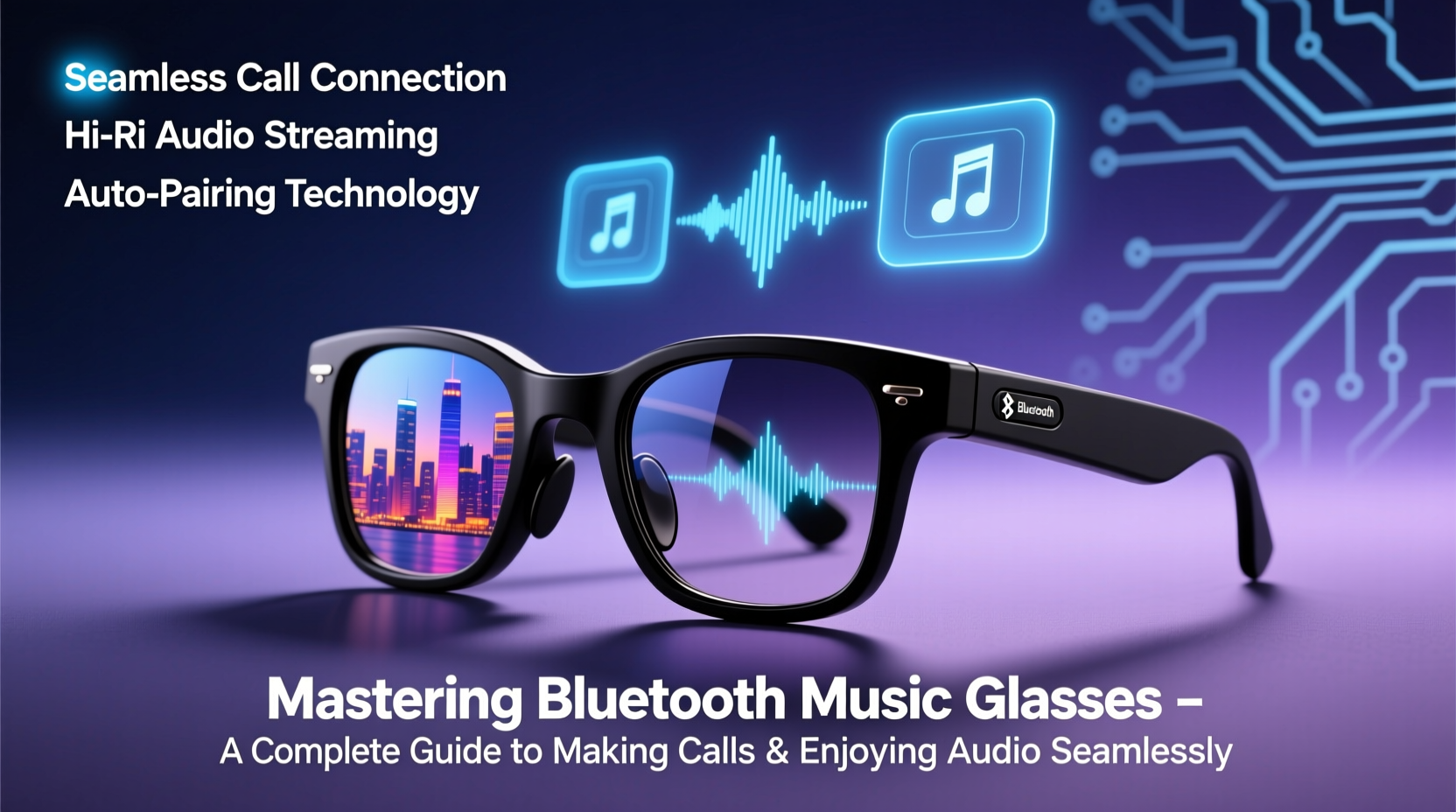
Unlike conventional headphones, Bluetooth music glasses integrate miniature speakers near the temples, directing sound toward your ears while remaining open to ambient noise. This design enhances situational awareness, making them ideal for outdoor use. The audio is transmitted wirelessly via Bluetooth 5.0 or higher, ensuring stable connections and low latency. Most models also include built-in microphones for two-way communication during phone calls.
The technology relies on bone conduction or directional open-ear acoustics, depending on the brand. Bone conduction transmits vibrations through the cheekbones, bypassing the eardrum, while directional speakers project sound precisely into the ear canal without blocking it. Both methods preserve environmental sounds, a critical advantage for cyclists, runners, and urban commuters.
“Bluetooth music glasses represent the next evolution in personal audio—offering safety, style, and connectivity in a single wearable.” — Dr. Lena Torres, Wearable Tech Researcher at MIT Media Lab
Setting Up Your Music Glasses: A Step-by-Step Guide
Getting started with your new device should be straightforward. Follow this timeline to ensure a smooth setup:
- Charge fully before first use: Connect the provided USB-C or magnetic charging cable. Most models take 1–2 hours to reach full charge.
- Power on the glasses: Press and hold the multifunction button (usually on the right temple) for 3–5 seconds until you hear a tone or voice prompt.
- Enable Bluetooth on your device: Go to Settings > Bluetooth and turn it on.
- Enter pairing mode: If not automatic, press and hold the power button again until the LED flashes blue and red or you hear “Pairing mode.”
- Select your glasses: On your smartphone or tablet, choose the device name (e.g., “AudioSun X1”) from the list of available devices.
- Confirm connection: You’ll hear a chime or voice confirmation like “Connected.” Test by playing a short audio clip.
Optimizing Audio and Call Quality
Once paired, fine-tuning your experience ensures crisp music playback and clear voice calls. Environmental factors, fit, and software settings all influence performance.
- Adjust fit for optimal sound: Slight adjustments to the frame can significantly impact audio directionality. Ensure the speakers near the temples align just above your ears.
- Use noise-reducing environments for calls: While music glasses perform well in light wind, loud streets or strong gusts may impair microphone clarity. Position your mouth closer to the mic zone (typically near the hinge).
- Update firmware regularly: Check the manufacturer’s app (if available) for updates that improve call algorithms or battery efficiency.
- Balance volume levels: Set your phone’s media volume to 70% before adjusting via the glasses. This prevents distortion and maintains dynamic range.
Do’s and Don’ts for Best Audio Performance
| Do’s | Don’ts |
|---|---|
| Wear in moderate outdoor environments | Use in heavy rain or submerge in water |
| Adjust temple position for better sound focus | Over-tighten frames to force speaker alignment |
| Use one-touch controls to answer calls | Shout during calls—speak naturally into the mic zone |
| Clean regularly with a microfiber cloth | Use alcohol-based cleaners on speaker mesh |
Real-World Use Case: Commuting with Confidence
Jamal, a bike courier in Portland, switched to Bluetooth music glasses six months ago. Previously, he relied on in-ear headphones but found them isolating and unsafe in traffic. After testing several models, he settled on a pair with directional speakers and IPX5 water resistance.
Now, Jamal listens to curated playlists during deliveries while staying alert to horns, sirens, and pedestrians. He takes client calls hands-free using the integrated mic, responding with a simple tap. “I feel more present,” he says. “I’m not missing audio cues from the city, but I still get my beats. Plus, no more tangled wires in the rain.” His only adjustment was learning to angle his head slightly during calls for clearer pickup—a small trade-off for unmatched convenience.
Essential Maintenance and Longevity Tips
Like any electronic device, proper care extends the lifespan of your music glasses. They’re built for durability, but daily wear demands attention.
After exposure to sweat or humidity, gently wipe down the temples and hinges. Avoid leaving them in hot cars—extreme heat degrades battery performance over time. Charge them every few weeks even if unused to maintain battery health.
Monthly Maintenance Checklist
- ✅ Clean speaker grilles with a soft brush or dry cotton swab
- ✅ Inspect charging port for debris
- ✅ Test both audio channels for balance
- ✅ Verify microphone function with a voice memo
- ✅ Re-pair with primary devices to refresh connection stability
Frequently Asked Questions
Can I wear music glasses with prescription lenses?
Yes, many brands offer prescription-compatible frames or allow lens swapping through authorized opticians. Some manufacturers even partner with vision services to provide custom inserts without voiding the warranty.
How long does the battery last on average?
Most models offer 4 to 8 hours of continuous playback, with standby times up to 10 days. Battery life varies based on volume level, audio type, and call frequency. For example, podcast listening typically consumes less power than high-bitrate music streaming.
Are Bluetooth music glasses safe for prolonged use?
Yes. Because they don’t seal the ear canal, they reduce the risk of ear fatigue and wax buildup associated with in-ear devices. However, keep volume below 80% for extended periods to protect hearing. The World Health Organization recommends limiting exposure to sounds above 85 dB.
Conclusion: Embrace the Future of Wearable Audio
Bluetooth music glasses are more than a gadget—they’re a lifestyle upgrade. By merging fashion, functionality, and freedom, they empower users to stay connected without compromise. From flawless call handling to immersive music experiences, mastering these devices means leveraging every feature with confidence. Whether you're walking through the city, biking to work, or taking a call during a coffee run, the ability to hear your audio and your environment simultaneously changes how you move through the world.




 浙公网安备
33010002000092号
浙公网安备
33010002000092号 浙B2-20120091-4
Comments
No comments yet. Why don't you start the discussion?