
Animation is no longer reserved for studios with million-dollar budgets. With accessible software and online resources, anyone can learn to create compelling animated videos. Whether you're aiming to produce explainer videos, short films, or social media content, starting with a solid foundation makes all the difference. This guide walks through the entire process—from concept to final render—offering practical advice for absolute beginners ready to explore the world of animation.
Understanding Animation: Types and Tools
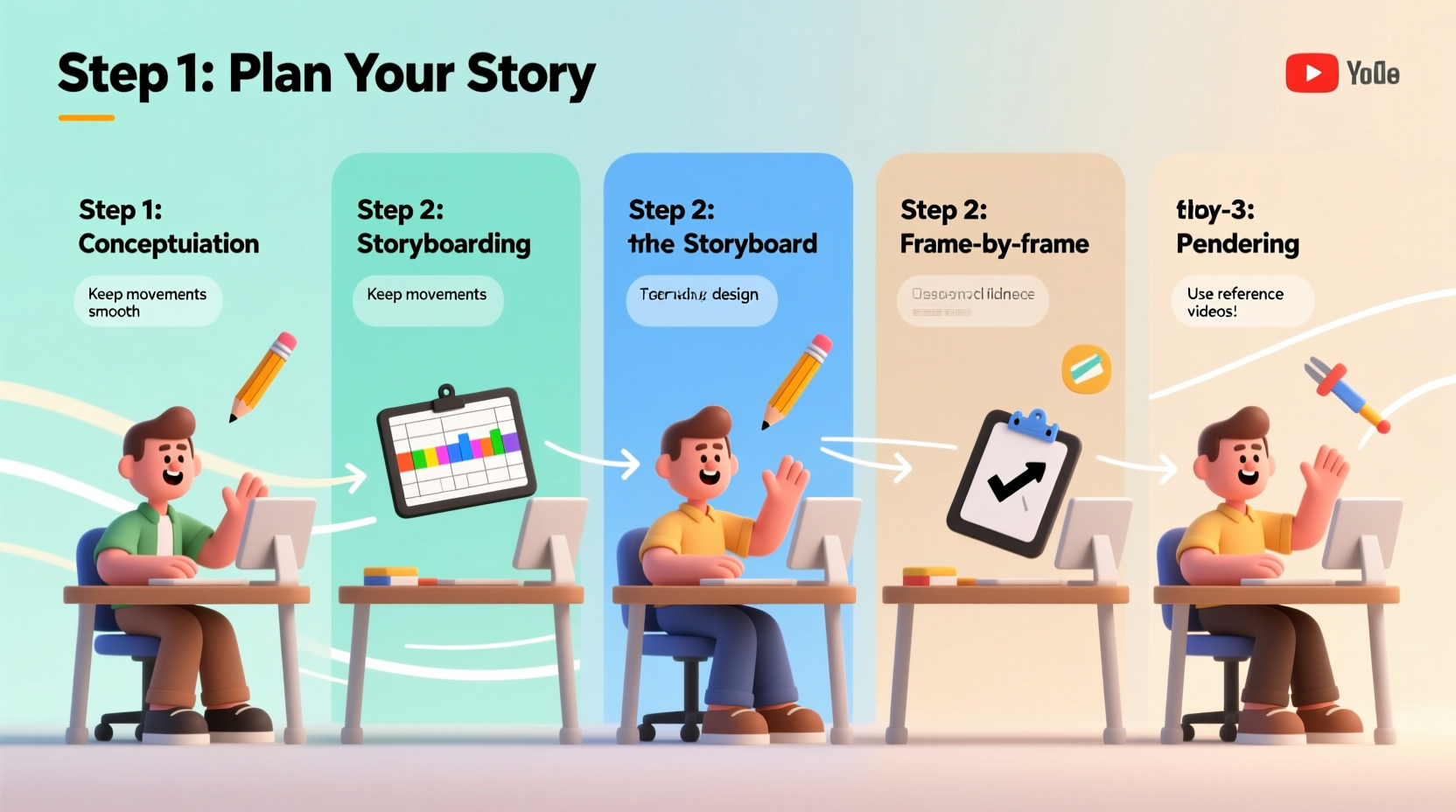
Before diving into creation, it's essential to understand the different types of animation and which tools suit each style. The most common forms include:
- 2D Animation: Traditional frame-by-frame movement, often used in cartoons and explainer videos.
- 3D Animation: Uses depth, lighting, and textures to create lifelike motion; common in films and games.
- Stop Motion: Physical objects are moved incrementally and photographed frame by frame.
- Motion Graphics: Animated text and graphic elements, frequently used in presentations and ads.
For beginners, 2D animation and motion graphics offer the gentlest learning curve. Free and low-cost software options make entry easier than ever:
| Software | Type | Best For | Price |
|---|---|---|---|
| Blender | 3D Animation | Advanced users, 3D modeling | Free |
| Pencil2D | 2D Animation | Hand-drawn style, beginners | Free |
| OpenToonz | 2D Animation | Frame-by-frame drawing | Free |
| DaVinci Resolve (Fusion) | Motion Graphics | Text animation, visual effects | Free (with paid upgrade) |
| Adobe After Effects | Motion Graphics / 2D | Professional-grade compositing | Paid (subscription) |
Step-by-Step Guide to Creating Your First Animation
Creating an animation involves more than just drawing moving images. It’s a structured process that ensures clarity, consistency, and quality. Follow these steps to go from idea to finished video.
- Define Your Purpose and Audience
Are you making a tutorial, a story, or a promotional clip? Knowing who will watch helps determine tone, length, and complexity. - Write a Script
Even simple animations benefit from a script. Outline dialogue, narration, or on-screen text. Keep language clear and concise. - Create a Storyboard
Sketch out each major scene in sequence. Use stick figures if needed—this isn’t about artistry but planning timing and transitions. - Gather Assets
Collect or create visuals, voiceovers, music, and sound effects. If using voice, record in a quiet space with basic equipment. - Animate Scene by Scene
Begin with keyframes (major poses), then add in-between frames. Work in layers: background, characters, text. - Edit and Sync Audio
Align voiceover or music with visuals. Adjust timing so movements match speech or beats. - Review and Revise
Watch the full animation multiple times. Look for awkward motion, audio sync issues, or unclear messaging. - Export in the Right Format
For web use, MP4 with H.264 encoding is standard. Match resolution to platform needs (e.g., 1080p for YouTube).
Essential Tips for Smoother Animation
Animation requires patience and attention to detail. These tips help avoid common pitfalls and improve the quality of your work:
- Keep it simple at first. A 30-second looped animation is more achievable than a five-minute epic.
- Stick to a consistent frame rate. 12–24 frames per second (fps) is typical. Lower fps saves time but may look choppy.
- Use easing in motion. Objects don’t move at constant speed—they accelerate and decelerate. Mimicking this adds realism.
- Limit colors and details early on. Too many elements make scenes cluttered and editing harder.
- Save versions as you go. Name files with version numbers (e.g., “animation_v3.mp4”) to avoid losing progress.
Mini Case Study: From Sketch to Social Media Hit
Sophie, a freelance marketer with no prior animation experience, wanted to promote her new wellness brand. She decided to create a 45-second explainer video using Pencil2D and DaVinci Resolve. Starting with a rough script about stress relief, she sketched six storyboard panels showing a person transitioning from overwhelmed to relaxed.
She animated each scene over two weekends, using simple character designs and soft color fills. Voiceover was recorded on her phone with a pop filter made from a sock (a life hack she found online). After syncing audio and adding ambient music, she exported the video in 720p for Instagram and LinkedIn.
The video received over 10,000 views in two weeks. More importantly, Sophie reported a 30% increase in website traffic. Her takeaway: “You don’t need perfection—just clarity and heart.”
Checklist: Launch Your First Animation Project
Use this checklist before starting your next animation to ensure nothing is missed:
- ☑ Define the goal: What should viewers learn or feel?
- ☑ Write a short script (under 150 words for starters)
- ☑ Sketch a 6–8 panel storyboard
- ☑ Choose software based on your comfort level
- ☑ Set up a clean workspace with regular backups
- ☑ Record voiceover or select royalty-free music
- ☑ Animate in small sections, reviewing daily
- ☑ Export and test playback on multiple devices
“Animation is about bringing ideas to life—one frame at a time. The most powerful animations aren’t the flashiest, but the ones that connect emotionally.” — Rafael Kim, Independent Animator & Educator
Frequently Asked Questions
How long does it take to make a simple animation?
A 30- to 60-second 2D animation can take anywhere from 10 to 40 hours for a beginner, depending on frame rate, complexity, and revision cycles. Simpler styles like cut-out or motion graphics reduce production time significantly.
Do I need to know how to draw to make animations?
No. Many modern animations use shapes, icons, and pre-made assets. Software like Canva, Animaker, or even PowerPoint can be used to create motion without hand-drawing. That said, basic sketching skills help with planning and creativity.
Can I make animations on a laptop?
Yes, especially for 2D or motion graphics. Most entry-level laptops can run Pencil2D, OpenToonz, or DaVinci Resolve. Avoid heavy 3D rendering on older machines, but basic projects are feasible.
Conclusion: Start Moving Forward
Mastering how to do animation videos begins not with talent, but with action. Every expert animator once struggled with their first shaky line or misaligned frame. The tools are now within reach, tutorials are abundant, and audiences are eager for engaging content. By following a structured approach, embracing imperfection, and practicing consistently, you can turn ideas into moving stories that inform, entertain, and inspire.




 浙公网安备
33010002000092号
浙公网安备
33010002000092号 浙B2-20120091-4
Comments
No comments yet. Why don't you start the discussion?