
In today’s digital age, capturing high-quality video on a mobile phone is no longer optional—it’s essential. Whether you're recording interviews, testimonials, vlogs, or personal conversations, the clarity and engagement of your footage determine how effectively your message lands. Most people assume professional results require expensive cameras and lighting setups, but with deliberate technique, even a smartphone can produce compelling, broadcast-worthy video. The key lies not in hardware, but in mastery of framing, audio, environment, and human dynamics.
1. Optimize Your Environment for Visual Clarity
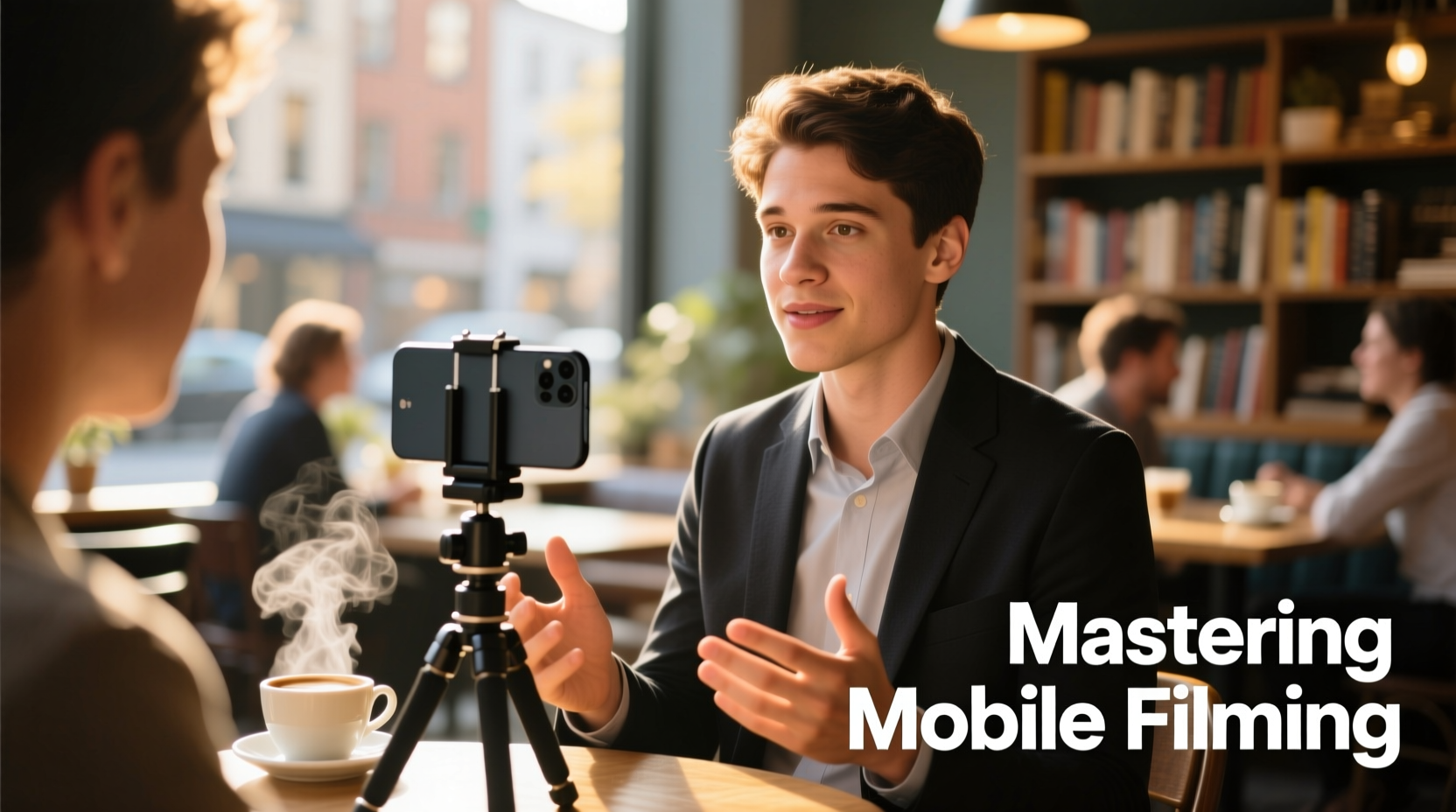
The space where you film dramatically affects the final product. Natural light, background noise, and visual distractions can make or break a recording. Begin by choosing a location with consistent, soft natural light—ideally near a window with indirect sunlight. Harsh overhead lights or backlighting (such as a bright window behind your subject) create silhouettes and washed-out faces.
Position your interlocutor so that light falls evenly across their face. Avoid mixed lighting sources (e.g., fluorescent + daylight), which can cause unnatural skin tones. If natural light isn’t available, use a simple lamp with a warm-white bulb placed at a 45-degree angle from the subject.
Backgrounds should be clean and uncluttered. A neutral wall, bookshelf, or plant adds depth without distraction. Ensure nothing moves behind the speaker—like traffic outside a window or people walking by—as motion draws the eye away from the subject.
2. Frame With Intention: Composition That Engages
How you frame your interlocutor influences emotional connection. The rule of thirds applies here: position the subject’s eyes along the upper third line of the frame. Leave negative space in front of them if they’re looking to one side—this creates visual balance.
For most conversational videos, use a medium close-up: from mid-chest up. This range captures facial expressions while maintaining a sense of presence. Avoid extreme close-ups unless emphasizing emotion, and avoid full-body shots unless context demands it—mobile screens favor intimacy over distance.
| Shot Type | Best Use Case | Framing Guide |
|---|---|---|
| Medium Close-Up | Interviews, testimonials | Chest to top of head, with space above |
| Close-Up | Emotional moments, reactions | Shoulders up, tight on face |
| Over-the-Shoulder | Dialogue scenes | Show back of interviewer’s shoulder and subject’s face |
| Two-Shot | Conversations between two people | Both faces visible, centered or balanced |
Hold the phone vertically only for social media stories or platforms like TikTok. For most other uses—including YouTube, websites, or presentations—film horizontally. Horizontal format maximizes screen real estate and aligns with standard viewing habits.
3. Capture Crisp Audio: The Hidden Key to Engagement
No amount of visual polish compensates for poor audio. Muffled speech, echo, or background chatter make viewers tune out. While built-in microphones have improved, they still pick up sound indiscriminately.
To improve audio quality, minimize distance between the microphone and the speaker. Keep the phone within 3–6 feet of the interlocutor, angled slightly toward their mouth. Use an external lavalier microphone connected via Bluetooth or TRRS jack for significantly cleaner sound. These clip-on mics isolate the speaker’s voice and reduce room noise.
“Audio is 70% of the viewing experience. If the sound is bad, people won’t care how good the picture looks.” — David Tran, Documentary Filmmaker & Mobile Cinematography Instructor
If using the phone’s internal mic, conduct a quick audio test. Record five seconds of the person speaking normally, then play it back with headphones. Listen for distortion, wind noise, or echo. Adjust positioning accordingly.
4. Guide the Interlocutor for Natural Delivery
Even technically perfect footage falls flat if the speaker seems stiff or uncomfortable. Help your interlocutor relax by creating a conversational atmosphere rather than a performance setting. Avoid rigid Q&A formats when possible. Instead, encourage storytelling.
Ask open-ended questions: “What was going through your mind when…?” or “Can you walk me through how that happened?” These prompt detailed, emotional responses that engage viewers. Pause after answers—silence allows breathing room and gives you usable cutaways during editing.
Maintain eye contact indirectly. If you’re holding the phone, look just below the lens so the speaker feels addressed. If using a tripod, sit beside the camera and make natural eye contact with the person, glancing up occasionally to check framing.
Mini Case Study: Capturing a Founder’s Story
A startup founder agreed to share her journey on camera but became visibly tense once the phone was pointed at her. Her initial responses were short and rehearsed. The interviewer switched tactics: instead of asking “Tell us about your company,” they asked, “What kept you going on the day you thought about quitting?”
The question shifted the dynamic. She paused, then shared a raw, heartfelt story about working through the night after a failed prototype. The resulting video—filmed on an iPhone 13 with a $20 lapel mic—became the centerpiece of a successful crowdfunding campaign. The authenticity, framed tightly with soft window light, drew thousands of views and meaningful engagement.
5. Step-by-Step Filming Workflow
Follow this sequence before, during, and after filming to ensure consistency and professionalism:
- Scout the location during the same time of day as filming to assess light and noise.
- Test audio and lighting with a short sample recording.
- Position the phone on a mini-tripod or stable surface; never handhold unless necessary.
- Set focus and exposure manually by tapping and holding on the screen until locked (or use a camera app like Filmic Pro).
- Brief the interlocutor on pacing, volume, and avoiding sudden movements.
- Record multiple takes of key segments to allow for editing flexibility.
- Capture B-roll or room tone after the main shoot.
- Review footage immediately for technical issues before leaving the site.
Checklist: Before You Press Record
- 🔋 Phone fully charged or plugged in
- 📱 Storage space available (at least 1GB free)
- 🎥 Lens cleaned with microfiber cloth
- 🎙 External mic connected and tested (if available)
- 💡 Lighting even and flattering on face
- 🔇 Background quiet and visually clean
- 📏 Phone in landscape mode, stabilized on tripod
- 🎯 Focus locked on subject’s eye level
- 🗣 Interlocutor briefed on tone and pace
FAQ
Can I use my front-facing camera for interviews?
The front camera is acceptable in a pinch, but rear cameras typically have better resolution, low-light performance, and autofocus. If using the front camera, ensure strong lighting to compensate for lower sensor quality.
How do I prevent shaky footage without a tripod?
Lean against a wall, tuck your elbows into your body, and breathe steadily. Alternatively, rest the phone on a stack of books or a table. Even a small tabletop tripod ($10–$15) vastly improves stability.
What settings should I use on my phone’s camera?
Shoot in the highest resolution available (ideally 1080p or 4K at 30fps). Disable digital zoom—move closer instead. Use a third-party app if your phone allows manual control over ISO, shutter speed, and white balance for more consistent results.
Conclusion
Mastering mobile phone filming isn’t about owning the latest device—it’s about understanding how to use what you have with intention and precision. Clear visuals, clean audio, thoughtful composition, and authentic interaction transform ordinary recordings into powerful narratives. These techniques are accessible to anyone, regardless of budget or experience.




 浙公网安备
33010002000092号
浙公网安备
33010002000092号 浙B2-20120091-4
Comments
No comments yet. Why don't you start the discussion?