
Choosing the right screen protector is more than just a matter of scratch resistance—it directly impacts how you experience your device every day. Among the most debated choices is matte versus glossy finishes. While glossy screen protectors are often praised for their crystal-clear visuals, matte options are favored by professionals and outdoor users for reducing glare. But does going matte come at the cost of display quality? The answer isn’t as simple as “yes” or “no.” It depends on your priorities, usage habits, and visual sensitivity.
This article dives deep into the science, user experience, and practical trade-offs between matte and glossy screen protectors. By the end, you’ll understand not only how each type affects image clarity, color accuracy, and brightness but also which one aligns best with your lifestyle.
Understanding the Core Differences
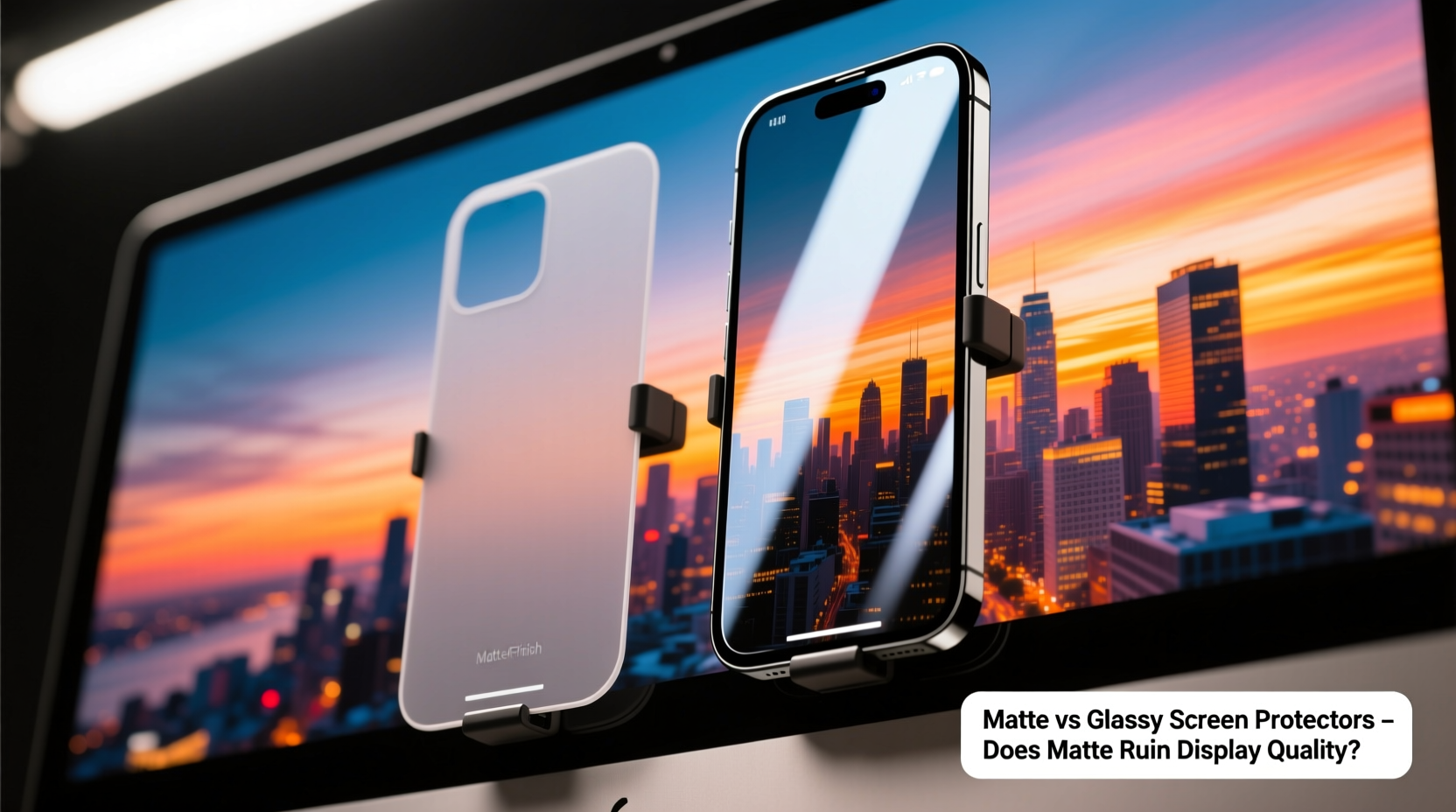
The primary distinction between matte and glossy screen protectors lies in surface texture and light interaction. Glossy protectors have a smooth, reflective finish that closely mimics the original screen. Matte (or anti-glare) variants use a micro-etched or frosted surface designed to diffuse ambient light, minimizing reflections.
This fundamental difference leads to divergent experiences:
- Glossy: High transparency, vibrant colors, sharp text—ideal for media consumption.
- Matte: Reduced glare, better outdoor visibility, softer touch—but may introduce a slight haze or graininess.
The perception that “matte ruins display quality” largely stems from early versions of anti-glare films, which significantly dulled colors and introduced noticeable diffusion. Modern advancements have narrowed this gap, but subtle differences remain.
Display Quality: Clarity, Color, and Brightness Compared
To assess whether matte truly degrades display quality, we need to evaluate three key aspects: clarity, color reproduction, and brightness retention.
Clarity and Sharpness
Glossy screen protectors typically offer 95–99% optical clarity. Because they don’t alter the light path significantly, text remains razor-sharp, and fine details in photos or videos stay crisp. In contrast, matte protectors scatter light slightly due to their textured surface. This creates a soft-focus effect known as “halation,” where bright pixels bleed subtly into darker areas.
While not blurring per se, this diffusion reduces perceived sharpness. For users who read small text frequently—such as coders, editors, or e-book readers—this can be fatiguing over time.
Color Accuracy and Vibrancy
Glossy films preserve the screen’s native color profile. Reds stay punchy, blacks appear deeper, and whites remain pure. Matte coatings, especially lower-tier ones, can introduce a faint grayish or yellowish tint. This happens because the etching process or added anti-reflective layers interfere with light transmission.
High-end matte protectors now use multi-layer AR (anti-reflective) coatings to maintain better color fidelity. Still, even premium models rarely match the vibrancy of glossy counterparts.
Brightness and Outdoor Usability
Here’s where matte shines—literally. In bright environments like sunlight or office lighting, glossy screens become mirrors, reflecting overhead lights and windows. This forces users to crank up brightness, draining battery life.
Matte protectors diffuse these reflections, making content readable without maxing out brightness. A 2022 study by DisplayMate Technologies found that matte-finished devices maintained 38% higher legibility under direct sunlight compared to glossy equivalents.
“Anti-glare treatments sacrifice a bit of peak clarity but deliver substantial gains in usability under real-world lighting conditions.” — Dr. Lisa Tran, Display Analyst at MobileVision Labs
Side-by-Side Comparison: Matte vs Glossy Screen Protectors
| Feature | Glossy Screen Protector | Matte Screen Protector |
|---|---|---|
| Optical Clarity | Excellent (95–99%) | Good to Very Good (85–93%) |
| Color Accuracy | Near-native, vibrant | Slight desaturation, possible tint |
| Glare Resistance | Poor – highly reflective | Excellent – diffuses reflections |
| Outdoor Visibility | Fair to Poor | Very Good to Excellent |
| Touch Feel | Smooth, glass-like | Slightly textured, paper-like |
| Fingerprint Resistance | Low – shows smudges easily | High – resists oils and marks |
| Ideal For | Media viewing, indoor use, photo editing | Outdoor use, note-taking, prolonged reading |
User Experience: Who Benefits Most From Each Type?
Your ideal choice hinges on how and where you use your device. Let’s examine real-world scenarios.
Case Study: The Digital Artist Working Indoors
Jamal, a freelance illustrator using an iPad Pro, initially opted for a matte protector to reduce fingerprints during long drawing sessions. However, he noticed that color gradients appeared less smooth, and fine line work looked slightly blurred. After switching back to a high-clarity glossy film, his workflow improved significantly. The enhanced precision allowed him to trust what he saw on screen when delivering client work.
For creatives relying on accurate color and detail, glossy remains the standard—especially in controlled lighting.
Case Study: The Field Technician Using a Tablet Outdoors
Sarah, an environmental surveyor, uses her tablet daily in forests, deserts, and construction sites. With a glossy screen, she struggled to view maps and data under midday sun, often cupping her hands around the device to block light. After installing a premium matte protector, she could read the screen clearly even at noon. The slight reduction in sharpness was a worthwhile trade-off for consistent usability.
For mobile professionals, first responders, or anyone regularly working outside, matte provides a functional advantage that glossy simply can’t match.
Debunking the Myth: Does Matte Really “Ruin” the Display?
The phrase “ruin the display” implies irreversible degradation or severe visual compromise. That’s misleading. Matte screen protectors don’t damage your screen—they modify its appearance through optical diffusion. Whether this counts as “ruining” depends entirely on your expectations.
If your priority is cinematic video playback or professional photo editing, then yes, matte will fall short. But if you value readability, reduced eye strain, and comfort during extended use, matte enhances the experience.
Modern high-quality matte protectors from brands like Moshi, Paperlike, and Supershieldz use advanced etching and AR coatings to minimize haze while maximizing glare reduction. These strike a balance that many users find acceptable—even preferable.
How to Choose the Right One: A Practical Checklist
Still unsure which finish suits you? Use this checklist to guide your decision:
- ✅ Do you spend more than two hours daily reading or writing on your device? → Matte may reduce eye fatigue.
- ✅ Do you frequently use your device outdoors or near windows? → Matte offers superior glare control.
- ✅ Are you a photographer, designer, or videographer relying on color accuracy? → Stick with glossy.
- ✅ Do you hate fingerprints and smudges? → Matte resists them far better.
- ✅ Is your device used primarily for streaming movies or games indoors? → Glossy delivers richer immersion.
- ✅ Do you take handwritten notes with a stylus? → Matte provides paper-like friction, improving grip.
If most answers point to matte, embrace it—not as a compromise, but as a tool tailored to your needs.
Installation and Maintenance Tips
Proper installation is critical for both types, but matte films are more forgiving of dust particles due to their textured surface. Here’s a quick timeline for applying any screen protector:
- Day Before: Charge your device and clean the screen area.
- Right Before Application: Wash hands, use alcohol wipe and microfiber cloth to remove oils.
- Apply in Dust-Free Zone: Close windows, avoid fans. Use alignment tray if included.
- Peel Slowly: Start from one edge, pressing down gently to avoid bubbles.
- After Installation: Wait 24 hours before heavy use to ensure adhesion.
Maintenance differs too. Glossy protectors require frequent wiping to stay presentable. Matte ones can be cleaned less often but should never be scrubbed with abrasive cloths, as this can wear down the anti-glare layer over time.
Frequently Asked Questions
Can I switch back to glossy after using matte?
Absolutely. Removing a matte protector won’t harm your screen. Once off, the original glossy surface returns. Just clean thoroughly to remove any residue.
Do matte screen protectors affect touchscreen sensitivity?
No—modern capacitive screens detect touch beneath the surface layer. Neither matte nor glossy films interfere with responsiveness, provided they’re properly installed and not overly thick.
Are there hybrid options that offer both clarity and anti-glare?
Yes. Some manufacturers now offer “semi-matte” or “micro-diffusion” films that reduce glare moderately while preserving more clarity. These are ideal for mixed-use environments but may not excel in extreme sunlight.
Final Verdict: It’s About Priorities, Not Perfection
The debate over matte versus glossy screen protectors isn’t about which is objectively better—it’s about alignment with your lifestyle. Glossy excels in visual fidelity and is perfect for entertainment and creative work in stable lighting. Matte prioritizes usability, comfort, and functionality, especially in dynamic or bright environments.
Calling matte a “display ruiner” ignores the reality that most people don’t edit 4K footage on their phones during lunch breaks. For everyday users, students, field workers, and avid readers, the benefits of reduced glare and improved ergonomics outweigh minor losses in sharpness.
Technology evolves to serve human needs, not just technical benchmarks. If a matte screen protector helps you see your screen clearly without squinting, shields your eyes from harsh reflections, and makes writing feel more natural, then it hasn’t ruined anything—it’s enhanced your experience.




 浙公网安备
33010002000092号
浙公网安备
33010002000092号 浙B2-20120091-4
Comments
No comments yet. Why don't you start the discussion?