
For users still holding onto a Samsung Galaxy Note 8 in 2024, the question isn’t whether the device was great—it was—but whether it still makes sense in today’s smartphone landscape. The Galaxy Note 10, released just two years later, brought sweeping changes in design, performance, and functionality. But does that justify an upgrade for someone whose Note 8 still powers through daily tasks? The answer depends on your usage, expectations, and how much you value modern features.
The leap from Note 8 to Note 10 isn't merely incremental; it reflects a shift in Samsung’s flagship philosophy. While both devices catered to productivity-focused users who love the S Pen, the Note 10 refined nearly every aspect of the experience. This comparison dives deep into hardware, software, camera capabilities, and long-term usability to help you decide if stepping up is truly worthwhile.
Design and Build: A Modern Makeover
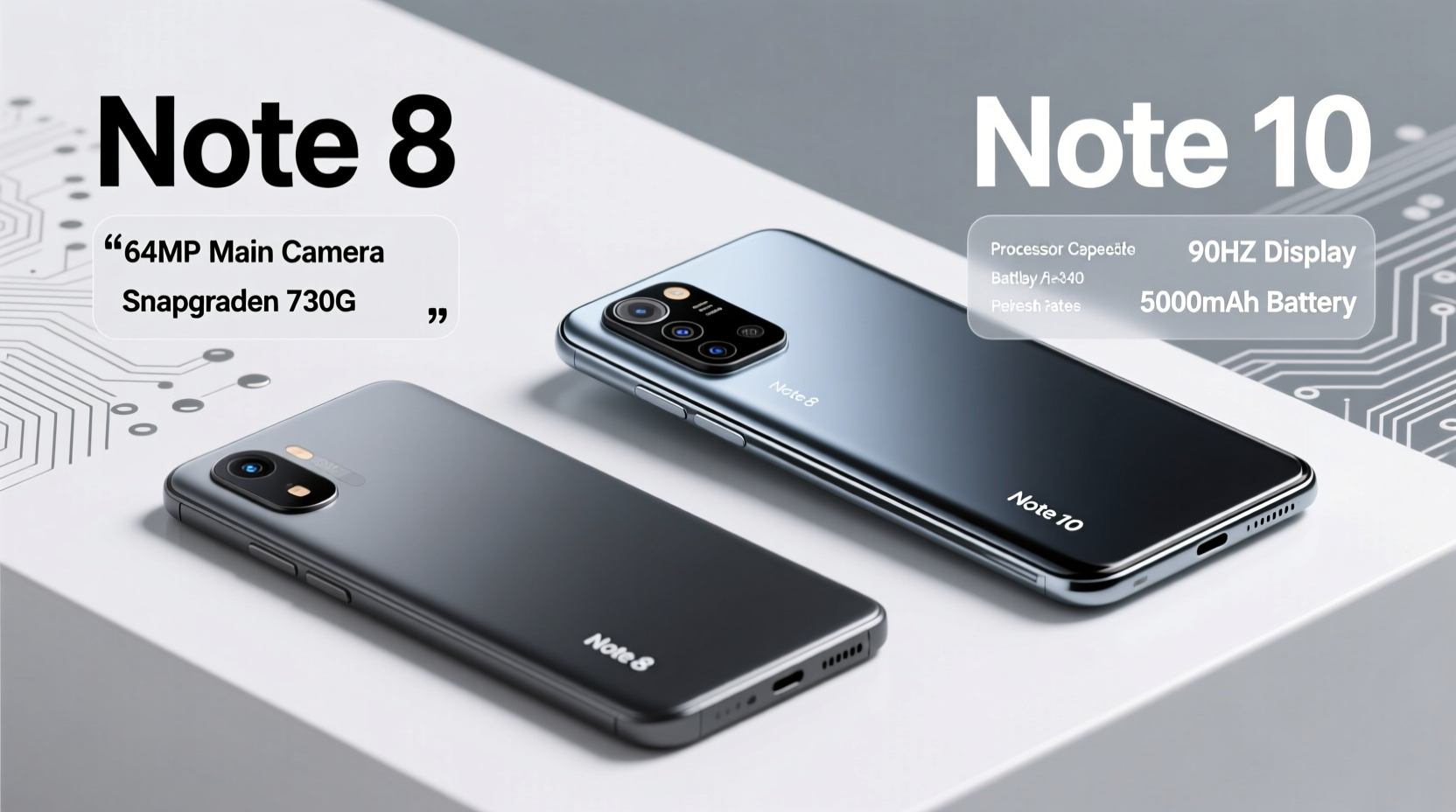
The Galaxy Note 8 featured a classic Samsung design language with thick bezels, a physical home button, and a fingerprint sensor awkwardly placed beside the camera. In contrast, the Note 10 embraced minimalism with a nearly bezel-less Infinity-O display, a punch-hole front camera, and a sleeker, more ergonomic body. The result is not just aesthetically superior but also more immersive for media consumption and multitasking.
The Note 10 dropped the headphone jack—a controversial move at the time—signaling Samsung’s push toward wireless audio ecosystems. It also introduced a flatter back panel, making it easier to handle one-handed despite similar screen sizes (6.3 inches on Note 10 vs 6.3-inch curved on Note 8).
Performance and Software: Future-Proofing Your Device
Under the hood, the difference is stark. The Note 8 ran on either the Exynos 8895 or Snapdragon 835, depending on region—both capable in their time but now outdated. The Note 10 upgraded to the Exynos 9825 or Snapdragon 855, offering around 30–40% better CPU performance and significantly improved GPU efficiency.
This translates to smoother app launches, faster multitasking, and better longevity when running newer versions of Android. The Note 10 launched with Android 9 but received updates up to Android 12 and One UI 4.0, whereas the Note 8 stopped at Android 9 with security patches ending years ago.
“Upgrading isn’t just about speed—it’s about staying secure and compatible with future apps.” — David Lin, Mobile Systems Analyst
Security is a critical factor. Without regular OS or security updates, the Note 8 is increasingly vulnerable to exploits, especially when downloading apps or browsing on public Wi-Fi. The Note 10 offers peace of mind with ongoing support cycles that protect user data more effectively.
Camera Comparison: From Great to Professional-Grade
The Note 8 set a high bar with its dual 12MP rear cameras (wide + telephoto), delivering excellent low-light shots and reliable optical zoom. However, the Note 10 expanded this system significantly, adding a third depth sensor and replacing the telephoto lens with a variable aperture option on some models (Note 10+).
| Feature | Note 8 | Note 10 |
|---|---|---|
| Rear Cameras | Dual 12MP (f/1.7 + f/2.4) | Triple: 12MP (f/1.5-2.4) + 12MP (f/2.1) + VGA Depth |
| Front Camera | 8MP (f/1.7) | 10MP (f/2.2) |
| Video Recording | 4K @ 30fps | 4K @ 60fps, HDR10+ |
| Spatial Audio Recording | No | Yes (with mic directional focus) |
| Zoom Capability | 2x Optical | 2x Optical, up to 10x Digital |
The addition of Live Focus video, enhanced portrait mode, and AI-powered scene optimization gives the Note 10 a clear edge. For content creators or frequent travelers, these upgrades are tangible—not just marketing gimmicks.
Real Example: Travel Photographer's Experience
Take Sarah Kim, a freelance photographer who used her Note 8 for five years. She upgraded to the Note 10 primarily for better handheld video stability during city tours. “I noticed immediately how much cleaner my footage looked,” she said. “The ability to record in 4K at 60fps without jitter made editing so much easier. Plus, the new S Pen gestures let me control playback remotely—something I didn’t know I needed until I had it.”
S Pen Evolution: More Than Just a Stylus
The S Pen has always been the heart of the Note series. On the Note 8, it offered basic air commands like scrolling and taking screenshots. The Note 10 transformed it into a gesture-controlled remote. With Bluetooth LE integration, users can use the pen to play/pause videos, control camera shutters, or navigate presentations—all from a distance.
- Remote shutter control for photos and videos
- Air actions for volume, playback, and slideshow navigation
- Improved latency (down to 42ms from ~50ms)
- Fine-tuned handwriting-to-text conversion
If you use your phone for presentations, sketching, or note-taking, this evolution alone could justify the upgrade. The precision and responsiveness of the Note 10’s S Pen feel like a natural extension of your hand.
Should You Upgrade? A Practical Checklist
Before making the jump, ask yourself the following questions. Answer honestly to determine if the upgrade aligns with your needs.
- Are you experiencing slow app loading or frequent crashes?
- Do you want better photo and video quality, especially in low light?
- Have you run out of storage and can’t expand easily?
- Do you miss features like facial recognition, in-display fingerprint, or wireless power sharing?
- Are you concerned about security due to lack of software updates?
- Do you actively use the S Pen beyond basic notes?
If you answered “yes” to three or more, the Note 10 (or even a newer model) likely offers meaningful improvements. If your current device meets all your needs and you’re not frustrated by limitations, hold off—especially since both phones are now discontinued and only available secondhand.
FAQ: Common Questions About the Upgrade
Can the Note 10 still receive software updates?
No major OS updates are expected as Samsung provided four years of support ending in 2023. However, some regions may still receive occasional security patches. It’s no longer officially supported, but remains stable for daily use.
Is the battery life better on the Note 10?
The Note 8 has a slightly larger battery (3300mAh vs 3500mAh on Note 10+, but only 3000mAh on base Note 10). Despite smaller capacity, the Note 10+ benefits from more efficient processors and adaptive refresh rates, resulting in comparable or slightly better endurance under mixed use.
Will my Note 8 accessories work with the Note 10?
Most cases won’t fit due to different dimensions and camera layouts. Wireless charging pads and Dex-compatible docks are cross-compatible, but stylus tips are interchangeable only within the same generation family.
Final Verdict: When the Upgrade Makes Sense
Upgrading from the Note 8 to the Note 10 isn’t essential for everyone. If you're satisfied with your current device’s performance and don’t need advanced camera features, extended software support, or modern biometrics, sticking with the Note 8 is perfectly reasonable—especially if you're planning to eventually move to a newer model like the S23 Ultra or Fold series.
However, if you value fluid performance, enhanced photography, stronger security, and a more modern interface, the Note 10 delivers a noticeable improvement across the board. Its design feels current even years later, and the smarter S Pen adds functionality that turns casual use into professional utility.
Ultimately, technology should serve your lifestyle—not the other way around. An upgrade is worth it not because a new gadget exists, but because it meaningfully enhances how you work, create, and connect.




 浙公网安备
33010002000092号
浙公网安备
33010002000092号 浙B2-20120091-4
Comments
No comments yet. Why don't you start the discussion?