
When it comes to watching fast-paced sports—whether it’s a Premier League match, an NBA playoff game, or Formula 1 racing—the quality of motion handling can make or break the viewing experience. A TV that blurs during quick camera pans or player movements distracts from the action and diminishes immersion. Two dominant display technologies dominate today’s premium TV market: OLED and QLED. While both deliver stunning visuals, their approach to motion clarity differs significantly. Understanding these differences is essential for anyone prioritizing smooth, crisp motion in sports content.
Understanding Motion Handling in Modern TVs
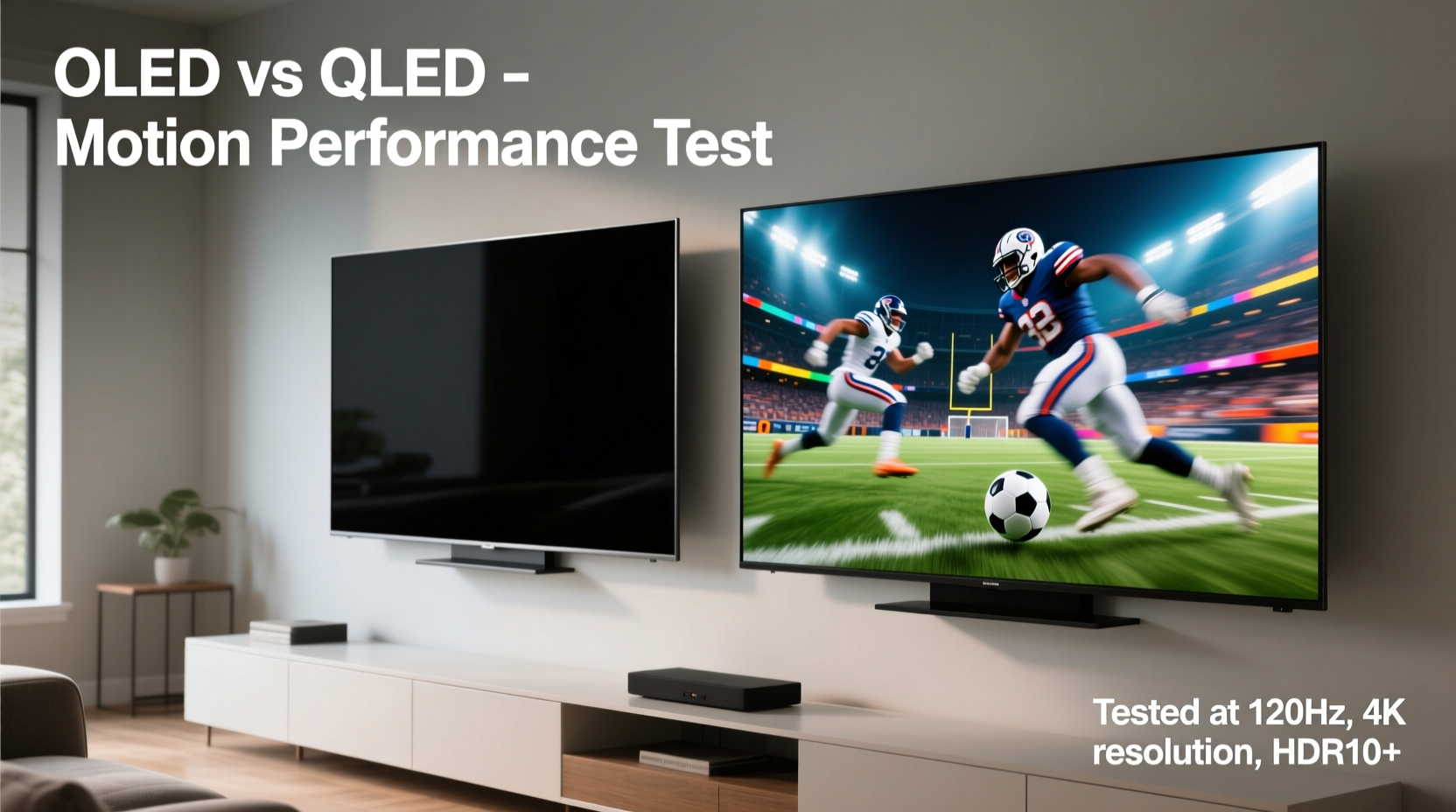
Motion handling refers to how well a display renders fast-moving images without introducing blur, judder, or artifacts like motion trails. Several technical factors contribute to this:
- Response time: How quickly a pixel changes color. Faster response times reduce ghosting.
- Refresh rate: Measured in Hz (e.g., 60Hz, 120Hz), this indicates how many frames per second the screen can display.
- Motion interpolation: Software-based frame insertion (often called “motion smoothing”) that attempts to fill gaps between frames.
- Input lag: The delay between signal input and on-screen response—critical for live sports responsiveness.
OLED and QLED TVs differ fundamentally in how they manage these elements, leading to distinct performance profiles when displaying high-speed content.
How OLED Technology Handles Motion
OLED (Organic Light-Emitting Diode) panels are self-emissive, meaning each pixel produces its own light and can turn completely off when displaying black. This design enables near-instantaneous response times—typically under 0.1 milliseconds—far faster than any LCD-based technology.
This ultra-fast pixel transition virtually eliminates motion blur caused by slow pixel response. In practical terms, when a football zips across the screen or a tennis player dashes side-to-side, OLED maintains sharp edges and clean transitions between frames. There's little to no smearing or trailing behind moving objects.
Additionally, most high-end OLED models now support 120Hz native refresh rates, especially those branded as \"Gaming TVs\" or equipped with HDMI 2.1. When combined with variable refresh rate (VRR) and auto low latency mode (ALLM), these features enhance not only gaming but also live broadcast smoothness, particularly if the source supports higher frame rates.
“OLED’s per-pixel illumination gives it a natural edge in motion clarity. For sports fans who value realism and detail during rapid action, it remains the gold standard.” — David Chen, Senior Display Analyst at TechVision Labs
QLED’s Approach to Fast Motion
QLED (Quantum-dot Light Emitting Diode), developed primarily by Samsung, is an advanced form of LCD/LED technology. It uses a quantum dot layer to enhance brightness and color volume but still relies on a backlight—either edge-lit or full-array local dimming (FALD).
Because QLEDs are based on liquid crystal pixels, their response times are inherently slower than OLEDs, typically ranging from 2ms to 8ms depending on model and settings. While modern QLEDs have improved dramatically, they remain more prone to motion blur, especially in darker scenes where blooming or haloing around bright objects can compound perceived smearing.
To compensate, manufacturers employ aggressive motion processing algorithms such as Samsung’s Auto Motion Plus or Sony’s MotionFlow. These systems use frame interpolation to insert artificial frames between real ones, attempting to simulate smoother motion. However, this often results in the so-called “soap opera effect”—a hyper-smooth, unnatural look that many viewers find distracting, particularly in cinematic or sports content.
Comparative Performance: OLED vs QLED in Real Sports Viewing
To assess which technology performs better for sports, consider real-world scenarios involving camera movement, object speed, and lighting conditions.
Case Study: Live Football Broadcast
A viewer watches a live NFL game on two setups: a LG C3 OLED and a Samsung QN90B QLED, both set to default sports modes and connected via HDMI 2.1 sources where available.
During wide-angle shots of players sprinting downfield, the OLED maintains consistent edge definition. Even during rapid zoom-outs and pans, there’s minimal blur. The QLED, while bright and vibrant, shows slight trailing behind helmets and jerseys, particularly noticeable in shadowed areas beneath stadium lights. When motion enhancement is enabled, the QLED reduces blur but introduces unnatural fluidity that makes the footage feel less authentic.
In close-ups and replays, the OLED’s deeper blacks allow better contrast between players and background stands, helping the eye track fast lateral movements. The QLED struggles slightly due to light bloom around illuminated signs and scoreboards, momentarily obscuring nearby action.
Brightness and Visibility in Daylight Viewing
One area where QLED excels is peak brightness. High-end QLED models can reach up to 2,000 nits or more, making them ideal for brightly lit rooms. During daytime sports events like golf tournaments or outdoor tennis matches, the extra luminance helps maintain visibility without glare washing out details.
OLEDs, while capable of excellent contrast, max out around 800–1,000 nits in HDR highlights. In very bright environments, this can lead to reduced impact in sunlit scenes. However, their superior viewing angles mean multiple fans sitting off-center still see consistent color and contrast—unlike QLEDs, which may shift in tone or lose uniformity when viewed from the side.
Side-by-Side Comparison Table
| Feature | OLED | QLED |
|---|---|---|
| Native Response Time | < 0.1 ms | 2–8 ms |
| Typical Refresh Rate | 120Hz (native) | 60Hz or 120Hz (some models) |
| Motion Blur Resistance | Excellent (minimal blur) | Good (with processing), moderate without |
| Peak Brightness (HDR) | ~800–1000 nits | 1500–2000+ nits |
| Viewing Angles | Excellent (consistent color at angles) | Fair to good (color shift off-axis) |
| Motion Smoothing Artifacts | Rarely needed; subtle when used | Common; can cause “soap opera effect”|
| Best For | Dark rooms, critical motion clarity, cinematic feel | Bright rooms, vivid colors, large-screen impact |
Actionable Tips for Optimizing Sports Viewing
- Use the right picture mode: Choose “Sports,” “Cinema,” or “Filmmaker” over “Vivid” to avoid oversharpening and excessive motion processing.
- Adjust motion settings manually: On QLED, disable or lower “Auto Motion Plus.” On OLED, enable “TruMotion” only if needed and keep levels low.
- Ensure proper signal input: Use HDMI 2.1 ports for 4K/120fps content when available. Check your streaming service or cable box output settings.
- Minimize ambient light reflections: Position the TV away from direct sunlight or install blackout curtains to preserve contrast, especially for OLED.
- Update firmware regularly: Manufacturers often release updates that improve motion handling and reduce stutter in new content formats.
Checklist: Choosing the Right TV for Sports
- ✅ Confirm the TV has a 120Hz panel (not just “effective” refresh rate).
- ✅ Test motion clarity in-store or through return policies—watch fast pans in sports demos.
- ✅ Prioritize low input lag (<20ms) for live responsiveness.
- ✅ Evaluate room lighting—bright rooms favor QLED; dark or controlled lighting favors OLED.
- ✅ Check for HDMI 2.1 and VRR support, even if not gaming—these enhance motion stability.
- ✅ Read expert reviews focusing on motion tests (e.g., RTINGS.com motion slideshows).
Frequently Asked Questions
Does OLED burn-in affect sports viewing?
While OLEDs are susceptible to burn-in with static elements (like persistent scorebugs or logos), modern models include pixel refreshers, logo dimming, and screen shift features that mitigate risk. Watching varied sports content rarely causes permanent damage, but avoid leaving paused screens or news channels with fixed graphics for hours daily.
Can QLED ever match OLED in motion clarity?
Not at the pixel level. Due to inherent LCD limitations, QLED cannot achieve OLED’s instantaneous response times. However, through advanced motion interpolation and high brightness, top-tier QLEDs can deliver acceptable motion performance—especially for casual viewers who prioritize vibrancy over absolute precision.
Is 120Hz necessary for sports?
It depends on content availability. Most live broadcasts remain at 60fps, but platforms like YouTube, select gaming streams, and future ATSC 3.0 broadcasts may offer higher frame rates. A 120Hz panel ensures readiness for evolving standards and improves motion fluidity even with interpolated content.
Final Recommendation: Which Is Better for Sports?
For pure motion handling—sharpness, clarity, and absence of blur—OLED holds a clear advantage. Its sub-millisecond response time and perfect blacks create a more lifelike representation of fast action. Viewers seated in dimmer living rooms or home theaters will appreciate the depth and precision OLED brings to every play.
However, QLED remains a compelling option for those in bright environments or seeking larger screen sizes at lower price points. With careful calibration of motion settings and leveraging its superior brightness, a high-end QLED can still deliver an engaging sports experience—just not with the same level of refinement.
The decision ultimately hinges on viewing context. If you watch evening games in a dedicated media room, OLED is the superior choice. If your TV sits in a sunlit family space and you value loud, bold visuals over subtle motion fidelity, QLED deserves serious consideration.
Conclusion: Make Your Next Game Night Unforgettable
Selecting the right TV isn’t just about size or brand—it’s about matching technology to how you watch. For sports enthusiasts who demand crisp, blur-free motion and deep immersion, OLED sets a benchmark that’s hard to surpass. But innovation continues, and QLED improvements suggest healthy competition ahead.
Before buying, test both types with actual sports footage. Bring a clip of a fast-paced game on USB if possible. Observe how jersey numbers stay sharp during sprints, how cleanly the ball separates from the background, and whether the image feels natural or artificially smoothed.




 浙公网安备
33010002000092号
浙公网安备
33010002000092号 浙B2-20120091-4
Comments
No comments yet. Why don't you start the discussion?