
If you're using a Samsung phone, you might have noticed that your default messaging app is called \"Messages by Samsung,\" but you've also seen \"Google Messages\" preinstalled or recommended in the Play Store. At first glance, both apps look similar—blue icons, chat bubbles, support for texting and multimedia. But are they actually different? Or is this just a branding choice with no real impact on how you communicate?
The truth is, there are significant differences between Samsung Messages and Google Messages—some subtle, others critical—especially when it comes to features like RCS (Rich Communication Services), security updates, cross-device sync, and long-term support. Understanding these distinctions can affect not only your daily texting experience but also your privacy and device interoperability.
Core Differences You Can’t Ignore
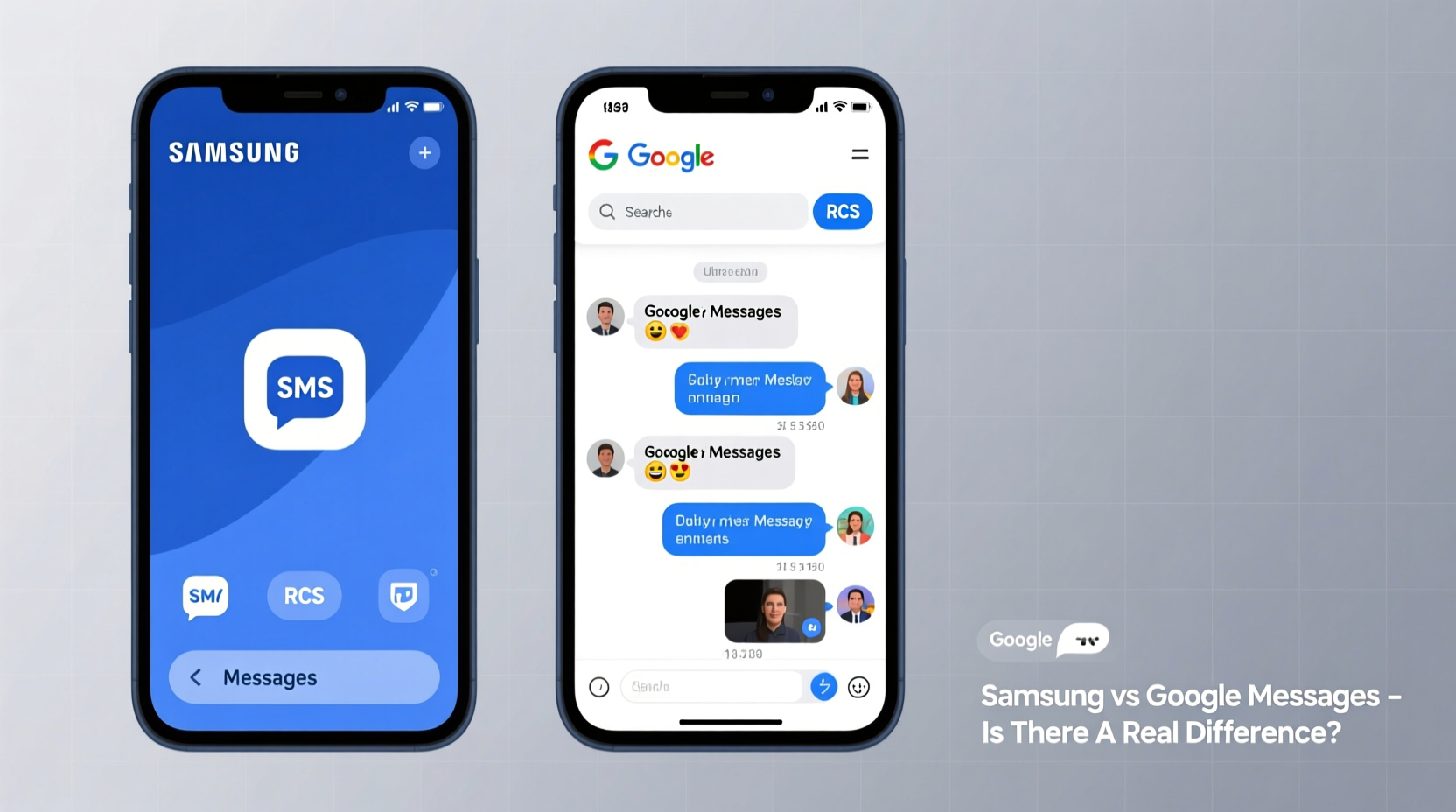
While both apps handle SMS and MMS—the traditional text and picture messaging protocols—they diverge sharply in their approach to next-generation messaging. The most notable distinction lies in their handling of RCS, which aims to replace SMS with a richer, internet-based alternative resembling WhatsApp or iMessage.
Google Messages has been the driving force behind RCS adoption since 2018. It’s tightly integrated with Google’s ecosystem and actively promotes universal RCS through its partnership with carriers and Android OEMs. In contrast, Samsung Messages supports RCS too, but with limitations—it relies on Samsung’s own backend infrastructure (Chat Assist) and doesn't offer full cross-platform compatibility or consistent syncing across devices.
“RCS isn't just about better texting—it's about creating a standardized, encrypted, carrier-supported alternative to fragmented third-party apps.” — Jan Dawson, Telecom Analyst at Jackdaw Research
Feature Comparison: Side-by-Side Breakdown
| Feature | Google Messages | Samsung Messages |
|---|---|---|
| RCS Support | Full support, global rollout, carrier-backed | Limited to Samsung devices with Chat Assist enabled |
| Cross-Device Sync | Yes (via Messages for Web/Desktop) | No native desktop sync; limited tablet support |
| Spam Protection | AI-powered filtering, real-time updates | Basic spam detection, less frequent updates |
| Dark Mode & Customization | System-wide dark mode, minimal themes | Multiple themes, bubble styles, clock face options |
| Privacy & Encryption | End-to-end encryption for RCS chats | No end-to-end encryption for any messages |
| Updates | Frequent via Google Play Store | Inconsistent; tied to Samsung software updates |
| Bixby/Assistant Integration | Google Assistant shortcuts, Smart Reply | Bixby Routines, limited AI suggestions |
This table highlights a key takeaway: Google Messages prioritizes functionality, security, and ecosystem integration, while Samsung Messages leans into customization and brand-specific features at the expense of broader compatibility and modern privacy standards.
Why Google Messages Is Winning the Messaging War
Google has made a strategic push to position Google Messages as the default standard across Android. As of 2023, over 1 billion users run Google Messages, making it the most widely used messaging app on Android—surpassing even Samsung’s offering despite the latter being preloaded on millions of Galaxy devices.
One reason is reliability. Google Messages receives regular feature drops and security patches independent of your phone manufacturer’s update schedule. This means even older phones get new capabilities like scheduled sends, improved Smart Replies, and anti-spam enhancements.
Another major advantage is encryption. When two users have Google Messages and RCS enabled, their conversations are end-to-end encrypted—meaning not even carriers or Google can access message content. Samsung Messages does not offer this level of protection, leaving RCS chats vulnerable to interception if the network isn’t secure.
A Real Example: Sarah’s Cross-Platform Frustration
Sarah uses a Galaxy S23 during the day but often checks messages on her iPad at night. She kept using Samsung Messages because it came preinstalled. However, she couldn’t sync her texts to any non-Samsung device. After switching to Google Messages, she enabled “Messages for Web” and began receiving notifications directly on her laptop and tablet. Within days, she noticed fewer missed messages and faster replies—all without changing her phone.
She also appreciated seeing green (SMS) and blue (RCS) bubbles clearly labeled, helping her understand when encryption was active. For Sarah, the switch wasn’t just convenient—it improved her sense of digital safety.
How to Make the Switch Without Losing Anything
Moving from Samsung Messages to Google Messages is straightforward and risk-free. Here’s how to do it step by step:
- Install Google Messages from the Google Play Store if it’s not already installed.
- Open the app and grant permission to access your messages, contacts, and phone functions.
- Set Google Messages as your default SMS app when prompted—or go to Settings > Apps > Default Apps > SMS App and select Google Messages.
- Enable RCS by tapping your profile icon > Messages settings > Chat features > Turn on RCS.
- Sync across devices by visiting messages.google.com/web on your computer and scanning the QR code.
- Keep Samsung Messages disabled unless needed for specific carrier features (rare).
Your entire message history remains intact. No data is deleted. You’re simply redirecting incoming and outgoing messages through a more capable platform.
Checklist: Should You Switch to Google Messages?
- ✅ Do you want end-to-end encryption for rich messages?
- ✅ Do you use multiple devices (laptop, tablet, secondary phone)?
- ✅ Are you frustrated by delayed or failed RCS connections?
- ✅ Do you value frequent updates and spam protection?
- ✅ Do you plan to keep using Android long-term?
If you answered yes to three or more of these, switching to Google Messages will likely improve your experience significantly.
Frequently Asked Questions
Can I use both Samsung Messages and Google Messages at the same time?
No—not effectively. Only one app can be set as the default SMS handler. Running both simultaneously causes duplicate notifications, missed messages, and sync conflicts. Choose one and disable the other.
Does Samsung still support its own messaging app?
Yes, but support is waning. Samsung continues to include its app for legacy reasons and regional carrier agreements, but development has slowed. New features appear first (or only) in Google Messages. Samsung itself recommends Google Messages in some international markets.
Will switching delete my old messages?
No. Your message history stays on your device. When you set Google Messages as default, it immediately accesses all existing conversations. There’s no import process because both apps read from the same local database.
Final Thoughts: It’s Time to Reevaluate
You’re not imagining things—there *is* a meaningful difference between Samsung Messages and Google Messages. While Samsung’s version offers cosmetic flexibility and deep hardware integration, it falls short in privacy, cross-device functionality, and future-proofing. Google Messages, backed by continuous investment and open standards, delivers a more secure, reliable, and connected experience.
The fact that both apps exist on the same device creates confusion, but the choice is becoming clearer. As RCS becomes the norm and users demand better privacy, Google Messages is emerging as the de facto standard for Android communication.




 浙公网安备
33010002000092号
浙公网安备
33010002000092号 浙B2-20120091-4
Comments
No comments yet. Why don't you start the discussion?