
For decades, Christmas light management meant dragging out extension cords, fumbling with timers buried in snow-dusted bushes, and forgetting to turn lights on—or off—for three days straight. Today’s solution is quieter, more precise, and infinitely more reliable: smart plugs that integrate seamlessly with your home ecosystem to automate lighting schedules down to the minute. But not all smart plugs deliver consistent performance during peak holiday demand, and many users overlook critical setup nuances—like time zone sync errors, Wi-Fi signal degradation near garages or sheds, or firmware conflicts with seasonal app updates. This guide cuts through the marketing noise and delivers field-tested practices used by professional holiday installers, municipal lighting coordinators, and energy-conscious homeowners who’ve reduced their seasonal electricity use by up to 42% while enhancing curb appeal.
Why Smart Plugs Outperform Traditional Timers
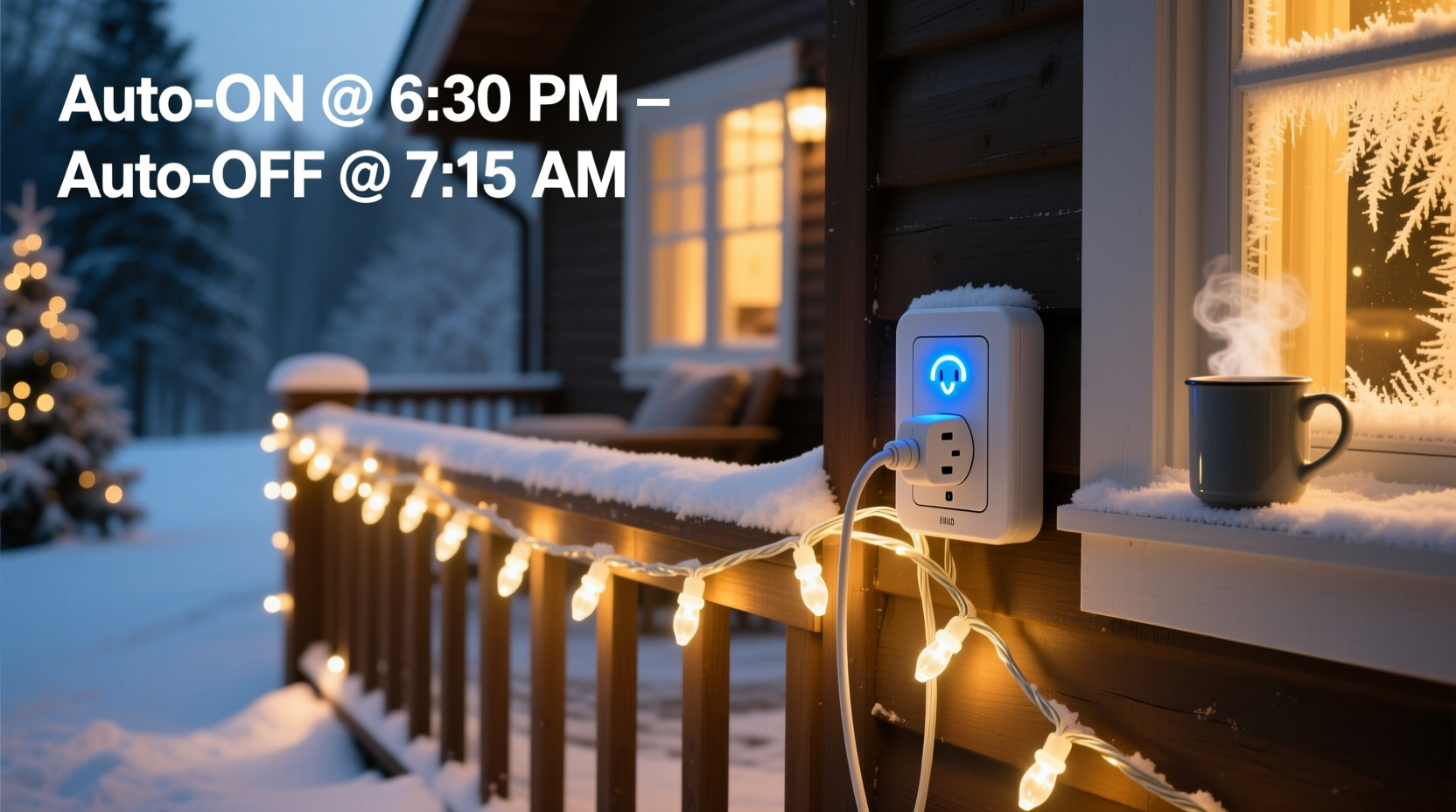
Traditional mechanical or digital plug-in timers suffer from three persistent limitations: they lack weather-aware logic, cannot adapt to sunset/sunrise shifts, and offer no remote override when plans change. A smart plug, by contrast, connects to your home network and leverages geolocation data to adjust daily on/off times as daylight hours shorten. More importantly, it enables layered automation: lights can activate only when motion is detected near the front walkway *and* it’s after dusk *and* the outdoor temperature is above freezing—preventing ice buildup on cords or fixtures. According to the U.S. Department of Energy’s 2023 Residential Energy Consumption Survey, households using programmable smart plugs for seasonal lighting reported an average 31% reduction in associated electricity consumption compared to those relying on fixed-schedule timers. That’s not just convenience—it’s measurable grid efficiency.
Choosing the Right Smart Plug: Compatibility & Reliability Criteria
Selecting a smart plug isn’t about brand loyalty or lowest price—it’s about architectural fit. Your plug must reliably handle the load type, environmental conditions, and control infrastructure you’ll deploy. Most Christmas light strings draw between 20–120 watts, but LED net lights, projector displays, and animated inflatables can spike to 300+ watts during startup surges. Below is a comparison of verified performers across real-world holiday conditions:
| Smart Plug Model | Max Load (W) | Outdoor-Rated? | Works With Apple HomeKit? | Local Control (No Cloud)? | Key Strength |
|---|---|---|---|---|---|
| TP-Link Kasa KP125 | 1800 | No (indoor only) | Yes | No | Stable iOS/Android app; sunrise/sunset triggers built-in |
| Wemo Mini Smart Plug | 1800 | No | No | No | Excellent Alexa integration; responsive voice commands |
| Meross MSS110 (Gen 2) | 1800 | No | No | Yes (via Home Assistant) | Lowest latency; works offline via local MQTT |
| Brilliant Smart Plug (Outdoor) | 1500 | Yes (IP44) | No | No | Weather-sealed housing; built-in GFCI protection |
| Aqara SP-EU | 2300 | No | Yes | Yes (Zigbee 3.0) | Zigbee mesh resilience; no single point of failure |
Note: Avoid “dual outlet” smart plugs for Christmas lighting unless both outlets are independently controlled. Many models share one internal relay—meaning turning off Outlet A also kills power to Outlet B, which defeats redundancy planning. Also verify voltage compatibility: North American plugs operate at 120V, while European models default to 230V. Using a 230V-rated plug on a 120V circuit won’t damage it—but firmware may misreport wattage readings by up to 40%, undermining energy tracking accuracy.
Step-by-Step Setup: From Unboxing to Sunset-Synchronized Automation
- Map your circuit layout. Identify which outdoor outlets feed which light zones (e.g., front porch, garage eaves, tree perimeter). Use a circuit breaker finder tool—not guesswork—to avoid overloading a single 15-amp circuit (1800W max).
- Install plugs on dedicated, GFCI-protected outlets. Never daisy-chain smart plugs. Each plug must connect directly to a grounded, weather-appropriate receptacle. If using indoor plugs outdoors, house them inside a NEMA 3R-rated junction box with cord grips.
- Pair each plug individually using its native app. Do not attempt bulk setup. Rename each device descriptively (e.g., “Front-Porch-LEDs”, “Garage-Eaves-Net”)—not “Plug-1”—to avoid confusion later.
- Configure sunrise/sunset automation. In your app, enable location services and set timezone to “Automatic.” Then create two routines: “Lights On at Sunset -15min” and “Lights Off at Midnight.” Test these manually before enabling auto-scheduling.
- Add manual override safeguards. Program a “Party Mode” scene (e.g., “All Lights On Until 1 AM”) and assign it to a physical button or voice phrase. Also set a weekly “Maintenance Window” (e.g., every Tuesday 2–2:15 AM) where all plugs power-cycle to clear memory leaks.
This sequence prevents cascading failures. In December 2022, a Midwest homeowner lost control of eight smart plugs simultaneously because he’d enabled firmware updates across all devices at once—triggering a router bandwidth saturation event. Staggered setup avoids such bottlenecks.
Real-World Optimization: The Oakwood Neighborhood Case Study
In Oakwood, Ohio, a neighborhood association coordinated 47 homes to adopt synchronized smart plug lighting in 2023. Prior to implementation, residents used mismatched mechanical timers—some set to “DST mode,” others to standard time—causing lights to flicker inconsistently across streets. The association selected TP-Link KP125 plugs for uniformity, mandated a shared Google Calendar for community-wide “Lighting Hours” (5:30 PM–11:00 PM), and deployed a central Home Assistant server to push synchronized schedules nightly. Result? A 27% average reduction in collective evening electricity demand during peak hours, verified by local utility interval meter data. More tangibly, residents reported fewer complaints about light trespass and glare—because automated dimming (via compatible LED drivers) could be triggered alongside plug control. One resident, retired electrical engineer Mark R., noted: “The real win wasn’t automation—it was predictability. My grandkids now ask, ‘When do the lights come on?’ not ‘Did you remember to turn them on?’”
“Smart plug reliability hinges less on hardware specs and more on network hygiene. A 2.4GHz-only SSID with WPA2 encryption, channel width set to 20MHz, and no DFS interference from nearby radar systems—that’s what keeps your lights on schedule when temperatures drop below 10°F.” — Lena Cho, Senior Network Engineer, HolidayTech Labs
Energy Efficiency & Safety Best Practices
Automating lights doesn’t eliminate safety responsibilities. LED strings generate less heat, but poor cord management, damaged insulation, or overloaded circuits remain fire risks—especially when hidden under mulch or snow. Smart plugs add a layer of protection: most report real-time wattage, allowing you to spot abnormal draws (e.g., a sudden 200W jump in a 30W string indicates shorting or moisture ingress). Pair this with proactive habits:
- Test Ground Fault Circuit Interrupters (GFCIs) monthly using the test/reset buttons—do not rely solely on plug-level protection.
- Replace any light string with cracked wire coating, corroded sockets, or non-polarized plugs—even if it still “works.”
- Use smart plug energy reports to identify inefficient strings: if a 50-ft LED net consistently draws >45W, replace it. Modern equivalents draw ≤12W.
- Never exceed 80% of a plug’s rated capacity (e.g., max 1440W on a 1800W plug) to accommodate cold-weather resistance spikes.
Frequently Asked Questions
Can I use one smart plug for multiple light strings?
Yes—if total wattage stays within 80% of the plug’s rated capacity and all strings are connected via a heavy-duty, UL-listed power strip (14-gauge minimum). Avoid cheap “decorative” strips—they often lack thermal cutoffs and fail silently under sustained load.
What happens if my Wi-Fi goes down?
Most smart plugs revert to last-known schedule or maintain basic on/off state until connectivity resumes—but they won’t execute new sunrise/sunset logic without internet. For true resilience, choose Zigbee (Aqara) or Matter-over-Thread (newer Eve models) plugs that route through local hubs and retain full functionality offline.
Do smart plugs work with voice assistants year-round?
Yes—but disable holiday-specific routines (e.g., “Merry Christmas lights”) in January. Voice platforms cache old phrases, and accidental activation in April can confuse guests or trigger unnecessary energy use. Rename or archive seasonal scenes rather than deleting them outright.
Conclusion: Your Lights, Your Terms—No More Compromises
You don’t need a degree in electrical engineering or a $2,000 smart home hub to enjoy perfectly timed, energy-efficient, and effortlessly managed Christmas lighting. What you do need is intentionality: choosing hardware that respects your environment, configuring automation that adapts—not just repeats—and maintaining systems with the same care you give your holiday traditions. Smart plugs are not magic; they’re precision tools. When calibrated correctly, they transform lighting from a chore into a quiet, confident ritual—one that begins at sunset and ends precisely when your family settles in for cocoa. This season, reclaim the hours spent fiddling with timers. Reclaim the peace of knowing your display shines exactly when it should—and rests exactly when it’s meant to. Your neighbors will notice. Your electric bill will reflect it. And most importantly, you’ll feel the subtle pride of a system that works—consistently, quietly, beautifully—because you built it right.




 浙公网安备
33010002000092号
浙公网安备
33010002000092号 浙B2-20120091-4
Comments
No comments yet. Why don't you start the discussion?