
YouTube is the second-largest search engine in the world and the most powerful platform for video sharing. Whether you're an aspiring creator, educator, entrepreneur, or hobbyist, getting started on YouTube can open doors to audience engagement, brand growth, and even income opportunities. The process of signing up and publishing your first video is straightforward—but knowing the right steps ensures you begin with confidence and clarity.
Create Your Google Account (If You Don’t Have One)
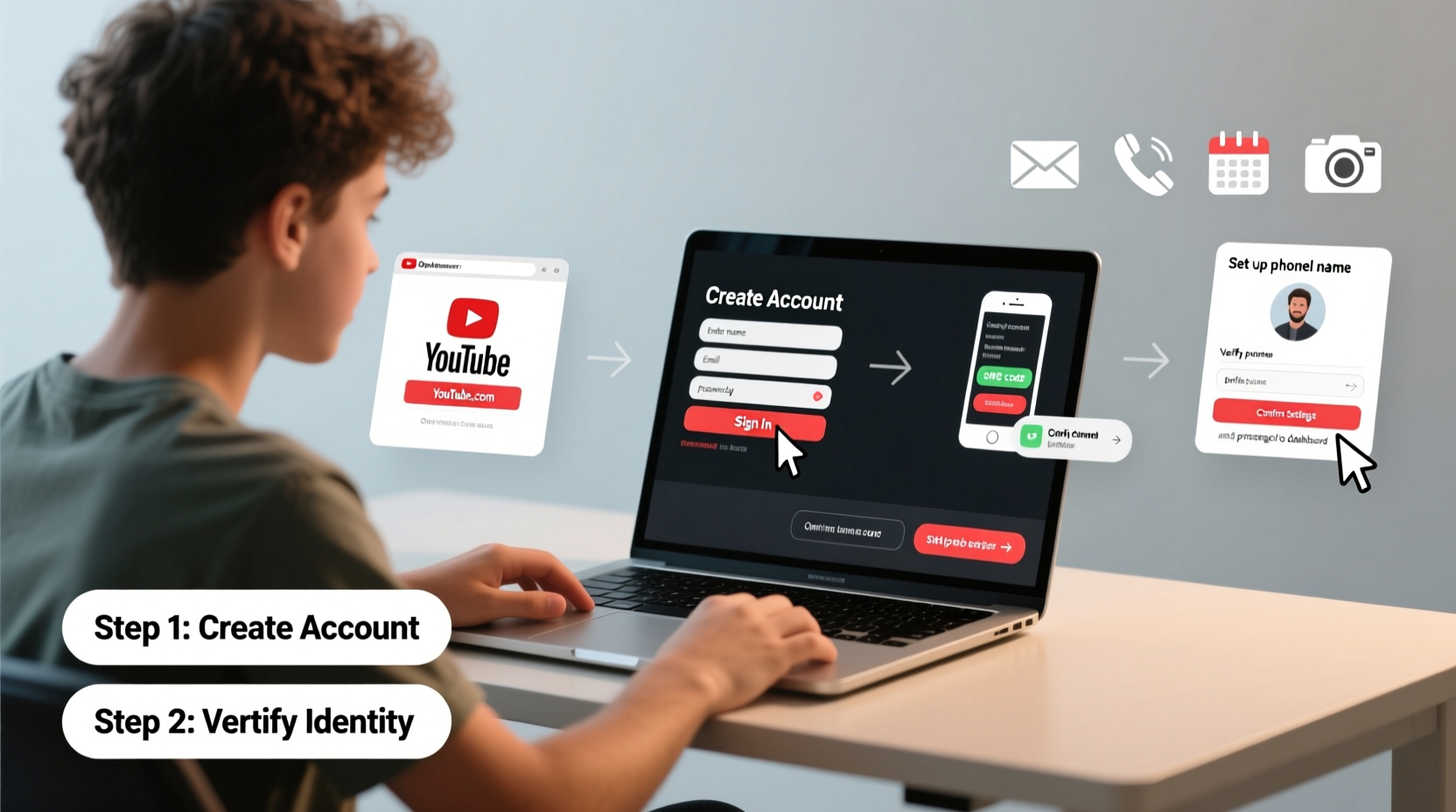
Before accessing YouTube, you need a Google account. This single login gives you access to Gmail, Google Drive, and of course, YouTube. If you already use any Google service, you likely have one. If not, creating it takes less than two minutes.
- Go to accounts.google.com/signup.
- Enter your name, desired email address, and password.
- Verify your phone number when prompted—this adds security and helps recover your account if needed.
- Complete setup by agreeing to Google’s terms of service.
Sign In to YouTube and Create Your Channel
Once your Google account is active, head to youtube.com. Click “Sign In” in the top-right corner and log in with your credentials. After logging in, follow these steps to create your channel:
- In the top-right, click your profile icon and select “Create a channel.”
- You’ll be prompted to choose a channel name. This can be your personal name or a brand identity.
- Click “Create channel.”
Your channel is now live. Even without uploading anything, it exists at youtube.com/@yourchannelname. You can customize it further at any time.
Customize Your Channel for Professional Appeal
A well-branded channel builds trust and recognition. Spend a few minutes refining the following elements:
- Profile Picture: Use a high-resolution image—ideally a logo or clear headshot—that represents you or your brand.
- Banner Image: Upload a custom banner (2560x1440 pixels recommended) that includes key information like upload schedule, social links, or tagline.
- About Section: Write a concise bio explaining who you are, what your channel offers, and why viewers should subscribe.
- Links: Add external links to your website, Instagram, Patreon, or other platforms.
“Your YouTube channel is your digital storefront. First impressions matter—make sure it looks intentional and inviting.” — Sarah Lin, Digital Content Strategist
Upload Your First Video: A Step-by-Step Timeline
Now comes the exciting part: sharing your content. Follow this timeline to ensure a smooth upload process.
| Step | Action | Time Required |
|---|---|---|
| 1 | Prepare your video file (MP4, MOV, AVI) | Varies |
| 2 | Log into YouTube Studio | 1 min |
| 3 | Click “Create” → “Upload videos” | 1 min |
| 4 | Select file from your device | 1–10 min (depends on file size) |
| 5 | Add title, description, tags, thumbnail | 5–10 min |
| 6 | Set visibility (Public, Unlisted, Private) | 1 min |
| 7 | Publish or schedule | 1 min |
While the video uploads, you can fill in metadata. Take care with each field—it directly impacts discoverability.
Optimize Title, Description & Tags
YouTube’s algorithm relies heavily on context. Help it understand your video by including relevant keywords naturally.
- Title: Keep it under 60 characters. Include primary keyword early. Example: “How to Bake Sourdough Bread at Home | Beginner’s Guide”.
- Description: Write at least 150–200 words. Start with a summary, then add timestamps, links, and related resources.
- Tags: Use 5–10 relevant tags. Mix broad and specific ones (e.g., “cooking,” “easy bread recipe,” “no-knead sourdough”).
Choose or Create a Custom Thumbnail
A compelling thumbnail can double your click-through rate. While YouTube generates automatic thumbnails, they rarely stand out.
To upload a custom one:
- During upload, click “Upload thumbnail” below the preview.
- Select an image sized 1280x720 pixels (minimum 640x360).
- Use bold text, high contrast, and expressive faces if applicable.
Design tools like Canva or Adobe Express offer free templates optimized for YouTube thumbnails.
Mini Case Study: From Zero to 10K Subscribers
Jamal, a fitness trainer from Austin, launched his YouTube channel to share home workout routines during the pandemic. He followed the exact steps above: created a clean Google account, branded his channel with a consistent color scheme, and uploaded weekly 10-minute videos using a smartphone and tripod.
His first video—a 7-minute ab workout—gained traction after he used the title “No Equipment Abs Workout at Home (Beginner Friendly)” and added timestamps in the description. Within three months, consistent uploads and keyword optimization helped him reach over 10,000 subscribers organically.
“I didn’t have fancy gear,” Jamal said. “But I focused on solving a problem clearly and making my thumbnails impossible to scroll past.”
Essential Checklist Before Publishing
Before hitting publish, run through this checklist to ensure quality and compliance:
- ✅ Video is stable, well-lit, and has clear audio
- ✅ File format is supported (MP4 preferred)
- ✅ Title includes a primary keyword and is under 60 characters
- ✅ Description explains the video and includes useful links
- ✅ Tags reflect topic and variations of search terms
- ✅ Custom thumbnail is uploaded and visually engaging
- ✅ Visibility is set correctly (Public for launch)
- ✅ Community Guidelines are followed (no copyrighted music or harmful content)
Frequently Asked Questions
Do I need special equipment to start a YouTube channel?
No. Millions of successful creators began with just a smartphone and natural lighting. Focus on content value first—upgrade gear as your audience grows.
Can I change my channel name later?
Yes. Go to YouTube Studio → Customization → Basic Info. You can edit your name up to three times per year, so choose wisely but don’t stress perfection upfront.
Why isn’t my video showing up in search results?
New videos may take several hours or days to appear in search. Ensure your metadata is strong, avoid misleading titles, and promote your video on social media to boost initial engagement—which helps ranking.
Final Steps: Publish, Promote, and Stay Consistent
After publishing your first video, share it thoughtfully. Post it on relevant social platforms, forums, or newsletters—but avoid spamming. Engagement from real interest builds sustainable growth.
Subscribe to similar creators, comment meaningfully, and upload on a predictable schedule. YouTube rewards consistency more than virality.
Remember: every expert creator was once a beginner pressing “Upload” for the first time. What matters isn’t perfection—it’s starting.




 浙公网安备
33010002000092号
浙公网安备
33010002000092号 浙B2-20120091-4
Comments
No comments yet. Why don't you start the discussion?