
Losing your mobile phone to theft is more than just losing a device—it’s a potential breach of your identity, finances, and private life. With smartphones storing everything from banking apps to personal photos, acting quickly after theft is critical. This guide walks you through the exact steps to report the theft, secure your accounts, and minimize damage—so you regain control before it’s too late.
Immediate Actions to Take After Theft
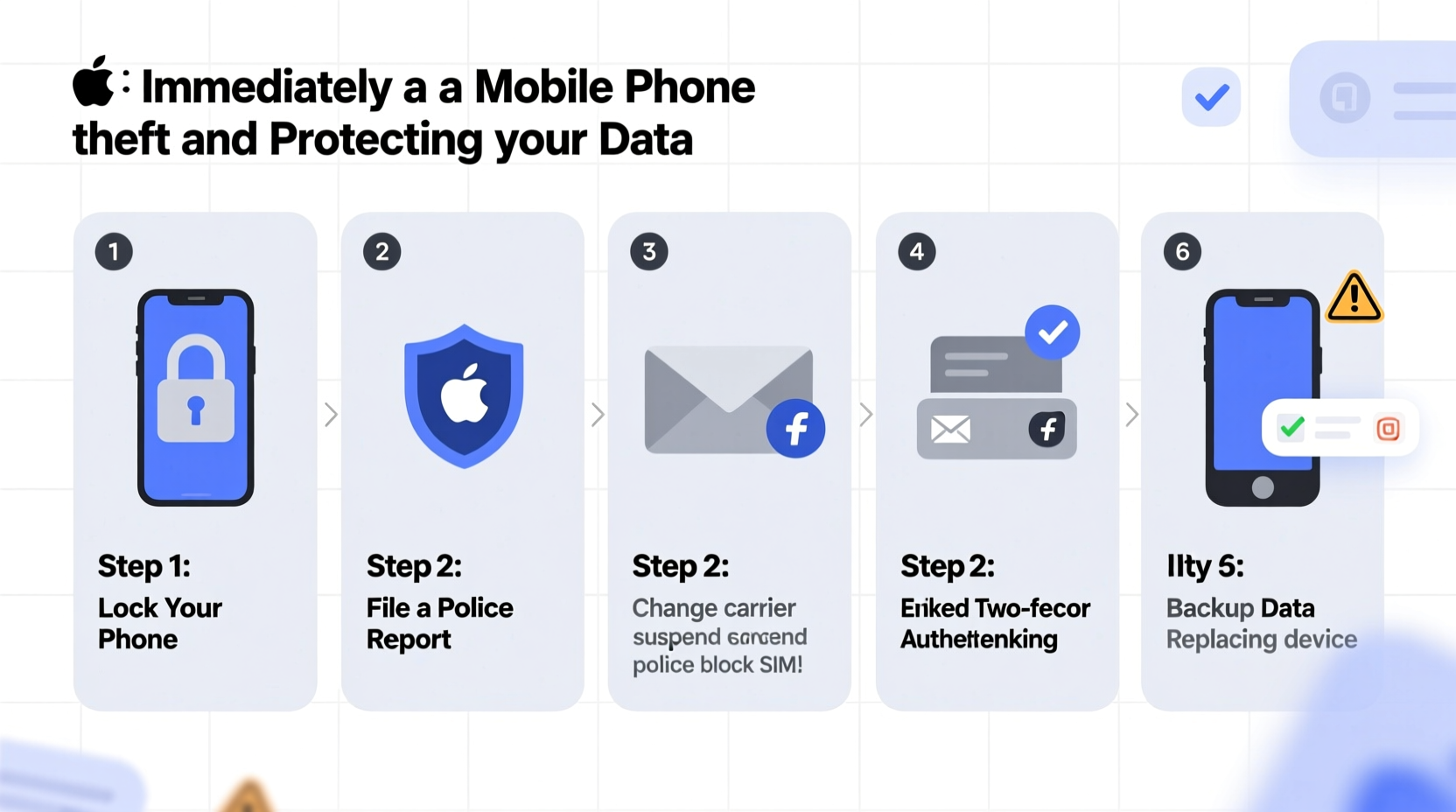
The first 60 minutes after your phone is stolen are the most crucial. Thieves often disable tracking or wipe devices within minutes. Your priority should be securing access and preserving evidence.
- Remotely lock or erase your phone using built-in tools like Find My iPhone (iOS) or Find My Device (Android).
- Change passwords for your email, social media, and banking apps immediately from another device.
- Contact your carrier to suspend service and prevent unauthorized calls or data usage.
- Record the device’s IMEI number—a unique identifier essential for blocking and recovery efforts.
How to Report the Theft to Authorities
Filing a police report increases the chances of recovery and provides documentation needed for insurance claims or carrier assistance.
What You’ll Need Before Filing
- Phone make, model, and color
- IMEI or serial number
- Date, time, and location of theft
- Witness information (if applicable)
- Proof of ownership (receipt, warranty, or box with serial)
Visit your local police station or file online if your jurisdiction allows digital reports. Provide all available details clearly. While not every report leads to recovery, official documentation strengthens your position with insurers and telecom providers.
“Even if officers can’t respond immediately, a formal report creates a legal trail that may assist in recovering your device or disputing fraudulent charges.” — Detective Laura Simmons, Cybercrime Division, Seattle PD
Protecting Your Data: A Step-by-Step Security Plan
Once the phone is gone, focus shifts from recovery to protection. Follow this timeline to safeguard your digital life.
Timeline: First 24 Hours After Theft
| Time | Action | Tool/Service |
|---|---|---|
| 0–15 min | Use remote find/lock/erase | Find My (Apple), Find My Device (Google) |
| 15–30 min | Suspend SIM and service | Carrier customer support |
| 30–60 min | Reset passwords for key accounts | Password manager, 2FA |
| 1–2 hours | Enable two-factor authentication | Authenticator apps, SMS backup |
| Within 24 hours | File police report and notify insurer | Local law enforcement, insurance portal |
After securing immediate access, audit recent activity on your accounts. Check login locations, sent messages, and app permissions. Revoke access to any unrecognized sessions or third-party apps linked to your Google or Apple ID.
Do’s and Don’ts When Handling Phone Theft
Mistakes made in panic can worsen the situation. Use this checklist to avoid common pitfalls.
| Do’s | Don’ts |
|---|---|
| ✔ Lock or erase the device remotely | ✖ Call or text the thief to negotiate |
| ✔ Notify your carrier immediately | ✖ Assume the phone is unrecoverable without trying |
| ✔ Change passwords with 2FA enabled | ✖ Use the same password across multiple accounts |
| ✔ Keep a record of all communications | ✖ Delay filing a police report |
| ✔ Monitor financial statements for fraud | ✖ Click suspicious links claiming to help track your phone |
Real Example: Recovering a Stolen Phone Through Quick Action
In early 2023, Sarah M., a freelance designer in Austin, had her iPhone stolen at a coffee shop. She noticed the loss within 10 minutes. Using her iPad, she logged into iCloud and activated Lost Mode, which displayed her contact number on the lock screen and disabled Apple Pay.
She then called her carrier to block the SIM and filed a police report with the IMEI number. Two days later, a pawn shop employee recognized the phone from a local bulletin and contacted authorities. Because the device was still traceable and marked as lost, police recovered it and returned it to Sarah—intact and unerased.
Her prompt actions prevented data theft and enabled physical recovery. The key? She had previously noted her IMEI and enabled Find My iPhone.
Essential Checklist: What to Do When Your Phone Is Stolen
Print or save this checklist for quick reference in case of emergency:
- ✅ Use Find My iPhone or Find My Device to locate, lock, or erase
- ✅ Note the last known location and timestamp
- ✅ Call your carrier to suspend service and block the IMEI
- ✅ Change passwords for email, banking, social media, and cloud accounts
- ✅ Enable two-factor authentication where possible
- ✅ File a police report with all relevant details
- ✅ Contact your insurer if you have theft coverage
- ✅ Monitor accounts for unusual activity over the next 30 days
- ✅ Remove the lost device from trusted devices in your account settings
- ✅ Update your IMEI record with your carrier for future blocking
Frequently Asked Questions
Can a thief use my phone if I’ve locked it remotely?
While they cannot access your data if the device is properly encrypted and locked, they may still factory reset it and resell it. However, modern systems like Activation Lock (Apple) or Factory Reset Protection (Android) require your account credentials to reactivate, making the device far less valuable.
Will my carrier replace a stolen phone?
Most carriers offer device protection plans that include theft coverage for a deductible. Without such a plan, replacement is typically out-of-pocket. Always check your policy terms and act quickly—many require a police report within 48 hours.
Is it safe to keep using the same accounts after a theft?
Yes, provided you’ve changed passwords, revoked active sessions, and enabled two-factor authentication. Avoid logging in over public Wi-Fi until you’re confident your accounts are secured.
Stay Proactive: Prevention Starts Today
The best way to handle phone theft is to prepare before it happens. Enable location services and remote wipe features now. Set up strong passcodes and biometric locks. Regularly back up your data to iCloud or Google Drive so you don’t lose irreplaceable memories.
Store your IMEI number securely—never on the phone itself. Consider engraving your device with your email or a non-sensitive identifier to aid recovery if found.
Your smartphone is a gateway to your digital identity. Treating it with the same caution as a wallet or passport can prevent catastrophic breaches. By understanding how to respond swiftly and decisively, you protect not just a device, but your entire online life.




 浙公网安备
33010002000092号
浙公网安备
33010002000092号 浙B2-20120091-4
Comments
No comments yet. Why don't you start the discussion?