
The Disney Mickey TWS earbuds blend whimsical design with modern audio convenience, making them a favorite among kids and fans of all ages. But like any wireless earbud, their battery longevity depends heavily on how they’re used and maintained. With proper care, you can significantly extend the lifespan of the battery, avoid premature degradation, and get more value from your investment. This guide dives into practical, science-backed strategies to keep your Disney Mickey earbuds charging efficiently and performing reliably over time.
Understanding Battery Chemistry in TWS Earbuds
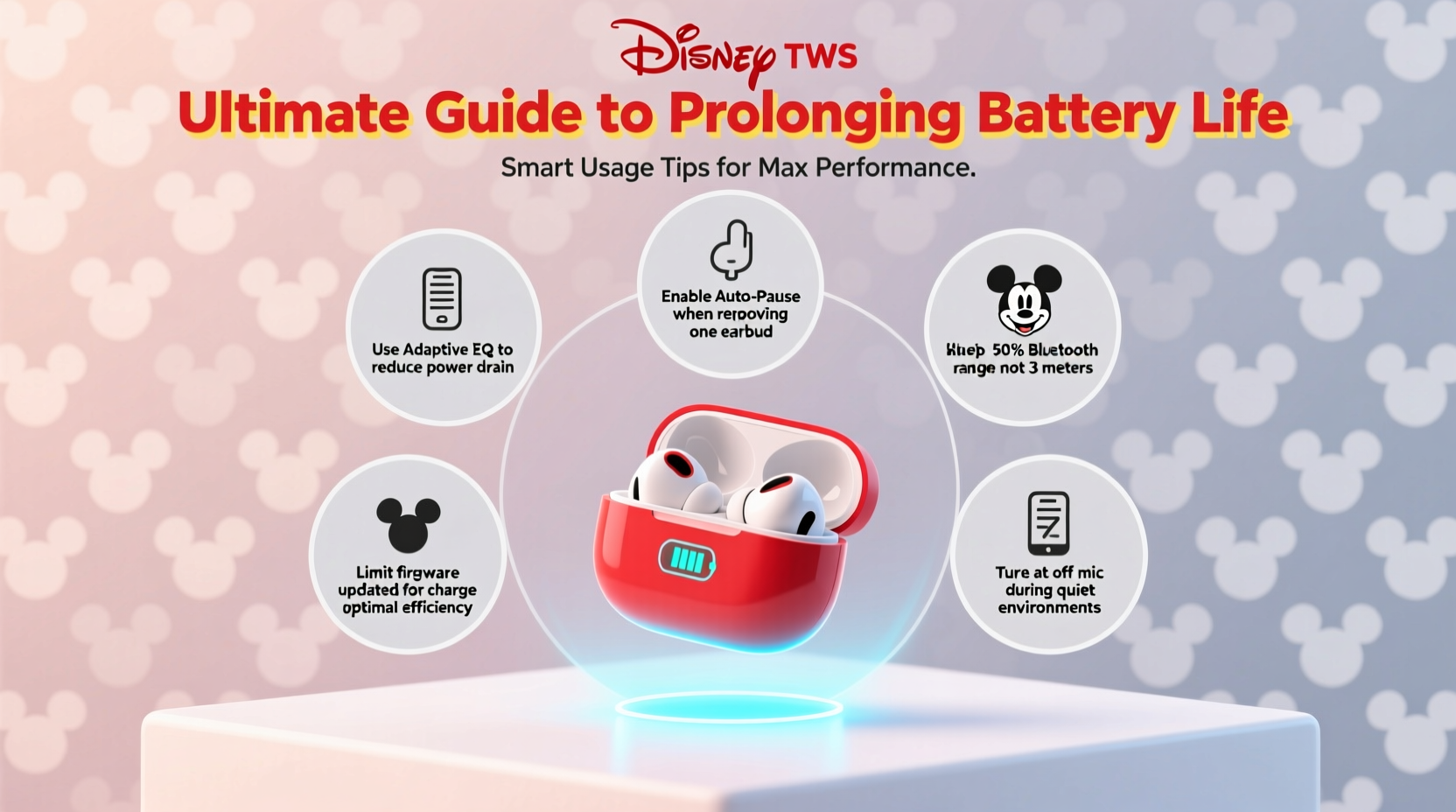
Most true wireless stereo (TWS) earbuds, including the Disney Mickey models, use lithium-ion (Li-ion) batteries. These power cells are known for high energy density and low self-discharge, but they’re also sensitive to environmental and usage stressors. A typical Li-ion battery lasts 300–500 full charge cycles before capacity drops to about 80% of its original level. However, poor habits—like frequent deep discharges or constant overcharging—can accelerate this decline.
Lithium-ion batteries perform best when kept between 20% and 80% charge. Operating outside this range regularly increases internal resistance and degrades electrode materials faster. Since the earbuds and their case are compact, heat buildup during charging or use can further strain the battery, especially if exposed to direct sunlight or warm environments.
“Maintaining a moderate charge range is the single most effective way to extend lithium-ion battery life.” — Dr. Lena Torres, Battery Technology Researcher at GreenTech Labs
Smart Charging Habits for Longevity
How you charge your Disney Mickey earbuds has a direct impact on battery health. Many users assume it’s fine to leave earbuds plugged in overnight or charge them after complete drain, but these practices wear down the battery faster than necessary.
Use only the manufacturer-recommended charging cable and adapter. Third-party chargers, especially those with inconsistent voltage output, can cause erratic charging behavior and long-term damage. If possible, charge using a low-power USB port (e.g., a laptop) instead of a high-speed wall charger, as slower charging generates less heat.
Also, don’t leave the charging case plugged in for extended periods after it’s fully charged. Once both the case and earbuds reach ~80%, disconnect the cable. Modern devices have protection circuits, but continuous trickle charging still contributes to wear over time.
Optimizing Usage Patterns to Reduce Drain
Every minute of playback, call time, or active Bluetooth connection consumes battery. By adjusting how you use the earbuds, you can reduce unnecessary power draw and preserve charge.
- Lower volume levels: High volume demands more power from the drivers. Keeping volume at 50–70% can nearly double playback time per charge.
- Disable unused features: If your model supports touch controls or LED lights (like Mickey’s ears), turn off animations or gestures you don’t use. These consume extra energy.
- Turn off when not in use: Place earbuds back in the case promptly after use. Most models auto-pause and enter sleep mode, but leaving them out drains battery unnecessarily.
- Limit voice assistant activation: Constant “Hey Siri” or “OK Google” monitoring uses background processing that reduces standby time.
Do’s and Don’ts of Battery Management
| Do’s | Don’ts |
|---|---|
| Charge between 20% and 80% | Drain to 0% regularly |
| Use original charging accessories | Use fast chargers not designed for TWS |
| Store in a cool, dry place | Leave in hot cars or direct sun |
| Power off when storing long-term | Store with zero or full charge for weeks |
| Clean charging contacts monthly | Ignore dirt or corrosion on pins |
Environmental and Storage Best Practices
Temperature and humidity play a critical role in battery health. Lithium-ion batteries degrade fastest above 30°C (86°F). Leaving your Disney Mickey earbuds in a car during summer or near a radiator can permanently reduce capacity within weeks.
For long-term storage—say, if gifting or seasonal use—store the earbuds with a 50% charge in a climate-controlled environment. Fully discharged batteries risk entering “deep sleep” mode, where they may not respond to charging. Conversely, storing at 100% increases internal stress.
Mini Case Study: Sarah’s Experience with Extended Use
Sarah, a 10-year-old fan of Mickey Mouse, received the Disney Mickey TWS earbuds as a birthday gift. Her parents were concerned about durability, given her frequent use during school breaks and travel. Instead of letting her charge them overnight or use max volume, they implemented a routine: earbuds were charged every two days, never past 80%, and always stored in a drawer away from sunlight. After eight months, the battery still delivers 90 minutes of playback per charge—only 10% less than new. In contrast, her friend’s similar earbuds, charged daily to 100% and left in a hot room, lost 30% capacity in five months.
Step-by-Step Guide to Monthly Maintenance
Regular maintenance prevents performance drops and extends overall lifespan. Follow this monthly checklist to keep your earbuds in peak condition:
- Inspect the charging case and earbud contacts: Look for dust, lint, or oxidation on the metal pins. Gently clean with a dry cotton swab or soft brush.
- Wipe earbuds with a microfiber cloth: Remove earwax and oils that could interfere with sensors or charging.
- Reset the earbuds: Power them off, place in the case, close the lid for 30 seconds, then reopen. This clears temporary firmware glitches.
- Check battery health via device: On iOS or Android, review battery widget or Bluetooth settings to monitor current capacity trends.
- Update firmware (if supported): Some companion apps provide updates that optimize power management.
Frequently Asked Questions
How long should Disney Mickey TWS earbuds last on a single charge?
Under normal conditions—volume at 60%, no active noise cancellation—expect 75 to 90 minutes of playback. Battery life varies slightly by model and age. New units typically meet upper-range estimates.
Can I replace the battery if it stops holding charge?
The batteries are built-in and not user-replaceable due to the compact, sealed design. Attempting DIY replacement risks damaging the circuitry or Mickey-themed casing. Contact Disney support or the retailer for repair options under warranty.
Why do my earbuds lose charge even when not in use?
All TWS earbuds experience minor self-discharge (3–10% per month). However, excessive drain may indicate a firmware issue, background app refresh on your phone, or dirty charging contacts preventing full charge. Clean the contacts and ensure the earbuds are fully seated in the case.
Battery Care Checklist
- ✅ Charge between 20% and 80%
- ✅ Use original charging cable
- ✅ Store in a cool, dry place
- ✅ Clean contacts monthly
- ✅ Avoid extreme temperatures
- ✅ Limit maximum volume use
- ✅ Disable unused LED effects
- ✅ Perform monthly reset
Final Thoughts: Small Habits, Big Impact
Prolonging the battery life of your Disney Mickey TWS earbuds doesn’t require complex tools or technical expertise—just consistent, mindful habits. By respecting the limits of lithium-ion chemistry, avoiding environmental extremes, and optimizing everyday use, you can enjoy crisp audio and reliable performance for well over a year. These small actions protect not just battery health but also the integrity of the entire device.




 浙公网安备
33010002000092号
浙公网安备
33010002000092号 浙B2-20120091-4
Comments
No comments yet. Why don't you start the discussion?