
If you’ve recently received a text message claiming to be from Coinbase—especially one warning of suspicious login attempts, unauthorized transactions, or urgent security actions—you’re not alone. Thousands of users report receiving messages that appear legitimate but are actually part of sophisticated phishing scams. These fake alerts aim to trick you into revealing sensitive information like passwords, 2FA codes, or recovery phrases. Understanding why you're getting these messages—and how to distinguish real alerts from fakes—is critical for protecting your cryptocurrency assets.
How Scammers Mimic Coinbase Alerts
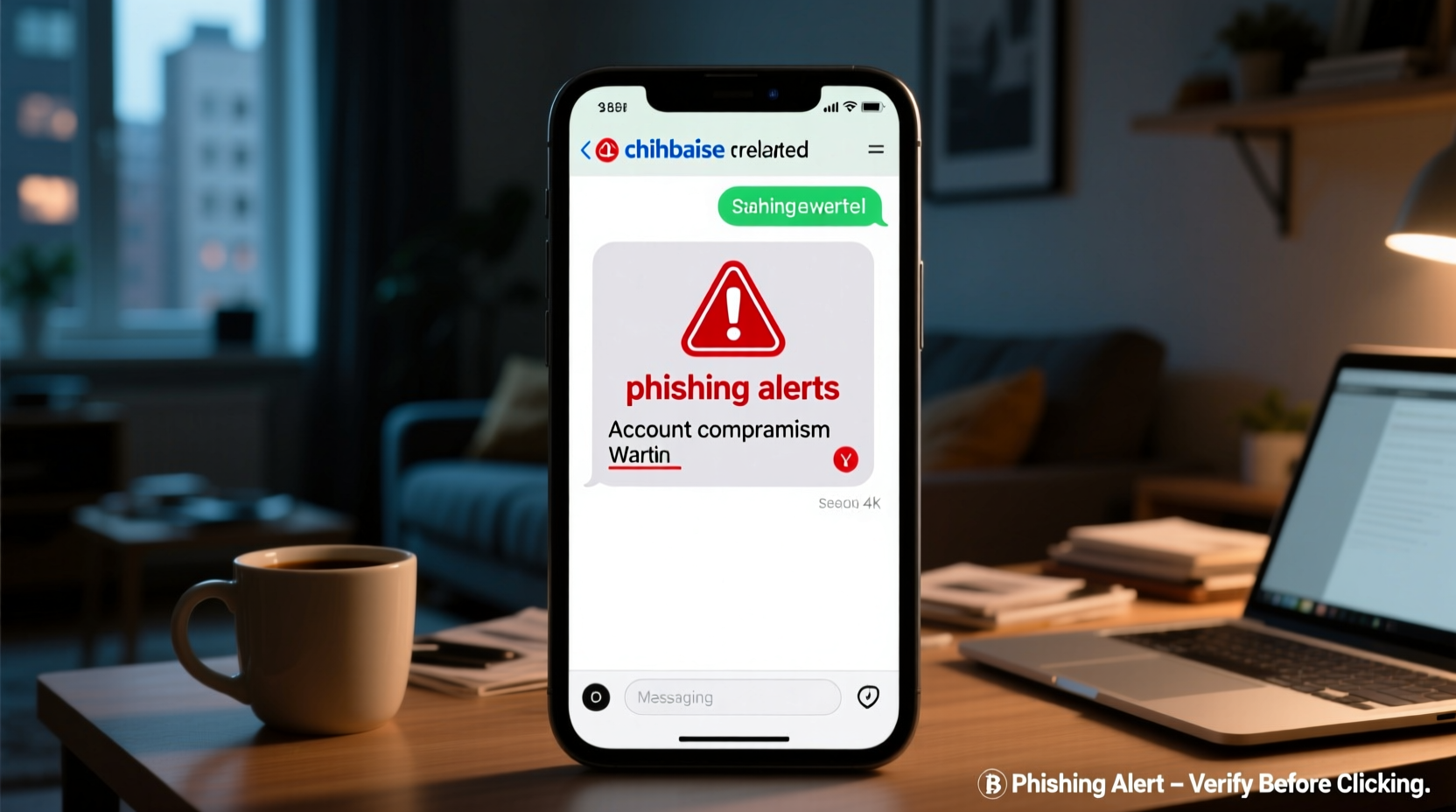
Crypto-related phishing has surged in recent years, with scammers leveraging social engineering tactics to exploit trust in well-known platforms like Coinbase. These fraudulent texts often use alarming language: “Your account is locked,” “Unusual login detected,” or “Verify now to prevent suspension.” The goal is to provoke fear and urgency, pushing you to act without thinking.
Many fake messages include links to counterfeit login pages that look nearly identical to the real Coinbase site. Once you enter your credentials, the attackers gain full access to your account. Some even prompt you to download malware-laden apps or call fake support numbers where \"agents\" will ask for personal details.
Real vs. Fake: Spotting the Differences
Coinbase does send legitimate security notifications via email and push alerts through its official app, but it rarely uses SMS for urgent account warnings. When it does, those messages are typically limited to two-factor authentication (2FA) codes sent only after you initiate a login attempt.
Here’s how to tell if a message is genuine:
- Sender number: Real Coinbase messages usually come from short codes like 264236 (COIN). However, spoofing makes this unreliable.
- Urgency and tone: Legitimate companies avoid pressuring you to act immediately via text.
- Links: Genuine Coinbase messages won’t contain hyperlinks asking you to log in.
- Grammar and spelling: Scam texts often have typos or awkward phrasing.
- Requests for info: Coinbase will never ask for your password, 2FA code, or seed phrase via text.
“Phishing attacks targeting cryptocurrency users increased by over 50% in 2023 alone. The most common vector? SMS impersonating trusted exchanges.” — Cybersecurity Report, Chainalysis
Step-by-Step: What to Do If You Get a Suspicious Text
Receiving a suspicious message doesn’t mean your account is compromised—but it should trigger immediate caution. Follow this timeline to stay safe:
- Do not click any link or call any number in the message.
- Take a screenshot for reporting purposes (then delete the message).
- Check your account directly by opening the official Coinbase app or website manually—do not use links.
- Review active sessions and recent activity under Settings > Security.
- Enable two-factor authentication using an authenticator app (like Google Authenticator), not SMS, if possible.
- Report the message to Coinbase at phishing@coinbase.com.
- Warn others: Forward the message to your contacts who might also be targeted.
Common Phishing Tactics Used in Fake Coinbase Texts
Scammers continuously refine their methods. Below are some of the most frequently reported phishing strategies:
| Tactic | Description | How to Respond |
|---|---|---|
| Login Verification Scam | Message claims you’re logging in from a new device and asks you to “approve” or “deny” via link. | Ignore it. Only approve logins inside the app. |
| Account Suspension Threat | “Your account will be suspended unless you verify now.” Includes a malicious link. | Log in directly to check status. No action needed via SMS. |
| Free Crypto or Giveaway | “Claim your $50 Bitcoin reward!” Click to “verify” wallet. | Delete immediately. Coinbase never gives random rewards via text. |
| Fake Support Number | “Call Coinbase support at [fake number] to resolve the issue.” | Only contact support through the help section in-app. |
Mini Case Study: How One User Lost $3,000 to a Fake Alert
Mark, a long-time Coinbase user, received a text late one evening: “Suspicious login from London. Deny access? Click here.” Believing it was real, he clicked the link and entered his email and password on a page that looked exactly like Coinbase’s login screen. Moments later, he noticed two-factor codes being requested. He entered one, thinking he was securing his account. Within minutes, $3,000 worth of Ethereum was transferred out.
It wasn’t until he opened the actual Coinbase app and saw no alerts that he realized something was wrong. He contacted support and confirmed the breach. The fake site had captured both his credentials and 2FA code—a classic example of a man-in-the-middle phishing attack.
Mark’s mistake? Trusting the message and clicking the link. His account was otherwise secure, but one lapse led to total compromise.
Protect Yourself: A Security Checklist
To reduce your risk of falling victim to Coinbase-related scams, follow this actionable checklist:
- ✅ Enable two-factor authentication using an authenticator app (e.g., Google Authenticator)
- ✅ Disable SMS-based 2FA if enabled
- ✅ Bookmark the real Coinbase website (https://www.coinbase.com)
- ✅ Regularly review connected devices and active sessions
- ✅ Never share your recovery phrase with anyone—not even “support”
- ✅ Install a reputable mobile security app to detect phishing URLs
- ✅ Educate family members about crypto scams—they may be targeted too
FAQ: Common Questions About Coinbase Text Scams
Does Coinbase ever send text messages?
Yes, but only for specific purposes like delivering 2FA codes when you’re actively logging in. They do not send promotional offers, security warnings, or account suspension notices via SMS.
Can my phone number be targeted even if I don’t have a Coinbase account?
Absolutely. Scammers use randomly generated or leaked phone lists. Receiving a fake alert doesn’t mean your data was breached—just that your number was chosen at random.
What should I do if I already clicked a phishing link?
If you didn’t enter any information, simply close the page and clear your browser history. If you did enter credentials, change your password immediately, revoke API keys if applicable, and contact Coinbase support. Consider moving funds to a new, fully secured wallet if compromise is suspected.
Stay Vigilant to Protect Your Digital Wealth
The rise of cryptocurrency has brought unprecedented financial freedom—but also new risks. Scammers know that digital assets are irreversible once stolen, making them prime targets. Messages that mimic Coinbase alerts are not just annoying; they’re potentially devastating if mishandled.
The best defense is awareness and discipline. Treat every unsolicited message as a potential threat. Verify everything through official channels. Secure your accounts with strong, unique passwords and app-based 2FA. And remember: no legitimate service will ever ask for your seed phrase or push you to act under pressure.




 浙公网安备
33010002000092号
浙公网安备
33010002000092号 浙B2-20120091-4
Comments
No comments yet. Why don't you start the discussion?