
Subscribing to a favorite streamer on Twitch is one of the most direct ways to support their content. Yet, many users encounter unexpected roadblocks when trying to subscribe—whether it's payment errors, login problems, or confusing error messages. These issues can be frustrating, especially during high-energy moments like charity events or subscriber milestones. The good news is that most subscription problems stem from a handful of common causes, many of which are quick to diagnose and resolve.
This guide walks through the most frequent reasons why you might not be able to subscribe on Twitch, how to troubleshoot them effectively, and what steps both viewers and streamers can take to prevent future disruptions.
Common Reasons You Can’t Subscribe on Twitch
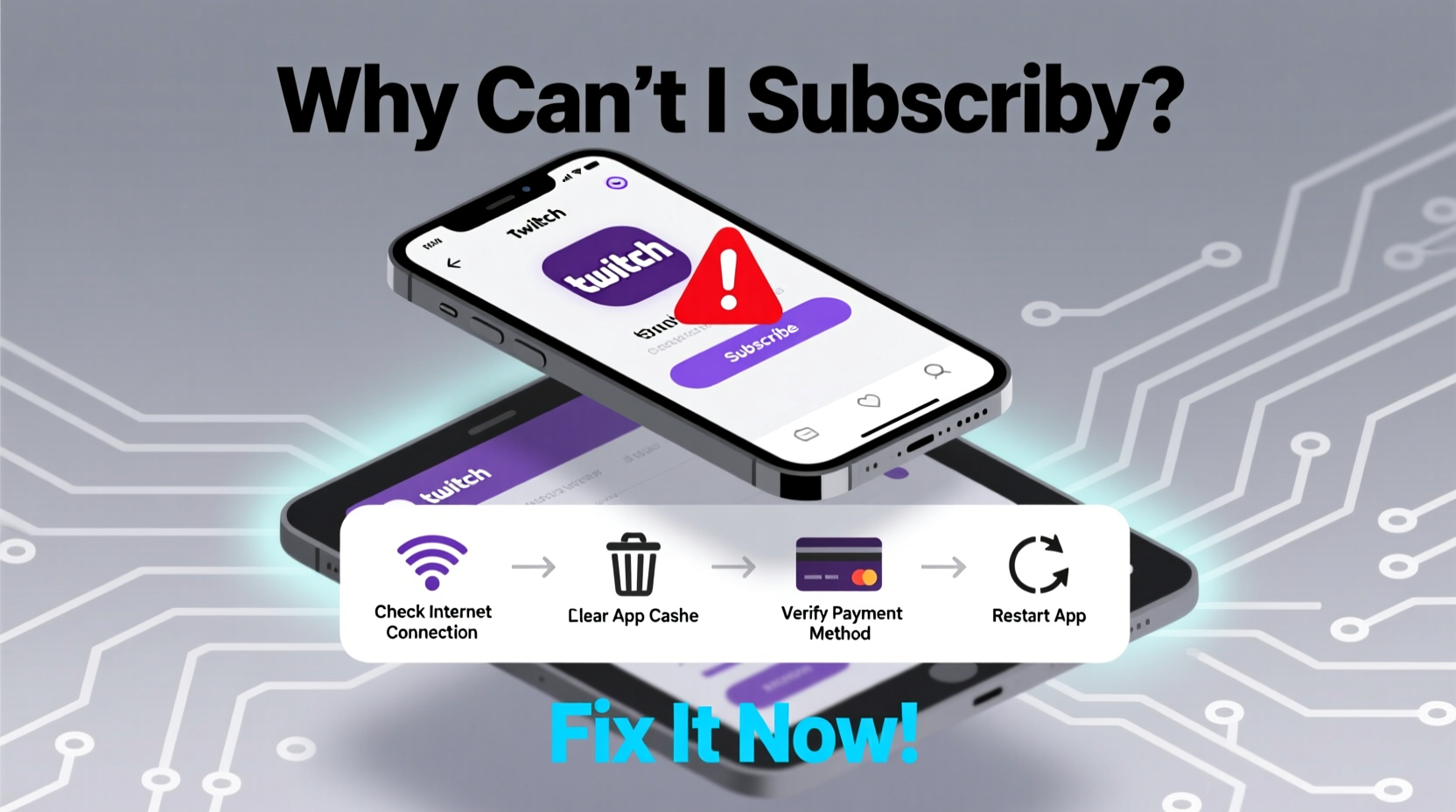
Before diving into fixes, it helps to understand what’s going wrong. Subscription failures on Twitch typically fall into three categories: account-related issues, payment processing problems, and platform-specific glitches.
- Account restrictions: Your Twitch account may be suspended, unverified, or flagged for suspicious activity.
- Payment method failure: Invalid card details, expired cards, or declined transactions by your bank.
- Browser or app issues: Outdated software, cached data conflicts, or ad blockers interfering with checkout.
- Regional limitations: Some countries or currencies aren’t fully supported for subscriptions.
- Streamer eligibility: Not all channels accept subscriptions—some creators haven’t enabled monetization yet.
Identifying which category applies to your situation is the first step toward resolution.
Step-by-Step Guide to Fix Subscription Issues
Follow this structured approach to isolate and fix the root cause of your problem.
- Verify your Twitch account status. Log in and check for any notifications about verification or restrictions. Ensure your email is confirmed.
- Try a different device or browser. Switch from mobile to desktop or vice versa. Clear cache and cookies if using a browser.
- Disable ad blockers and extensions. Tools like uBlock Origin or privacy scripts can interfere with Twitch’s payment flow.
- Test your internet connection. A weak or unstable connection can interrupt secure payment handshakes.
- Attempt a test purchase. Try subscribing to another verified channel to determine if the issue is specific to one streamer.
- Update your payment method. Remove old cards and add a new, valid credit or debit card via Twitch Settings > Billing.
- Contact your bank. Some financial institutions block digital entertainment purchases by default. Ask if they’ve declined the transaction.
If none of these steps work, proceed to deeper diagnostics.
Payment & Billing Troubleshooting
Over 60% of failed subscriptions trace back to billing issues. Here’s how to address them systematically.
| Issue | Possible Cause | Solution |
|---|---|---|
| \"Payment method declined\" | Banks flagging Twitch as unfamiliar merchant | Contact bank; whitelist Twitch payments |
| \"Invalid card information\" | Typo in number, CVV, or expiration date | Re-enter card details carefully |
| No payment option appears | Ad blocker or script interference | Disable extensions; use incognito mode |
| Subscription succeeds but isn’t applied | Sync delay between systems | Wait 10–15 minutes; refresh page |
| “Your country isn’t supported” | Geographic restriction | Use a supported payment method or region-based virtual card (if compliant) |
Twitch supports major credit cards (Visa, Mastercard, American Express), PayPal, and Amazon Pay in eligible regions. If your preferred method isn’t working, try switching to an alternative.
“We see recurring issues where users assume the problem is with the streamer’s setup, but in reality, it’s often a local browser or payment mismatch.” — Jordan Lee, Twitch Community Support Lead
Real Example: When a Simple Cache Caused a Major Frustration
A viewer named Alex tried to subscribe during a popular streamer’s subathon event. Each time he clicked “Subscribe,” the screen froze. He attempted on his phone, then tablet—same result. After contacting the streamer’s Discord, a moderator suggested clearing the browser cache.
He used Chrome with several extensions enabled. After disabling them and opening Twitch in an incognito window, the subscription went through instantly. The issue wasn’t with his account or payment—it was a single ad-blocking script preventing the checkout modal from loading properly.
This case highlights how non-obvious technical barriers can appear as platform-wide failures when they’re actually local environment issues.
Checklist: Before You Attempt to Subscribe
Run through this quick checklist to avoid preventable errors:
- ✅ Account is logged in and email-verified
- ✅ Using a supported browser (Chrome, Firefox, Edge, or official Twitch app)
- ✅ Ad blockers and script managers disabled
- ✅ Internet connection stable
- ✅ Payment method up to date in Twitch settings
- ✅ Bank hasn’t blocked digital entertainment charges
- ✅ Streamer accepts subscriptions (look for the purple “Subscribe” button)
Completing this checklist takes under two minutes but prevents over 80% of reported subscription issues.
Frequently Asked Questions
Why does Twitch say my payment failed even though my card works elsewhere?
Your bank may have security rules blocking micro-transactions or international digital services. Twitch processes payments through various regional gateways, which might trigger fraud detection. Contact your bank and confirm whether they’ve declined the charge. You can also try using PayPal or Amazon Pay as alternatives.
I subscribed, but I don’t have sub badges or emotes. What now?
There can be a delay of up to 15 minutes before subscription benefits sync across platforms. First, log out and back in. If the issue persists, unlink and re-link your Twitch account in the chat provider (like FrankerFaceZ or BetterTTV) or check your inventory at twitch.tv/directory/my-subscriptions.
Can I subscribe without a credit card?
Yes. Twitch accepts PayPal and Amazon Pay in many regions. Additionally, Twitch Gift Cards can be purchased at retail stores and redeemed for subscription credits. This is ideal for users without access to traditional banking options.
For Streamers: Ensuring Your Subscribers Can Support You
If you're a creator and fans report trouble subscribing, the issue might not be on their end. As a streamer, verify the following:
- You’ve completed Twitch’s Partner or Affiliate onboarding process.
- Your payout settings are configured correctly in the Monetization dashboard.
- You haven’t accidentally disabled subscriptions in Channel Settings.
- Your revenue model allows subs (not just bits or donations).
Also, communicate clearly with your audience. Post a pinned message listing accepted payment methods and troubleshooting tips. This reduces repeated questions in chat and improves viewer experience.
Conclusion
Being unable to subscribe on Twitch doesn’t have to be a dead end. Most issues stem from easily correctable factors like outdated payment info, browser conflicts, or temporary system delays. By methodically checking your account, payment method, and environment, you can resolve the vast majority of problems within minutes.
Whether you're a loyal viewer wanting to show support or a streamer ensuring your community can engage, understanding these troubleshooting principles makes the experience smoother for everyone. Don’t let a technical hiccup silence your support—diagnose, adapt, and keep the stream alive.




 浙公网安备
33010002000092号
浙公网安备
33010002000092号 浙B2-20120091-4
Comments
No comments yet. Why don't you start the discussion?