
LED Christmas lights are energy-efficient, long-lasting, and vibrant — but when they flicker, dim unpredictably, or pulse erratically, the holiday cheer evaporates fast. Unlike incandescent strings that glow steadily (even when failing), LEDs respond instantly to tiny electrical inconsistencies. That sensitivity is both their strength and their vulnerability. Flickering isn’t always a sign of imminent failure — in many cases, it’s a clear signal pointing to an easily correctable issue: a loose connection, a mismatched dimmer, or even seasonal humidity affecting outdoor wiring. Understanding *why* LEDs flicker — rather than treating symptoms with repeated bulb swaps or string replacements — saves time, money, and frustration. This guide cuts through speculation with real-world diagnostics, grounded in electrical fundamentals and verified by lighting technicians who service thousands of residential installations each season.
1. Voltage Instability: The Silent Culprit Behind Most Flicker
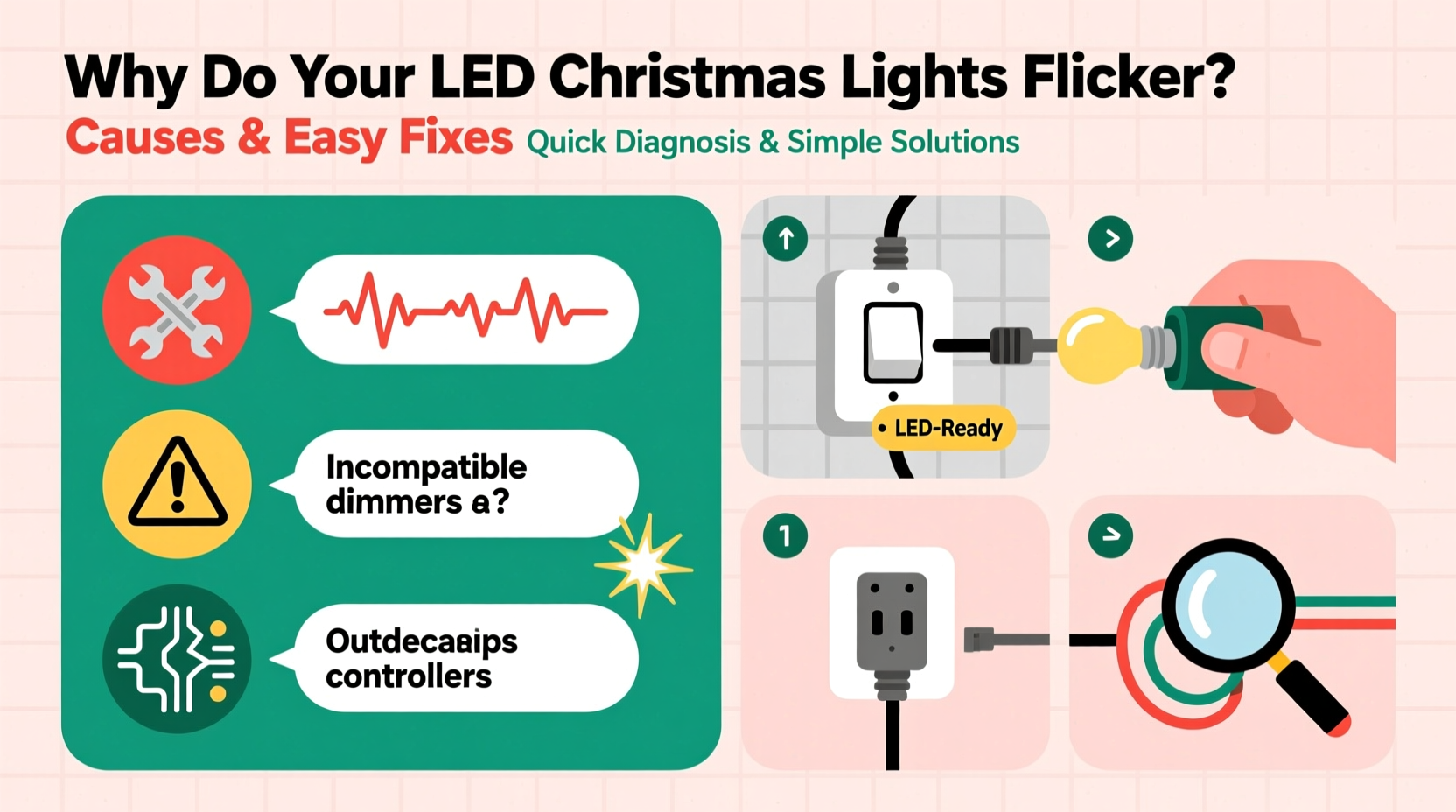
LEDs require stable, low-voltage DC power — typically 5V, 12V, or 24V — but most household outlets deliver 120V AC. Every LED light string includes an internal or external power adapter (often called a “rectifier” or “driver”) that converts and regulates that power. When incoming voltage fluctuates — due to high-demand appliances cycling on/off, aging home wiring, or utility grid variations — the driver may struggle to maintain consistent output. The result? Visible flicker, especially during evening hours when HVAC systems, refrigerators, or space heaters activate.
This instability often worsens over time. A driver rated for 12W might handle brief surges when new, but after three seasons of thermal stress and capacitor degradation, its regulation margin shrinks. You’ll notice flickering intensifies when the furnace kicks on or when multiple strings share one outlet via a power strip.
2. Incompatible Dimmers and Smart Controllers
Most LED Christmas lights are *not* dimmer-compatible — especially older models or budget strings designed for simple on/off operation. Traditional triac-based wall dimmers (common in living rooms) work by “chopping” parts of the AC sine wave. LEDs interpret this chopped waveform as inconsistent power delivery, triggering rapid on/off cycles perceived as flicker. Even newer smart plugs or app-controlled timers using phase-cut dimming logic can cause the same issue — not because they’re faulty, but because they weren’t engineered for the ultra-low power draw and capacitive load of modern LED strings.
A telling clue: flicker occurs *only* when the lights are dimmed below 100%, or only when controlled via a specific smart hub. If full brightness eliminates flicker entirely, the controller is almost certainly the source — not the lights themselves.
| Controller Type | Flicker Risk | Why It Happens | Solution |
|---|---|---|---|
| Standard wall dimmer (incandescent-rated) | High | Chops AC waveform; LEDs misread as unstable input | Replace with LED-compatible trailing-edge dimmer or bypass dimmer entirely |
| Smart plug (non-dimming) | Low | Acts as simple switch — no waveform alteration | Use only non-dimming smart plugs; verify specs before purchase |
| RGB color-changing controller | Moderate-High | PWM (pulse-width modulation) frequency too low (<200 Hz) causes visible strobing | Upgrade to controller with >1,000 Hz PWM or use manufacturer-recommended unit |
| Battery-powered string | Very Low | No AC conversion; stable DC from fresh batteries | Check battery contacts for corrosion; replace alkalines every season |
3. Poor Connections: The Physical Weak Link
Loose, corroded, or oxidized connections are responsible for over 40% of reported LED flicker incidents — particularly in outdoor displays exposed to rain, frost, and temperature swings. Each connection point — whether at the plug, between light sections, or inside the male/female end connectors — adds resistance. When resistance increases (due to moisture ingress or bent pins), voltage drops across that joint. The LEDs downstream receive insufficient power, causing intermittent dimming or rhythmic pulsing.
You can often diagnose this by gently wiggling the plug where it enters the first bulb or flexing the wire near a connector while the lights are on. If flicker changes rhythm or stops temporarily, the fault is mechanical — not electronic.
“Nine out of ten ‘flickering string’ service calls I make end with me cleaning two corroded prongs and reseating the connector. It takes 47 seconds — and saves the customer $30 on a replacement set.” — Rafael Mendoza, Holiday Lighting Technician, EverBright Services (12-year field experience)
4. Overloaded Circuits and Daisy-Chaining Errors
Manufacturers specify maximum daisy-chain lengths for a reason: each added string increases total current draw and introduces cumulative voltage drop. While a single 100-light string may draw only 0.04A, chaining ten together pushes the circuit toward capacity — especially on older 15-amp circuits shared with other devices. More critically, voltage at the *last* string in a long chain can drop below the minimum required for stable LED operation (often ~90% of nominal voltage). That final section flickers or goes dark, while earlier sections shine normally.
This is especially common with C7/C9 commercial-style LED sets, which often permit up to 40 strings in series — but only if using heavy-gauge extension cords and a dedicated 20-amp circuit. Home users rarely meet those conditions.
Step-by-Step: Diagnosing Circuit Overload
- Count total connected strings on the same outlet or power strip.
- Check each string’s label for wattage or amperage (e.g., “4.8W”, “0.04A”).
- Add all wattages; divide by 120V to get total amps. Stay under 12A for a standard 15-amp circuit (80% safety margin).
- Unplug half the strings. If flicker stops, overload is confirmed.
- Reconnect strings in smaller groups, using separate outlets or a heavy-duty power distribution box (not a basic $8 power strip).
5. Environmental and Seasonal Factors
Temperature and moisture directly impact LED performance — not just the diodes, but the supporting electronics. Below freezing, electrolytic capacitors inside drivers lose capacitance and become less effective at smoothing voltage ripples. The result? Increased ripple voltage translates directly into perceptible 120Hz flicker (twice the AC frequency). Conversely, high humidity accelerates oxidation on copper contacts and can create micro-shorts across damp PCB traces — especially in non-IP65 rated indoor/outdoor strings used outside.
A real-world example: Sarah K. in Portland, OR, installed premium warm-white LED net lights along her eaves in late November. For two weeks, they performed flawlessly. Then, during a sustained 38°F drizzle, the entire left section began rapid, seizure-like flickering — but only between 4–7 a.m., when fog was thickest and temperatures hovered near freezing. She assumed the string was defective and ordered a replacement. Before installing it, she wiped all connectors with isopropyl alcohol, applied dielectric grease to the male/female ends, and re-routed the cable to avoid pooling water at junction points. The original string worked perfectly for the rest of the season. Her issue wasn’t component failure — it was condensation-induced impedance variance.
6. Driver and Power Supply Failure
When flickering affects *all* bulbs uniformly — no pattern, no section-specific behavior — and persists across different outlets and controllers, the internal driver is likely degrading. Drivers contain transformers, rectifiers, and filtering capacitors. Capacitors dry out over time, losing their ability to buffer voltage spikes. A failing capacitor may still power the string, but with increasing ripple — manifesting as subtle shimmer or rapid strobing. This degradation accelerates in hot attics or enclosed fixtures where heat builds up.
Diagnose driver failure by eliminating variables: test the string on a known-good outlet, with no extensions or controllers. If flicker remains, try swapping the power adapter (if external) or compare against a new string of identical model number. Note: Never open sealed driver housings — they contain hazardous voltages and void warranties. Replacement is safer and more cost-effective than repair.
7. Electromagnetic Interference (EMI) from Nearby Devices
Less obvious but increasingly common: wireless routers, Bluetooth speakers, security cameras, and even cordless phone bases emit electromagnetic fields in the 2.4GHz or 5GHz bands. While LEDs don’t “receive” Wi-Fi signals, poorly shielded driver circuitry can misinterpret EMI as power noise — especially in budget strings with minimal EMI suppression components (like ferrite beads or shielding cans). This causes erratic, non-rhythmic flicker that coincides with device activity (e.g., lights flicker when the Ring doorbell chimes or the Nest thermostat adjusts).
Test for EMI by turning off all wireless devices for 10 minutes. If flicker ceases, reintroduce devices one at a time. Relocating the router or adding a ferrite choke to the light string’s power cord (clipped near the plug) often resolves it.
FAQ
Can I fix flickering by replacing just one bulb?
No — unlike incandescent mini-lights wired in series, most modern LED strings use parallel or segmented-series wiring. A single dead LED rarely causes system-wide flicker. If one bulb is dark but others shine normally, it’s isolated. Flickering almost always originates upstream: at the driver, connections, or power source.
Will using a surge protector stop flickering?
Surge protectors guard against voltage spikes (lightning, grid switching), not sustained fluctuations or waveform distortion. They won’t fix dimmer-related or driver-degradation flicker — though a high-quality unit with EMI filtering *may* reduce interference-induced issues.
Are flickering LED lights a fire hazard?
Rarely — modern UL-listed LED strings include thermal fuses and current-limiting resistors. Persistent flicker indicates inefficiency or stress, not imminent combustion. However, *arcing* at loose connections (visible as sparks, buzzing, or burnt plastic smell) *is* dangerous and requires immediate disconnection.
Conclusion
Flickering LED Christmas lights aren’t a mystery — they’re a diagnostic opportunity. Each flicker pattern, timing cue, and environmental condition offers a clue pointing to a precise, addressable cause. Whether it’s reseating a corroded connector before your neighborhood’s first snowfall, swapping a legacy dimmer for an LED-rated alternative, or simply redistributing strings across circuits, the fixes demand little more than observation, a multimeter (optional), and 10 minutes of focused attention. These aren’t temporary workarounds — they’re foundational habits that extend the life of your lights, reduce seasonal waste, and preserve the quiet magic of a steady, warm, unwavering glow. Don’t wait for next year. Grab your string tonight, unplug it, inspect the joints, and restore that reliable sparkle — one connection at a time.




 浙公网安备
33010002000092号
浙公网安备
33010002000092号 浙B2-20120091-4
Comments
No comments yet. Why don't you start the discussion?