
It’s a common but unsettling experience: the sky darkens, thunder rumbles in the distance, and suddenly your smart lights flicker or pulse without warning—even when you’re not controlling them. You didn’t issue a command. The app shows no activity. Yet, there it is—a brief flash across your living room ceiling or kitchen under-cabinet lighting. While it might seem like a glitch or a sign of faulty hardware, this behavior is often tied to electrical disturbances caused by nearby lightning strikes. Understanding the root cause and knowing how to safeguard your smart lighting system can prevent long-term damage and ensure peace of mind during storm season.
The Science Behind Smart Light Flickering During Storms
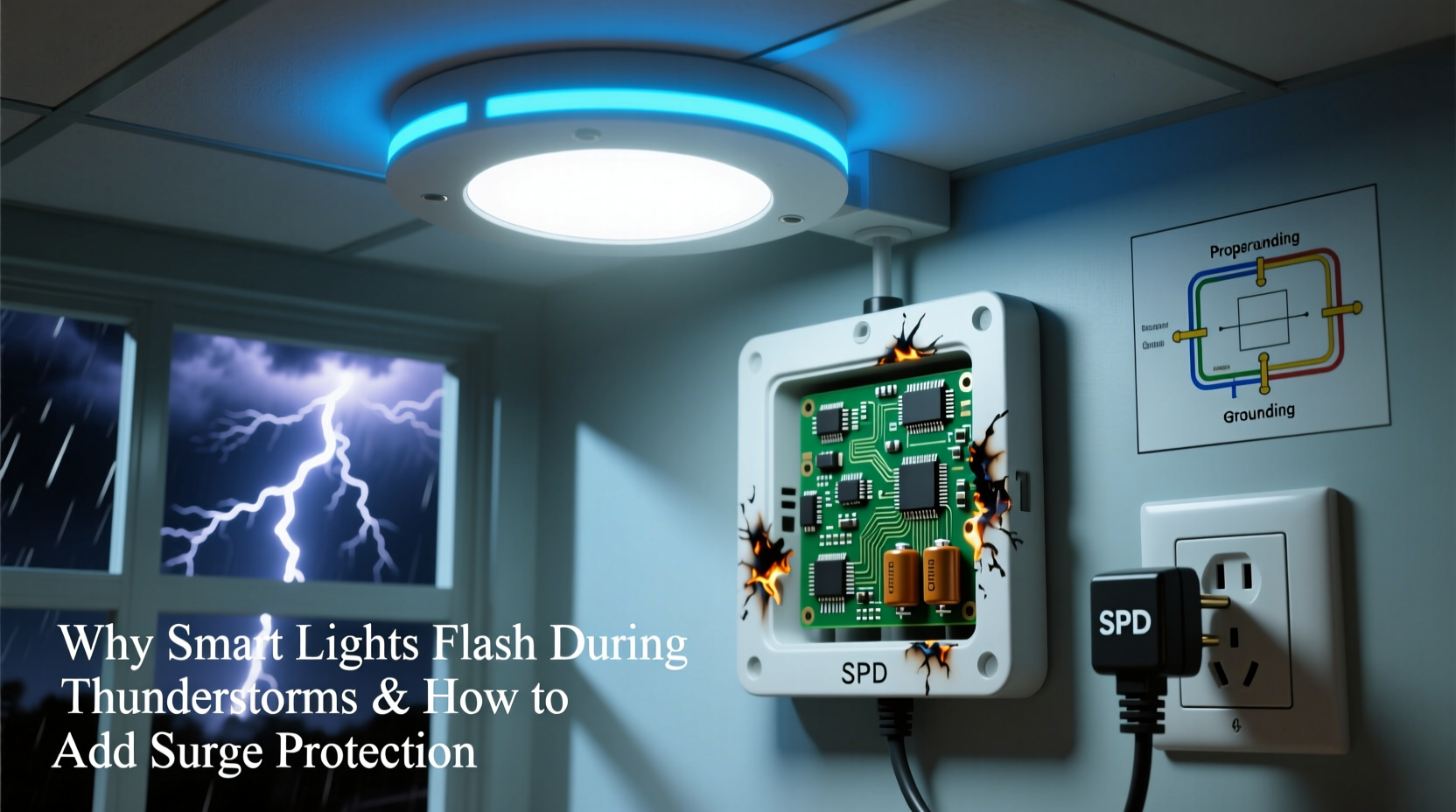
Smart lights—whether Philips Hue, LIFX, Nanoleaf, or budget-friendly Wi-Fi bulbs—operate on low-voltage electronics that are sensitive to changes in electrical current. Unlike traditional incandescent bulbs, which simply respond to power flow, smart bulbs contain microprocessors, wireless radios (Wi-Fi, Zigbee, or Bluetooth), and LED drivers. These components require stable voltage to function properly.
During a thunderstorm, even distant lightning strikes induce transient voltage spikes, also known as surges or transients, in household wiring. These surges travel through power lines and can reach levels several times higher than standard voltage (120V in North America). When such a spike passes through a circuit connected to smart lighting, it can momentarily disrupt the bulb’s internal logic, causing unintended behavior like flashing, color shifts, or temporary disconnection from the network.
Lightning doesn’t need to strike your home directly for this to happen. A strike within a mile—or even several miles—can couple electromagnetic energy into utility lines, inducing enough current to affect sensitive electronics. This phenomenon is called an induced surge, and it's one of the most frequent causes of unexplained smart device behavior during storms.
How Surge Events Impact Smart Lighting Systems
While a single flash may seem harmless, repeated exposure to minor surges degrades electronic components over time. Each event stresses capacitors, voltage regulators, and communication chips inside smart bulbs and hubs. Over months or years, this cumulative stress can lead to premature failure, intermittent connectivity issues, or erratic performance.
In worst-case scenarios, a strong surge can completely fry a smart bulb’s circuitry or damage the central hub (like a Philips Hue Bridge or Samsung SmartThings Hub), rendering entire lighting zones inoperable. Replacing multiple bulbs or a hub adds up quickly—both in cost and inconvenience.
Beyond financial loss, there’s a safety aspect. Though rare, severe surges can generate heat in damaged components, increasing fire risk—especially in enclosed fixtures or poorly ventilated areas. Modern smart lights include basic overvoltage protection, but these safeguards are minimal and not designed for sustained or high-magnitude surges.
“Most consumer-grade smart devices have only rudimentary surge suppression. They’re built for efficiency and connectivity, not resilience against electrical anomalies.” — Dr. Alan Reeves, Electrical Engineer and Smart Home Systems Researcher at MIT Lincoln Laboratory
Effective Surge Protection Strategies for Smart Homes
Preventing storm-related damage requires a layered approach to surge protection. Relying solely on power strips or outlet-level suppressors is insufficient. True protection involves shielding both the main electrical supply and individual circuits where smart devices operate.
1. Install a Whole-House Surge Protector
The first and most critical line of defense is a whole-house surge protection device (SPD) installed at your electrical panel. These units clamp down on incoming voltage spikes before they enter your home’s circuits. Typically rated between 50,000 and 100,000 amps, they can absorb massive surges from direct or nearby lightning strikes.
A licensed electrician installs the SPD at the main breaker panel, connecting it between the service entrance and branch circuits. Once in place, it operates automatically, detecting overvoltage conditions and diverting excess energy to the ground wire.
2. Use Point-of-Use Surge Protectors
Even with whole-house protection, secondary suppression at the outlet level adds another layer of security. Choose UL 1449-certified surge protectors with a clamping voltage below 400V and a joule rating of at least 1,000 (higher is better). Plug smart light hubs, routers, and any powered base stations into these units.
Note: Power strips without surge protection offer zero defense. Look for models with indicator lights that confirm the protection is active.
3. Consider Dedicated Circuits for Sensitive Devices
If you have a large smart lighting setup—such as recessed LEDs controlled via a hub—consider placing those circuits on a dedicated breaker. This reduces electrical noise from motors, compressors, or high-draw appliances that can mimic surge-like fluctuations.
4. Unplug Non-Essential Devices During Severe Storms
For extreme weather events, especially when lightning is frequent and close, physically disconnecting non-essential smart devices eliminates risk entirely. This includes unplugging hubs, smart plugs, and USB-powered accessories.
Step-by-Step Guide to Protecting Your Smart Lights
Follow this practical sequence to significantly reduce the risk of storm-induced damage:
- Assess your current setup: Identify all smart lighting components—bulbs, strips, hubs, controllers—and note which circuits they’re on.
- Check existing protection: Do you have any surge protectors? Are they outdated or overloaded? Replace units older than 3–5 years.
- Hire a licensed electrician: Schedule installation of a Type 1 or Type 2 whole-house SPD at your main electrical panel.
- Upgrade power strips: Replace basic power strips with UL-listed surge protectors (minimum 1,000 joules) for hubs and routers.
- Organize device placement: Group smart lighting controls on protected outlets and avoid daisy-chaining surge protectors.
- Test and monitor: After installation, verify SPD status lights and test GFCI outlets monthly.
- Create a storm protocol: Establish a routine to unplug or shut off non-essential smart devices during severe weather.
Do’s and Don’ts of Surge Protection for Smart Lighting
| Do’s | Don’ts |
|---|---|
| Install a whole-house surge protector | Assume your smart bulbs are surge-proof |
| Use UL 1449-certified point-of-use protectors | Daisy-chain multiple surge protectors |
| Replace surge protectors every 3–5 years | Plug high-wattage appliances into the same strip as smart hubs |
| Unplug devices during intense storms | Ignore flickering as “normal” without investigating |
| Label protected circuits for easy identification | Use cheap, no-name power strips from unknown brands |
Real Example: How One Household Prevented $700 in Damage
In suburban Chicago, homeowner Maria Thompson noticed her Philips Hue lights blinking red during summer thunderstorms. Initially dismissed as a software bug, the flickering worsened over two seasons. After a particularly close lightning strike, three bulbs failed, and her Hue Bridge stopped responding.
An electrician diagnosed the issue: no surge protection existed at either the panel or outlet level. The home relied on aging power strips with blown protection circuits. The electrician installed a Siemens FS140 whole-house SPD and replaced all power strips with Tripp Lite Isobar units (2,400 joules each).
Over the next year, during five major storms, no smart lighting anomalies occurred. Maria also set up a smart plug automation that powers down the Hue Bridge when local lightning detection apps report activity within 10 miles. Her total investment: $480. Estimated savings in avoided replacements: over $700.
FAQ: Common Questions About Smart Lights and Surge Protection
Can a power outage cause smart lights to flash?
Yes. When power returns after an outage, the sudden inrush of electricity can mimic a surge, triggering a brief flash. This is especially common if the grid experiences instability during restoration.
Do smart lights need surge protectors if they’re on a UPS?
A UPS (uninterruptible power supply) offers limited surge protection, but not all models provide robust suppression. Always check the joule rating. A UPS primarily prevents data loss and maintains uptime during outages—it shouldn't be your only defense.
Will surge protectors stop all lightning damage?
No system offers 100% protection against a direct lightning strike. However, a layered approach—whole-house SPD plus point-of-use protection—reduces the risk of damage by over 90%, according to the Insurance Institute for Business & Home Safety (IBHS).
Checklist: Secure Your Smart Lighting System Today
- ☐ Inspect all smart lighting components and their power sources
- ☐ Verify whether your electrical panel has a surge protection device
- ☐ Purchase and install a UL-listed whole-house SPD (via licensed electrician)
- ☐ Replace outdated or basic power strips with high-joule surge protectors
- ☐ Label circuits containing smart devices for quick access during storms
- ☐ Set up automations to power down non-essential devices during storms
- ☐ Schedule annual inspection of SPD status indicators and grounding systems
Conclusion: Protect Your Investment Before the Next Storm Hits
Smart lights enhance comfort, convenience, and ambiance—but they’re only as reliable as the electrical environment they operate in. Flashing during thunderstorms isn’t just a nuisance; it’s a warning sign of vulnerability. With climate change contributing to more frequent and intense storms, proactive surge protection is no longer optional—it’s essential.
By investing in proper safeguards, you extend the lifespan of your devices, maintain system reliability, and reduce long-term costs. More importantly, you gain confidence that your home automation setup won’t fail when you need it most. Take action now, before the next storm rolls in. Your smart lights—and your peace of mind—will thank you.




 浙公网安备
33010002000092号
浙公网安备
33010002000092号 浙B2-20120091-4
Comments
No comments yet. Why don't you start the discussion?