
In the tightly timed world of speedrunning, every millisecond counts. Runners obsess over frame-perfect inputs, glitch exploitation, and route optimization—so when you see a top-tier player using a Japanese system language or ROM, it’s not just for aesthetics. There’s often a measurable, technical reason behind it. But is playing in Japanese actually faster? The answer isn’t as simple as “yes” or “no,” but in many cases, the benefits are real and rooted in hardware, software, and linguistic design.
This article dives into the technical and practical reasons why so many speedrunners opt for Japanese language settings, from reduced text rendering times to faster menu navigation. We’ll break down when it matters, when it doesn’t, and what you should consider if you're optimizing your own runs.
How Language Affects Game Performance
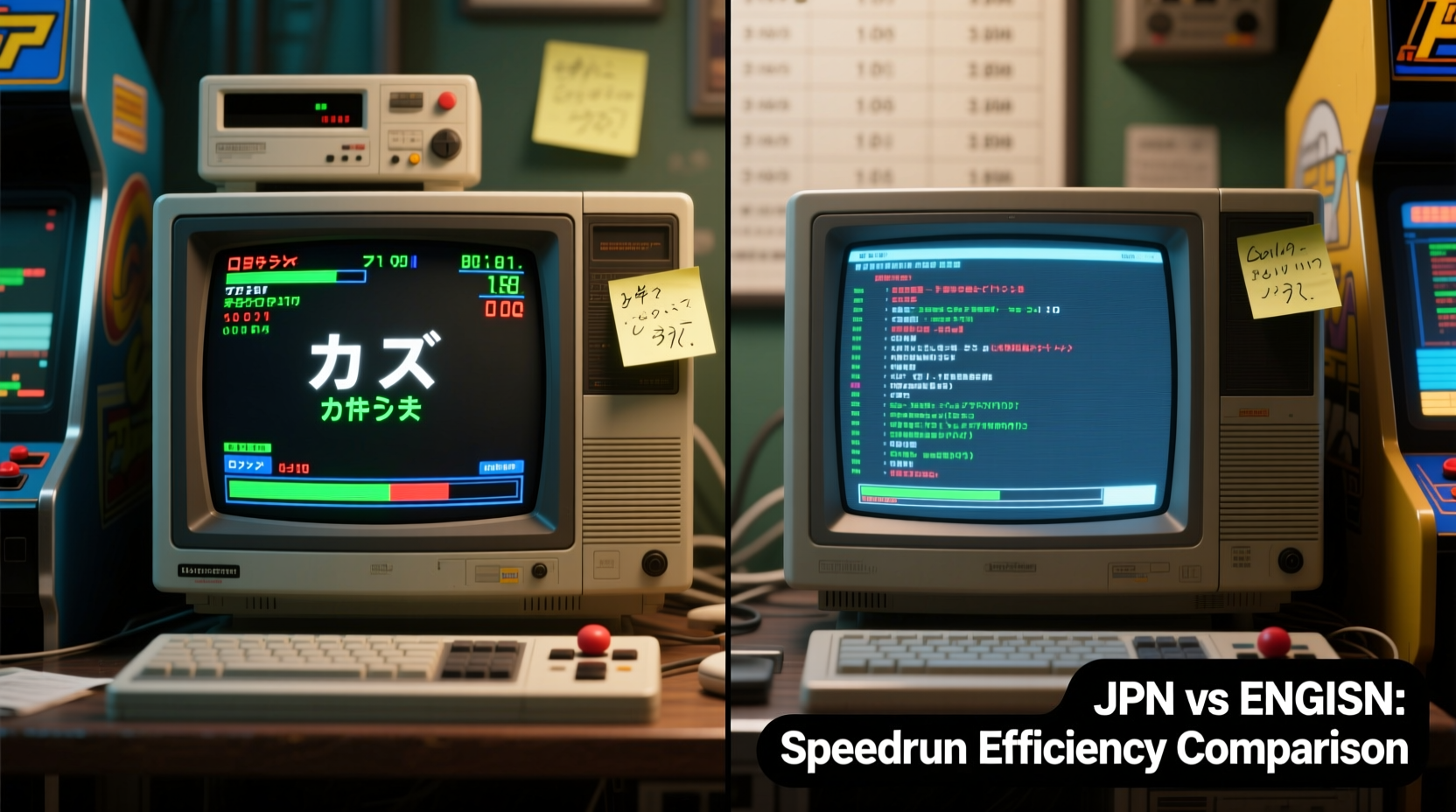
At first glance, changing the in-game language might seem like a purely cosmetic choice. However, games process text differently depending on the script used. English uses ASCII-based Latin characters, while Japanese relies on more complex encodings such as Shift-JIS or UTF-8 with multi-byte characters. But paradoxically, this complexity can lead to performance gains in older systems.
Many retro games were originally developed in Japan and localized later. This means the Japanese version was the primary build—the one optimized for performance, memory allocation, and timing. Localization often introduced additional layers: translated text, wider character boxes, slower text scrolling, and sometimes even extra loading checks for font rendering.
For example, in games like The Legend of Zelda: Ocarina of Time, the Japanese N64 release loads slightly faster than its North American counterpart. Why? Because the Japanese version lacks certain regional checks and uses streamlined internal strings. Even though the difference per instance is minuscule—often less than 100 milliseconds—over the course of a full-speed run, these micro-delays add up.
Text Rendering and Menu Speed
One of the most consistent advantages of Japanese language settings lies in text rendering speed. In many games, dialogue advances automatically after a set number of frames. Japanese text, due to its compact writing system (using kanji, hiragana, and katakana), often conveys more information in fewer characters than English.
Consider a tutorial pop-up that says \"Press A to continue.\" In English, that's 17 characters including spaces. In Japanese, it might be rendered as 「Aボタンで進む」—just 9 characters. Because the game renders text character-by-character at a fixed rate (e.g., 3 frames per character), shorter strings result in faster display completion.
This effect scales across hundreds of minor interactions: NPC dialogues, item descriptions, confirmation prompts. Over a 30-minute segment, eliminating half a second here and there across dozens of instances can save several seconds overall.
Moreover, some emulators and original hardware handle double-byte character sets more efficiently when running on region-matched systems. A Japanese ROM on a Japanese console avoids translation tables and codepage conversions, reducing CPU overhead during UI rendering.
Game Engine Optimization and Region-Specific Code
Historically, Japanese developers built games for domestic audiences first. As a result, non-Japanese versions sometimes include compatibility patches, safety checks, or debugging remnants that weren’t stripped from the final international builds. These additions, while harmless, can introduce tiny delays.
A well-documented case involves Super Mario 64. While the core physics are identical across regions, the NTSC-J (Japanese) version has a different boot sequence and slightly faster title screen initialization. Speedrunners aiming for any% WR attempts almost exclusively use the JP version because it allows earlier input registration after power-on.
Likewise, in Metal Gear Solid, the PAL (European) version runs at 50Hz instead of 60Hz, making everything 16.7% slower. Even within NTSC regions, the Japanese version skips certain warnings and splash screens present in U.S. releases. These omissions may only save two or three seconds total—but in a sub-2-hour category, that’s enough to affect leaderboard rankings.
“On highly optimized runs, we’re measuring time in individual frames. If switching languages saves even one frame per cutscene, that’s worth investigating.” — Alex Chen, Competitive Speedrunner & Tool-Assisted Runner (TASVideos contributor)
When Japanese Isn’t Faster — And When It Doesn’t Matter
Not all games benefit from a language switch. Modern titles, especially those built with engines like Unity or Unreal, often preload all localization data simultaneously. Text rendering is handled asynchronously, and string length has negligible impact on gameplay timing.
Additionally, some games dynamically adjust text speed based on language to maintain parity. For example, The Witcher 3 increases the text advance rate in languages with longer translations to compensate for verbosity. In such cases, no meaningful advantage exists between English and Japanese settings.
Another caveat: accessibility. Not every runner reads Japanese. While visual cues and muscle memory can compensate, misreading a prompt or menu option due to unfamiliarity can cause costly mistakes. The cognitive load of navigating a foreign interface often outweighs minor technical gains—especially in real-time, unsegmented runs.
Furthermore, community rules matter. Many speedrun categories specify allowed ROM versions. Using a Japanese ROM in an “Any% NES” category might be acceptable, but in a “US-only” leaderboards challenge, it would be disqualified.
Step-by-Step: How to Test Language Impact on Your Run
If you're serious about optimization, follow this process to determine whether Japanese gives you a tangible edge:
- Identify available language versions – Check if your target game has Japanese, European, and North American ROMs or physical releases.
- Use a frame-accurate emulator – Tools like BizHawk or RetroArch with Lua scripting allow precise timing comparisons.
- Isolate key segments – Focus on areas with heavy text, frequent menus, or known load triggers (e.g., entering new zones).
- Time identical actions across versions – Record frame count from menu open to input registration, or dialogue start to skip availability.
- Compare results statistically – Repeat each test 10+ times to rule out variance. Average the data.
- Evaluate trade-offs – Ask: Does the time saved justify potential confusion or increased input error?
Mini Case Study: Chrono Trigger Speedruns
In Chrono Trigger, a classic SNES RPG, players frequently debate the merits of Japanese vs. English versions. The game features extensive dialogue, battle text, and menu navigation—making it a prime candidate for language-based optimization.
Speedrunner Mia Tanaka conducted a controlled experiment using both the Japanese Famicom and North American SNES ROMs. She measured the time from initiating a battle to being able to issue the first command. In the Japanese version, commands became available an average of 8 frames (≈133ms) earlier due to abbreviated combat messages (e.g., 「こうげき!」 vs. “ATTACK!”).
She also found that NPC interactions in towns like Truce or Medina were consistently faster—by 0.5 to 1.2 seconds per exchange—because Japanese text scrolls through quicker and requires fewer confirmation presses. Over the course of a full-game Any% run involving over 200 such interactions, this translated to a potential savings of nearly 90 seconds.
However, she noted that item names and skill menus were harder to parse quickly without fluency, leading to hesitation during high-pressure sequences. Ultimately, she adopted a hybrid approach: using Japanese for low-interaction segments and switching to English during complex boss fights where clarity mattered more than speed.
Checklist: Should You Switch to Japanese?
Before changing your setup, evaluate the following:
- ✅ Is the Japanese version confirmed faster in published timing tests?
- ✅ Are you using a compatible emulator or console (e.g., Famicom adapter)?
- ✅ Does your speedrun category allow non-English versions?
- ✅ Can you navigate menus confidently without reading every word?
- ✅ Have you tested both versions under real-run conditions?
- ✅ Are the cumulative time savings worth the learning curve?
If you answered “no” to any of the first three, switching is likely not beneficial. If you struggle with the last three, consider training with overlays or annotated HUDs to bridge the comprehension gap.
Comparison Table: Language Impact by Game System
| System | Typical Benefit | Common Reasons | Recommended for Speedrunning? |
|---|---|---|---|
| NES/Famicom | High | Faster boot, shorter text, optimized engine | Yes, especially Famicom Disk System |
| SNES/Super Famicom | Medium | Text scroll speed, menu rendering | Case-by-case; verify per game |
| N64 | Low–Medium | Minor load differences, boot timing | Situational (e.g., OoT, SM64) |
| PS1/PS2 | Low | CD seek times vary by region, not language | Rarely; focus on NTSC vs. PAL |
| Modern Consoles (Switch, PS5) | Negligible | Streaming assets, async text | No |
FAQ
Does playing in Japanese always make the game faster?
No. The advantage depends on the game’s development history, engine behavior, and how text is processed. Many modern games show no measurable difference. Always verify with frame-accurate testing.
Can I use Japanese ROMs in official speedrun leaderboards?
It depends on the category. Sites like Speedrun.com list separate leaderboards for “Japanese,” “USA,” and “All Versions.” Using a JP ROM in a “USA Only” category will get your run rejected. Always check the rules.
Do I need to understand Japanese to benefit from it?
Not fully. Many speedrunners memorize menu layouts and rely on icons rather than text. Some use emulator mods that display English text over a Japanese base ROM to get both speed and readability.
Conclusion: Optimize Smartly, Not Blindly
Speedrunning is a discipline of precision, and language choice is just one variable in a vast ecosystem of optimizations. Playing in Japanese isn’t inherently faster—but in specific contexts, particularly with retro games developed in Japan, it can offer measurable advantages in load times, text rendering, and engine responsiveness.
The key is informed decision-making. Don’t assume a Japanese version is better just because others use it. Test it. Measure it. Weigh the gains against usability. The fastest tool is only effective if you can wield it flawlessly.




 浙公网安备
33010002000092号
浙公网安备
33010002000092号 浙B2-20120091-4
Comments
No comments yet. Why don't you start the discussion?