
There’s nothing more frustrating than being in the middle of an important call when your car’s Bluetooth suddenly cuts out. You’re not alone—many drivers face this issue daily, especially with older infotainment systems or incompatible smartphones. While it might seem like a minor tech glitch, frequent Bluetooth disconnections can compromise safety and convenience. The good news? Most causes are fixable without stepping foot in a dealership. With a few troubleshooting steps and smart maintenance habits, you can restore stable connectivity and reclaim seamless hands-free calling.
Understanding How Car Bluetooth Works
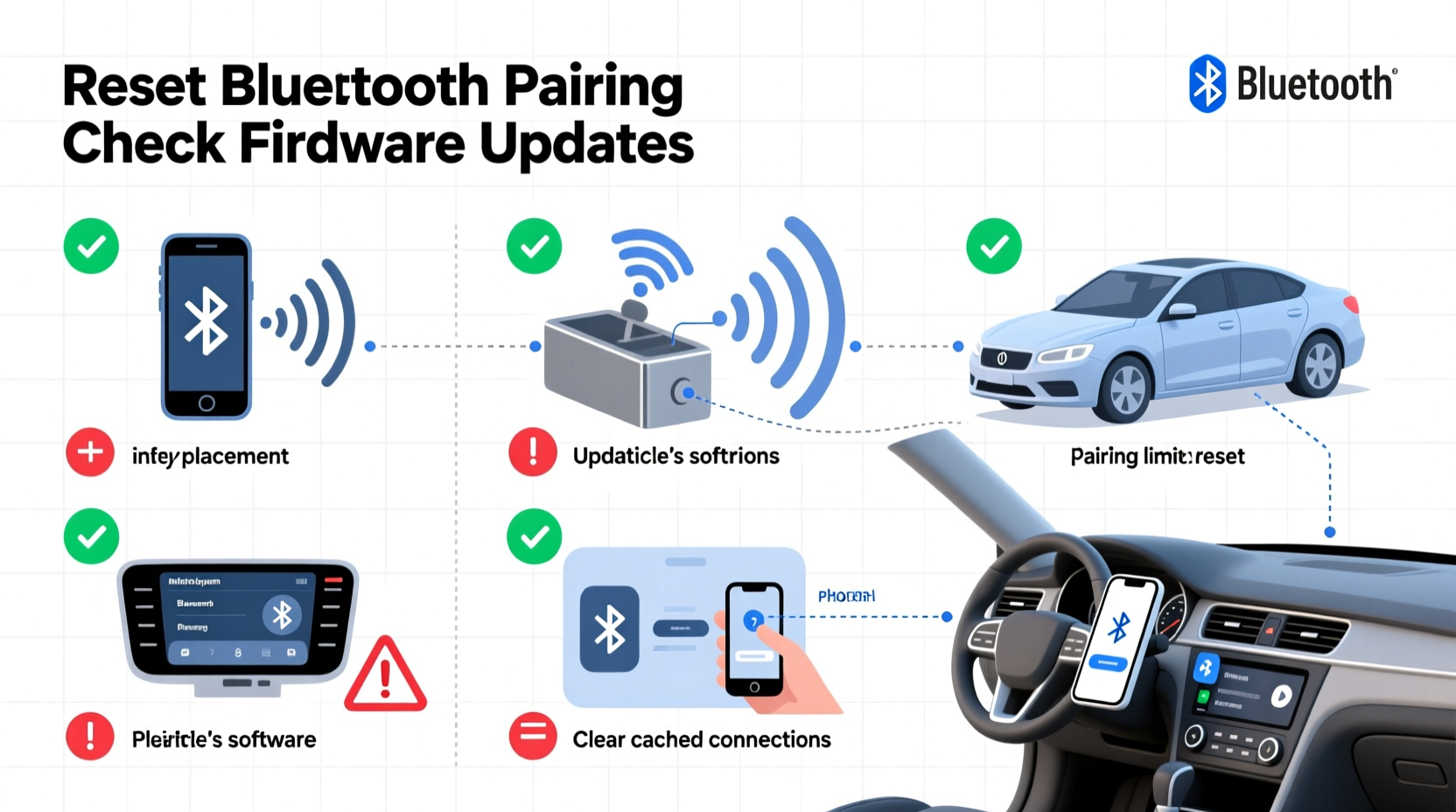
Car Bluetooth systems use short-range wireless technology to pair your smartphone with the vehicle’s audio and communication system. Once connected, the system handles calls, music streaming, and voice commands through built-in microphones and speakers. However, unlike Wi-Fi or cellular signals, Bluetooth operates on the 2.4 GHz frequency band, which is also used by microwaves, cordless phones, and other wireless devices. This makes it susceptible to interference and signal degradation under certain conditions.
The pairing process creates a trusted connection between two devices. But over time, software bugs, outdated firmware, or physical obstructions can weaken that link. Additionally, multiple paired devices stored in your car’s memory may compete for bandwidth, causing instability during active calls.
“Bluetooth reliability in vehicles depends as much on user habits as it does on hardware quality.” — Dr. Alan Reyes, Automotive Connectivity Engineer
Common Causes of Bluetooth Call Drops
Before attempting fixes, it helps to identify what’s behind the dropped calls. Below are the most frequent culprits:
- Signal interference: Nearby electronic devices, poor phone placement, or even metal structures inside the car can block the signal.
- Outdated software: Both your phone and car system need regular updates to maintain compatibility.
- Overloaded device memory: Too many paired phones or saved contacts can overwhelm the infotainment unit.
- Low phone battery or power-saving modes: These can throttle background processes, including Bluetooth.
- Weak microphone sensitivity: If the system struggles to detect voice input, it may disconnect thinking the call has ended.
- Faulty wiring or aging hardware: Though less common, internal damage to the car’s audio module can cause intermittent issues.
Step-by-Step Guide to Fix Bluetooth Call Drops
Follow this systematic approach to resolve most Bluetooth call issues from the comfort of your garage or driveway.
- Restart both devices: Turn off your phone and car engine. Wait 60 seconds, then restart both. This clears temporary glitches in the connection stack.
- Delete old pairings: In your car’s settings menu, remove all previously paired phones. Then, delete the car from your phone’s Bluetooth list.
- Re-pair from scratch: With both devices reset, initiate a new pairing. Follow the prompts carefully, ensuring you allow access to contacts and call audio.
- Update software: Check for updates on your phone (Settings > General > Software Update) and your car (via Settings > System > Software Update, if available).
- Test with another phone: Pair a different smartphone to determine if the issue lies with your device or the car system.
- Disable battery optimization for Bluetooth: On Android, go to Settings > Apps > [Your Phone App] > Battery > Unrestricted. On iPhone, ensure Background App Refresh is enabled for Phone and Contacts.
- Reset the infotainment system: Locate the reset option in your car’s settings (often under “System” or “Factory Reset”). This clears cached data without affecting vehicle settings.
Do’s and Don’ts When Troubleshooting Bluetooth Issues
| Action | Do | Don't |
|---|---|---|
| Phone Placement | Keep phone upright in a dedicated cradle near the dash | Place phone in pocket, glovebox, or rear seat |
| Software Updates | Install updates promptly on both phone and car system | Ignore update notifications for months |
| Multiple Devices | Limited to 1–2 trusted devices in memory | Pair every family member’s phone without removing old ones |
| Battery Mode | Use standard mode during calls; avoid extreme power saving | Enable ultra-saving mode while expecting calls |
| Cleaning Connections | Wipe phone and cradle with dry microfiber cloth | Use liquids or abrasive cleaners near electronics |
Real-World Example: Sarah’s Commute Fix
Sarah, a project manager in Chicago, relied on her car’s Bluetooth for daily client calls during her 45-minute commute. Over three weeks, she noticed increasing call drops—sometimes mid-sentence. Initially, she blamed her phone, upgrading from an older iPhone to a newer model. The problem persisted. Frustrated, she almost scheduled a $150 dealership diagnostic.
Instead, she tried resetting her car’s infotainment system—a step she found online. After deleting five old devices from her Honda CR-V’s memory and re-pairing her current phone, the call stability improved immediately. She later discovered her phone had been set to “Low Power Mode,” which was throttling Bluetooth performance. Disabling that feature completed the fix. Total cost: $0. Time invested: 12 minutes.
Advanced Fixes Without Dealership Help
If basic troubleshooting fails, consider these deeper solutions:
Clear Cache on Android Auto / Apple CarPlay
If your car uses Android Auto or Apple CarPlay, cached data can interfere with Bluetooth functionality.
- Android: Go to Settings > Apps > Android Auto > Storage > Clear Cache.
- iOS: Delete and reinstall the CarPlay connection via Settings > General > CarPlay.
Check SIM Card and Network Stability
Bluetooth transmits the audio, but your phone’s network carries the call. A weak cellular signal can mimic Bluetooth failure. Test by making a call outside the car—if it still drops, the issue may be carrier-related.
Use a Bluetooth Signal Booster (Optional)
Some third-party adapters plug into the OBD-II port and enhance wireless transmission. While not always necessary, models like the Autel MS908 or Jumper VCX Nano have reported success in improving Bluetooth stability in older vehicles.
Inspect for Physical Obstructions
Metal phone cases, magnetic mounts, or even tinted windows with metallic coatings can block Bluetooth signals. Try using a non-metallic case and positioning the phone directly on the dash temporarily to test signal strength.
“Many ‘faulty’ Bluetooth systems are actually victims of poor user setup or outdated firmware—not hardware defects.” — Lena Patel, Senior Tech Advisor at DriveSmart Labs
Preventive Maintenance Checklist
To avoid future disruptions, follow this monthly checklist:
- ✅ Reboot your car’s infotainment system
- ✅ Remove unused paired devices
- ✅ Confirm phone software is up to date
- ✅ Clean phone and charging/cradle area
- ✅ Test call quality with a quick outgoing call
- ✅ Disable unnecessary background apps draining battery
- ✅ Verify microphone isn’t blocked by dust or debris
Frequently Asked Questions
Can a car battery affect Bluetooth performance?
Yes. A weak or failing car battery can cause voltage fluctuations that disrupt the infotainment system. Even if the engine starts fine, inconsistent power delivery may lead to Bluetooth dropouts. Consider having your battery tested if issues persist after software fixes.
Why does Bluetooth work for music but not calls?
This often points to profile mismatch. Music uses the A2DP (Advanced Audio Distribution Profile), while calls rely on HFP (Hands-Free Profile). If HFP is corrupted or unsupported, calls fail even if audio streaming works. Re-pairing the device usually resolves this by restoring all profiles.
Will resetting my car’s system erase navigation data?
Most factory resets only clear user data like paired devices and radio presets. Navigation maps and core functions remain intact. However, consult your owner’s manual before proceeding—some older systems may require re-downloading map updates after a full reset.
Conclusion: Take Control of Your Car’s Connectivity
Dropped Bluetooth calls don’t have to be a permanent annoyance. With a methodical approach, most issues can be diagnosed and resolved at home. From clearing outdated pairings to managing phone settings and updating firmware, the tools are already in your hands. You don’t need specialized equipment or expensive service visits to regain reliable hands-free communication.




 浙公网安备
33010002000092号
浙公网安备
33010002000092号 浙B2-20120091-4
Comments
No comments yet. Why don't you start the discussion?