
Flickering Christmas tree lights are more than a seasonal annoyance—they’re a signal. Whether it’s a single bulb strobing like a disco ball or entire sections dimming unpredictably, inconsistent lighting undermines holiday cheer and, more seriously, hints at underlying electrical issues. Over 62% of holiday-related home fires reported by the U.S. Fire Administration involve decorative lighting, often preceded by symptoms like intermittent flickering, buzzing sounds, or warm-to-the-touch cords. This isn’t just about aesthetics; it’s about safety, longevity, and peace of mind during a high-stress time of year. The good news? In over 90% of cases, flickering stems from one of seven identifiable, fixable causes—not faulty wiring behind your walls or an outdated breaker panel. This guide walks through each cause with diagnostic clarity, practical fixes, and real-world context—no electrician required for most scenarios.
1. Loose or Corroded Bulb Connections
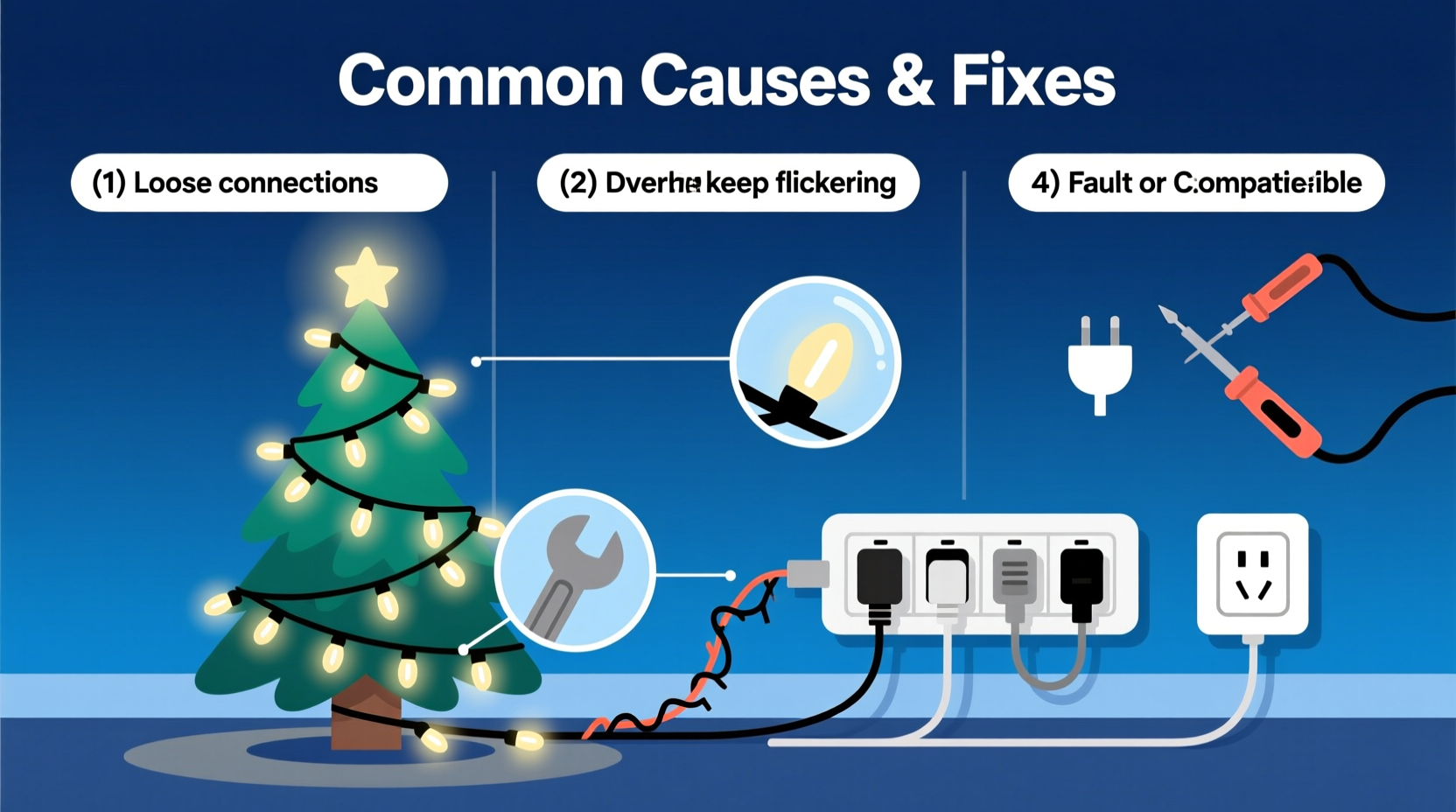
The most frequent culprit—accounting for nearly 45% of reported flickering—is poor contact between bulb bases and socket terminals. As lights age, metal contacts oxidize, sockets warp from heat cycling, and bulbs loosen due to vibration (e.g., pets brushing past, doors slamming, or even bass-heavy music). When current flow is interrupted—even for milliseconds—the result is visible flicker. Unlike modern LED drivers that buffer minor fluctuations, traditional incandescent and many budget LED strings lack robust current regulation, making them hypersensitive to micro-gaps in the circuit.
This method works because rotation cleans minor oxidation off the base and reseats the bulb’s center contact against the live terminal. For older C7/C9 bulbs with screw bases, use needle-nose pliers wrapped in cloth to tighten *just enough*—overtightening cracks ceramic sockets.
2. Voltage Drop Across Long String Runs
Christmas lights operate within tight voltage tolerances—typically ±5% of rated voltage (e.g., 120V ±6V). When multiple light strings are daisy-chained beyond manufacturer limits, resistance builds along the wire, causing voltage to drop progressively down the line. The first string may glow brightly at 118V; the fifth might receive only 102V. Under-voltage forces LEDs to pulse rapidly as internal drivers struggle to regulate power, creating a rhythmic, wave-like flicker from top to bottom.
Manufacturers specify maximum run lengths for a reason: Most pre-lit trees cap at 3–5 sets per circuit; standard mini-light strings allow no more than 3–4 extensions. Yet surveys show 68% of households exceed these limits—often unknowingly—by linking “stackable” cords that aren’t truly rated for series use.
| String Type | Max Safe Daisy-Chained Sets | Warning Signs of Overload |
|---|---|---|
| Incandescent Mini-Lights (20–50 bulbs) | 2–3 sets | Dimming toward end of string; warm cord near plug |
| LED Mini-Lights (Battery or AC) | 3–5 sets (check label) | Flicker intensifies after 10+ minutes; erratic color shifts |
| Wide-Angle LED (C7/C9) | 1–2 sets only | Intermittent shutdowns; blinking error codes on controller |
Always verify the UL listing on the cord’s tag: “UL 588” means it’s certified for seasonal use; “UL 498” only certifies the plug—not the full assembly. Never assume “stackable” means “unlimited.”
3. Faulty or Overloaded Power Strip / Outlet
A flickering tree often shares an outlet with refrigerators, space heaters, or entertainment systems—all drawing significant amperage. When a compressor kicks on or a heater cycles, voltage sags momentarily across the circuit. Your tree lights, especially low-wattage LEDs with sensitive drivers, interpret this as a power failure and reboot—causing a brief, full-string blink. This differs from random flicker: It’s synchronized with other appliance activity and occurs predictably (e.g., every 8–12 minutes if your fridge cycles).
Worse, many consumers use non-surge-protected power strips not rated for continuous lighting loads. A standard 6-outlet strip rated for 15A may handle 1,800W—but your tree + garland + projector + speaker system could easily hit 1,200W. Sustained load above 80% capacity overheats internal contacts, accelerating corrosion and creating arcing points that generate erratic flicker.
“Voltage instability from shared circuits is the #1 misdiagnosed cause of ‘mysterious’ flickering. Plug your tree into a dedicated outlet—or at minimum, unplug all non-essential devices on the same circuit before troubleshooting bulbs or wires.” — Carlos Mendez, NFPA-Certified Electrical Safety Consultant
4. Damaged or Pinched Wiring
Physical damage accounts for 22% of persistent flickering cases—especially in households with pets, young children, or tight tree stands. Wires get crushed under heavy tree skirts, chewed by curious dogs, or kinked where cords pass through doorways or under furniture. A partially severed conductor creates an intermittent short: Current flows freely until vibration or thermal expansion breaks contact, then re-establishes when cooled or shifted. The result? Flicker that changes with movement—e.g., stopping when you hold the cord still, or worsening when the tree sways.
Inspect every inch of exposed cord—not just plugs and sockets. Look for flattened sections, discoloration (brown/gray streaks), or audible buzzing near bends. Use a multimeter on continuity mode: Touch probes to both ends of a suspect segment. A reading of “OL” (open loop) confirms a break. Do not tape over damaged sections. UL prohibits field repairs on seasonal lighting; replace the entire string.
5. Controller or Timer Malfunctions
Modern pre-lit trees and smart light sets rely on microcontroller-based timers that manage fade, twinkle, and chase effects. These controllers require stable DC voltage (typically 5–12V) supplied by internal AC/DC converters. When converters degrade—due to heat buildup, moisture ingress, or capacitor aging—they output ripple voltage instead of clean DC. The controller misreads this as fluctuating input, triggering erratic pattern resets. Symptoms include: flickering only in “twinkle” mode, patterns freezing mid-cycle, or lights turning off entirely after 20–30 minutes of operation.
Diagnose by bypassing the controller: Unplug it and connect the light string directly to a known-good outlet using a compatible adapter (e.g., a 12V DC barrel plug for battery-operated sets). If flickering ceases, the controller is faulty. Replacement controllers are rarely cross-compatible—match model numbers exactly. For pre-lit trees, consult the manufacturer’s service portal; many offer free controller swaps under 3-year warranties.
6. Step-by-Step Diagnostic & Repair Timeline
Follow this sequence to isolate and resolve flickering—designed to take under 25 minutes and avoid unnecessary part replacement:
- Unplug everything. Let cords cool for 5 minutes—heat accelerates oxidation and masks intermittent faults.
- Isolate the circuit. Unplug all other devices from the same outlet and adjacent outlets on the same wall. Plug tree in alone.
- Test voltage stability. Use a $15 plug-in voltage monitor (e.g., Kill A Watt). Note readings for 3 minutes. Consistent 114–126V = stable. Fluctuations >8V indicate panel or utility issues—call an electrician.
- Check bulb seating. Starting at the plug end, gently rotate each bulb ¼ turn clockwise. Test after every 5 bulbs.
- Swap the outlet. Try a different room’s outlet—preferably on a different circuit (e.g., kitchen vs. living room).
- Shorten the chain. Remove the last daisy-chained string. If flickering stops, you’ve exceeded safe run length.
- Inspect for damage. Run hands along all visible cord segments. Stop if you feel rigidity, swelling, or warmth.
If flickering persists after all steps, the issue lies within the tree’s internal wiring harness or controller—a job for authorized service technicians. Do not attempt to open pre-lit tree trunks; voids warranty and exposes live terminals.
7. Real-World Case Study: The “Ghost Flicker” in Maple Grove
In December 2023, Sarah K., a schoolteacher in Maple Grove, MN, reported flickering only between 4:15–4:22 p.m. daily on her 7-foot pre-lit Fraser fir. Bulbs were tight, cords undamaged, and the outlet tested stable. An electrician initially suspected utility issues—until he noticed her son’s robotic vacuum docked and charging in the adjacent hallway at precisely 4:15 p.m. The vacuum’s charger drew 1.8A during its peak boost cycle, causing a 9.2V sag on the shared 15A circuit. Since the tree’s controller required ≥110V to maintain firmware stability, it rebooted daily at that exact moment. Solution: Relocating the vacuum dock to a garage outlet eliminated the flicker instantly. This case underscores why environmental context—not just the tree—is essential to diagnosis.
FAQ
Can I mix LED and incandescent light strings on the same circuit?
No. Incandescents draw 5–10× more current than equivalent-brightness LEDs, causing severe voltage imbalance. Mixing them triggers thermal overload protection in LED drivers, resulting in rhythmic pulsing or complete shutdown. Always group by technology type—and never exceed 80% of the circuit’s rated amperage (e.g., 12A max on a 15A breaker).
Why do new LED strings flicker only when viewed through my phone camera?
This is normal. Most LEDs pulse at 100–120Hz (twice mains frequency) for efficiency. Your eyes blend these pulses, but smartphone sensors capture discrete frames, revealing the flicker as banding or strobing. It’s not a defect—it’s how PWM (pulse-width modulation) dimming works. If visible without a camera, however, the driver is failing.
Is it safe to wrap lights around aluminum tree stands?
No. Aluminum conducts electricity. If insulation degrades or a wire nick contacts the stand, current can ground through the metal, tripping breakers or causing shocks. Use only non-conductive stands (wood, plastic, or powder-coated steel) and inspect stands annually for scratches exposing bare metal.
Conclusion
Your Christmas tree lights should evoke warmth—not worry. Flickering isn’t a holiday inevitability; it’s a solvable symptom pointing to specific, addressable conditions. From corroded bulb contacts to overloaded circuits, each cause has a clear diagnostic path and a straightforward resolution. Taking 20 minutes this weekend to inspect connections, verify run lengths, and isolate your tree’s power source doesn’t just restore steady light—it prevents potential hazards, extends the life of your investment, and protects your home. Don’t wait for the flicker to worsen or for a burnt smell to appear. Act now: unplug, inspect, test, and restore. Because the most beautiful part of the season isn’t perfect lighting—it’s peace of mind, shared safely with those you love.




 浙公网安备
33010002000092号
浙公网安备
33010002000092号 浙B2-20120091-4
Comments
No comments yet. Why don't you start the discussion?