
Controller drift—when your character moves or camera pans on its own—is one of the most frustrating issues gamers face. Whether you're playing a competitive shooter or navigating an open-world adventure, uncommanded input breaks immersion and impacts performance. The good news is that you don’t need advanced technical skills or a soldering iron to address this problem. Understanding the root causes and applying non-invasive fixes can restore precision and extend your controller’s life.
What Is Controller Drift?
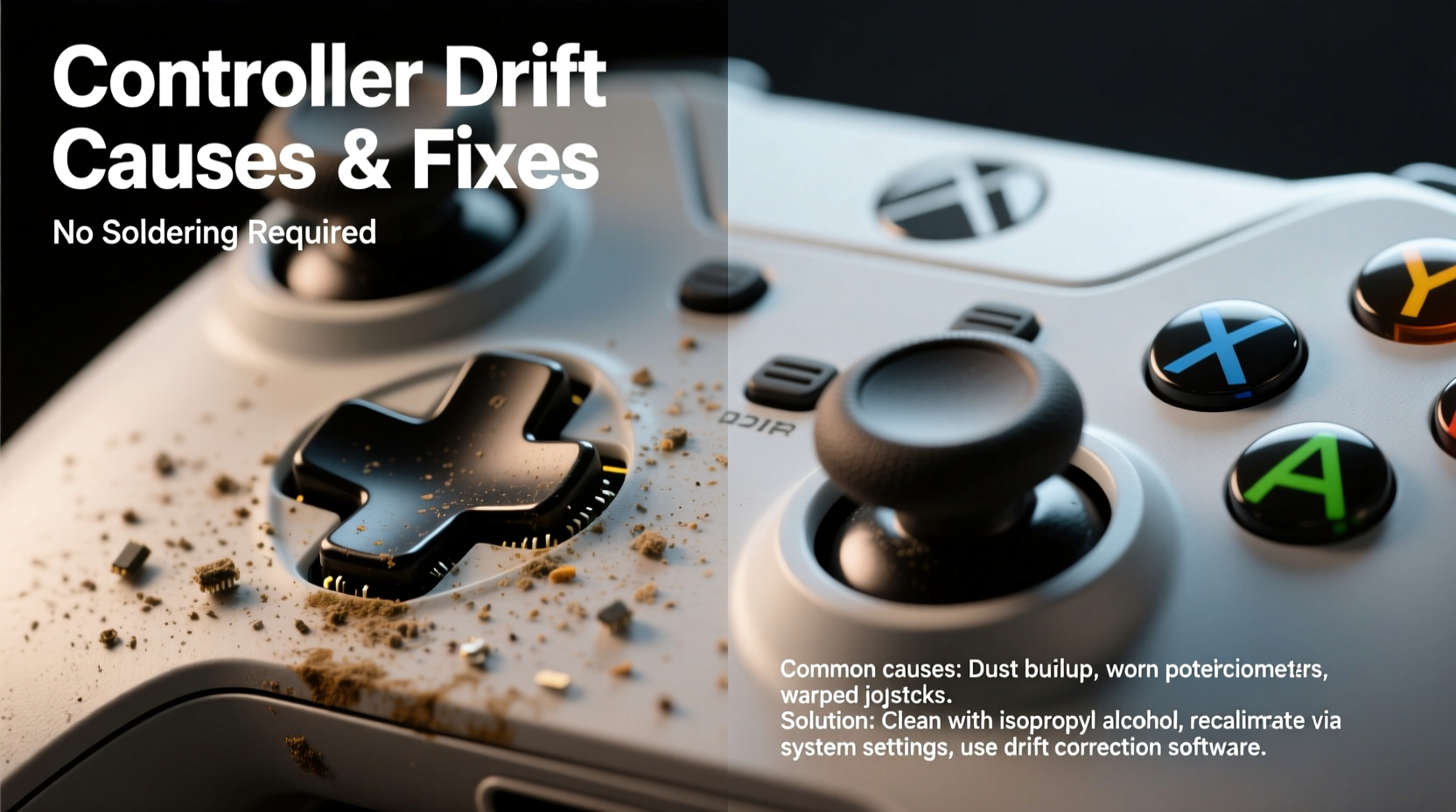
Controller drift occurs when the analog sticks send incorrect positional data to the console or PC, even when untouched. This manifests as unintended movement in games: characters walking forward while idle, cameras rotating unexpectedly, or menus scrolling without input. While often dismissed as minor, persistent drift degrades gameplay and may indicate deeper hardware degradation.
The issue primarily affects modern controllers with analog thumbsticks, including those from Sony (DualShock, DualSense), Microsoft (Xbox), and Nintendo (Joy-Con). Although widespread, drift isn’t inevitable—and in many cases, it’s reversible without opening the device or modifying circuitry.
Common Causes of Joystick Drift
Drift stems from both mechanical wear and environmental factors. Identifying the cause helps determine whether a DIY fix will suffice or if replacement is more practical.
- Dust and debris accumulation: Tiny particles enter through gaps around the stick base, interfering with internal sensors.
- Worn-out potentiometers: These small resistive components track stick position. Over time, their contact surfaces degrade, leading to inaccurate readings.
- Sticky residue or oils: Finger oils, sweat, or spilled liquids create conductive films that disrupt electrical signals.
- Physical damage or misalignment: Dropping the controller can displace internal parts or bend components.
- Firmware glitches: Rarely, software bugs cause false input detection, mimicking hardware drift.
“Analog stick drift is less about sudden failure and more about gradual degradation. Most early-stage cases are preventable or reversible with maintenance.” — Mark Tran, Electronics Repair Technician with 12 years of experience in consumer gaming devices.
Can You Fix Drift Without Soldering?
Yes—many instances of drift can be resolved without soldering or permanent modifications. Non-invasive techniques focus on cleaning, recalibration, and resetting sensor data. These approaches are safe, cost-effective, and preserve warranty status in some cases (though warranties vary by manufacturer).
Soldering becomes necessary only when internal components like potentiometers fail completely or require replacement. For most users experiencing mild to moderate drift, simpler solutions work effectively.
Step-by-Step: How to Fix Controller Drift Without Soldering
- Power down and disconnect: Turn off your console or PC and unplug the controller. If wireless, ensure it’s fully powered down.
- Clean the analog sticks: Use a soft cloth dampened with isopropyl alcohol (70% or higher). Gently wipe around the base of each stick, then rotate the stick in full circles to expose hidden grime.
- Use compressed air: Blow short bursts around the stick base to dislodge dust. Hold the nozzle at a 45-degree angle to avoid forcing debris deeper.
- Perform a soft reset: For wireless controllers, remove batteries (if replaceable) or hold the pairing/reset button for 10 seconds to clear temporary faults.
- Recalibrate via system settings: On PlayStation, go to Settings > Accessories > Controllers > Adjust Stick Calibration. On Xbox, use the Xbox Accessories app to test and recalibrate. Nintendo Switch users can adjust calibration under System Settings > Controllers and Sensors > Calibrate Control Sticks.
- Test functionality: Launch a game or use a controller tester website (like jstest-gtk on PC) to verify if drift persists.
If drift remains after two cleaning cycles, repeat the process with greater attention to circular motion during cleaning. Sometimes, built-up residue requires multiple passes to dissolve fully.
Effective Cleaning Methods Compared
| Method | Effectiveness | Risk Level | Tools Needed |
|---|---|---|---|
| Isopropyl Alcohol + Cloth | High (surface debris) | Low | Cotton swabs, microfiber cloth, 70%+ IPA |
| Compressed Air Only | Moderate | Very Low | Canned air duster |
| Deep Clean with Stick Caps Removed | Very High | Moderate (risk of losing small parts) | Small screwdriver, tweezers, IPA |
| Software Recalibration Only | Low (temporary fix) | None | Console/PC settings |
Real-World Example: Fixing a Drifting DualSense Controller
Alex, a PS5 owner, noticed his character slowly moving left during quiet moments in *Horizon Forbidden West*. Initially, he assumed it was a game bug. After testing in different titles and ruling out software issues, he confirmed drift using the built-in calibration tool. Following the cleaning steps above—using isopropyl alcohol and gentle circular wiping—he cleaned both sticks thoroughly. He then recalibrated via the PS5 menu. Post-cleaning tests showed no residual drift. Three months later, with monthly maintenance, the controller remains responsive and accurate.
This case highlights how early intervention prevents escalation. Had Alex waited until the stick caused constant movement, internal damage might have required part replacement.
When to Consider Professional Repair or Replacement
Not all drift is reversible at home. Signs that suggest deeper hardware failure include:
- Visible wobble or looseness in the stick shaft
- No response to multiple cleanings and recalibrations
- Complete loss of directional control in one axis
- Crunching or gritty feedback when moving the stick
In such cases, professional repair services can replace potentiometers or entire stick modules. Some third-party shops offer “drift-free” replacements with improved durability. Alternatively, manufacturers like Sony and Microsoft occasionally run repair programs—even beyond warranty—for known drift-prone models.
For example, Nintendo launched a free Joy-Con repair program in 2019 due to widespread drift complaints. Though officially ended, some users still report success requesting goodwill repairs.
Preventive Maintenance Checklist
To minimize future drift, follow this routine:
- ✅ Clean analog sticks monthly with isopropyl alcohol
- ✅ Store controllers in a dry, dust-free area
- ✅ Avoid eating or drinking near gaming sessions
- ✅ Use protective stick caps to reduce direct contact
- ✅ Recalibrate every few months or after intense usage
- ✅ Rotate between multiple controllers if available
Frequently Asked Questions
Can I use hand sanitizer to clean my controller sticks?
No. Hand sanitizers often contain glycerin, fragrances, and other additives that leave sticky residues. These can attract more dirt and worsen drift over time. Stick to pure isopropyl alcohol (70% or higher) for best results.
Does updating controller firmware help with drift?
Firmware updates rarely fix hardware-related drift, but they can correct input reporting bugs. For instance, Microsoft has issued updates improving thumbstick data accuracy on Xbox Series X|S controllers. Always keep your controller updated through official channels.
Are some controllers more prone to drift than others?
Yes. Design choices impact longevity. The original Nintendo Switch Joy-Con became infamous for early drift due to limited sealing and fragile potentiometers. Newer models like the DualSense Edge feature modular sticks designed for easier maintenance. Research build quality before purchasing.
Final Thoughts: Take Control Back
Controller drift doesn’t have to mean retirement for your favorite gaming peripheral. In most cases, simple cleaning and recalibration restore normal function—no soldering, no special tools, no expense. The key is acting early and maintaining consistency. Just as you’d service a car to prevent engine trouble, periodic care keeps your controller responsive and reliable.
Gaming should be seamless and immersive. Don’t let drifting sticks undermine your experience. With a few minutes of effort and the right technique, you can reclaim precision and extend the lifespan of your gear. Try the methods outlined here today—your next victory might depend on it.




 浙公网安备
33010002000092号
浙公网安备
33010002000092号 浙B2-20120091-4
Comments
No comments yet. Why don't you start the discussion?