
It’s a common yet frustrating experience: you pull out your phone to capture a moment indoors—maybe a birthday toast or a quiet family dinner—and the camera lens is fogged over. The image appears blurry, unfocused, and unusable. You wipe it, but the haze returns moments later. This isn’t a hardware flaw or a sign of damage—it’s condensation. Understanding why this happens and knowing how to respond quickly can save you from missing important memories.
Condensation on your phone’s camera lens occurs when warm, moist air meets a cold surface. This often happens when moving from a cold environment (like outside in winter) into a warmer indoor space. While harmless in the long term, it can be disruptive in the short term. The good news is that it’s both predictable and preventable. With a few smart habits and instant fixes, you can keep your lens clear and ready to shoot at a moment’s notice.
The Science Behind Camera Lens Fogging
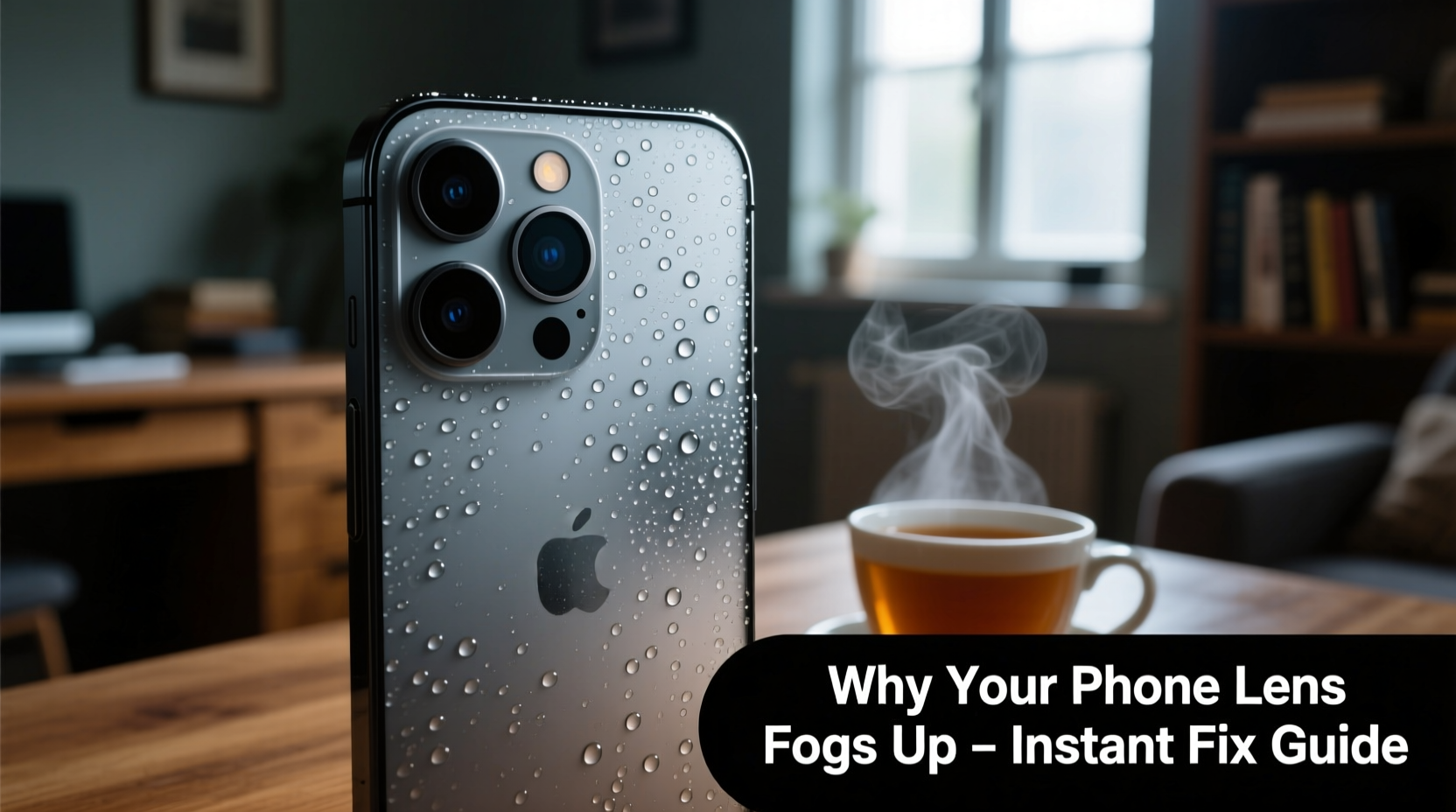
Fogging on your phone’s camera lens is not unique to smartphones—it affects eyeglasses, car windshields, and even bathroom mirrors. It all comes down to a basic principle of physics: temperature differentials and dew point.
When your phone has been exposed to cold air—such as during a winter walk—the surface of the device, including the glass lens, cools down significantly. Once you step inside a warm, humid room, the surrounding air contains more moisture. As this warm, moist air touches the cold lens, it rapidly cools. When air cools, its capacity to hold water vapor decreases. If it drops below the dew point, the excess moisture condenses into tiny water droplets on the lens surface—creating that familiar foggy film.
This process is especially common in climates with high indoor humidity or during seasonal transitions like fall and winter. It’s also more likely if your home uses heating systems that dry the air unevenly or if you’ve just come from a snowy or rainy environment.
“Condensation is a natural physical response, not a defect. The key is managing the transition between environments.” — Dr. Lena Patel, Environmental Physicist, University of Colorado
How to Clear a Fogged Camera Lens Instantly
If your lens fogs up the moment you walk indoors, waiting several minutes for it to clear naturally may mean missing a photo opportunity. Fortunately, there are fast, safe ways to restore clarity without damaging your phone.
Step-by-Step Guide to Immediate Defogging
- Don’t wipe immediately – Wiping a wet lens with a cloth can smear oils and micro-droplets, worsening the blur. Wait 10–15 seconds for larger droplets to form.
- Use a microfiber cloth – Gently wipe the lens in a circular motion. Ensure the cloth is clean and dry to avoid scratching the oleophobic coating.
- Breathe and wipe (carefully) – Lightly breathe on the lens to create a thin layer of warm moisture, then immediately wipe it off. This method helps dislodge stubborn condensation.
- Place near gentle warmth – Hold the phone near (not against) a radiator, heater vent, or even your body heat. Avoid direct heat sources like hairdryers, which can warp components.
- Use silica gel packets – If available, place your phone in a sealed container with silica gel for 10–15 minutes. These desiccants absorb moisture efficiently.
Preventative Measures to Stop Fog Before It Starts
While clearing fog is useful, preventing it altogether is far more effective. The goal is to minimize the temperature shock your phone experiences when transitioning between environments.
Smart Habits for All Seasons
- Warm your phone gradually – Instead of bringing your cold phone directly into a heated room, place it in a jacket pocket or insulated bag first. Let it acclimate slowly over 10–15 minutes.
- Store in a protective case – A well-insulated case can buffer rapid temperature changes, reducing the likelihood of condensation forming on internal components and lenses.
- Avoid sudden indoor exposure – After being outdoors, leave your phone in your bag or coat for a few minutes before taking it out. This simple delay allows passive warming.
- Control indoor humidity – Use a dehumidifier in frequently used rooms, especially during winter when heating systems increase relative humidity fluctuations.
- Keep your phone in an inner layer – When outside in cold weather, store your phone close to your body (e.g., inside a shirt or vest pocket) to maintain a higher baseline temperature.
Advanced Tip: Use a Thermal Barrier
For photographers or frequent outdoor users, consider using a neoprene sleeve or thermal pouch. These act like “insulated jackets” for your phone, slowing heat transfer and minimizing condensation risk. They’re lightweight, affordable, and highly effective in extreme climates.
Do’s and Don’ts: What to Avoid When Dealing with Lens Fog
| Do’s | Don’ts |
|---|---|
| Wipe gently with a microfiber cloth | Use paper towels or clothing—these can scratch the lens |
| Let the phone acclimate before use | Blow hot air from a hairdryer directly on the lens |
| Store with silica gel packets in a dry box | Submerge or rinse the phone to remove fog |
| Use a protective case with insulation | Leave the phone near steamy showers or stovetops |
| Check lens cleanliness regularly | Ignore persistent fog that doesn’t clear after 30 minutes—could indicate internal moisture |
Real-World Example: A Photographer’s Winter Dilemma
Sarah, a freelance event photographer in Vermont, regularly shoots outdoor weddings in sub-zero temperatures. She noticed that every time she entered a reception hall, her smartphone’s camera would fog up within seconds, delaying her ability to capture candid guest reactions.
Initially, she tried wiping the lens aggressively, only to smudge it further. After researching the issue, she adopted a new routine: upon arriving at a venue, she placed her phone in a padded neoprene sleeve and tucked it under her coat for 12 minutes before shooting. She also began carrying a microfiber cloth and silica gel pack in her gear bag.
The results were immediate. Her lens remained clear upon entry, and she no longer missed critical moments. Over time, she applied the same principles to her DSLR lenses, proving that the science of condensation management is universal across devices.
“Understanding environmental conditions is just as important as knowing your camera settings.” — Sarah Lin, Professional Event Photographer
When Fog Might Signal a Bigger Problem
Occasional external fogging is normal. However, if you notice fog forming inside the lens—between the glass layers—it could indicate a compromised seal or water ingress. Internal fog doesn’t clear quickly and may persist even after the phone warms up.
In such cases, do not attempt to open the device yourself. Instead:
- Power off the phone immediately.
- Do not charge or plug in any cables.
- Contact the manufacturer or authorized service center.
Modern phones are designed with water resistance (e.g., IP68 rating), but repeated exposure to extreme temperature shifts can degrade seals over time. Regular inspection and careful handling help maintain integrity.
FAQ: Common Questions About Phone Camera Fog
Can lens fog damage my phone?
No, external condensation on the lens surface does not harm your phone. It’s simply water vapor cooling and forming droplets. However, persistent internal fog may suggest moisture has breached the casing, which can lead to corrosion or electrical issues if ignored.
Why doesn’t my friend’s phone fog up but mine does?
Differences in usage patterns, case types, and even phone materials affect heat retention. Phones with metal frames may cool faster than plastic ones, increasing fog risk. Additionally, some users unconsciously let their phones warm up in pockets before use, avoiding the problem entirely.
Does turning on the flashlight help clear the lens?
Not directly. While the LED generates slight heat, it’s insufficient to evaporate condensation quickly. However, using the flashlight briefly before filming in low light can slightly warm the rear module, offering minimal assistance in marginal cases.
Quick Checklist: Prevent and Fix Lens Fog
- ✅ Store your phone in an inner pocket when outdoors in cold weather.
- ✅ Allow 10–15 minutes for your phone to adjust temperature before using indoors.
- ✅ Carry a microfiber cloth for instant lens cleaning.
- ✅ Use a protective case with insulating properties.
- ✅ Keep silica gel packets in your bag or storage area.
- ✅ Avoid pointing the lens toward steam, showers, or boiling kettles.
- ✅ Monitor for signs of internal fogging and seek professional help if needed.
Conclusion: Stay Ready to Capture Life’s Moments
Your phone is more than a communication tool—it’s a personal historian, capturing life’s fleeting moments. A fogged camera lens shouldn’t stand between you and those irreplaceable memories. By understanding the science of condensation and adopting simple, proactive habits, you can eliminate this annoyance for good.
From letting your phone warm up gradually to keeping a microfiber cloth on hand, the solutions are straightforward and cost nothing more than a little awareness. Whether you're a casual user or a mobile photography enthusiast, these practices ensure your camera is always ready when inspiration strikes.




 浙公网安备
33010002000092号
浙公网安备
33010002000092号 浙B2-20120091-4
Comments
No comments yet. Why don't you start the discussion?