
You plug in your phone using what you believe is a high-speed charging setup—brand-name fast charger, premium cable, wall outlet—and yet, the battery percentage crawls upward at a snail’s pace. You’re not imagining it. Slow charging despite having the right gear is a widespread frustration. The truth is, many people assume their charging speed depends solely on the cable or charger they use. But reality is far more complex. Behind the scenes, multiple factors—from hardware compatibility to environmental conditions—can throttle your charging performance.
This article cuts through the misinformation that dominates online forums and social media. We’ll dissect the most persistent cable myths, expose the real culprits behind sluggish charging, and give you actionable steps to maximize your phone’s power intake. Whether you're using an iPhone, Samsung Galaxy, Google Pixel, or another flagship device, understanding these dynamics can save you time, extend battery life, and prevent unnecessary upgrades.
The Fast Charging Myth: Not All Cables Are Created Equal
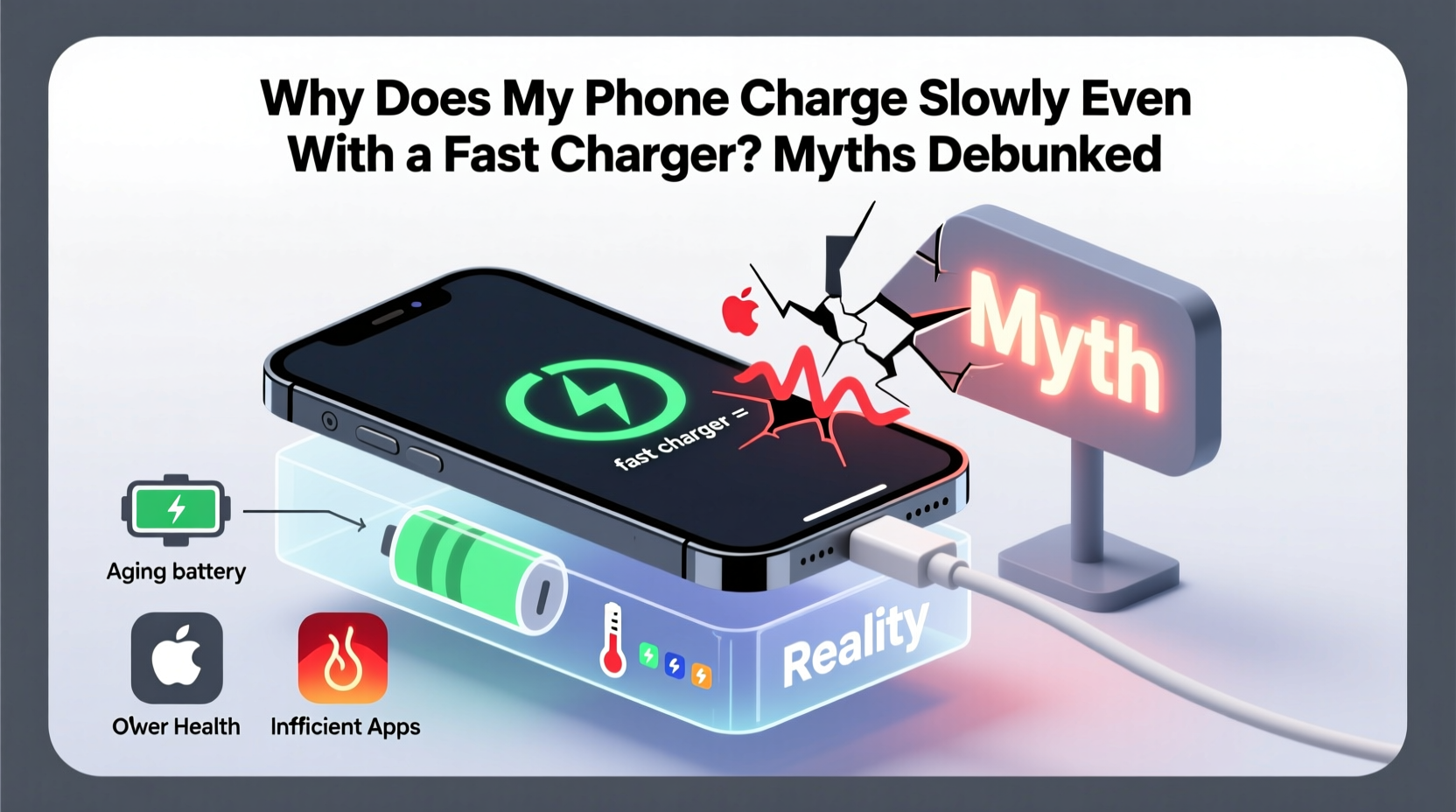
One of the most repeated claims is that “any USB-C cable supports fast charging.” This is dangerously misleading. While USB-C is the standard for modern fast charging, not every cable built with this connector is capable of delivering high wattage. Many inexpensive or third-party cables are designed only for data transfer or basic 5W charging. They may lack the necessary internal wiring (like E-Marker chips) or gauge thickness to handle higher currents safely.
For example, a thin, unbranded USB-C to USB-C cable might max out at 15 watts, even if your phone and charger support 30W or 65W Power Delivery (PD). In such cases, the bottleneck isn’t your phone—it’s the cable itself. Similarly, older USB-A to USB-C cables often limit output to 18W, making them incompatible with newer fast-charging standards.
Hidden Factors That Slow Down Charging
Even with a top-tier cable and charger, your phone may still charge slowly due to overlooked variables. These include:
- Battery health degradation: Lithium-ion batteries lose capacity over time. After 500 full charge cycles, most phones retain about 80% of their original capacity. A degraded battery may trigger software throttling to reduce heat and stress.
- Background app activity: Streaming music, syncing cloud photos, or running GPS navigation while charging consumes power as fast as it’s being replenished.
- Case insulation: Thick silicone or leather cases trap heat. Excessive temperature triggers thermal throttling, which reduces charging speed automatically.
- Charging source limitations: Plugging into a laptop USB port or a low-output car adapter typically delivers only 5–7.5W, far below wall outlet potential.
- Software bugs: Occasionally, OS updates introduce charging inefficiencies until patched.
“Fast charging isn't just about hardware—it's a system-wide balance between power delivery, thermal management, and battery chemistry.” — Dr. Lena Torres, Senior Power Systems Engineer at MobileTech Labs
Debunking 5 Common Cable Myths
Let’s dismantle the most pervasive misconceptions about charging cables and their role in fast charging.
Myth 1: “All USB-C cables support fast charging”
False. USB-C is a connector type, not a performance guarantee. Only cables rated for specific power profiles (e.g., USB PD, Qualcomm Quick Charge) enable fast charging. Cheap cables often lack shielding, proper wire gauge, or E-Marker chips required for high-wattage negotiation.
Myth 2: “The original cable is always the best”
Partially true. OEM cables are optimized for your device, but third-party certified alternatives (e.g., MFi for Apple, USB-IF certified) can perform equally well. Some aftermarket options even offer better durability or longer reach.
Myth 3: “Longer cables charge slower”
Not necessarily. Length alone doesn’t dictate speed. However, longer cables (over 2 meters) with thin wires increase resistance, leading to voltage drop. High-quality long cables with thicker conductors (e.g., 16AWG) maintain efficiency.
Myth 4: “Wireless charging is as fast as wired”
Generally false. Even the fastest wireless chargers (e.g., 15W Qi2) lag behind wired solutions (up to 100W+ on some Android devices). Wireless also generates more heat, prompting earlier throttling.
Myth 5: “If it fits, it works fast”
Dangerously wrong. Just because a cable connects physically doesn’t mean it’s safe or efficient. Faulty cables can deliver unstable voltage, damaging ports or batteries over time.
Step-by-Step Guide to Diagnose and Fix Slow Charging
If your phone isn’t charging quickly, follow this systematic troubleshooting process:
- Verify your charger’s output. Check the label: look for specs like “Output: 5V/3A” (15W), “9V/2A” (18W), or “20V/3.25A” (65W). If it’s below 18W, upgrade.
- Inspect the cable for certification. Look for logos: USB-IF, MFi (Apple), or PD 3.0. Avoid cables without clear branding or ratings.
- Test with a different power source. Plug into a wall outlet instead of a computer or power strip. Wall adapters provide consistent high current.
- Remove the phone case. Let the device cool down for 10 minutes, then retry charging without the case.
- Restart your phone. A reboot clears stuck background processes that may be draining power during charge.
- Check battery health. On iPhones: Settings > Battery > Battery Health. On Android: Dial
*#*#4636#*#*or use apps like AccuBattery. Replace if health is below 80%. - Clean the charging port. Use a dry toothbrush or compressed air to remove lint and debris blocking contact.
- Try a known-fast setup. Borrow a friend’s certified fast-charging combo to isolate whether the issue is your cable, charger, or phone.
Do’s and Don’ts of Fast Charging
| Do’s | Don’ts |
|---|---|
| Use certified cables and chargers matching your phone’s standard (e.g., USB PD, VOOC, Super Fast Charging) | Use damaged or frayed cables—even if they still connect |
| Charge in a cool, ventilated area (ideally 15–25°C) | Leave your phone in direct sunlight while charging |
| Enable airplane mode for faster charging when possible | Play graphics-intensive games while fast charging |
| Replace cables every 12–18 months due to wear | Buy ultra-cheap cables from unknown brands |
| Keep software updated to benefit from charging optimizations | Ignore repeated overheating warnings during charging |
Real-World Example: Sarah’s Charging Struggle
Sarah, a busy marketing consultant, bought a new Samsung Galaxy S24 Ultra and was frustrated that her phone took over two hours to charge from 20% to 100%. She used the included 45W charger but plugged it into her old USB-A to USB-C cable from a previous device. Unaware of the mismatch, she assumed the phone was defective.
After reading about charging standards, she checked the cable’s specs and discovered it only supported up to 18W. She switched to the new USB-C to USB-C cable in the box, and charging time dropped to 40 minutes. The issue wasn’t the phone or charger—it was the forgotten cable bottleneck.
This scenario plays out daily. Users invest in powerful hardware but undermine performance with outdated accessories.
Frequently Asked Questions
Can a bad cable damage my phone?
Yes. Poorly made cables can deliver inconsistent voltage, cause short circuits, or introduce electrical noise. Over time, this can degrade battery health, corrupt data during transfers, or even fry the charging port. Always use certified cables.
Does fast charging harm battery lifespan?
Modern phones use intelligent charging algorithms that minimize risk. Fast charging is typically limited to the first 0–80%, then slows down to reduce heat and stress. Studies show minimal long-term impact when used properly. However, frequent full-cycle fast charging in hot environments can accelerate aging.
Why does my phone charge fast at first, then slow down?
This is normal behavior called “taper charging.” To protect the battery, phones switch from constant current (fast phase) to constant voltage (trickle phase) as they approach 80–100%. It prevents overcharging and extends cycle life. It’s not a defect—it’s by design.
Action Plan: Optimize Your Charging Setup
To ensure you’re getting the fastest, safest charge possible, follow this checklist:
- ✅ Confirm your phone supports fast charging (check manufacturer specs)
- ✅ Use a charger with sufficient wattage (e.g., 18W minimum for iPhone, 25W+ for Android flagships)
- ✅ Pair it with a compatible, certified cable (USB-C to USB-C for modern devices)
- ✅ Plug directly into a wall outlet, not a computer or extension cord
- ✅ Keep the phone cool and remove thick cases during charging
- ✅ Monitor battery health monthly and replace if degraded
- ✅ Replace worn cables annually or when fraying appears
Conclusion: Take Control of Your Charging Experience
Slow charging isn’t magic—it’s mechanics, materials, and misperceptions. By understanding the interplay between cables, chargers, and phone systems, you gain control over one of the most routine yet critical aspects of smartphone ownership. Don’t let myths and outdated accessories sabotage your day. Invest in quality, verify compatibility, and treat your charging setup as part of your device’s ecosystem—not an afterthought.




 浙公网安备
33010002000092号
浙公网安备
33010002000092号 浙B2-20120091-4
Comments
No comments yet. Why don't you start the discussion?