
Smart locks offer convenience, security, and seamless integration with home automation systems. But when your device starts beeping at random—especially in the middle of the night or during quiet moments—it can be more than just annoying; it can signal an underlying issue. Many users assume a random beep means their lock is malfunctioning or compromised, but in most cases, the cause is simpler and fixable. Understanding why your smart lock beeps and how to stop it requires knowledge of its alert system, power status, environmental factors, and settings.
This guide breaks down the common reasons behind unexpected beeping, walks you through diagnostic steps, and provides actionable solutions to silence your smart lock for good—all while ensuring your home remains secure.
Understanding Smart Lock Alert Systems
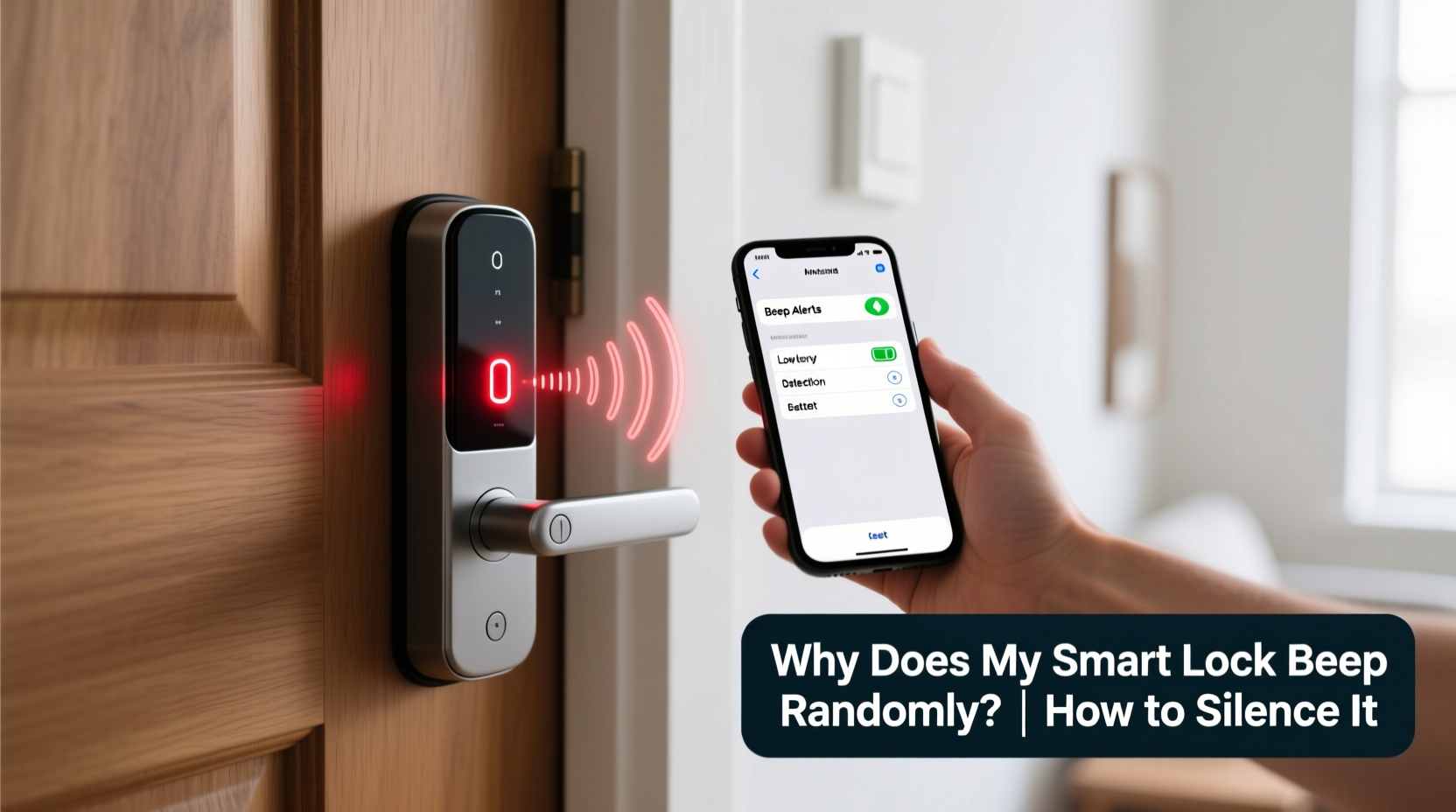
Smart locks use audible tones and LED indicators to communicate various states: successful unlocking, low battery, incorrect passcode attempts, tampering, and connectivity issues. These sounds are intentionally designed to keep you informed, but sometimes they trigger unexpectedly due to misconfigurations or hardware behavior.
The beeping patterns vary by brand and model. For example:
- A single short beep may indicate a successful unlock.
- Three rapid beeps could mean an invalid access attempt.
- Intermittent chirping every few minutes often signals a low battery.
- Continuous beeping might point to a system error or forced entry detection.
Manufacturers like August, Yale, Schlage, and Ultraloq use different tone sequences, so identifying the pattern is crucial. Most user manuals include a “beep code” reference chart—consult yours first if the noise seems irregular.
“Most smart lock beeping is not random—it’s a communication method. Decoding the pattern reveals what the device is trying to tell you.” — David Lin, Home Automation Engineer at SecureHome Labs
Common Causes of Random Beeping
Before attempting to silence the beeping, determine the root cause. Here are the most frequent triggers:
1. Low Battery Warning
The most common reason for intermittent beeping is a low battery. Smart locks typically start chirping once the voltage drops below a safe threshold (usually around 20–30% remaining). The beeping may occur daily or whenever the lock is used, but some models emit random chirps even when idle.
2. Bluetooth or Wi-Fi Connectivity Issues
If your lock relies on a hub or direct Bluetooth connection, signal loss can trigger alerts. Walls, metal doors, or interference from other wireless devices may disrupt communication, prompting the lock to beep as a status update.
3. Firmware Glitches or Software Bugs
After a firmware update—or due to a software crash—some smart locks enter a temporary error state. This can result in phantom beeps without any visible cause. Rebooting the device often resolves this.
4. Unauthorized Access Attempts
Repeated incorrect passcodes, forced manipulation, or tailgating (someone following you in) may activate tamper alarms. Even if no one tried to break in, accidental keypad presses (e.g., from a bag or pet) can register as suspicious activity.
5. Temperature or Environmental Factors
Extreme cold or heat affects battery performance and internal electronics. In winter, lithium-ion-powered locks may beep due to temporary voltage drops when exposed to freezing temperatures.
6. Improper Installation or Alignment
If the deadbolt doesn’t align perfectly with the strike plate, the motor may struggle to engage, causing the lock to retry—and beep—multiple times. Misalignment is often mistaken for random noise.
Troubleshooting: Step-by-Step Guide to Diagnose the Beeping
Follow this structured approach to identify and resolve the source of the beeping:
- Observe the beeping pattern: Note whether it's one beep, repeated chirps, or continuous tones. Use your phone to record the sound if needed.
- Check the app notification history: Open your smart lock’s companion app (e.g., August, Yale Access, or Schlage Home) and review recent alerts. Look for entries like “Low Battery,” “Keypad Lockout,” or “Tamper Detected.”
- Inspect battery level: Navigate to the device settings in the app. If the battery is below 30%, replace it immediately with high-quality alkaline or lithium batteries (avoid rechargeables unless specified).
- Test door alignment: Close the door gently and listen. If the lock motor strains or retries locking, adjust the strike plate or latch position.
- Reboot the lock: Remove one battery for 30 seconds, then reinsert it. This resets the system and clears temporary glitches.
- Check for firmware updates: In the app, go to device settings and verify that the latest firmware is installed. Outdated software can cause erratic behavior.
- Review auto-lock/auto-unlock settings: Geofencing or scheduled actions may trigger confirmation beeps. Disable unnecessary prompts in settings.
How to Silence Your Smart Lock (Without Compromising Security)
Silencing your smart lock doesn’t mean disabling all alerts—only the non-critical ones. Here’s how to reduce or eliminate unwanted beeping safely:
Adjust Sound Settings in the App
Most modern smart locks allow volume control or mute options:
- In the August app, go to your lock > Settings > Sounds & Alerts > disable “Lock/Unlock Sounds” or set to “Vibrate Only.”
- For Schlage Encode, use the Schlage Home app to toggle off “Audible Cues” under Device Settings.
- Yale Assure Lock lets you disable keypress beeps via Z-Wave settings or the Yale Home app.
Replace or Upgrade Batteries
Even if the app shows adequate charge, old batteries can cause voltage fluctuations that trigger false alarms. Always use name-brand AA or AAA batteries. Lithium batteries perform better in extreme temperatures and last longer than alkaline.
Disable Keypad Feedback (If Not Needed)
If you primarily use your phone or auto-unlock, consider turning off keypad sounds. This prevents beeps from accidental touches. Note: Disabling feedback entirely may make it harder to confirm input during emergencies.
Turn Off Non-Essential Notifications
In your app settings, disable alerts for:
- Successful unlocks (if using geofencing)
- Guest access logs (unless monitoring required)
- Periodic system checks
Keep critical alerts like “Low Battery” and “Tamper Alert” enabled.
Use Physical Switches (On Select Models)
Some locks, like the Ultraloq U-Bolt Pro, have a physical mute button on the interior unit. Press and hold for 3 seconds to toggle sound on/off.
Do’s and Don’ts: Managing Smart Lock Sounds
| Do | Don't |
|---|---|
| Replace batteries proactively every 6–12 months | Ignore persistent beeping—treat it as a warning sign |
| Use manufacturer-recommended battery types | Mix old and new batteries or use rechargeables unless approved |
| Update firmware regularly to fix bugs | Disable all alerts—including security warnings |
| Adjust sound settings based on household needs (e.g., mute at night) | Assume beeping is “normal” without investigating |
| Consult the manual for beep code meanings | Force the bolt manually—it can damage the motor |
Real-World Example: A Case of Phantom Beeping
Sarah, a homeowner in Denver, noticed her August Wi-Fi Smart Lock started beeping twice a day—one in the afternoon, another around midnight. No app alerts appeared, and the battery showed 70%. Frustrated, she almost returned the device.
After reviewing her setup, she discovered the issue: her router had rebooted after a power outage, breaking the lock’s Wi-Fi connection. The lock was beeping every time it tried (and failed) to sync. Once she reset the lock and reconnected it to Wi-Fi, the beeping stopped immediately.
This case highlights how connectivity problems—not hardware faults—can manifest as random alerts. Regular network health checks are essential for reliable smart lock operation.
Frequently Asked Questions
Can I completely turn off all beeping on my smart lock?
You can disable most non-critical sounds via the app, but manufacturers often require certain alerts (like low battery or tamper detection) to remain audible for safety compliance. Check your model’s capabilities—some allow full mute, others only partial reduction.
Why does my smart lock beep when no one is using it?
This usually indicates a background process: a failed Wi-Fi reconnect, periodic self-test, temperature-induced voltage drop, or unnoticed keypad touch. Review app logs and ensure batteries are fresh. If the problem persists, perform a factory reset.
Will silencing the beeps affect my lock’s security?
No—disabling sound does not impact encryption, access control, or intrusion detection. You’ll still receive push notifications (if enabled), and emergency alerts will function. Just ensure visual or mobile alerts are active so you don’t miss important events.
Final Checklist: Stop the Beeping for Good
- ✅ Identify the beep pattern and match it to the manual’s code list.
- ✅ Replace batteries with high-quality, non-rechargeable ones.
- ✅ Reboot the lock by removing power briefly.
- ✅ Update firmware through the companion app.
- ✅ Adjust sound settings to mute non-essential alerts.
- ✅ Verify Wi-Fi or hub connectivity stability.
- ✅ Test door alignment and bolt movement.
- ✅ Schedule routine maintenance checks every 3–6 months.
Conclusion: Take Control of Your Smart Lock Experience
Random beeping from your smart lock is rarely truly random—it’s a symptom waiting to be diagnosed. By understanding the alert system, checking battery health, adjusting settings wisely, and maintaining your device, you can eliminate unnecessary noise without sacrificing security. Smart home technology should enhance peace of mind, not interrupt it.
Start today: pick up your phone, open the lock’s app, and review the last five alerts. Replace the batteries if they’re older than a year. Tweak the sound settings to suit your lifestyle. Small actions now prevent bigger frustrations later.




 浙公网安备
33010002000092号
浙公网安备
33010002000092号 浙B2-20120091-4
Comments
No comments yet. Why don't you start the discussion?