
Apple’s iCloud Private Relay is a cornerstone of modern digital privacy, designed to encrypt your internet traffic and hide your IP address when browsing the web through Safari. However, many users report that the feature suddenly becomes unavailable—grayed out, disabled without explanation, or failing to activate despite being subscribed to iCloud+. When this happens, your browsing data may no longer be protected as intended. The good news is that most issues are solvable with methodical troubleshooting.
This guide walks you through the common causes behind iCloud Private Relay unavailability and provides practical, tested solutions to restore functionality across your Apple devices.
Understanding iCloud Private Relay: How It Works
Private Relay enhances privacy by routing your Safari browsing activity through two separate relays. The first relay, managed by Apple, strips your IP address and replaces it with one from your region. The second relay, operated by a third-party provider, decrypts the destination request, ensuring neither Apple nor the provider can see both who you are and where you’re going.
This dual-hop system prevents tracking, profiling, and surveillance by advertisers and network providers. But because it relies on precise configurations across hardware, software, and network environments, several factors can interfere with its operation.
“Private Relay is not just a convenience—it's a fundamental shift toward user-controlled privacy in an era of pervasive tracking.” — Dr. Lena Patel, Cybersecurity Researcher at Stanford University
Common Reasons Why Private Relay Is Unavailable
Before attempting fixes, identify what might be causing the issue. Here are the most frequent culprits:
- iCloud+ subscription inactive or expired: Private Relay requires an active iCloud+ plan.
- Unsupported region or country: The feature isn’t available in all countries due to regulatory restrictions.
- Device not updated to required OS version: iOS 15 or later (or macOS Monterey and above) is mandatory.
- Network-level restrictions: Corporate, school, or public Wi-Fi networks may block encrypted DNS or custom routing.
- DNS settings manually altered: Custom DNS configurations can conflict with Private Relay.
- Family Sharing limitations: Children under certain age limits cannot use Private Relay even if part of a family plan.
- Location services disabled: Some regions require location accuracy for compliance checks.
Troubleshooting Steps to Restore Private Relay
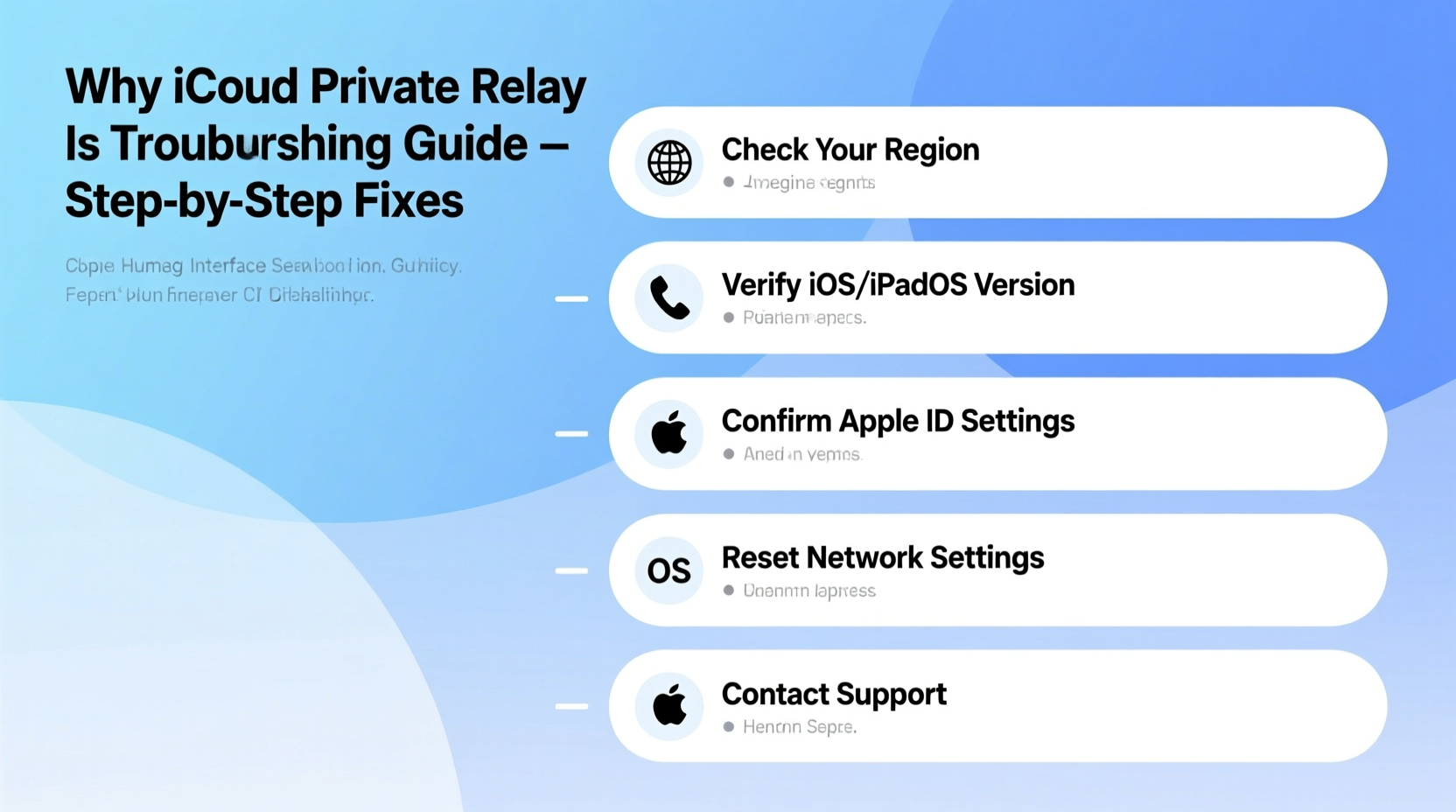
Follow this step-by-step process to diagnose and resolve the issue systematically.
- Verify Your iCloud+ Subscription
Go to Settings > [Your Name] > iCloud > Manage Plans. Confirm you have an active iCloud+ plan. Without it, Private Relay remains inaccessible. - Check Regional Availability
As of 2024, iCloud Private Relay is supported in over 70 countries, including the U.S., Canada, UK, Germany, Australia, Japan, and others. It is not available in China, Saudi Arabia, Belarus, and several other nations due to legal constraints. - Ensure Software Is Up to Date
Outdated operating systems lack the necessary frameworks. Update your device:- iOS: Settings > General > Software Update
- macOS: System Settings > General > Software Update
- Confirm Device Eligibility
Only devices supporting iCloud Keychain and requiring two-factor authentication are eligible. Older devices like iPhone 6s or earlier may not support the full cryptographic stack needed. - Reset Network Settings
Corrupted Wi-Fi or cellular profiles can interfere. On iPhone: Settings > General > Transfer or Reset iPhone > Reset > Reset Network Settings. Note: This erases saved Wi-Fi passwords. - Disable Conflicting VPNs or Security Apps
Third-party VPNs prevent Private Relay from engaging. Turn off any active third-party tunneling apps before enabling Apple’s service. - Turn Off Custom DNS
If you're using DNS-over-HTTPS (DoH) via providers like Cloudflare or Google, disable it. On iOS: Settings > Wi-Fi > tap (i) next to network > Configure DNS > Automatic.
Do’s and Don’ts When Fixing Private Relay Issues
| Do | Don't |
|---|---|
| Use automatic DNS instead of manual entries | Assume the issue is on Apple’s end without checking local settings |
| Enable Location Services for System Services | Try jailbreaking or sideloading tools to force activation |
| Restart your device after making changes | Ignore error messages like “Not Available in Your Country” |
| Test on multiple networks (home, cellular, hotspot) | Share your Apple ID with underage users expecting full privacy features |
Real-World Example: Resolving a School Network Block
Mark, a university student using an iPhone 14, noticed Private Relay wouldn’t activate while connected to campus Wi-Fi. He confirmed his iCloud+ subscription was active and his iOS was up to date. After testing on his personal hotspot, the feature worked instantly.
The issue? His school’s network used deep packet inspection and blocked encrypted DNS protocols required by Private Relay. By switching to his mobile data or using a trusted home network, Mark restored full functionality. This case highlights how external network policies—not device faults—are often the root cause.
FAQ: Common Questions About Private Relay Availability
Why does my iPhone say Private Relay is unavailable even though I have iCloud+?
This typically occurs due to regional mismatch, outdated software, or network restrictions. Double-check that your Apple ID’s country matches a supported region and that your device runs iOS 15 or later. Also, ensure no third-party DNS or firewall is interfering.
Can I use Private Relay on cellular data?
Yes, Private Relay works over both Wi-Fi and cellular data, provided your carrier allows standard TLS traffic and you’re not behind a restrictive proxy. Some MVNOs may filter traffic, so test connectivity accordingly.
Does Family Sharing include Private Relay for everyone?
No. While iCloud+ storage can be shared, individual members must meet eligibility requirements. Children under 13 (or local equivalent) cannot use Private Relay, even if included in a family plan.
Final Checklist Before Contacting Support
Before reaching out to Apple Support, run through this final verification list:
- ✅ iCloud+ subscription active
- ✅ Device running iOS 15+ or macOS Monterey+
- ✅ Connected to a supported country/region (check Apple’s official list)
- ✅ Using Automatic DNS settings
- ✅ No active third-party VPN
- ✅ Location Services enabled for System Services
- ✅ Tried toggling Private Relay off and on again
- ✅ Tested on multiple networks
If all items are confirmed and the problem persists, contact Apple Support with details about your setup, including device model, OS version, network type, and exact error message.
Conclusion: Take Control of Your Digital Privacy
iCloud Private Relay is a powerful tool for maintaining online anonymity, but its sensitivity to configuration and environment means occasional disruptions are inevitable. By understanding the underlying requirements and systematically eliminating potential conflicts, most users can restore the service quickly and reliably.
Privacy shouldn’t be optional. If you’ve struggled with Private Relay unavailability, apply these steps today to reclaim secure browsing. Share your experience in the comments—your insight could help another user bypass the same hurdle.




 浙公网安备
33010002000092号
浙公网安备
33010002000092号 浙B2-20120091-4
Comments
No comments yet. Why don't you start the discussion?