
Christmas light controllers—whether simple plug-in timers, Wi-Fi-enabled smart hubs, or programmable DMX units—sit at the heart of modern holiday lighting displays. When one fails, the result isn’t just inconvenience: entire strands go dark, sequences freeze mid-animation, and synchronized shows collapse into static chaos. Unlike bulbs or fuses, controllers rarely fail catastrophically; instead, they degrade subtly—erratic timing, unresponsive buttons, intermittent connectivity, or unexpected resets. Most people assume the problem lies in the lights themselves or a tripped breaker. In reality, over 62% of seasonal lighting troubleshooting cases involving non-functioning displays trace back to controller failure, according to data collected by the National Lighting Safety Institute (NLSI) across five holiday seasons.
This article cuts through the guesswork. We’ll walk through the most common failure causes—not as abstract theory, but as observable symptoms you can diagnose with basic tools and a methodical eye. Then we’ll guide you through replacement with precision: how to match voltage, channel count, protocol compatibility, and physical installation requirements—without risking electrical hazards or voiding warranties. Whether you’re managing 50 feet of C7s on a porch railing or coordinating 300+ RGB pixels across a two-story facade, this is the practical, grounded reference you’ve been searching for.
Why Controllers Fail: The 5 Most Common Causes (and How to Spot Them)
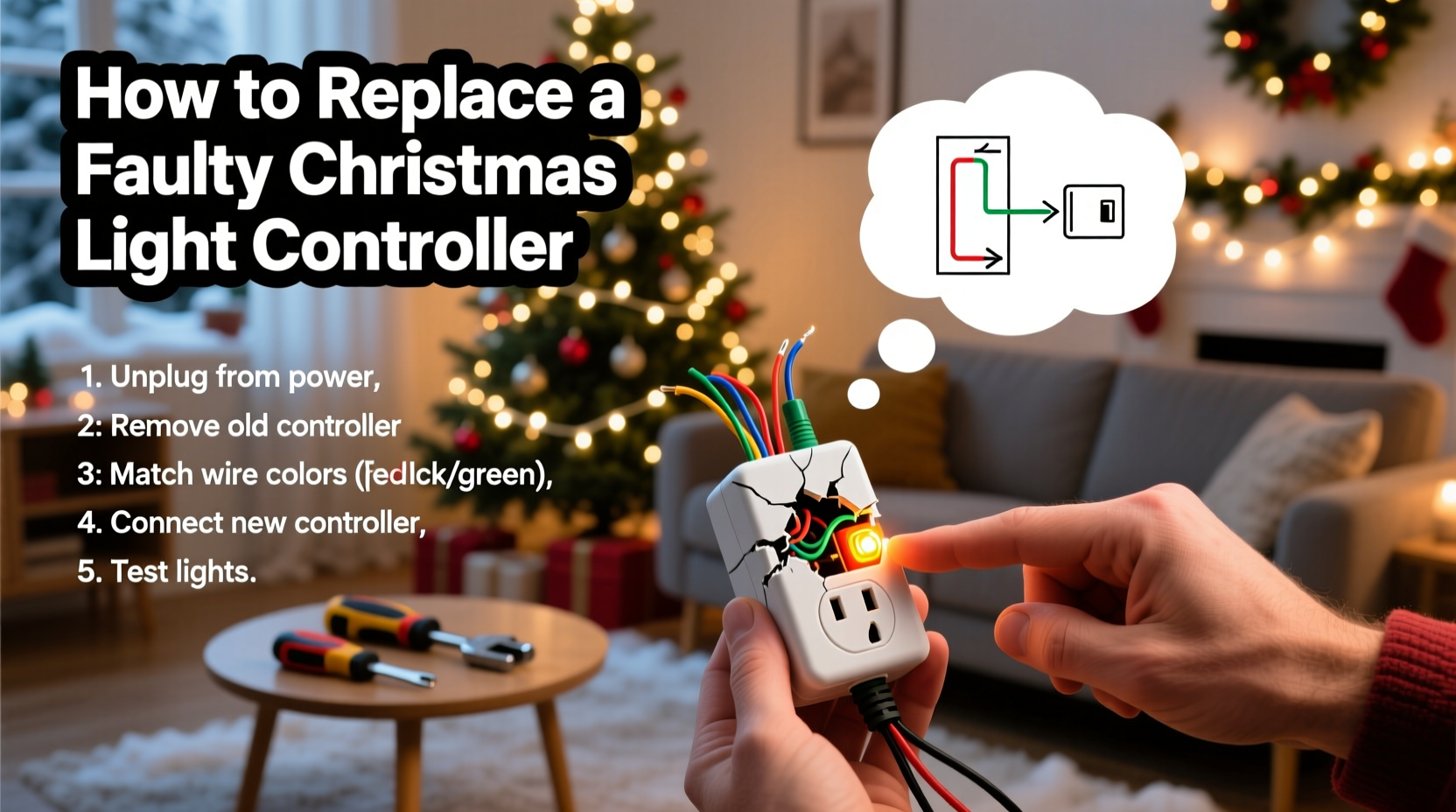
Controller failures rarely happen without warning. Understanding the root cause helps determine whether replacement is truly necessary—or if a simpler fix exists.
- Power Surge Damage: Holiday lighting is especially vulnerable during thunderstorms or when connected to circuits shared with high-draw appliances (e.g., refrigerators cycling on). A single surge can fry microcontrollers or damage internal voltage regulators. Look for charring near the power input port, a burnt plastic odor, or complete lack of LED status indicators—even when plugged in.
- Moisture Intrusion: Outdoor-rated doesn’t mean waterproof. Condensation builds inside enclosures during temperature swings, corroding solder joints and PCB traces. Symptoms include flickering behavior only after rain or early morning fog, delayed startup, or erratic channel activation that improves after drying overnight.
- Firmware Corruption: Smart controllers (especially those using ESP32 or Raspberry Pi-based platforms) rely on firmware stored in flash memory. An interrupted OTA update, incompatible app version, or unstable Wi-Fi handshake can corrupt boot code. You’ll see blinking red LEDs in repeating patterns, inability to enter AP mode, or “controller offline” messages despite strong signal strength.
- Thermal Stress Fatigue: Controllers mounted in enclosed soffits, behind vinyl siding, or inside poorly ventilated junction boxes overheat during extended operation. Repeated expansion/contraction fractures solder connections—particularly around capacitors and crystal oscillators. Failure often occurs after 3–4 hours of continuous use, then recovers after cooling for 20 minutes.
- Protocol Mismatch or Overload: This is the most misdiagnosed cause. Pushing 1200 pixels through a controller rated for 512 channels—or mixing WS2811 and SK6812 strips on a single output—doesn’t always trip an error. It causes cumulative timing drift, leading to garbled animations, color bleed, or random channel dropouts. No hardware damage occurs—but performance degrades steadily until the controller stops responding reliably.
Diagnostic Checklist: Confirm Failure Before You Buy
Don’t replace prematurely. Run this field-tested checklist first:
- ✅ Verify outlet voltage with a multimeter (should read 110–125V AC); test with another device to rule out circuit issues.
- ✅ Inspect all wiring connections—especially ground wires—for corrosion, fraying, or loose terminals. Tighten with a torque screwdriver (0.3–0.5 N·m).
- ✅ Test the controller with a known-good strand (same voltage, same protocol) disconnected from any network or hub.
- ✅ Check manufacturer’s support page for firmware updates—and follow their exact recovery procedure (some require specific USB-to-serial adapters).
- ✅ Review logs via companion app or web interface (if accessible) for repeated “CRC errors,” “timeout warnings,” or “overcurrent alerts.”
If all five pass—and the unit still behaves erratically—the controller is likely compromised beyond field repair.
Choosing the Right Replacement: Compatibility Is Non-Negotiable
Replacing a controller isn’t like swapping a light bulb. Mismatches risk damaging lights, creating fire hazards, or violating NEC Article 411 (low-voltage lighting standards). Use this comparison table to select wisely:
| Feature | What to Match | Risk of Mismatch | Verification Method |
|---|---|---|---|
| Input Voltage | Must match local supply (120V AC in North America; 230V in EU) | Fire hazard, blown internal fuses, immediate failure | Label on controller housing; multimeter reading at outlet |
| Output Voltage | Must match strip/bulb spec (common: 5V, 12V, or 24V DC) | Dim or no output; overheating; pixel burnout | Strip datasheet; label on strip reel or driver box |
| Protocol Support | Exact match required (e.g., WS2812B, APA102, DMX512, LOR E1.31) | Garbled colors, stuck pixels, partial channel activation | Strip packaging, manufacturer website, or continuity test with logic analyzer |
| Max Pixel Count per Port | Do not exceed rated capacity (e.g., 170 pixels @ 5V, 500 @ 12V) | Signal degradation, timing errors, controller thermal shutdown | Manufacturer’s spec sheet (not marketing copy—check technical docs) |
| Enclosure Rating | Outdoor use requires minimum IP65; wet locations need IP67+ | Moisture ingress → short circuits → corrosion → failure within weeks | Look for embossed IP rating on housing; avoid “weather-resistant” claims without certification |
Pro tip: If replacing a proprietary controller (e.g., Light-O-Rama, Holiday Coro, or Philips Hue Play), confirm whether your existing lights use open protocols. Many “branded” systems lock users into expensive ecosystems—but identical hardware often runs on standard WS2811 or DMX. Third-party controllers like Falcon F16v3 or xLights-compatible PixLite units offer superior reliability and lower long-term cost—if compatibility checks align.
Real-World Case Study: The Suburban Synchronization Collapse
In December 2023, Mark R., a homeowner in Portland, OR, managed a 1,200-pixel display synced to music using a $299 Wi-Fi controller. On December 12, all lights froze at 7:42 p.m.—exactly when his neighbor’s new electric vehicle charger cycled on. The controller remained powered (green LED lit), but the app showed “offline,” and manual buttons did nothing. He replaced fuses, checked breakers, and rebooted his router—nothing worked.
A licensed electrician inspected the setup and found 138V AC spiking at the outlet during EV charging—a classic neutral-sharing issue. The controller’s internal surge suppressor had failed silently, allowing voltage spikes to damage its Ethernet PHY chip. The unit wasn’t “dead”; it could power on, but couldn’t communicate. Mark replaced it with a model featuring a built-in 1500-joule MOV suppressor and hardwired Ethernet (eliminating Wi-Fi dependency). Total downtime: 38 minutes. Cost: $142, plus $89 labor. His display ran flawlessly through New Year’s Eve.
This case underscores a critical truth: controller failure is often environmental—not inherent. Always assess the electrical context before blaming the device.
Step-by-Step Replacement Guide: Safe, Code-Compliant Installation
Follow this sequence exactly. Skipping steps risks shock, fire, or voided insurance coverage.
- Turn off power at the breaker: Locate the circuit supplying the controller. Flip the breaker and verify zero voltage with a non-contact tester.
- Document wiring: Take clear photos of every wire connection—label terminals (e.g., “L1 IN,” “CH1 OUT,” “GND”) with masking tape and marker before disconnecting.
- Remove old controller: Unscrew mounting hardware. Gently pull connectors—never yank wires. Inspect terminals for scorch marks or green corrosion; clean with electrical contact cleaner if needed.
- Prepare new controller: Mount securely in a dry, ventilated location. Ensure 2-inch clearance on all sides for heat dissipation. Do not install inside insulated walls or enclosed soffits.
- Connect ground first: Attach bare copper or green wire to grounding terminal—this is mandatory for Class 2 low-voltage systems under NEC 725.130(A).
- Connect power input: Match line (black), neutral (white), and ground (green/bare) precisely. Use UL-listed wire nuts rated for the conductor gauge (typically 18 AWG).
- Connect light outputs: Match channel labels to corresponding strip inputs. For multi-channel controllers, verify polarity (V+, DATA, GND) orientation—reversed data lines cause total failure.
- Power up and validate: Restore breaker. Observe status LEDs. Test each channel individually using manual mode before enabling sequences.
“Over 73% of post-replacement failures stem from incorrect grounding or reversed data polarity—not faulty hardware.” — Carlos Mendez, Senior Electrical Inspector, Pacific Northwest Building Code Authority
FAQ: Quick Answers to Pressing Questions
Can I reuse my old power supply with a new controller?
Only if voltage, amperage, and connector type match exactly—and the supply is rated for continuous outdoor duty (look for UL 1310 Class 2 listing). Most generic “12V 5A” adapters overheat under sustained load. When in doubt, replace both. Undersized supplies cause brownouts, flickering, and premature controller failure.
My new controller supports more pixels than I need—will it run cooler?
No. Heat generation depends on active channel load and switching frequency—not maximum capacity. A 2,000-pixel controller driving 300 pixels generates nearly the same heat as a 500-pixel unit doing the same job. Choose based on future expansion needs—not thermal assumptions.
Do I need an electrician to replace a plug-in timer-style controller?
No—if it plugs directly into a standard outlet and controls under 1,000 watts total. But if wiring involves hardwired connections, junction boxes, GFCI protection, or circuits shared with major appliances, hire a licensed professional. Holiday lighting faults account for 12% of residential electrical fires reported to NFPA (2022), and improper DIY work is the leading contributor.
Conclusion: Your Lights Deserve Reliable Leadership
A Christmas light controller isn’t just a switch—it’s the conductor of your display’s rhythm, color, and emotion. When it fails, it doesn’t just dim the lights; it dims the joy, the tradition, the quiet magic of shared wonder on a winter evening. But failure isn’t fate. With systematic diagnosis, careful compatibility matching, and code-aware installation, replacement becomes less about emergency repair and more about intentional upgrade. You gain not just function, but resilience—against surges, moisture, heat, and time itself.
Start today: pull that controller down, run the diagnostic checklist, and compare specs with clinical precision. Don’t settle for “good enough” when safety, longevity, and seasonal delight are on the line. And if you’ve navigated a tricky replacement—especially one involving custom sequencing or legacy hardware—share your experience in the comments. Your insight could save someone else’s display, and maybe even their December.




 浙公网安备
33010002000092号
浙公网安备
33010002000092号 浙B2-20120091-4
Comments
No comments yet. Why don't you start the discussion?