
If your internet runs smoothly during the day but crawls every evening, you're not alone. Millions of households experience degraded performance after sunset. The issue often isn't with your service provider or equipment in isolation—it's a combination of network congestion, device load, and environmental factors that converge when everyone gets online. Understanding the root causes behind nighttime slowdowns empowers you to take targeted action. This guide breaks down the most common reasons for evening internet lag and offers practical solutions to restore reliable speeds.
Understanding Network Congestion: The Peak Hour Effect
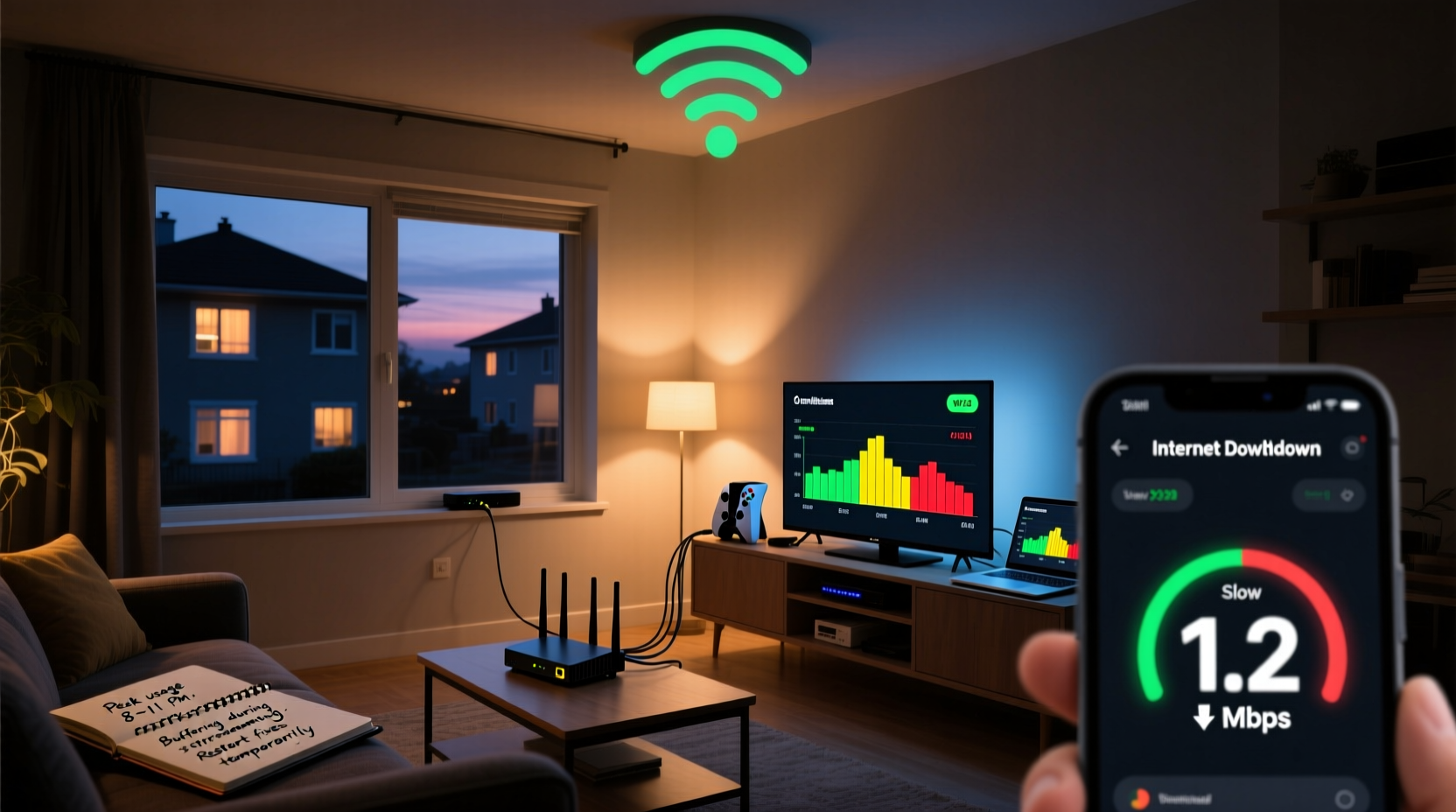
The primary reason internet slows down at night is network congestion. During peak usage hours—typically between 7 PM and 11 PM—multiple users in your neighborhood stream videos, play online games, video chat, and download large files. If you're on a shared broadband infrastructure like cable internet, your connection competes with others on the same local node. Think of it as a highway: during rush hour, more cars mean slower travel—even if the road hasn’t changed.
Cable internet providers use a shared bandwidth model. While your plan may promise 200 Mbps, that speed is based on average usage patterns. When dozens of homes in your area simultaneously max out their connections, available bandwidth drops across the board. Fiber-optic networks are less prone to this because they offer dedicated lines, but even fiber can be affected by upstream network bottlenecks or ISP throttling during high-demand periods.
“Peak-time slowdowns are a symptom of oversubscribed networks. ISPs often design systems expecting not all users to max out bandwidth simultaneously—but evenings break that assumption.” — Dr. Lena Patel, Network Infrastructure Analyst at Broadband Insights Group
Home Network Overload: Too Many Devices, Not Enough Bandwidth
Even if your ISP delivers consistent throughput, your home network might be the bottleneck. Modern homes host an average of 15–20 connected devices: smartphones, laptops, smart TVs, gaming consoles, security cameras, and voice assistants. At night, many of these activate simultaneously, consuming bandwidth and straining your router.
Routers have finite processing power and memory. Older or entry-level models struggle to manage heavy traffic loads, leading to latency spikes, packet loss, and intermittent disconnections. Wi-Fi interference from neighboring networks, microwaves, or Bluetooth devices worsens the problem, especially on the crowded 2.4 GHz band.
Another common culprit is background activity. Smart devices often update software, back up data, or sync cloud storage overnight. These tasks consume bandwidth silently, reducing what’s available for streaming or browsing.
Common Nighttime Bandwidth Hogs
- 4K video streaming (Netflix, YouTube) – uses 15–25 Mbps per stream
- Online multiplayer gaming – requires stable low-latency connections; high ping disrupts gameplay
- Cloud backups (iCloud, Google Drive, OneDrive) – can saturate upload channels
- Smart home updates – firmware upgrades run automatically at night
- File downloads and torrents – often scheduled for off-peak hours
Router Placement and Signal Interference
Physical layout plays a major role in perceived internet quality. If your router is tucked in a closet, basement, or corner of the house, signal strength diminishes significantly, especially through walls and floors. At night, when more people are home and using devices in different rooms, weak coverage becomes apparent.
The 2.4 GHz frequency band travels farther but is highly susceptible to interference. It shares spectrum with cordless phones, baby monitors, and microwave ovens—appliances often used in the evening. The 5 GHz band offers faster speeds but has shorter range and poor wall penetration. If your devices switch to 2.4 GHz due to distance, you’ll experience slower performance.
Wi-Fi Signal Optimization Checklist
- Place the router centrally, elevated, and away from obstructions.
- Avoid proximity to metal objects, mirrors, and large appliances.
- Use the 5 GHz band for high-bandwidth activities near the router.
- Switch to 2.4 GHz only for distant or low-power devices.
- Update router firmware regularly for performance improvements.
Real-World Example: The Martinez Family’s Evening Lag
The Martinez family in suburban Austin upgraded to a 300 Mbps cable plan but still experienced buffering every night. Their two kids streamed YouTube on tablets, the parents watched Hulu, and their smart home system ran nightly backups. Despite having a relatively new router, video quality dropped after 8 PM.
After testing, they discovered their router was in a cabinet under the TV, surrounded by electronics. A speed test showed 280 Mbps near the router but only 45 Mbps in the bedrooms. They moved the router to a central shelf, updated its firmware, and set up a guest network for IoT devices. They also scheduled cloud backups for early morning instead of prime time.
Within a week, nighttime speeds stabilized above 180 Mbps throughout the house. The change wasn’t about upgrading service—it was optimizing their existing setup to handle peak demand efficiently.
Do’s and Don’ts: Managing Home Network Performance
| Do | Don’t |
|---|---|
| Restart your router weekly to clear memory and refresh connections | Leave outdated firmware running—security and speed patches matter |
| Use Quality of Service (QoS) settings to prioritize critical devices | Allow unlimited background updates on all devices simultaneously |
| Upgrade to a mesh Wi-Fi system for larger homes | Place routers near thick walls or metal surfaces |
| Limit the number of active devices during streaming hours | Assume higher Mbps plans always solve congestion issues |
| Monitor bandwidth usage via your router’s admin panel | Ignore unusual spikes that may indicate unauthorized access |
Step-by-Step Guide to Diagnose and Fix Nighttime Internet Slowness
Follow this structured approach to identify and resolve the cause of your evening slowdowns:
- Test speeds at multiple times. Run tests at noon, 6 PM, and 9 PM using the same server. Record results to spot trends.
- Isolate the issue. Connect a laptop directly to the modem via Ethernet. If wired speeds are fast at night, the problem is likely Wi-Fi related.
- Check connected devices. Log into your router’s dashboard (usually 192.168.1.1) and see how many devices are active. Look for unknown or high-usage devices.
- Enable QoS. In your router settings, assign higher priority to devices used for work or streaming.
- Change Wi-Fi channels. Use a Wi-Fi analyzer app to find the least crowded channel and manually set it in your router.
- Schedule updates and backups. Configure smart devices and computers to update during off-peak hours (e.g., 2 AM).
- Consider hardware upgrades. If your router is over three years old, consider replacing it with a Wi-Fi 6 model or a mesh system.
- Contact your ISP. Share your speed test data. Ask if they throttle bandwidth or if your node is oversubscribed.
“Most nighttime slowdowns aren’t magic—they’re math. More demand + limited capacity = slower speeds. The key is managing both internal and external variables.” — Mark Tran, Senior Network Engineer at UrbanNet Communications
Frequently Asked Questions
Why is my internet slow only at night but fine during the day?
This pattern typically indicates network congestion either within your home or in your neighborhood. During the day, fewer devices are active, and local network demand is low. At night, increased usage locally and across your ISP’s network leads to bandwidth contention, resulting in slower speeds.
Can my neighbors really affect my internet speed?
If you’re on a cable internet connection, yes. Cable networks share bandwidth among customers in a geographic node. If many of your neighbors stream HD content or game online at the same time, the total available bandwidth decreases for everyone on that segment. Fiber connections are immune to this since each home has a dedicated line.
Will upgrading my router fix nighttime slowdowns?
It depends. If your current router is outdated or poorly placed, a new one—especially a Wi-Fi 6 or mesh system—can dramatically improve in-home performance. However, if the bottleneck is your ISP’s network during peak hours, a better router won’t increase your maximum throughput. It can, however, optimize how bandwidth is distributed among your devices.
Taking Control of Your Home Network
Nighttime internet slowdowns don’t have to be inevitable. While you can’t control your neighbors’ streaming habits or your ISP’s network load, you can optimize your home environment to make the most of available bandwidth. Strategic router placement, proper device management, and intelligent scheduling go a long way toward ensuring smooth performance when you need it most.
Start with simple steps: move your router to a central location, run comparative speed tests, and limit background data usage. Then progress to advanced tweaks like QoS settings and channel optimization. Over time, these adjustments create a more resilient, responsive network that handles evening demands without breaking a sweat.




 浙公网安备
33010002000092号
浙公网安备
33010002000092号 浙B2-20120091-4
Comments
No comments yet. Why don't you start the discussion?