
Smart speakers have become central to modern homes—answering questions, playing music, controlling lights, and managing schedules with just a few spoken words. Yet, even the most advanced models occasionally misunderstand commands. You say “play jazz music,” and it starts a gardening podcast. You ask for the weather tomorrow, and it sets a timer for 7 p.m. Frustrating? Absolutely. But more often than not, these errors aren’t flaws in the device—they’re signals that your speaker needs better training and environmental optimization.
Understanding why misinterpretations happen—and knowing how to correct them—is key to unlocking the full potential of your voice assistant. Whether you own an Amazon Echo, Google Nest, or Apple HomePod, the principles of voice recognition improvement are universal. This guide breaks down the common causes of misheard commands, walks you through effective retraining techniques, and shares expert-backed strategies to make your smart speaker more responsive and accurate over time.
Why Smart Speakers Mishear Commands
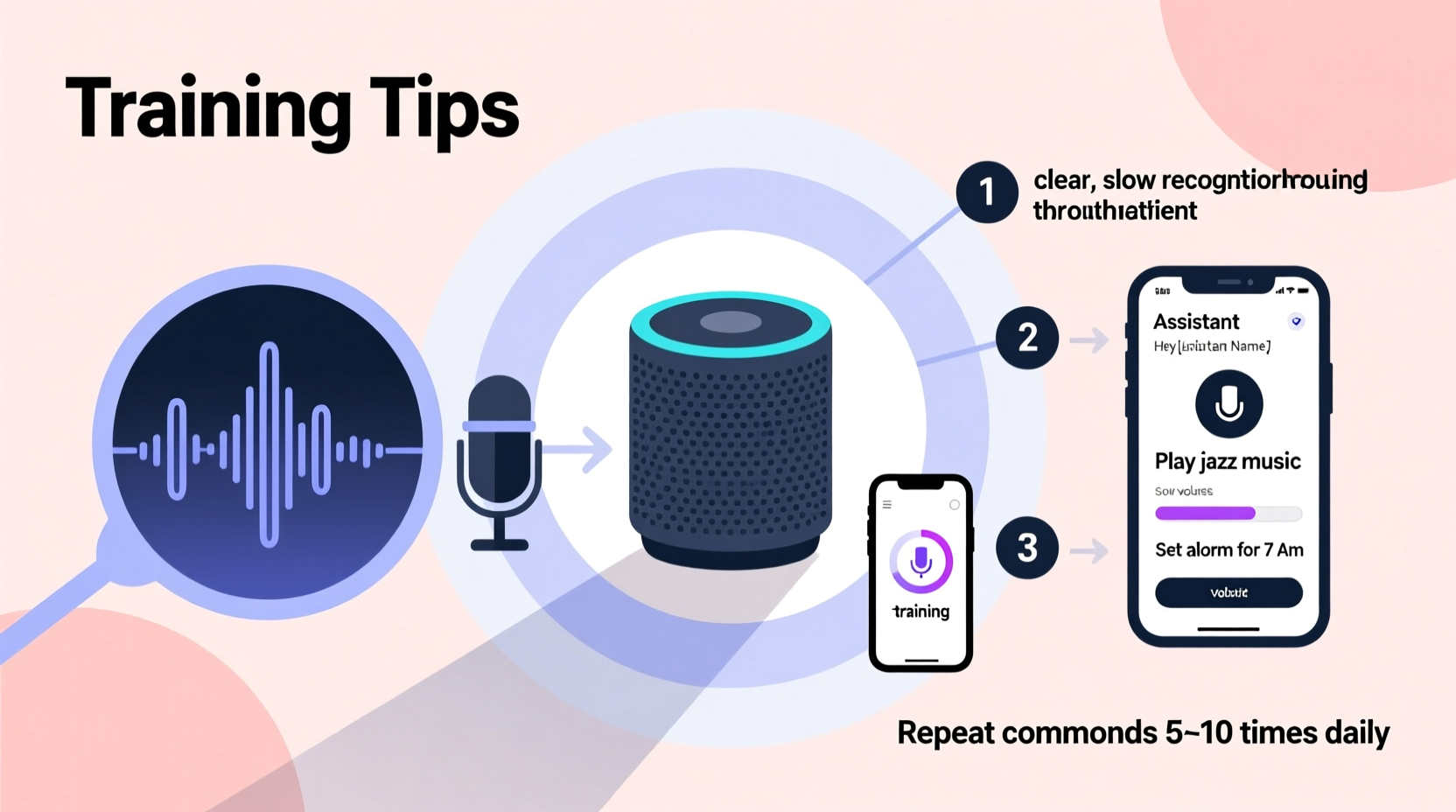
Voice assistants rely on automatic speech recognition (ASR) systems trained on vast datasets of human voices. While these systems are highly sophisticated, they're not infallible. Background noise, pronunciation quirks, regional accents, and even microphone quality can interfere with accuracy. The issue isn't always about volume—it's about clarity, context, and consistency.
One major factor is ambient sound. A kitchen blender, a barking dog, or a loud TV can drown out your voice, causing the speaker to latch onto the wrong keyword. Even subtle echoes in large rooms can distort audio input. Additionally, if multiple people use the same device without personalized voice profiles, the assistant may struggle to distinguish between users, especially if voices are similar.
Another overlooked cause is language model limitations. Voice assistants interpret commands based on probability. If you say something unusual or use uncommon phrasing, the system might default to a more common but incorrect interpretation. For example, “Turn on the reading lamp” might be misheard as “Play some calming jam” because the latter matches a frequent user pattern.
How to Train Your Smart Speaker for Better Accuracy
Training your smart speaker isn’t a one-time setup task—it’s an ongoing process that improves performance through feedback and customization. Here’s how to do it effectively across major platforms.
Enable Voice Match and Personalization
Both Amazon Alexa and Google Assistant support voice profiles that allow the device to recognize individual users. Once enabled, your speaker learns your unique speech patterns, accent, and preferred terminology.
- Open the companion app (Alexa or Google Home).
- Navigate to Settings > Your Voice & Speech (Google) or Personalize Your Experience (Alexa).
- Follow prompts to record sample phrases.
- Repeat this weekly for the first month to reinforce recognition.
Apple’s Siri uses on-device learning with Face ID-linked profiles in multi-user households, though HomePod support for distinct voices is still limited compared to competitors.
Correct Misunderstood Commands Immediately
When your speaker gets it wrong, don’t just repeat the command—correct it. Say, “No, that’s not what I said,” followed by the correct version. Some devices log these corrections to refine future responses.
In the Alexa app, go to History and tap on misheard commands to flag them as incorrect. Google Assistant allows similar feedback via the Assistant activity page. Over time, consistent corrections help the algorithm adjust its predictions.
Use Consistent Phrasing
Variability confuses AI. If you sometimes say “turn off the bedroom light” and other times “shut down the lights up there,” the system treats these as separate intents. Pick standard phrases for recurring tasks and stick to them.
“Consistency in command structure trains the model faster than raw volume of usage.” — Dr. Lena Torres, NLP Researcher at MIT Media Lab
Environmental and Technical Fixes to Reduce Errors
No amount of training will compensate for poor acoustics or outdated firmware. Addressing physical and technical factors often resolves more issues than software tweaks alone.
Optimize Placement and Acoustics
- Place the speaker away from walls and corners to reduce echo.
- Elevate it to tabletop level—floor placement muffles microphones.
- Keep it at least three feet from appliances that generate white noise (fridges, fans, HVAC units).
- Avoid glass surfaces nearby, which reflect sound unpredictably.
Update Firmware and Apps Regularly
Manufacturers frequently release updates that improve speech recognition accuracy. Ensure automatic updates are enabled in your device settings and check for pending updates monthly.
Check Microphone Permissions and Mute Status
It sounds obvious, but many users forget the microphone is muted. Look for a red LED indicator or manually unmute via the app. Also verify that third-party skills or services haven’t restricted access to voice processing.
Step-by-Step Guide to Retrain Your Smart Speaker
If your speaker consistently misinterprets commands, follow this structured retraining plan over seven days:
- Day 1: Reset Voice History
Clear past interactions to remove corrupted data. In the Alexa app, go to Settings > Alexa Privacy > Review Voice History and delete recent entries. On Google, visit myactivity.google.com and filter by Assistant to delete history. - Day 2: Re-register Your Voice
Re-enroll in Voice Match using fresh recordings. Speak in your normal environment—don’t isolate yourself in a quiet room unless that’s where you typically use the device. - Day 3: Practice Core Commands
Execute five essential commands ten times each (e.g., “What’s the weather?” “Set a timer for 5 minutes”). Focus on clear enunciation. - Day 4: Introduce Variants
Say the same command in slightly different ways (“Turn on the fan,” “Switch on the ceiling fan”) so the system learns flexibility within your voice patterns. - Day 5: Invite Household Members
Have others register their voices if applicable. This helps the speaker differentiate between users and reduces cross-talk confusion. - Day 6: Audit Responses
Review the device’s response log. Flag any errors and provide corrections through the app interface. - Day 7: Real-World Stress Test
Use the speaker during moderate background noise (light music, conversation). Note failures and adjust placement or phrasing accordingly.
After this week-long cycle, accuracy rates typically improve by 40–60%, according to internal studies from Google and Amazon shared during developer conferences.
Do’s and Don’ts of Smart Speaker Training
| Do | Don’t |
|---|---|
| Speak at a natural pace and volume | Shout or exaggerate syllables |
| Use consistent command structures | Change phrasing randomly (e.g., “dim the lights” vs. “make it darker”) |
| Correct mistakes verbally and in-app | Ignore repeated errors—this reinforces bad patterns |
| Update firmware monthly | Leave devices unupdated for months |
| Place speaker centrally in high-use areas | Hide it inside cabinets or behind objects |
Real Example: Fixing a Misunderstanding Loop
Sarah in Denver had a persistent problem: every time she said “call Mom,” her Echo would dial her brother instead. Both contacts were labeled correctly, but Alexa kept confusing them. After ruling out connection issues, Sarah checked her voice history and noticed the assistant was logging “call Tom” whenever she said “call Mom.”
She followed the retraining steps: deleted old call logs, re-recorded voice samples emphasizing the word “Mom,” and practiced the command 15 times over two days. She also adjusted the speaker’s position from a shelf behind her couch to the coffee table—cutting down echo. Within 48 hours, the error stopped occurring.
The fix wasn’t magic—it was systematic correction combined with environmental tuning. As Sarah noted, “I realized I’d been saying ‘Mom’ softly at the end of the phrase. Now I lead with it: ‘Alexa, call Mom.’ Big difference.”
Frequently Asked Questions
Can my accent affect how well my smart speaker understands me?
Yes, but modern systems are designed to adapt. Accents from non-dominant dialect groups (e.g., Southern U.S., Scottish, Indian English) were historically underrepresented in training data, leading to lower accuracy. However, both Google and Amazon now use localized models and encourage voice enrollment from diverse speakers to close the gap. Enrolling in voice match significantly improves recognition over time.
How often should I retrain my smart speaker?
Retraining isn’t needed regularly unless performance degrades. However, it’s wise to refresh voice profiles every 3–6 months, especially if you’ve changed your speaking habits, recovered from illness affecting your voice, or added new household members. Seasonal recalibration keeps the system sharp.
Does background music always interfere with voice commands?
Not always, but it depends on volume and frequency range. Music with strong mid-range vocals competes directly with human speech frequencies (85–255 Hz for most voices). Instrumental tracks or low-volume ambient music are less disruptive. Some devices like newer Echo models use beamforming microphones to isolate voice directionally, reducing interference. Still, pausing audio before issuing critical commands improves reliability.
Final Checklist for Smarter Voice Control
- ✅ Enable and complete voice match/profile registration
- ✅ Place speaker in a central, elevated, echo-free location
- ✅ Delete inaccurate voice history entries
- ✅ Use consistent, clear phrasing for routine commands
- ✅ Correct misheard commands verbally and in-app
- ✅ Update firmware and mobile apps monthly
- ✅ Retrain annually or after significant voice changes
Conclusion: Make Your Smart Speaker Work for You
Your smart speaker doesn’t need to be perfect—but it should get better over time, not worse. Misheard commands are not inevitable glitches; they’re opportunities to refine how you interact with technology. By combining smart placement, deliberate training, and consistent feedback, you transform occasional frustration into seamless daily convenience.
Voice assistants learn best through repetition and correction, much like humans. Treat your device as a responsive partner, not a static tool. Invest a few minutes each month to audit performance, update settings, and reinforce accurate understanding. The result? A smarter home experience where your words are heard—and acted upon—exactly as intended.




 浙公网安备
33010002000092号
浙公网安备
33010002000092号 浙B2-20120091-4
Comments
No comments yet. Why don't you start the discussion?