
Walk into any electronics store or browse online retailers, and you’ll notice something odd: many printers are sold at shockingly low prices—sometimes even below $50. Yet, the ink cartridges required to operate them can cost nearly as much, if not more. It’s not uncommon for a single black ink cartridge to retail for $30–$60, making the cost per ounce higher than premium champagne or designer perfume. This pricing paradox has frustrated consumers for decades. Why is printer ink so expensive compared to the printer? The answer lies in a well-established business model, technological control, and consumer behavior—all of which combine to keep ink prices artificially high.
The Razor-and-Blades Business Model Explained
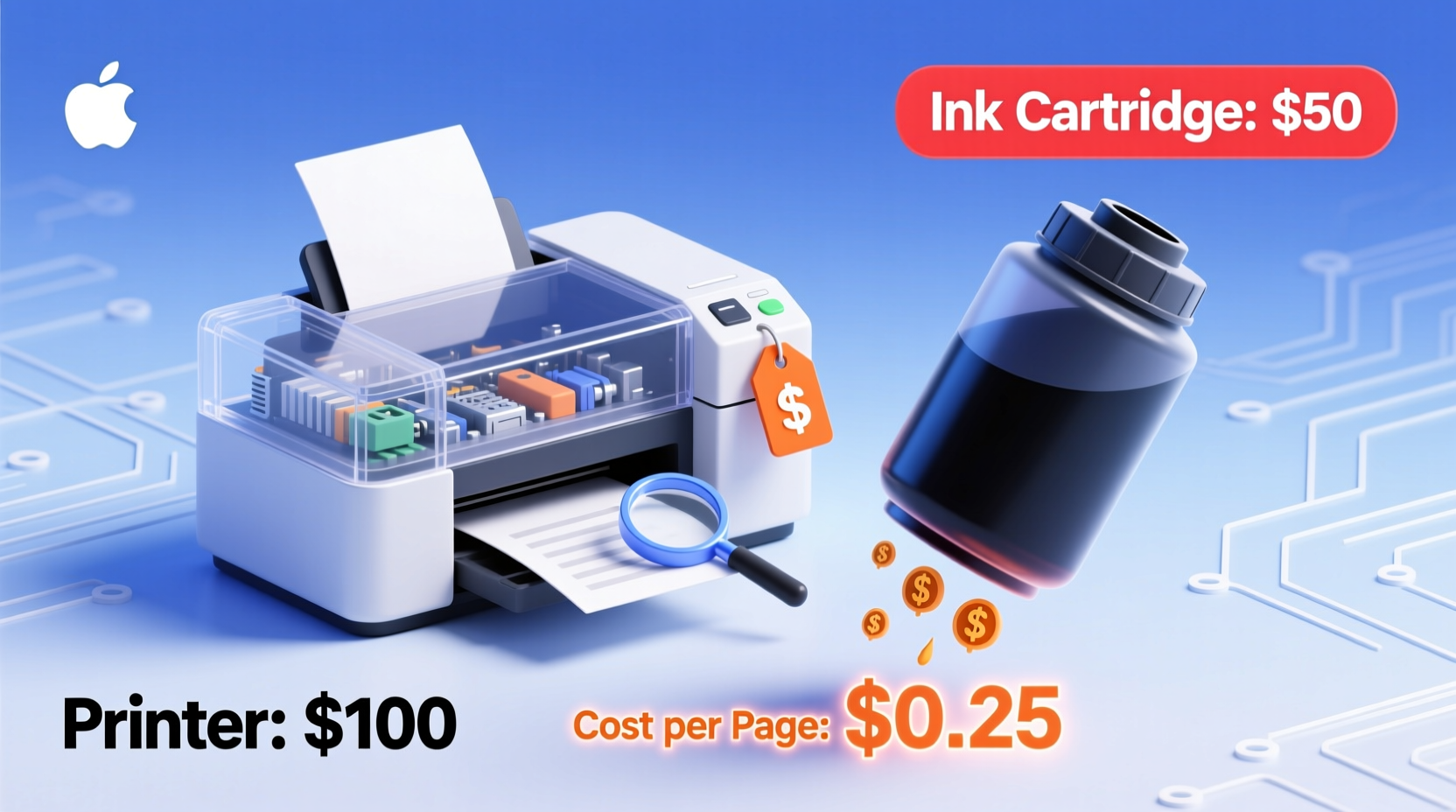
The core reason behind expensive ink is a decades-old strategy known as the \"razor-and-blades\" business model. First popularized by Gillette, this approach involves selling a primary product (the razor) at a loss or minimal profit while making substantial profits on the consumable replacement parts (the blades). Printer manufacturers apply this same logic: they sell printers cheaply to get customers hooked, then earn long-term revenue from proprietary ink cartridges.
When companies like HP, Canon, Epson, or Brother release new printers, they often price them below manufacturing cost. This aggressive pricing encourages widespread adoption. Once consumers own the printer, they’re locked into purchasing specific ink cartridges that only work with that device. These cartridges are engineered with microchips, unique shapes, and authentication systems that prevent third-party alternatives from functioning reliably—or at all.
“Printer makers aren’t in the hardware business—they’re in the consumables business. The real profit isn’t in the machine; it’s in every drop of ink.” — David Johnson, Industry Analyst at TechInsights
How Much Are Consumers Really Paying Per Ounce?
To grasp just how inflated ink prices are, compare them to other liquids commonly found in households. While printer ink varies by brand and type, most standard cartridges contain between 7ml and 15ml of ink. At $35 for a 10ml cartridge, the cost equates to approximately $1,100 per gallon—or over $26 per ounce.
| Liquid | Price per Ounce (Approx.) | Notes |
|---|---|---|
| Printer Ink (Black) | $20–$26 | Based on average cartridge cost and volume |
| Dom Pérignon Champagne | $4.50 | Premium vintage bottle |
| Maple Syrup | $0.80 | Organic, pure variety |
| Milk | $0.03 | Whole milk, grocery store |
| Gasoline | $0.40 | At $5 per gallon |
This comparison highlights the extreme markup on ink. Unlike luxury goods, which carry branding and craftsmanship value, ink is a functional consumable with relatively low production costs. Reports suggest the actual manufacturing cost of a typical ink cartridge is less than $3, yet it sells for 10 times that amount.
Manufacturer Tactics That Keep Prices High
Printer companies use several strategies to maintain control over the ink market and discourage cheaper alternatives:
- Proprietary Cartridge Design: Each brand—and often each printer model—uses uniquely shaped cartridges with embedded chips that communicate with the printer. These chips track ink levels and can disable printing even when some ink remains.
- Firmware Locks: Printers receive software updates that block third-party or refilled cartridges, rendering them incompatible overnight.
- Artificial Expiration Dates: Some cartridges stop working after a certain date, regardless of remaining ink, forcing replacements.
- Low-Yield Starter Cartridges: New printers often come with “starter” cartridges that contain only half the ink of standard ones, pushing users to buy full-priced replacements sooner.
In 2020, a class-action lawsuit was filed against HP alleging deceptive practices around ink cartridge yields and premature expiration warnings. While the case didn’t dismantle the system, it spotlighted how deeply entrenched these tactics are in the industry.
Real Example: Sarah’s Home Office Surprise
Sarah bought a sleek, budget-friendly Canon PIXMA printer for her home office, attracted by the $49 price tag. She printed occasional school handouts and family photos. After three months, the low-ink warning appeared. She replaced the black cartridge for $32 and was shocked when the color one followed two weeks later at $35. Within six months, she had spent more on ink than on the printer itself. When she tried a third-party refill kit, the printer displayed an error message: “Non-genuine cartridge detected.” Frustrated, she switched to printing less frequently and eventually invested in a laser printer with toner—a decision that saved her money long-term.
Smart Ways to Reduce Ink Costs
You don’t have to accept sky-high ink prices as inevitable. With informed choices, you can significantly reduce your printing expenses without sacrificing output quality.
Choose Printers with Lower Cost-Per-Page
Before purchasing, research the cost-per-page (CPP) for both black and color printing. This metric divides the cartridge price by the number of pages it can print (based on ISO standards). Laser printers and ink tank models typically offer far better CPP than traditional cartridge-based inkjets.
Consider Ink Tank or Supertank Printers
Brands like Epson EcoTank, Canon PIXMA G-series, and HP Smart Tank have disrupted the market by replacing cartridges with refillable ink reservoirs. You fill bottles of ink directly into tanks—each bottle costs around $15–$25 but prints thousands of pages. Although these printers have a higher upfront cost ($200–$400), they pay for themselves within a year for moderate to heavy users.
Use Third-Party or Refilled Cartridges Wisely
Aftermarket cartridges and refill kits are widely available and can cut ink costs by 50% or more. However, quality varies. Look for reputable brands with customer reviews and warranties. Avoid the cheapest options, as poor ink formulation can clog print heads or damage internal components.
Enable Draft Mode and Print in Black Only When Possible
Most printers offer a “draft” or “economy” mode that uses less ink per page. For internal documents, emails, or drafts, this setting produces readable text with minimal savings. Similarly, printing in grayscale or black-only mode avoids using color ink unnecessarily.
Regular Maintenance Without Waste
Printers that sit idle for weeks may prompt cleaning cycles that waste ink. Run a test page monthly to keep nozzles clear, but avoid unnecessary deep cleans. Use built-in nozzle checks instead of full alignments unless print quality suffers.
Action Checklist: How to Save on Printer Ink
- Calculate the cost-per-page before buying a new printer.
- Opt for ink tank or laser printers if you print regularly.
- Avoid starter cartridges—buy standard yield replacements.
- Switch to draft mode for non-critical documents.
- Use third-party ink only from trusted suppliers.
- Refill cartridges carefully or use professional refill services.
- Disable automatic updates that may block compatible cartridges.
- Print double-sided to reduce paper and ink usage.
- Preview documents to avoid accidental multi-page prints.
- Store spare cartridges in a cool, dry place to prevent drying.
FAQ: Common Questions About Printer Ink Pricing
Why do printer companies make ink so expensive?
Manufacturers rely on ink sales for long-term profitability. Selling printers cheaply builds market share, while high-margin ink generates sustained revenue. This model works because once a consumer owns a printer, switching brands involves cost and inconvenience.
Are third-party ink cartridges safe to use?
Many third-party cartridges are safe and reliable, especially from well-reviewed brands. However, some may lack proper sealing or use inferior ink, leading to smudging or clogs. Always check compatibility and consider a small trial purchase first.
Do ink tank printers really save money?
Yes. An Epson EcoTank, for example, can print up to 4,000 black pages on a single $19 ink bottle. Over five years, this could save hundreds compared to traditional cartridge models. The initial investment pays off quickly for frequent printers.
Conclusion: Take Control of Your Printing Costs
The high price of printer ink isn’t an accident—it’s a calculated strategy designed to maximize profits from loyal customers. But awareness changes everything. By understanding the economics behind ink pricing, recognizing misleading marketing tactics, and choosing devices based on long-term value rather than upfront cost, you can break free from the cycle of expensive refills.
Whether you switch to an ink tank system, adopt smarter printing habits, or explore third-party solutions, the power is in your hands. Don’t let a $50 printer become a $300 expense over time. Make informed decisions, question the status quo, and demand better value from your technology.




 浙公网安备
33010002000092号
浙公网安备
33010002000092号 浙B2-20120091-4
Comments
No comments yet. Why don't you start the discussion?