
Verizon is one of the largest telecommunications providers in the U.S., offering fiber and wireless internet services to millions. Despite its reputation for reliability, many customers report frustratingly slow speeds—especially during peak hours or after recent service changes. If you're asking, \"Why is Verizon so slow?\" you're not alone. The answer isn't always straightforward, but understanding the root causes and applying targeted fixes can restore performance. This guide breaks down the most common reasons behind sluggish Verizon connections and provides actionable solutions to get your speed back on track.
Understanding Why Verizon Internet Slows Down
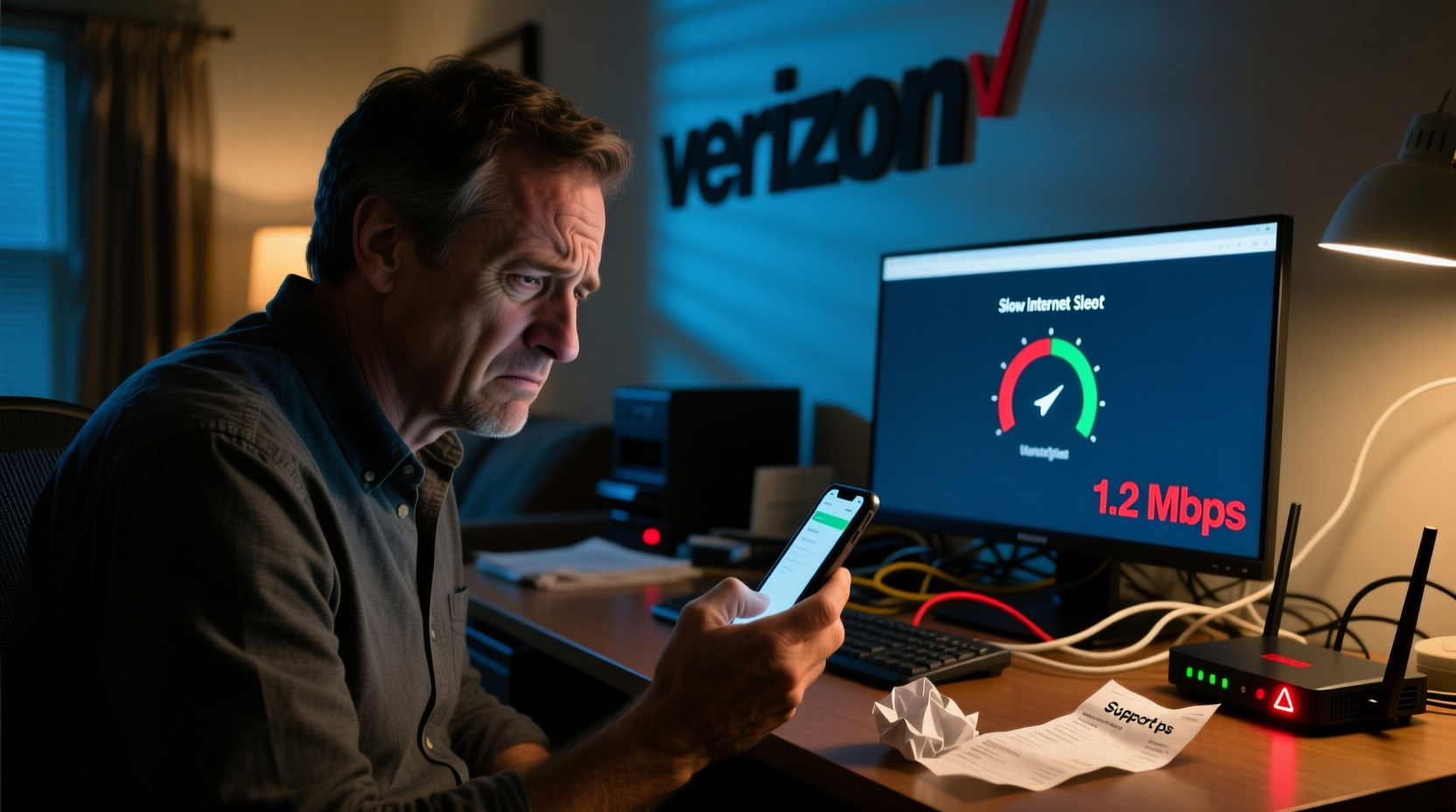
Slow internet from Verizon can stem from a mix of network-level issues, hardware limitations, and user-specific factors. Unlike smaller ISPs, Verizon operates at scale, which means congestion during high-traffic periods can impact service quality. Additionally, infrastructure differences between Fios (fiber) and 5G Home Internet lead to varying performance experiences.
Fiber-optic connections via Verizon Fios are typically faster and more stable than wireless alternatives. However, even fiber can suffer slowdowns due to external interference, outdated equipment, or internal network bottlenecks. Wireless options like 5G Home Internet depend heavily on signal strength, tower proximity, and environmental obstructions such as buildings or trees.
“Network congestion and last-mile connectivity issues are the top culprits behind perceived slowness—even on high-capacity networks like Verizon’s.” — Dr. Alan Reyes, Network Performance Analyst at Broadband Insights Group
Common Causes of Slow Verizon Speeds
- Network Congestion: During evenings or streaming-heavy events, shared bandwidth in your area can reduce speeds.
- Wi-Fi Interference: Other electronic devices, neighboring networks, or thick walls can degrade your Wi-Fi signal.
- Outdated Router Firmware: Older firmware may not support current security protocols or bandwidth optimization features.
- ISP Throttling: Though rare, Verizon may temporarily limit bandwidth during extreme usage spikes.
- Device Limitations: Older smartphones, laptops, or IoT devices may not support modern Wi-Fi standards like Wi-Fi 6.
- Background Applications: Cloud backups, software updates, or smart home devices can consume bandwidth unnoticed.
Step-by-Step Troubleshooting Guide
Follow this logical sequence to isolate and resolve the cause of your slow Verizon connection.
- Restart Your Equipment: Power cycle your modem and router. Unplug both for 60 seconds, then reconnect. This resolves temporary glitches in over 30% of reported cases.
- Run a Wired Speed Test: Connect a computer directly to the modem via Ethernet. Use Speedtest.net to check download/upload speeds. Compare results to your plan’s advertised speeds.
- Check for Outages: Visit Verizon’s Outage Center to see if there’s a known service disruption in your area.
- Update Router Firmware: Log into your router’s admin panel (usually http://192.168.1.1) and check for firmware updates under the maintenance section.
- Optimize Wi-Fi Placement: Position your router centrally, away from metal objects, microwaves, and cordless phones. Elevate it off the floor for better signal dispersion.
- Switch Wi-Fi Channels: Use a tool like Wi-Fi Analyzer (Android) or NetSpot (PC/Mac) to find less congested channels. Set your router to use 5 GHz instead of 2.4 GHz when possible.
- Limit Connected Devices: Disconnect unused devices. A typical home router performs best with fewer than 20 active connections.
- Contact Verizon Support: If wired speeds are still below 80% of your subscribed rate, request a line test or technician visit.
Do’s and Don’ts When Fixing Verizon Speed Issues
| Do’s | Don’ts |
|---|---|
| Use Ethernet for critical tasks like gaming or video calls | Place your router next to a refrigerator or microwave |
| Schedule large downloads during off-peak hours (e.g., early morning) | Ignore firmware update notifications on your gateway |
| Enable Quality of Service (QoS) settings to prioritize important devices | Assume the problem is always with Verizon—check your home network first |
| Upgrade to a mesh Wi-Fi system if you have dead zones | Use third-party routers without verifying compatibility with Verizon Fios |
Real-World Example: How One Family Fixed Their Lagging Connection
The Thompson family in suburban New Jersey had been experiencing constant buffering while streaming 4K content, despite having Verizon Fios 500/500 Mbps. Video calls dropped frequently, and online homework sessions were interrupted. They assumed their plan was faulty and considered switching providers.
After running a wired speed test, they discovered actual speeds were only 65 Mbps. A technician visit revealed that their ONT (Optical Network Terminal) filter was partially blocked by dust, and their router—provided in 2018—was overheating and operating on outdated firmware.
Verizon replaced the ONT filter, updated the firmware, and recommended upgrading to a newer router. The family purchased a Wi-Fi 6 mesh system and repositioned access points throughout the house. Post-upgrade, their speeds stabilized at 470+ Mbps on all devices, eliminating lag and improving overall reliability.
When to Consider Upgrading or Switching Equipment
If you’re still experiencing slow speeds after troubleshooting, your hardware may be the bottleneck. Verizon often provides rental gateways, but these may not deliver peak performance compared to premium third-party models.
Consider upgrading if:
- Your router is more than three years old.
- You frequently experience disconnections or signal drops.
- Your home is over 2,000 square feet and lacks consistent coverage.
- You run multiple 4K streams, cloud backups, or remote work applications simultaneously.
Recommended replacements include the NETGEAR Nighthawk series, ASUS RT-AX86U, or Eero Pro 6E for mesh setups. Always confirm compatibility with Verizon Fios before purchasing.
FAQ: Common Questions About Verizon Speed Issues
Why is my Verizon internet suddenly slow?
Sudden slowdowns are often due to network congestion, router overheating, or background updates consuming bandwidth. Start with a restart and a wired speed test to identify where the issue lies.
Does Verizon throttle internet speeds?
Verizon does not engage in routine throttling for Fios customers. However, during periods of extreme network congestion, temporary deprioritization may occur for unlimited data plans on wireless services like 5G Home Internet.
How can I boost my Verizon Wi-Fi signal?
Reposition your router to a central, elevated location, switch to the 5 GHz band, reduce interference from other electronics, and consider adding a Wi-Fi extender or mesh system for larger homes.
Conclusion: Take Control of Your Connection
Slow Verizon internet doesn’t have to be a permanent frustration. Most performance issues stem from correctable factors—router placement, outdated firmware, or Wi-Fi interference—rather than flaws in the service itself. By methodically testing your connection, optimizing your setup, and knowing when to upgrade hardware or contact support, you can reclaim fast, reliable speeds.




 浙公网安备
33010002000092号
浙公网安备
33010002000092号 浙B2-20120091-4
Comments
No comments yet. Why don't you start the discussion?