
For over two decades, Skype has been a household name in digital communication. From late-night video calls with distant relatives to international business meetings, Skype helped redefine how people connect across borders. But change is inevitable in the tech world. In 2025, Microsoft officially announced the retirement of consumer-facing Skype services, marking the end of an era. While the decision may come as a surprise to some, it reflects broader shifts in technology strategy, user behavior, and enterprise priorities.
This transition isn’t abrupt—Microsoft has been steering users toward Microsoft Teams for years—but understanding the full scope of this shutdown is critical for both personal and professional users still relying on Skype. This article breaks down why Microsoft made this move, what exactly is being discontinued, and how you can prepare for life after Skype.
The Strategic Shift: Why Microsoft Is Retiring Skype
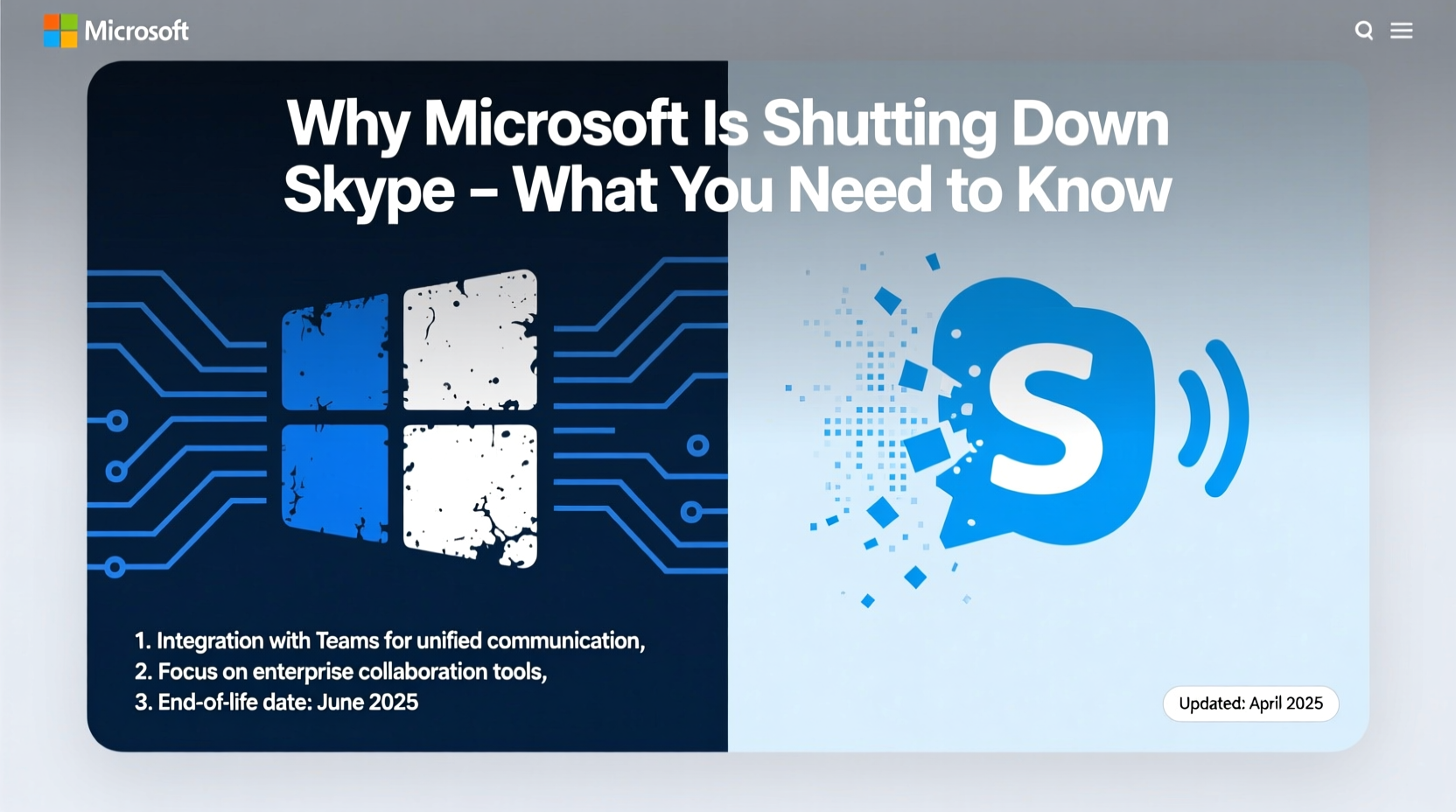
Skype was acquired by Microsoft in 2011 for $8.5 billion, a bold move at the time to dominate real-time communication. However, over the past decade, Microsoft’s focus has shifted from standalone consumer tools to integrated productivity ecosystems. The rise of remote work accelerated demand for collaborative platforms that combine chat, video conferencing, file sharing, and workflow integration—all features central to Microsoft Teams.
“We’re investing in the future of collaboration,” said Jared Spataro, Corporate Vice President of Microsoft 365. “Teams brings together communication, teamwork, and AI-powered productivity in a way that meets today’s workplace needs.”
“We’re investing in the future of collaboration.” — Jared Spataro, Corporate Vice President of Microsoft 365
Unlike Skype, which remained largely a point-to-point communication tool, Teams was built from the ground up as a unified workspace. As Teams grew—surpassing 300 million monthly active users by 2024—it became clear that maintaining two overlapping platforms was inefficient. Duplicative features, fragmented user experiences, and rising operational costs made consolidating under one brand not just logical but necessary.
What Exactly Is Being Shut Down?
It’s important to clarify that not all Skype services are vanishing overnight. Microsoft is phasing out specific aspects of the platform while retaining others for niche use cases.
| Service | Status | Replacement or Notes |
|---|---|---|
| Skype Consumer App (desktop & mobile) | Discontinued May 2025 | Migrate to Microsoft Teams (free version available) |
| Skype for Business Online | Retired July 2023 | Fully replaced by Microsoft Teams |
| Skype Credit & Number Services | Still active (as of 2025) | Limited support; may be phased out later |
| Skype Voicemail, SMS, Call Forwarding | Disabled gradually since 2023 | Available in Teams for paid subscribers |
| Skype Translator & Live Subtitles | Migrated to Teams | Enhanced AI features now in Teams |
The core consumer app—used for free video calls, instant messaging, and international calling via credit—is the most affected. Users will no longer be able to download or update the app after mid-2025. Existing installations may continue functioning temporarily, but without security updates or customer support.
Transition Timeline: What Happens When?
Microsoft has rolled out its Skype exit strategy in phases. Here's a clear timeline of key milestones:
- July 2021: Skype for Business Online retired; organizations migrated to Teams.
- October 2023: Microsoft announces the end-of-life plan for consumer Skype.
- January 2024: New feature development on Skype halted.
- May 2025: Skype app removed from app stores; official support ends.
- Q3 2025: Gradual server decommissioning begins; login failures expected.
- 2026: Full service shutdown anticipated.
This staggered approach gives users time to migrate contacts, save call histories, and adjust workflows. However, delays in planning could result in lost data or communication disruptions.
How to Migrate Smoothly to Microsoft Teams
Microsoft Teams offers a more robust environment than Skype, especially for those already using Office 365. Transitioning doesn’t have to be difficult—if approached systematically.
Step-by-Step Migration Guide
- Create or log into your Microsoft account. If you used Skype with a Microsoft account, your credentials will carry over.
- Download Microsoft Teams from the official website or app store.
- Import contacts: Teams automatically pulls contacts from Outlook and linked accounts. Manually add any missing ones.
- Transfer saved messages: While Teams doesn’t import old Skype chats directly, you can reference exported logs during conversations.
- Set up calling: Purchase a Microsoft Calling Plan or use third-party providers integrated with Teams for international calls.
- Customize notifications: Adjust settings to avoid overload—Teams defaults to higher alert frequency than Skype.
For families or casual users, the free version of Teams supports group video calls (up to 100 participants), screen sharing, and chat—features previously limited or premium on Skype.
Mini Case Study: A Small Business Adapts
GreenSprout Organics, a boutique wellness brand based in Portland, relied on Skype for daily check-ins with remote staff and weekly client consultations. When they learned about the shutdown, the owner, Lena Torres, initially resisted switching to Teams, fearing complexity.
After a two-week trial, she discovered that scheduling recurring meetings, sharing project files within chats, and assigning follow-up tasks directly in Teams saved her team nearly three hours per week. “It felt overwhelming at first,” Lena admitted. “But once we set up channels for each department, everything became easier to track. We even use breakout rooms now for brainstorming sessions.”
Their transition included exporting client call notes, retraining staff using Microsoft’s free training modules, and setting up automated reminders. Today, GreenSprout runs entirely on Teams—with no regrets.
FAQ: Common Questions About the Skype Shutdown
Will I lose my Skype username and contacts?
You won’t lose access immediately, but usernames and contacts will become inaccessible once servers shut down. Save important contact details externally. Your Microsoft account (if linked) remains active and can be used with Teams.
Can I still make international calls after Skype shuts down?
Yes. Microsoft Teams supports calling through Microsoft Phone System or third-party integrations like Zoom Phone or RingCentral. You’ll need a subscription plan, but rates are competitive with Skype’s former pricing.
Is Microsoft Teams free?
Yes, Teams offers a robust free tier with unlimited chat, audio/video calls for up to 30 hours, and 10 GB of team storage. It’s suitable for individuals, families, and small teams who don’t need advanced administrative controls.
Final Checklist Before Saying Goodbye to Skype
- ✅ Export chat history and contact list
- ✅ Download important voice messages or recordings
- ✅ Cancel any recurring Skype subscriptions (e.g., subscription numbers)
- ✅ Create a Microsoft Teams account and install the app
- ✅ Test a video call with a friend or colleague on Teams
- ✅ Update family members or clients about your new contact method
- ✅ Explore Teams features like calendar integration and file sharing
Conclusion: Embracing the Next Chapter in Digital Communication
The sunsetting of Skype isn’t just the closure of an app—it’s a signal of how far digital communication has evolved. What began as a simple tool for voice-over-IP calls has matured into intelligent, integrated collaboration environments powered by cloud computing and AI.
While nostalgia for Skype is understandable, clinging to outdated platforms risks inefficiency, security vulnerabilities, and missed opportunities. Microsoft Teams represents the future: seamless integration with everyday tools, smarter meeting assistants, real-time translation, and deeper collaboration.
The transition is your chance to upgrade not just software, but how you connect. Whether you're a parent staying in touch with overseas relatives or a freelancer managing global clients, now is the time to explore Teams, adapt your habits, and take full advantage of modern communication.




 浙公网安备
33010002000092号
浙公网安备
33010002000092号 浙B2-20120091-4
Comments
No comments yet. Why don't you start the discussion?