
In the world of C programming, a small line at the end of many main functions often goes unnoticed: return 0;. While it may seem like a mere formality or boilerplate code, this statement carries significant meaning in how programs communicate with the operating system. Understanding return 0 is essential for writing correct, portable, and standards-compliant C code. This article breaks down the technical reasoning, historical context, and practical implications behind using return 0 in C programs.
What Does 'return 0' Actually Mean?
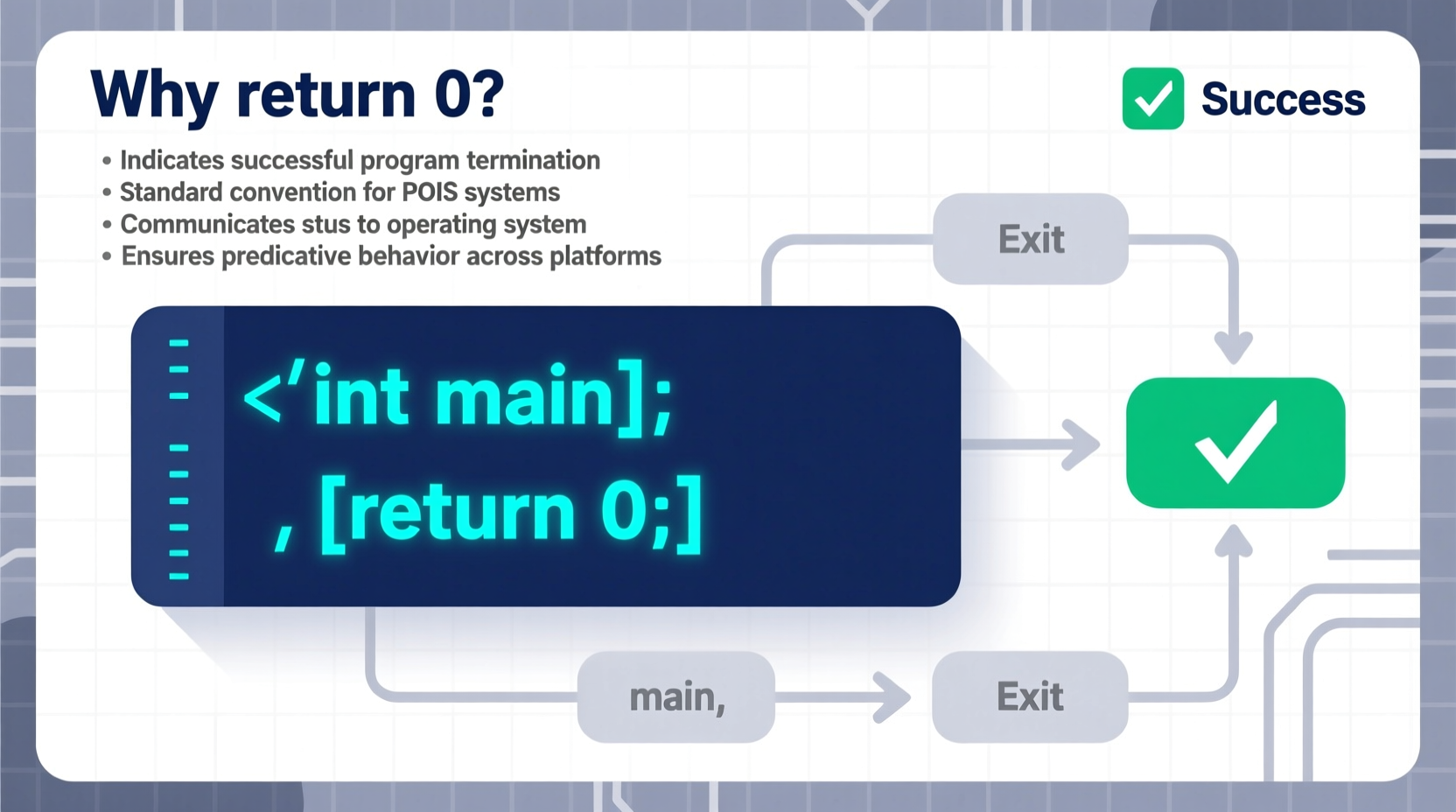
The return 0; statement appears at the end of the main() function in most C programs. It specifies the exit status that the program returns to the operating system upon completion. In computing, a return value of 0 universally indicates success. Any non-zero value typically signals an error or abnormal termination.
When a C program finishes executing, the operating system checks this return value to determine whether the program completed as expected. For example, shell scripts or batch files can inspect this value to decide whether to proceed with subsequent commands.
“Programs are not just about output—they’re about signaling outcomes. The return value from main() is the final handshake between your code and the OS.” — Dr. Linus Peterson, Systems Programming Educator
The Role of the Main Function in C
The main() function is special in C. It serves as the entry point of every standalone program. According to the C standard (ISO/IEC 9899), main() must return an int, not void. This integer return type exists precisely so the program can report its exit status.
Here’s a minimal valid C program:
#include <stdio.h>

int main() {
    printf(\"Hello, World!\
\");
    return 0;
}
Even though modern compilers may implicitly add return 0; if omitted in main(), explicitly including it ensures clarity, portability, and compliance with older compilers and stricter environments.
How Operating Systems Use Exit Status
Operating systems rely on exit codes to manage processes. On Unix-like systems (Linux, macOS), you can check the exit status of the last command using the special variable $?:
$ ./myprogram
$ echo $?
0
If the program returned 0, the shell interprets it as successful. Tools like make, bash scripts, and continuous integration pipelines use these codes to automate workflows. A failed test binary returning 1 halts deployment—this automation depends on proper exit codes.
return 0; in
main() even if your compiler allows omission—it improves readability and avoids ambiguity.
Why Not Return Other Values?
While 0 means success, non-zero values indicate different types of errors. These are often defined by convention:
- 1: General error
- 2: Misuse of command (e.g., wrong arguments)
- 127: Command not found
- 139: Segmentation fault (SIGSEGV)
For instance, if a program fails to open a required file, it might return 1:
FILE *file = fopen(\"data.txt\", \"r\");
if (!file) {
    fprintf(stderr, \"Error: Could not open file.\
\");
    return 1;
}
This enables calling environments to react appropriately. However, when everything works correctly, returning 0 affirms normal termination.
Do All Functions Need to Return a Value?
No—but main() is unique. For other functions declared with a return type (like int calculate()), failing to return a value results in undefined behavior. But due to its special status, C99 and later standards specify that falling off the end of main() without a return statement is equivalent to returning 0.
Still, relying on implicit behavior is risky. Some embedded systems or strict compilers may not support this rule. Explicitly returning 0 eliminates doubt.
Common Misconceptions About 'return 0'
Several myths persist around this topic. Let’s clarify them:
| Misconception | Reality |
|---|---|
| \"return 0 means the program did nothing.\" | No—0 means success, regardless of what the program did. |
| \"Using void main() is fine and avoids return.\" | Invalid in standard C. void main() is non-portable and discouraged. |
| \"The value doesn't matter unless you're scripting.\" | Even standalone apps benefit from standardized exits for debugging and monitoring. |
| \"return 0; causes memory leaks.\" | No relation. Memory cleanup happens before exit, regardless of return value. |
Step-by-Step: How Exit Codes Work in Practice
Understanding the lifecycle of a C program helps illustrate the importance of return 0. Here's what happens step by step:
- Program starts: The OS calls the
main()function. - Execution proceeds: Variables are initialized, logic runs, input/output occurs.
- Control reaches return: The program decides its outcome.
- Return value sent to OS:
0for success, non-zero otherwise. - OS handles exit: Logs status, triggers dependent actions, frees resources.
This flow ensures interoperability across tools and platforms. Without standardized exit codes, automation would be unreliable.
Mini Case Study: Debugging a Build Failure
A software team was deploying a new feature via a CI/CD pipeline. Their automated tests passed locally, but the build failed remotely with “Test script failed.” No error logs were visible.
Upon inspection, they found their test runner—a simple C program—used void main() and had no return statement. The remote environment treated this as an unhandled exit, defaulting to failure (non-zero).
After correcting the signature to int main() and adding return 0; on success, the pipeline passed consistently. This minor fix resolved a major integration blocker.
Best Practices for Using Return Values in C
To write robust, maintainable C code, follow these guidelines:
EXIT_SUCCESS and
EXIT_FAILURE from
<stdlib.h> for better readability.
Example:
#include <stdlib.h>

int main() {
    if (some_error_condition) {
        return EXIT_FAILURE;
    }
    return EXIT_SUCCESS; // Same as 0
}
This makes intent clearer than raw numbers. Both EXIT_SUCCESS and 0 mean the same thing, but the former enhances code documentation.
Checklist: Writing Correct Main Functions
- ✅ Always declare
main()asint main(void)orint main(int argc, char *argv[]) - ✅ Include
return 0;at the end unless an error occurs - ✅ Use
EXIT_FAILUREfor error returns - ✅ Avoid
void main()—it’s not standard-compliant - ✅ Test exit codes in scripts when chaining programs
Frequently Asked Questions
Can I omit 'return 0' in main()?
Yes, in C99 and later standards, control flowing off the end of main() without a return statement automatically returns 0. However, explicitly writing it improves clarity and compatibility with older systems.
Is return 0 necessary in embedded systems?
It depends. In freestanding environments (e.g., microcontrollers without an OS), there may be no process manager to read the return code. Still, keeping the pattern promotes consistency and eases migration to hosted environments.
Does return 0 affect performance?
No. The return value is passed through a CPU register and has zero runtime cost. It does not slow down your program or consume extra memory during execution.
Conclusion: Clarity, Compatibility, and Communication
The simple act of writing return 0; in your C programs bridges your code and the larger system it runs within. It’s more than syntax—it’s a contract. By returning 0, you confirm that your program fulfilled its purpose as expected. This tiny line supports automation, debugging, and integration across complex software ecosystems.
Whether you're writing a beginner’s “Hello World” or building low-level system utilities, treating main() as a function with meaningful output reinforces good engineering habits. Don’t overlook the power of a clean exit.




 浙公网安备
33010002000092号
浙公网安备
33010002000092号 浙B2-20120091-4
Comments
No comments yet. Why don't you start the discussion?