
As smartphones become more integral to daily life, how we charge them matters—not just for convenience, but for device longevity and safety. Two dominant methods—wireless charging pads and traditional cable charging—are often pitted against each other. While wireless charging offers sleek convenience, many users wonder: does it actually charge as fast as a cable? And more importantly, which method produces less heat, a critical factor in battery health? The answers lie in physics, engineering standards, and real-world usage patterns.
How Charging Speeds Are Measured
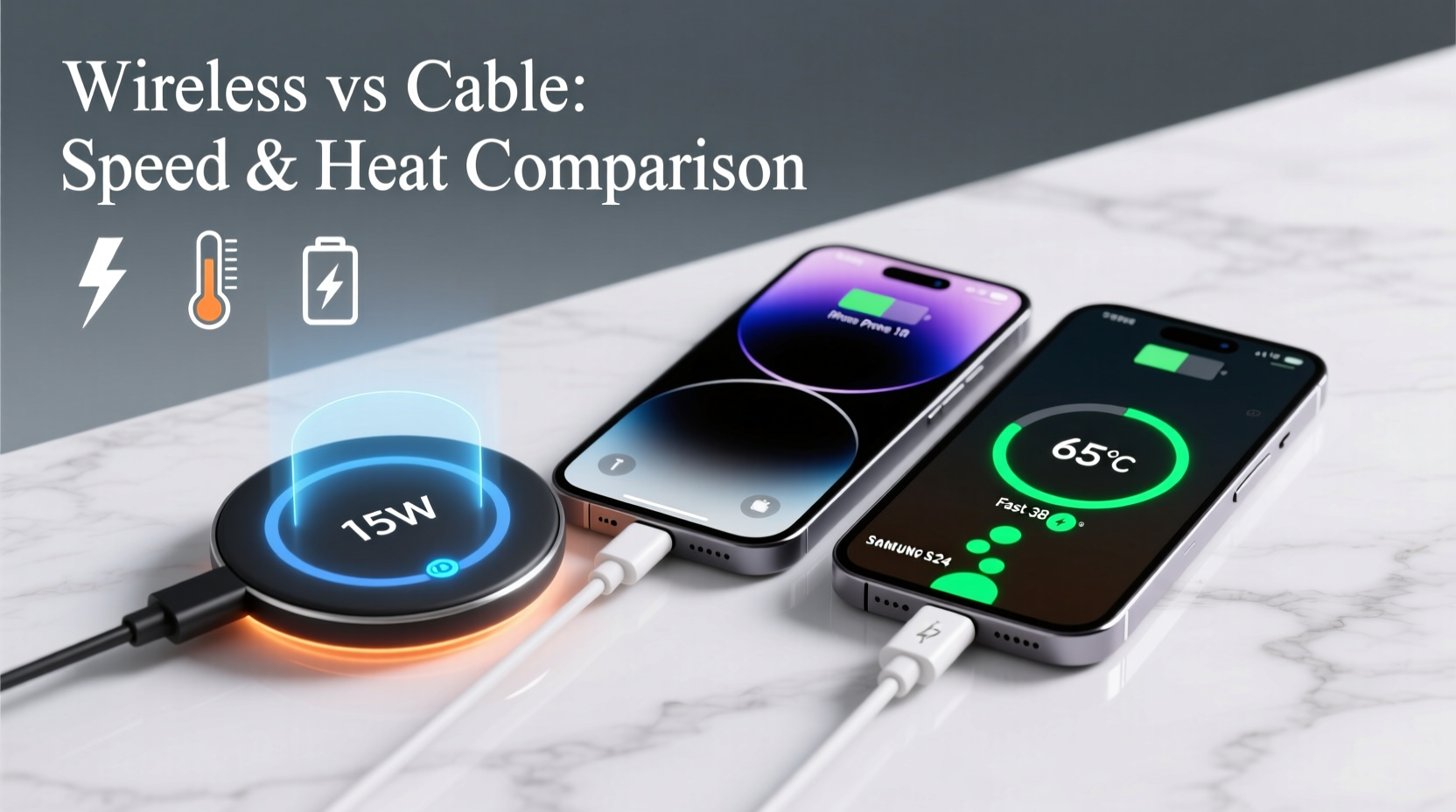
Charging speed is typically measured in watts (W), calculated by multiplying voltage (V) and current (A). Modern smartphones support various fast-charging standards such as USB Power Delivery (USB-PD), Qualcomm Quick Charge, and proprietary systems like Samsung Adaptive Fast Charging or Apple Fast Charging. These can deliver power outputs ranging from 18W to over 65W in some Android models.
For wireless charging, the most common standard is Qi (pronounced “chee”), developed by the Wireless Power Consortium. Most Qi-certified chargers operate at 5W, 7.5W, 10W, or 15W. High-end models, particularly those compatible with Samsung’s Extended Power Profile (EPP), can reach up to 15W under ideal conditions. However, even 15W lags behind the fastest wired options available today.
Efficiency also plays a role. Wired connections transfer energy directly through metal conductors with minimal loss. In contrast, wireless charging uses electromagnetic induction—transferring energy between two coils without physical contact. This process inherently loses energy as heat, reducing effective power delivery.
Direct Speed Comparison: Wireless vs Cable
To compare charging speeds accurately, consider a controlled test using a modern smartphone that supports both high-wattage wired charging and fast wireless charging—such as the iPhone 15 Pro Max or Samsung Galaxy S24 Ultra.
| Device | Charging Method | Max Power Output | 0% to 50% Time | Full Charge Time |
|---|---|---|---|---|
| Samsung Galaxy S24 Ultra | Wired (Adaptive Fast Charging) | 45W | ~12 minutes | ~55 minutes |
| Samsung Galaxy S24 Ultra | Wireless (Qi EPP) | 15W | ~48 minutes | ~110 minutes |
| iPhone 15 Pro Max | Wired (USB-PD) | 27W peak | ~30 minutes | ~80 minutes |
| iPhone 15 Pro Max | MagSafe Wireless | 15W | ~55 minutes | ~130 minutes |
The data shows a clear trend: wired charging consistently outperforms wireless in speed. Even when both methods are rated at similar wattages (e.g., 15W), the actual throughput favors cables due to lower resistance and higher efficiency.
Heat Generation: Why It Matters
Heat is the enemy of lithium-ion batteries. Prolonged exposure to high temperatures accelerates battery degradation, reduces cycle life, and increases the risk of thermal runaway in extreme cases. Both charging methods generate heat, but the source and intensity differ significantly.
In wired charging, heat primarily builds up in the charging cable, adapter, and phone’s internal charging circuitry. With high-quality components and proper ventilation, this heat is usually manageable. Many modern phones include temperature sensors that throttle charging speed if internal temps rise too high.
Wireless charging, however, introduces additional heat sources. The transmitter coil in the pad and the receiver coil inside the phone must align precisely for efficient energy transfer. Misalignment causes energy to dissipate as heat. Even with perfect alignment, inefficiencies in electromagnetic induction mean about 20–30% of input energy is lost as heat—compared to roughly 5–10% in wired setups.
“Wireless charging is convenient, but it’s fundamentally less efficient. That inefficiency translates directly into heat, which over time affects battery longevity.” — Dr. Lin Zhao, Electrical Engineer & Battery Technology Researcher, MIT Energy Initiative
Real-World Example: Overnight Charging Habits
Consider Sarah, a digital marketer who charges her iPhone 15 Pro every night. She used a MagSafe wireless charger for three months, leaving it on her bedside table. After noticing her battery health dropped from 100% to 92% in six weeks, she consulted an Apple technician. The diagnosis: consistent overnight wireless charging, combined with poor airflow under her thick phone case, led to elevated operating temperatures during charging cycles.
She switched to a 20W USB-C cable and removed her case while charging. Over the next two months, her battery health stabilized. Though anecdotal, her experience reflects broader findings: sustained heat from inefficient charging methods can accelerate battery wear.
Optimizing for Speed and Thermal Performance
If speed and battery preservation are priorities, certain practices can minimize drawbacks regardless of your chosen method. Below is a checklist to help optimize performance and reduce heat buildup.
🔋 Charging Optimization Checklist
- Use certified chargers and cables: Avoid third-party accessories not certified by USB-IF or Qi.
- Remove thick cases during wireless charging: Especially silicone or leather cases trap heat.
- Avoid charging under pillows or blankets: Poor ventilation increases fire risk and thermal stress.
- Charge before battery drops below 20%: Deep discharges increase strain on the battery.
- Prefer partial charges over full cycles: Keeping battery between 20%–80% prolongs lifespan.
- Disable fast charging when not needed: Some phones allow toggling fast charging in settings.
- Keep devices in cool environments: Room temperature (20–25°C / 68–77°F) is ideal.
When to Choose Wireless vs Cable
The choice isn’t purely technical—it’s also contextual. Here’s a breakdown of optimal scenarios for each method.
✅ Best Use Cases for Cable Charging
- Morning rush: When you need a quick top-up before heading out.
- Traveling: Airports and hotels often lack standardized wireless pads.
- Battery replacement concerns: Users aiming to maximize battery lifespan over years.
- Gaming or video calls: High-performance tasks increase power draw; wired ensures stable supply.
✅ Best Use Cases for Wireless Charging
- Nightstand charging: Convenient drop-and-go setup while sleeping.
- Car mounts: Integrated wireless pads eliminate plugging/unplugging.
- Desk workspace: Seamless integration without managing cables.
- Accessibility needs: Users with limited dexterity benefit from plug-free operation.
Ultimately, the best strategy may be hybrid: use wired charging when speed and efficiency matter, and reserve wireless for low-stress, convenience-driven situations.
Step-by-Step Guide to Safer, Faster Charging
Follow this practical sequence to get the most out of your charging routine while protecting your device.
- Evaluate your charger setup: Confirm your adapter and cable support fast charging (e.g., USB-PD 3.0).
- Check phone compatibility: Refer to your device manual for supported wattages.
- Remove protective case: Especially during extended or fast charging sessions.
- Place phone on a hard, flat surface: Avoid carpets or soft materials that insulate heat.
- Start charging before 30% battery: Prevents deep discharge cycles.
- Monitor temperature: If the phone feels hot, pause charging and let it cool.
- Unplug once charged: Avoid trickle charging overnight unless using optimized modes.
- Rotate methods: Use cable for rapid charging, wireless for maintenance top-ups.
Frequently Asked Questions
Does wireless charging damage my phone’s battery over time?
Yes, indirectly. The increased heat generated during wireless charging can accelerate battery degradation compared to cooler, more efficient wired charging. However, occasional use poses minimal risk. Long-term daily reliance without thermal management may reduce battery lifespan by 10–20% over two years.
Can I use any USB-C cable for fast charging?
No. Not all USB-C cables support high-power delivery. Look for cables labeled “USB-IF Certified” and check specifications for supported wattage (e.g., 60W or 100W). Cheap or uncertified cables may limit charging speed or pose safety hazards.
Why does my phone charge slower on wireless even with a “fast” pad?
Several factors affect wireless charging speed: coil misalignment, case thickness, ambient temperature, and firmware throttling due to heat. Even a 1mm gap caused by a bulky case can reduce efficiency by up to 25%. Additionally, phones often default to 7.5W unless they detect a compatible 15W pad.
Final Verdict: Speed and Heat Compared
Cable charging wins decisively in both speed and thermal efficiency. It delivers higher wattage with less energy loss, resulting in faster charges and lower operating temperatures. Wireless charging trades performance for convenience, making it ideal for low-pressure scenarios where ease of use outweighs urgency.
From an engineering standpoint, wireless technology has improved significantly—modern pads are safer, smarter, and better regulated than early versions. Yet physics remains unchanged: transferring power through air will always be less efficient than through metal.
For users prioritizing battery longevity, minimizing heat exposure is crucial. Frequent overnight wireless charging, especially with poor ventilation, creates a cumulative thermal burden that impacts long-term performance. Switching to wired charging for peak usage times and reserving wireless for casual top-ups strikes a balanced approach.




 浙公网安备
33010002000092号
浙公网安备
33010002000092号 浙B2-20120091-4
Comments
No comments yet. Why don't you start the discussion?