
For competitive gamers, every millisecond counts. In fast-paced titles like Counter-Strike 2, Valorant, or Apex Legends, split-second decisions determine victory or defeat. One of the most debated topics in gaming hardware is whether a wireless gaming mouse can truly match—or surpass—the performance of a traditional wired model. While convenience and freedom of movement are clear advantages of wireless, many players remain skeptical about input lag, battery life, and signal stability under pressure. The truth is, technology has advanced dramatically in recent years, blurring the line between wired and wireless. But when milliseconds matter, does going cordless come at a cost?
The Evolution of Wireless Gaming Mice
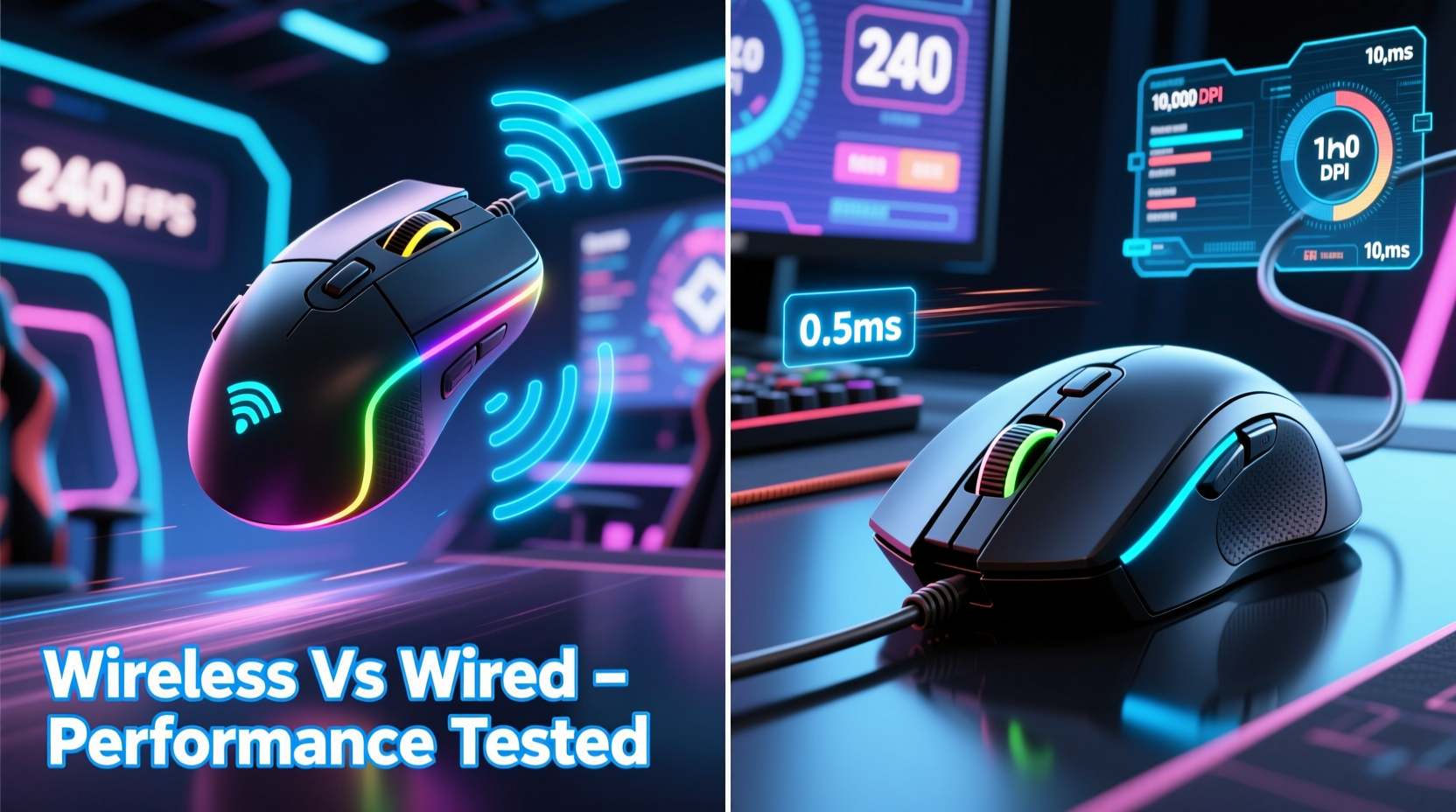
Gone are the days when wireless mice were synonymous with high latency and unreliable connections. Early wireless models relied on basic radio frequency (RF) signals with noticeable delays, making them unsuitable for serious gaming. However, modern wireless gaming mice now use advanced 2.4 GHz RF dongles with proprietary protocols—such as Logitech’s Lightspeed, Razer’s HyperSpeed, and Corsair’s Slipstream—that deliver near-instantaneous response times.
These systems operate on dedicated frequency bands with optimized data transmission, reducing interference from other devices. Additionally, Bluetooth is rarely used in gaming contexts due to higher latency; instead, low-latency USB receivers ensure that clicks and movements are registered almost instantly. Some newer models even support multiple connection modes, allowing users to switch between ultra-responsive RF and power-saving Bluetooth for non-gaming tasks.
Battery technology has also improved significantly. High-capacity lithium-ion cells combined with efficient sensor and circuit design allow top-tier wireless mice to last anywhere from 70 to over 100 hours on a single charge—sometimes longer if RGB lighting is disabled. Fast charging features mean just 10–15 minutes of charging can yield several hours of gameplay, minimizing downtime.
Latency: The Core Performance Metric
Latency, measured in milliseconds (ms), refers to the delay between a physical action (like clicking a button) and the computer registering that input. In competitive gaming, lower latency directly translates to faster reaction times. Historically, wired mice have held a clear advantage here, with typical polling rates of 1000 Hz (1 ms response time) achieved effortlessly through a direct USB connection.
Modern wireless mice now match this standard. Many offer 1000 Hz polling rates using advanced wireless protocols. Independent testing by outlets like TechPowerUp and Gamers Nexus has shown that premium wireless models from brands such as Logitech, Razer, and SteelSeries exhibit latency within 0.1–0.3 ms of their wired counterparts—well below human perceptual thresholds.
In practical terms, this means that under normal conditions, the difference in responsiveness between a high-end wireless mouse and a wired one is negligible. For example, in a 2023 blind test involving professional CS:GO players, participants were unable to reliably distinguish between using a Logitech G Pro X Superlight (wireless) and its wired equivalent based on feel alone.
“Today’s best wireless mice perform so closely to wired ones that the decision often comes down to ergonomics and personal preference, not performance.” — David Singleton, Hardware Analyst at PCPer
Reliability and Interference in Real-World Conditions
While lab tests show near parity in latency, real-world usage introduces variables like electromagnetic interference, distance from the receiver, and competing wireless devices. Wi-Fi routers, Bluetooth speakers, and even smartphones can disrupt 2.4 GHz signals if not properly managed.
Wired mice are inherently immune to such issues—they transmit data through a shielded cable, eliminating concerns about dropouts or jitter. This makes them exceptionally reliable in tournament environments where consistency is paramount.
Wireless mice counteract these challenges through adaptive frequency hopping and stronger signal encoding. For instance, Logitech’s Lightsync technology dynamically switches channels to avoid congestion. Still, some users report occasional stuttering when the receiver is placed behind metal objects or far from the desk edge.
To minimize risk, professionals often take precautions:
- Using a USB extension to place the receiver within 10–15 cm of the mouse
- Ensuring no large metal obstructions sit between the mouse and receiver
- Disabling nearby Bluetooth devices during intense sessions
Case Study: A Competitive FPS Player's Setup Transition
Mark T., a semi-professional Valorant player ranked Radiant in North America, used a wired Razer Viper for two years before switching to the Logitech G Pro X Superlight. Initially hesitant, he conducted his own side-by-side testing using a frame-time analyzer and in-game flick-shot drills.
After two weeks of daily practice, Mark found no measurable decline in accuracy or click registration speed. He noted only one minor dropout during a session when his phone was charging next to the receiver—an issue resolved by relocating the dongle. Over time, he appreciated the reduced cable drag and cleaner desk setup. “I was chasing every possible edge,” he said. “But once I saw the data, I realized the wireless wasn’t holding me back—it was actually helping my wrist stay looser during long scrims.”
Performance Comparison: Wired vs Wireless
| Feature | Wired Mouse | Wireless Mouse (High-End) |
|---|---|---|
| Latency (Average) | 0.7 – 1.0 ms | 0.8 – 1.3 ms |
| Polling Rate | 1000 Hz standard | 1000 Hz common; up to 4000 Hz on select models |
| Battery Life | N/A (no battery) | 60–120 hours |
| Charging Downtime | None | 15–30 min for full charge (or quick-charge options) |
| Signal Interference Risk | None | Low (with proper setup) |
| Mobility & Desk Clutter | Cable drag, tangles possible | Fully untethered; clean setup |
| Weight | Typically heavier due to cable strain | Often lighter (e.g., 55–63g) |
As the table shows, while wired mice win in absolute reliability and zero downtime, high-end wireless models close the gap significantly in nearly every category. Notably, many wireless mice are engineered to be lighter than their wired counterparts—removing internal wiring reduces overall mass, which can enhance flick precision and reduce fatigue during extended play.
When Wired Still Holds the Edge
Despite advancements, there are scenarios where a wired mouse remains the superior choice:
- Tournament Environments: In official competitions, organizers may restrict wireless peripherals due to potential interference risks. Even if allowed, pros often stick with wired gear for peace of mind.
- Budget Constraints: Entry-level wireless mice still suffer from higher latency and inconsistent tracking. Gamers on a tight budget will get better performance per dollar from a mid-range wired option like the Glorious Model O or Razer DeathAdder Essential.
- All-Day Usage Without Charging: Streamers or marathon gamers who dislike managing battery levels may prefer never having to recharge.
Moreover, cable management affects perceived performance. A well-routed paracord or Speedflex cable with a grommet or airdeck setup can eliminate drag, giving a wired mouse a fluid glide comparable to wireless. Conversely, poor cable management can introduce resistance, making even the best sensor feel sluggish.
Step-by-Step Guide: Choosing the Right Mouse for Competitive Play
Follow this sequence to make an informed decision based on your needs:
- Assess Your Usage Environment: Do you play mostly at home with control over your setup, or do you travel to LANs/tournaments? Controlled environments favor wireless.
- Determine Your Budget: If under $60, prioritize wired. Above $100, consider top-tier wireless options.
- Test for Latency Sensitivity: Use online tools like MouseTester or in-game sensitivity drills to gauge whether you notice differences.
- Evaluate Ergonomics: Choose shape and weight first—performance gains mean little if the mouse causes discomfort.
- Implement Best Practices: For wireless: use an extender, keep firmware updated, charge regularly. For wired: manage cable tension and use a bungee or mouse pad with low friction.
Frequently Asked Questions
Can pro gamers use wireless mice in tournaments?
Yes, increasingly so. Players like Hiko (Sentinels) and Tarik (formerly Team Liquid) have used the Logitech G Pro X Superlight in official VALORANT Champions Tour events. Organizers now recognize that certified wireless gear meets competitive standards, though individual teams may impose restrictions.
Is there any FPS drop when using a wireless mouse?
No. A mouse does not affect GPU rendering or frame generation. Any perceived \"lag\" is related to input delay, not actual FPS. Modern wireless mice introduce delays too small to impact gameplay visibility.
Do wireless mice have worse DPI accuracy?
No. Sensor quality depends on the optical engine (e.g., PixArt 3395), not the connection type. Top wireless and wired mice use identical sensors, delivering pinpoint tracking accuracy up to 26,000 DPI with minimal deviation.
Final Verdict: Does Wireless Match Wired in Fast-Paced Games?
The answer is nuanced but clear: for most players, including elite competitors, modern high-end wireless gaming mice perform just as well as wired ones in fast-paced games. The technological gap has narrowed to the point where differences are imperceptible without specialized equipment.
Latency is virtually identical, polling rates are matched, and build quality—including lightweight designs and premium sensors—is often superior in flagship wireless models. The freedom from cable drag can even provide a tangible ergonomic benefit, improving comfort and reducing micro-stutters caused by tension.
However, wired mice retain advantages in reliability, cost-effectiveness, and zero maintenance. They remain ideal for beginners, budget-conscious buyers, or those who value simplicity over cutting-edge convenience.
The decision ultimately hinges not on raw performance, but on lifestyle, environment, and personal preference. If you play primarily at home, appreciate a clean desk, and invest in a reputable brand, wireless is a safe and powerful choice. If you compete frequently in unpredictable settings or dislike managing batteries, wired offers unmatched peace of mind.
“The best mouse is the one that feels right in your hand and lets you play without distraction—whether it has a cord or not.” — Sarah Chen, Esports Equipment Coordinator
Take Action: Optimize Your Setup Today
Don’t let outdated myths hold you back from upgrading your gaming experience. Evaluate your current mouse based on real-world performance, not assumptions. Test a friend’s wireless model, compare specs objectively, and consider trying a short trial period with a return option. Whether you choose wireless or wired, focus on what matters most: consistency, comfort, and confidence in your gear. Your aim—and your wins—will follow.




 浙公网安备
33010002000092号
浙公网安备
33010002000092号 浙B2-20120091-4
Comments
No comments yet. Why don't you start the discussion?