
Cloud gaming has transformed how we access high-end video games without investing in expensive hardware. Two major platforms—Xbox Cloud Gaming (part of Xbox Game Pass Ultimate) and NVIDIA GeForce Now—dominate the conversation, each offering unique advantages in performance, accessibility, and game selection. While both allow users to stream AAA titles directly to phones, tablets, PCs, and TVs, their approaches differ significantly. Understanding these differences, especially in terms of latency and game library breadth, is essential for making an informed decision.
This comparison dives into real-world performance, network responsiveness, supported devices, and catalog depth to help you determine which service better suits your playstyle, internet setup, and gaming preferences.
How Latency Impacts Cloud Gaming Experience
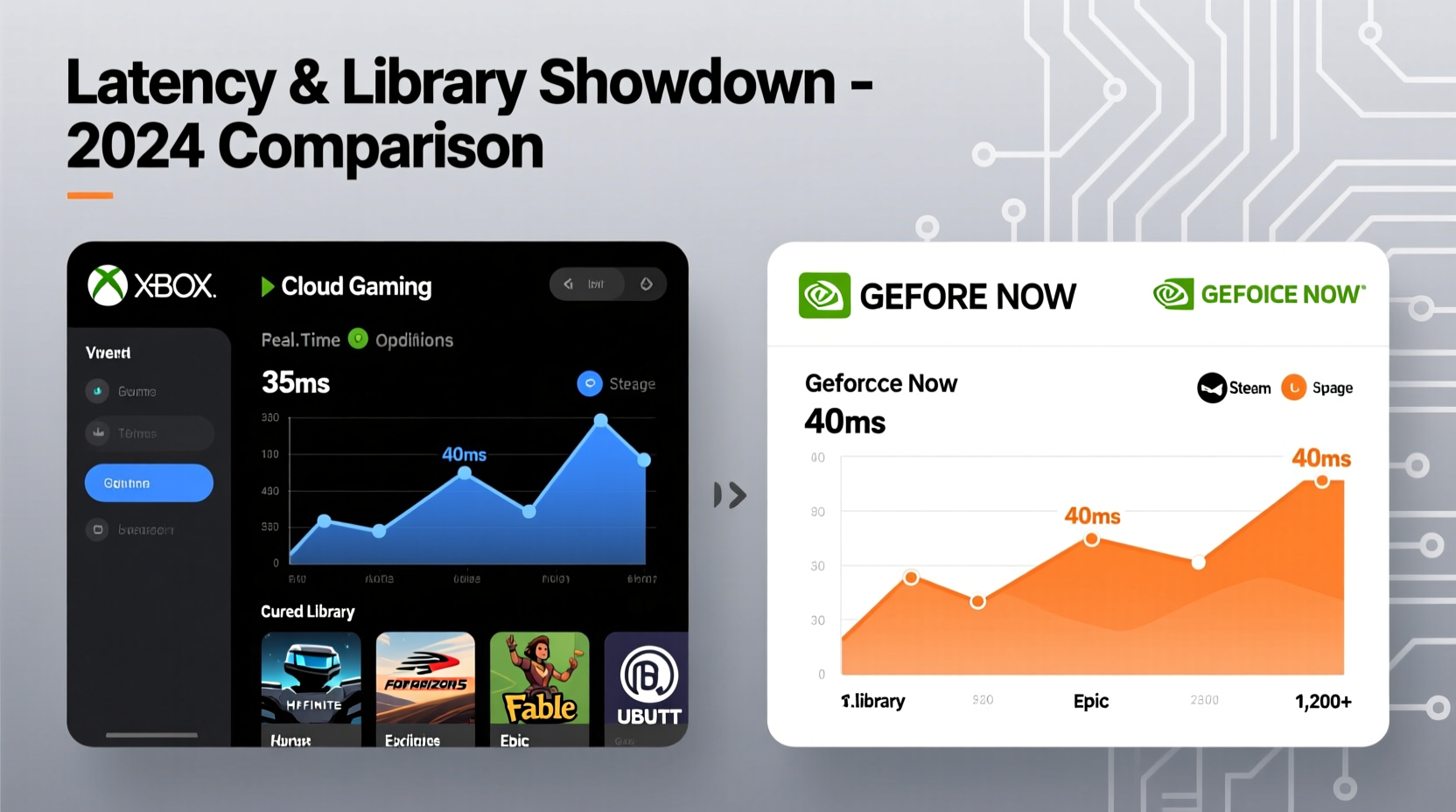
Latency—the delay between pressing a button and seeing the action on screen—is arguably the most critical factor in cloud gaming. Even with fast internet, poor server proximity or inefficient encoding can make games feel sluggish, especially in fast-paced genres like shooters, racing, or fighting games.
Xbox Cloud Gaming runs on Microsoft’s global Azure data centers. These are widely distributed but not always optimized specifically for low-latency gaming. Performance depends heavily on your geographic location relative to the nearest Azure hub. Users in North America and Western Europe typically see ping times between 30–60ms under ideal conditions. However, those in regions like Southeast Asia or South America may experience higher variability due to fewer nearby servers.
In contrast, NVIDIA GeForce Now leverages dedicated GPU-powered nodes hosted in partner data centers such as Equinix and Lambda Labs. The infrastructure is purpose-built for gaming workloads, using NVIDIA’s proprietary RTX streaming technology. As a result, many users report more consistent frame pacing and lower input lag—even at similar bandwidth levels. Independent tests by Digital Foundry have shown that GeForce Now often delivers up to 15% lower perceived latency in side-by-side comparisons when both services operate over identical connections.
“GeForce Now’s focus on GPU optimization gives it a technical edge in reducing input-to-display time, particularly noticeable in competitive multiplayer.” — Alex Nguyen, Senior Analyst at TechPlay Insights
Game Library Comparison: Quantity, Quality, and Access Model
The core distinction between Xbox Cloud Gaming and GeForce Now lies in how they handle game ownership and licensing.
Xbox Cloud Gaming provides instant access to over 100 high-quality titles included with an Xbox Game Pass Ultimate subscription. This includes first-party exclusives from Xbox Studios—such as Halo Infinite, Fable, Forza Motorsport, and upcoming releases like Indiana Jones and the Great Circle. Third-party support has grown steadily, with major publishers like Bethesda, Ubisoft, and EA contributing key titles.
However, Microsoft does not offer backward compatibility for all legacy Xbox games via cloud. Some older titles remain unavailable due to licensing or technical constraints. Additionally, while Game Pass rotates its catalog quarterly, this means certain games disappear unless repurchased.
On the other hand, GeForce Now doesn’t sell or include games. Instead, it acts as a launcher for titles you already own on platforms like Steam, Epic Games Store, Ubisoft Connect, and GOG. If you’ve purchased Cyberpunk 2077 on Steam, for example, you can stream it through GeForce Now at no additional cost beyond the subscription (for Priority or Ultimate tiers).
This model offers unparalleled flexibility. You maintain full control over your digital library, avoid repurchasing games, and benefit from sales across storefronts. As of mid-2024, GeForce Now supports over 1,700 playable titles, with new additions weekly. However, availability varies per region due to publisher restrictions—some developers, including Capcom and Square Enix, block their titles entirely.
| Feature | Xbox Cloud Gaming | NVIDIA GeForce Now |
|---|---|---|
| Subscription Includes Games? | Yes – ~100+ curated titles | No – streams owned games only |
| First-Party Exclusives | Extensive (Xbox Studio titles) | Limited (only if purchased) |
| Total Playable Titles | ~100–120 | 1,700+ |
| Ownership Required? | No – all games included | Yes – must own elsewhere |
| New Game Availability | Day-one for Xbox exclusives | Upon purchase on linked store |
| Backward Compatibility | Partial (select Xbox One/360 titles) | Depends on original platform support |
Performance Across Devices and Internet Conditions
Both platforms support a wide range of devices, but their optimization strategies vary.
Xbox Cloud Gaming works seamlessly on Android phones/tablets, iOS (via Safari), Windows PCs, and select Samsung Smart TVs. It uses Microsoft’s custom streaming protocol adapted for mobile browsing, eliminating the need for native apps on Apple devices. Resolution caps at 1080p at 60fps, with HDR support rolling out slowly across TV models. Audio is limited to stereo; Dolby Atmos is not yet supported.
GeForce Now supports PC, Mac, Android, Chromebook, and NVIDIA SHIELD devices. On iOS, it operates through progressive web apps (PWA), similar to Xbox. What sets it apart is superior graphical fidelity: Ultimate tier subscribers get access to RTX-enhanced 4K streaming at 120fps on compatible displays, along with ray tracing and DLSS where supported in-game. This makes it a preferred choice for enthusiasts with high-refresh monitors or home theater setups.
Bandwidth requirements also differ. Xbox Cloud Gaming recommends 10 Mbps minimum for 1080p, though 20 Mbps ensures smoother playback. GeForce Now suggests 15 Mbps for 1080p/60fps and 35 Mbps for 4K/120fps. Both compress video aggressively to reduce data usage, but GeForce Now’s adaptive bitrate algorithm adjusts dynamically during gameplay, helping maintain stability during minor network dips.
Real-World Example: Competitive Gaming on Mobile
Consider Mark, a 28-year-old software engineer who commutes daily via train and enjoys playing Fortnite during downtime. He owns the game on Epic Games Store and subscribes to both services to compare experiences.
When using Xbox Cloud Gaming, he finds that matchmaking takes longer, and occasional stutters occur during intense firefights—likely due to variable latency from shared Azure resources. Since Fortnite isn’t part of Game Pass, he cannot launch it directly anyway, rendering the service useless for his primary title.
Switching to GeForce Now, Mark logs into his Epic account, launches Fortnite, and joins matches within seconds. The game runs at a stable 60fps with minimal input lag, even on his mid-range Android phone. He notices improved texture clarity and faster load times compared to running the game locally on his device. Over several weeks, his K/D ratio improves—not because of skill alone, but because the reduced latency allows quicker reactions.
This scenario illustrates a fundamental truth: GeForce Now excels when you want to play specific, self-owned games anywhere. Xbox Cloud Gaming shines when you prioritize convenience and discovery within a fixed catalog.
Choosing the Right Service: A Step-by-Step Decision Guide
Selecting between these platforms shouldn’t be arbitrary. Follow this sequence to match your needs:
- Assess your existing game library. Do you already own many PC games on Steam or Epic? If yes, GeForce Now likely offers greater immediate value.
- Evaluate your interest in Xbox exclusives. Are you eager to play Starfield, Dead Space Remake, or future Fallout entries day one? Then Xbox Cloud Gaming becomes compelling.
- Test your internet stability. Run speed tests at different times of day. If your upload/download fluctuates below 15 Mbps, stick to 1080p services and favor Xbox’s simpler encoding.
- Check device compatibility. Want to play on a TV or tablet? Verify app availability and controller support for your ecosystem.
- Try free tiers first. Both offer limited-time trials. Use them to test actual gameplay, not just menus.
- Calculate long-term cost. Consider whether paying $15/month for Game Pass Ultimate (which includes cloud, console, and PC access) outweighs buying individual games plus a $10–$20 GeForce Now subscription.
FAQ: Common Questions Answered
Can I use any controller with both services?
Yes. Both support Bluetooth controllers including Xbox Wireless Controllers, DualShock 4, DualSense, and third-party options like Razer Kishi. Plug-and-play works well on Android and Windows. On iOS, some configuration may be needed via browser settings.
Do I need to buy games twice if I use GeForce Now?
No. You only purchase games once on platforms like Steam. GeForce Now simply streams your existing library—it doesn’t require repurchasing.
Is there a data cap concern with cloud gaming?
Absolutely. Streaming at 1080p consumes roughly 2.4 GB per hour. At 4K, it can exceed 7 GB/hour. Monitor your ISP’s monthly limit, especially on mobile plans. Both services now include data saver modes that reduce resolution automatically to conserve bandwidth.
Final Verdict: Which Should You Choose?
If you're looking for a plug-and-play experience with access to premium Xbox-exclusive content and don’t mind a smaller, rotating library, **Xbox Cloud Gaming** is the better fit. Its tight integration with Game Pass, ease of use on mobile browsers, and growing TV support make it ideal for casual gamers and families.
If you value ownership, higher visual fidelity, and broader game selection—including indie hits and older classics—you’ll gain far more utility from **NVIDIA GeForce Now**. Its advanced streaming tech, flexible pricing tiers, and ability to leverage your existing purchases cater to serious players who demand precision and consistency.
Many power users now adopt a hybrid approach: subscribing to both. They use Xbox Cloud Gaming for exclusive titles and GeForce Now for everything else. With overlapping strengths and complementary weaknesses, the two aren't mutually exclusive—they represent different philosophies in the evolving landscape of game streaming.
“The future isn’t about choosing one cloud platform—it’s about orchestrating multiple services based on what you want to play and where.” — Lena Torres, Cloud Gaming Research Lead at NPD Group




 浙公网安备
33010002000092号
浙公网安备
33010002000092号 浙B2-20120091-4
Comments
No comments yet. Why don't you start the discussion?