
Choosing between the Apple Watch Series 7 and the Samsung Galaxy Watch 5 Pro isn’t just about picking a smartwatch—it’s about choosing an ecosystem. For years, users have remained loyal to either Apple or Samsung, but as wearable technology evolves, many are reconsidering their allegiance. With both brands delivering high-end features, rugged designs, and advanced health tracking, the decision to switch teams hinges on more than specs. It’s about lifestyle integration, long-term usability, and how well each device fits into your daily routine.
Design and Build: Form Meets Function
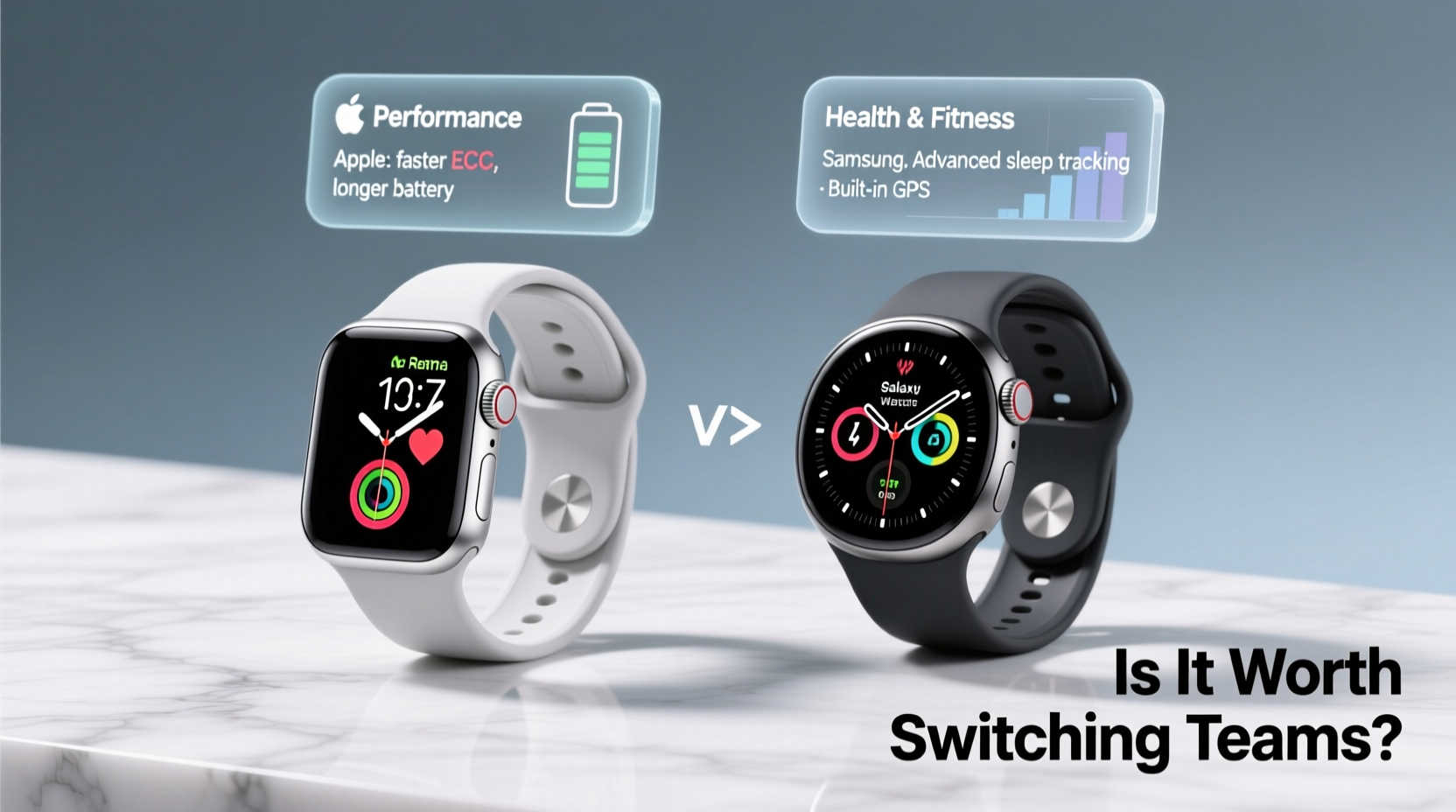
The Apple Watch Series 7 continues Apple’s minimalist aesthetic with a larger, edge-to-edge Always-On Retina display. The rounded corners and smooth aluminum or stainless steel casing make it sleek and lightweight, ideal for formal wear or workouts. Its IP6X dust resistance and WR50 water resistance are solid, though not built for extreme outdoor use.
In contrast, the Galaxy Watch 5 Pro prioritizes durability. Built with a titanium case and Gorilla Glass DX, it’s designed for adventurers. The rugged bezel, physical side button, and lugs compatible with third-party bands make it more suitable for hiking, trail running, or off-grid activities. Samsung also includes a larger 590 mAh battery, which supports longer usage—especially under GPS-heavy conditions.
Ecosystem Lock-In: The Real Switching Cost
One of the biggest hurdles when considering a switch is ecosystem dependency. Apple Watch integrates seamlessly with iPhone—handoff notifications, iMessage syncing, Family Setup for kids’ watches, and tight Health app integration. If you rely on Siri, AirPods, or HomeKit devices, moving away can disrupt convenience.
Samsung’s Wear OS (powered by Google) works best with Android phones, particularly Galaxy models. You gain access to Google Maps, Google Wallet, and deeper Bixby and SmartThings integration. However, while the Galaxy Watch 5 Pro technically supports iPhones via the Galaxy Wearable app, functionality is limited—no native WhatsApp replies, restricted notification controls, and no LTE activation.
“Switching smartwatch platforms isn’t like changing headphones. You’re altering how your digital life syncs across devices.” — David Lin, Senior Tech Analyst at MobileInsight Group
If you're deeply embedded in one ecosystem, switching means reconfiguring habits, losing some integrations, and possibly repurchasing apps or subscriptions optimized for the other platform.
Health and Fitness Tracking Compared
Both watches offer comprehensive health monitoring, but they approach fitness differently.
The Apple Watch 7 excels in medical-grade features: FDA-cleared ECG, irregular rhythm notifications, blood oxygen monitoring, and advanced workout metrics. Its algorithms for detecting falls and measuring heart rate variability are trusted by cardiologists. The introduction of faster charging also means less downtime during recovery tracking.
The Galaxy Watch 5 Pro counters with Samsung’s BioActive Sensor, which combines three health sensors into one. It tracks ECG, blood pressure (with calibration), and body composition (via BIA). While BP and BIA aren't available everywhere due to regulatory restrictions, they offer unique insights for proactive health management. Additionally, its GPS accuracy and offline route tracking cater to serious hikers and cyclists.
| Feature | Apple Watch 7 | Galaxy Watch 5 Pro |
|---|---|---|
| Battery Life | Up to 18 hours | Up to 80 hours (Pro mode) |
| Charging Speed | Faster charging (0–80% in ~45 min) | Slower (approx. 2 hours) |
| GPS Accuracy | Good (dual-band) | Excellent (multi-band + offline maps) |
| Health Sensors | Optical HR, ECG, SpO2 | Optical HR, ECG, BIA, Skin Temp |
| Durability | Aluminum/Stainless Steel, IP6X | Titanium, IP68, MIL-STD-810G |
| Best For | iPhone users, health monitoring | Android users, outdoor athletes |
Real Example: A Runner’s Dilemma
Jamal, a marathon runner and long-time iPhone user, used the Apple Watch 7 for training but found himself frustrated during weekend trail runs. The battery rarely lasted beyond a 3-hour hike, and GPS drift occasionally skewed his route data. After borrowing a friend’s Galaxy Watch 5 Pro, he was impressed by the 48-hour battery in GPS mode and the offline topographic maps. Despite loving iMessage and AirPods, he switched to a Pixel phone just to fully utilize the Watch 5 Pro. His training logs became more accurate, and he gained new insights from body composition trends.
His experience highlights a growing trend: performance-focused users are willing to change ecosystems for better hardware capabilities.
Software Experience and Customization
WatchOS remains one of the most polished wearable operating systems. Smooth animations, consistent app design, and robust third-party support (Strava, Spotify, WaterMinder) make daily use intuitive. Siri is reliable for quick tasks, and Apple’s focus on privacy means health data stays encrypted and on-device.
Wear OS 3 on the Galaxy Watch 5 Pro has matured significantly. With Google apps built-in and Samsung’s One UI Watch layered on top, customization is far greater. You can install third-party watch faces, use different launchers, and even sideload APKs. Google Assistant is more conversational than Siri, and voice typing works better in messages. However, some users report occasional lag and inconsistent app optimization compared to Apple’s tightly controlled environment.
Step-by-Step: How to Test a Switch Without Committing
- Use the Companion App: Install Galaxy Wearable on your iPhone or Apple’s Watch app on Android to explore interface differences.
- Borrow or Rent: Try a friend’s device or rent a short-term model to test real-world use.
- Check App Compatibility: Verify if your essential apps (e.g., Strava, MyFitnessPal, banking 2FA) work smoothly on the other platform.
- Evaluate Sync Needs: List your must-have integrations (HomeKit, Google Fit, Samsung Pay) and see what’s missing.
- Test Battery Habits: Simulate your typical day—workouts, calls, notifications—and see which watch lasts longer.
FAQ: Common Questions About Switching Teams
Can I use a Galaxy Watch 5 Pro with an iPhone?
Limitedly. You can receive calls, texts, and basic notifications, but key features like LTE setup, third-party app replies, and full Samsung Health sync require a Galaxy phone. It’s functional but not optimal.
Does the Apple Watch 7 work with Android?
No. Apple does not support pairing its watches with non-iOS devices. You cannot use any Apple Watch with an Android phone.
Which watch has better battery life for travel?
The Galaxy Watch 5 Pro wins decisively. With up to 80 hours in power-saving mode and superior GPS endurance, it’s ideal for multi-day trips without charging access. The Apple Watch 7 requires daily charging, making it less practical off-grid.
Final Checklist Before You Switch
- ✅ Confirm compatibility with your current phone or willingness to switch phones
- ✅ Evaluate battery needs based on activity level
- ✅ Check availability of critical apps and services
- ✅ Consider resale value of your current watch
- ✅ Test the alternative OS through demos or rentals
- ✅ Assess long-term upgrade path (e.g., future Wear OS updates vs. watchOS roadmap)
Conclusion: Is It Worth Switching Teams?
The answer depends on your priorities. If you value seamless integration with your iPhone, advanced health alerts, and a refined user experience, sticking with the Apple Watch 7 makes sense. But if you’re an outdoor enthusiast, need multi-day battery life, or want greater hardware durability and customization, the Galaxy Watch 5 Pro offers compelling reasons to consider a switch—even if it means changing your phone.
Ultimately, this isn’t just about which watch has more features. It’s about aligning your tech with how you live. For some, that means staying loyal. For others, especially those pushing limits beyond urban routines, switching teams could unlock a smarter, more resilient wearable experience.




 浙公网安备
33010002000092号
浙公网安备
33010002000092号 浙B2-20120091-4
Comments
No comments yet. Why don't you start the discussion?