
In an age of constant distractions and overflowing to-do lists, effective time management is no longer a luxury—it’s a necessity. One of the most fundamental tools for staying organized is a planner. But as technology evolves, so do our options. The debate between digital planners and paper planners isn’t just about preference; it’s about productivity, focus, and long-term habit formation. Which one truly helps you manage your time better? The answer depends on how you work, think, and interact with your schedule.
The Core Differences: How They Shape Your Planning Habits
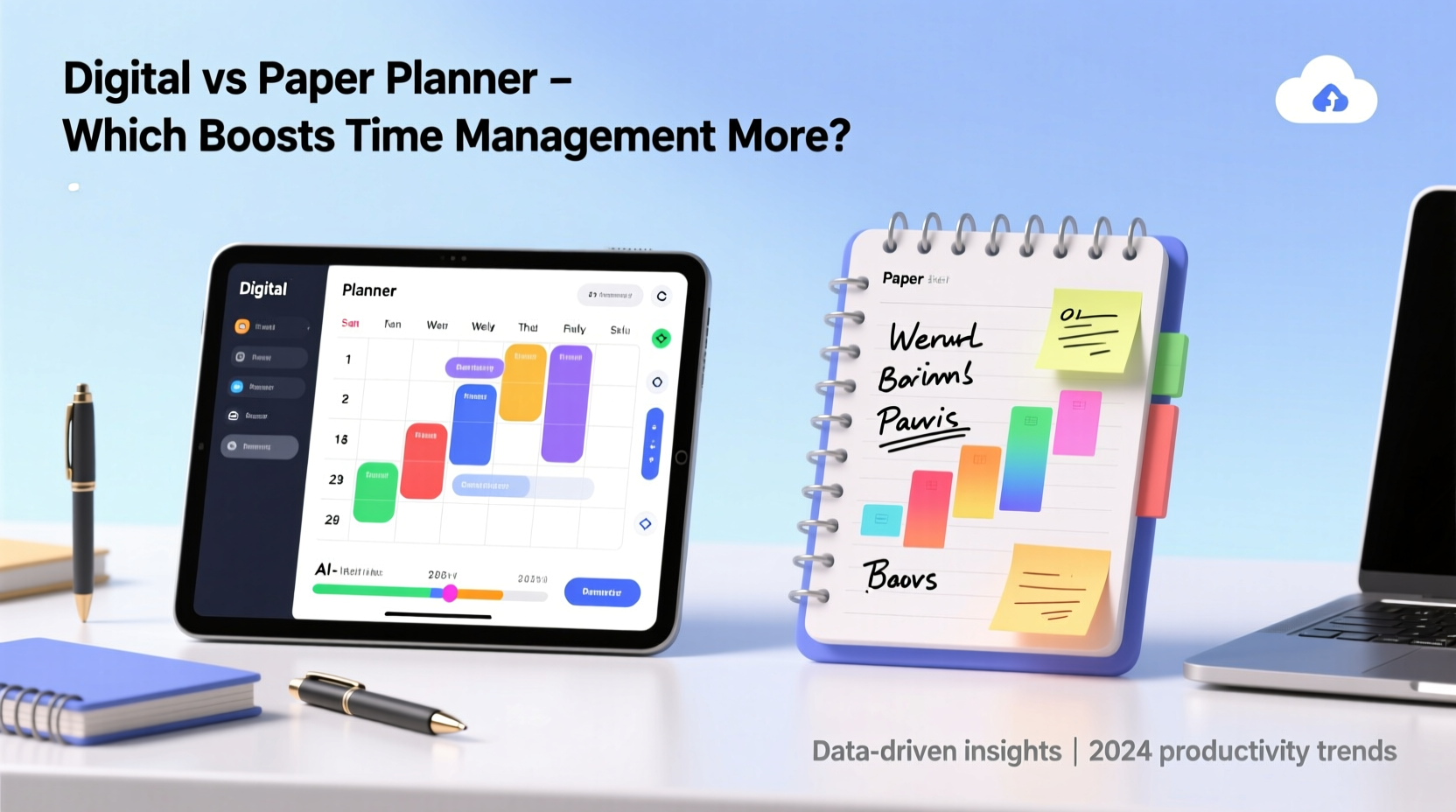
Digital and paper planners serve the same basic purpose: to help you track tasks, appointments, and goals. However, their underlying mechanics create vastly different user experiences. A paper planner is tactile, linear, and finite. You write once, and unless you erase or cross out, that entry stays. This permanence can reinforce memory and accountability. In contrast, a digital planner is dynamic, searchable, and often integrated with calendars, reminders, and cloud sync. It allows for flexibility, automation, and scalability.
The medium influences behavior. Studies in cognitive psychology suggest that writing by hand activates regions of the brain associated with comprehension and retention. According to Dr. Virginia Berninger, a professor of educational psychology at the University of Washington, “The act of handwriting engages motor pathways that enhance learning and memory.” This implies that using a paper planner may lead to deeper cognitive processing of your schedule.
On the other hand, digital tools excel in reducing friction. With a few taps, you can reschedule a task, set a recurring reminder, or share your calendar with a colleague. These efficiencies reduce administrative overhead, freeing mental bandwidth for actual work. As Cal Newport, author of *Deep Work*, notes: “Tools should minimize the effort required to maintain organization so you can maximize time spent in focused execution.”
Comparative Analysis: Features That Impact Time Management
To determine which planner type enhances time management, we need to evaluate them across key dimensions: accessibility, customization, accountability, distraction level, and integration.
| Feature | Paper Planner | Digital Planner |
|---|---|---|
| Accessibility | Requires physical presence; limited to one location | Available across devices (phone, tablet, computer) |
| Customization | High creative freedom; layout changes require manual effort | Templates, color-coding, drag-and-drop, tags, filters |
| Accountability | Visual progress tracking; high commitment due to permanence | Easier to ignore or reschedule without consequence |
| Distraction Level | Near-zero; no notifications or apps competing for attention | High risk if used on smartphones or multitasking devices |
| Integration | None; must manually transfer data | Synchronizes with email, task managers, calendars, cloud storage |
| Search & Recall | Time-consuming; relies on memory or indexing | Instant search by keyword, date, tag, or category |
This table reveals a trade-off: paper planners promote focus and intentionality but lack scalability and convenience. Digital planners offer speed and connectivity but risk fragmentation and overstimulation. The best choice hinges on your personal workflow and environment.
Real-World Scenarios: Who Benefits From Which?
Let’s consider two professionals facing similar challenges but thriving under different systems.
Case Study: Sarah, the Freelance Designer
Sarah works remotely, juggles client deadlines, and attends virtual meetings across time zones. She tried a paper planner but found herself missing calls because she left her planner in another room. After switching to a digital planner synced with Google Calendar and Todoist, her punctuality improved by 70%. Automated reminders and shared project timelines eliminated scheduling conflicts. For Sarah, the integration and accessibility of digital tools were game-changers.
Case Study: James, the Academic Researcher
James teaches three university courses and writes a book manuscript. He found digital calendars overwhelming—too many pop-ups, too much noise. He switched to a bullet journal-style paper planner. Each Sunday, he spends 45 minutes mapping out his week: lectures, writing blocks, office hours. The ritual of writing by hand helps him mentally commit. “I don’t just record my time,” he says. “I design it.” Over six months, James reduced last-minute scrambling by 80% and increased deep work sessions from two to five per week.
“Planning isn’t about capturing tasks—it’s about creating space for meaningful work. The tool should serve that goal, not distract from it.” — Dr. Lena Torres, Productivity Psychologist
Choosing the Right Tool: A Step-by-Step Decision Framework
Instead of declaring one planner universally superior, here’s a practical process to identify which suits your needs.
- Assess Your Environment: Do you work in a quiet home office or a chaotic co-working space? High-distraction environments favor paper or distraction-free digital tools.
- Evaluate Your Tech Integration Needs: Are you part of a team using shared calendars? Do you rely on email scheduling? If yes, digital is likely essential.
- Test Your Focus Tolerance: Try using your phone for planning for a week. Did you check social media mid-planning? If so, paper may be safer.
- Measure Your Need for Flexibility: Do your plans change daily? Digital planners handle volatility better. If your routine is stable, paper offers consistency.
- Consider Long-Term Review: Do you want to archive and analyze past weeks? Digital wins with search and export features. Paper offers nostalgia and visual reflection.
This framework emphasizes self-awareness over trends. The most effective planner is the one you consistently use and trust.
Actionable Tips for Maximizing Either System
Regardless of your choice, effectiveness depends on how you use the tool—not just the tool itself. Here are proven strategies to boost time management in both formats.
- Review Daily: Spend 5–10 minutes each morning reviewing your plan. This primes your brain for the day.
- Limit Tasks to 3–5 Per Day: Cognitive overload reduces completion rates. Focus on high-impact items.
- Color-Code by Category: Use colors for work, personal, health, and learning. Visual cues improve pattern recognition.
- End Each Day with a 5-Minute Audit: Note what got done, what didn’t, and why. This builds self-awareness over time.
- Create a Weekly Reset Ritual: Every Sunday or Monday, reflect on the past week and plan the next. This prevents drift.
Hybrid Approach: Best of Both Worlds?
Many high performers use a hybrid model. They keep a paper planner for daily execution and a digital one for long-term strategy and collaboration. For example:
- Use a digital calendar for all fixed appointments (meetings, deadlines).
- Maintain a paper daily log for task execution and notes.
- Sync major milestones from paper to digital for team visibility.
This method leverages the cognitive benefits of handwriting while retaining the logistical advantages of digital sync. It requires discipline to maintain both, but for some, the payoff in clarity and control is worth it.
“I use Notion for quarterly goals and project timelines, but every morning I transfer my top three tasks to a pocket notebook. The act of rewriting focuses my mind.” — Marcus Lin, Startup Founder
Frequently Asked Questions
Can a paper planner improve focus better than a digital one?
Yes, for many users. Paper eliminates digital distractions like notifications and app switching. The physical act of writing also promotes mindfulness and reduces cognitive load. However, this benefit depends on the individual’s ability to stay consistent without automated reminders.
Are digital planners more sustainable in the long run?
In terms of time and scalability, yes. Digital planners allow for easy editing, searching, and archiving. They’re especially efficient for managing complex schedules, recurring tasks, and collaborative projects. However, they require reliable tech habits and self-control to avoid distraction.
Is there evidence that one planner type leads to better time management outcomes?
Research is mixed. A 2021 study published in the *Journal of Applied Psychology* found that participants using handwritten planners reported higher task completion rates and lower stress levels. However, those using integrated digital systems completed more collaborative tasks on time. The conclusion: context matters more than the tool.
Final Recommendation: Match the Tool to Your Lifestyle
There is no universal winner in the digital vs. paper planner debate. The planner that improves your time management the most is the one that aligns with your personality, work style, and environment.
If you value focus, simplicity, and tactile engagement, a paper planner may deepen your connection to your schedule. If you need flexibility, integration, and mobility, a digital planner will likely serve you better. And if you’re still unsure, experiment. Try a paper planner for two weeks, then switch to a digital one. Track your punctuality, task completion, and stress levels. Let your experience guide your decision.
Ultimately, time management isn’t about the planner—it’s about the planning. Consistency, reflection, and intentional design matter far more than the medium. Whether you write in ink or tap on a screen, what counts is showing up for your priorities every day.




 浙公网安备
33010002000092号
浙公网安备
33010002000092号 浙B2-20120091-4
Comments
No comments yet. Why don't you start the discussion?