
In today’s digital landscape, internet censorship, network restrictions, and geo-blocking are common obstacles. Whether you're traveling abroad, working in a restrictive environment, or simply trying to access region-specific content, being unable to reach certain websites can be frustrating. However, bypassing these barriers must never come at the cost of your privacy or security. Using unsafe tools like unverified proxy sites or free public VPNs can expose your data to surveillance, malware, or identity theft.
The key is not just accessing blocked content—but doing so with strong encryption, minimal logging, and full control over your online footprint. This guide outlines proven, secure, and private methods to regain access to restricted websites while protecting your identity and maintaining fast, reliable connections.
Use a Reputable Virtual Private Network (VPN)
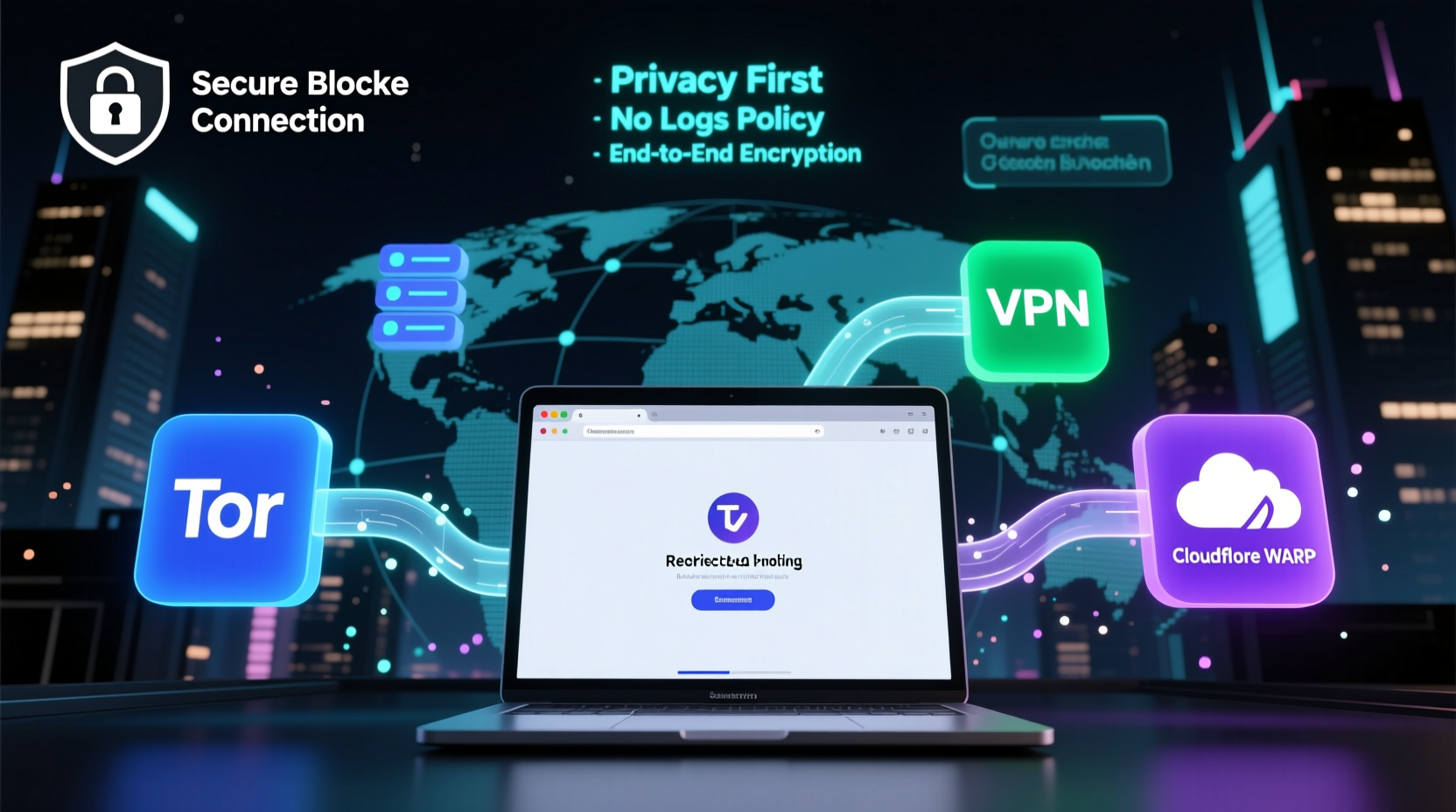
A Virtual Private Network (VPN) remains one of the most effective and widely used tools for bypassing internet censorship. A high-quality VPN encrypts your internet traffic and routes it through a server in a different location, masking your IP address and allowing you to appear as if you’re browsing from another country.
When selecting a VPN for accessing blocked sites, prioritize providers that offer:
- Strong encryption (AES-256)
- No-logs policy verified by independent audits
- Servers in multiple countries
- Obfuscation features to bypass deep packet inspection (DPI)
- Cross-platform support and kill switch functionality
Top-tier services like Mullvad, ProtonVPN, and IVPN are known for their transparency and commitment to user privacy. These providers do not track your activity and are based in jurisdictions with strong privacy laws.
Leverage the Tor Browser for Maximum Anonymity
The Tor Browser routes your traffic through a global network of volunteer-run relays, making it extremely difficult to trace your online activity. It’s particularly effective in highly censored regions where standard VPNs may be detected and blocked.
Tor provides exceptional anonymity but comes with trade-offs—slower speeds due to multi-layered encryption and limited compatibility with media-heavy sites. Still, for users prioritizing privacy over speed, Tor is unmatched.
To use Tor safely:
- Download the browser only from the official website (torproject.org)
- Avoid logging into personal accounts while using Tor
- Do not install additional plugins or extensions
- Use bridges if Tor is blocked in your region
Bridges are unlisted relay nodes that help circumvent government-level blocks. The Tor Project offers built-in bridge configuration options during setup.
“Tor remains one of the few tools that provide real anonymity against state-level surveillance.” — Dr. Sarah Thompson, Cybersecurity Researcher at Oxford Internet Institute
Secure DNS with DoH and DoT Resolvers
Many site blocks operate at the DNS level—your request is denied before reaching the actual website. By switching to encrypted DNS protocols like DNS-over-HTTPS (DoH) or DNS-over-TLS (DoT), you can bypass such filtering and enhance privacy.
Providers like Cloudflare (1.1.1.1), Google Public DNS, and Quad9 offer encrypted DNS services that prevent ISPs from seeing or manipulating your queries.
To implement secure DNS:
- On desktop: Change DNS settings in your OS or browser (e.g., Firefox supports DoH natively)
- On mobile: Use apps like 1.1.1.1 from Cloudflare or configure private DNS in Android settings
- On router: Update DNS settings at the network level to protect all connected devices
| Method | Encryption | Speed Impact | Best For |
|---|---|---|---|
| DNS-over-HTTPS (DoH) | Yes | Minimal | Browsers, selective protection |
| DNS-over-TLS (DoT) | Yes | Low | Mobile devices, system-wide use |
| Standard DNS | No | None | Not recommended under censorship |
Deploy Shadowsocks or V2Ray for Advanced Bypassing
In countries with aggressive firewalls (e.g., China, Iran), traditional tools often fail. Protocols like Shadowsocks and V2Ray were designed specifically to evade deep packet inspection (DPI) by disguising traffic as regular HTTPS.
Unlike standard proxies, these are open-source, lightweight, and configurable. They require setting up a remote server (via cloud providers like DigitalOcean or AWS), which acts as your encrypted tunnel endpoint.
Step-by-step setup for Shadowsocks:
- Sign up for a cloud hosting service and deploy a Linux VPS
- Install Shadowsocks server software via command line
- Configure encryption method (e.g., AEAD) and set a secure password
- Install a compatible client on your device (e.g., Shadowrocket on iOS, Clash on Android)
- Enter server details and connect
This method offers high performance and resilience against detection, especially when combined with obfuscation plugins.
Mini Case Study: Accessing Educational Resources Abroad
Rana, a graduate student from Syria studying remotely with a European university, faced consistent blocks on academic databases like JSTOR and SpringerLink. Her local ISP filtered these sites under broad “security” policies. Using a free proxy initially worked but led to session hijacking and slow loading times.
She switched to ProtonVPN with Secure Core servers—nodes routed through privacy-friendly countries before reaching the destination. This added layer prevented her traffic from being flagged. Combined with DNS-over-HTTPS, she regained stable access to research materials without compromising her identity. Over six months, she completed her thesis without connectivity interruptions.
Rana’s case illustrates how combining layered tools enhances both access and security, especially in high-risk environments.
Checklist: Secure Access to Blocked Sites
Follow this checklist to ensure safe and private access to restricted content:
- ✅ Choose a trusted, audited VPN with a no-logs policy
- ✅ Enable kill switch and DNS leak protection
- ✅ Use encrypted DNS (DoH or DoT) to prevent query monitoring
- ✅ Consider Tor for maximum anonymity on sensitive tasks
- ✅ Set up Shadowsocks or V2Ray if standard tools are blocked
- ✅ Avoid public Wi-Fi without encryption; always use a secure tunnel
- ✅ Regularly update software to patch vulnerabilities
Frequently Asked Questions
Is it legal to bypass internet censorship?
Laws vary by country. In democratic nations, using a VPN for privacy is generally legal. However, some authoritarian regimes criminalize circumvention tools. Always research local regulations before deploying these methods. Note: legality does not equal safety—use trusted tools regardless.
Can my employer or school detect that I’m using a VPN?
Yes, network administrators can often detect encrypted traffic patterns typical of VPNs. While they may not see your activity, they might block or restrict access if VPN use violates policy. In such cases, obfuscated servers or Tor bridges can help avoid detection.
Are free VPNs safe for accessing blocked sites?
Most are not. Free services frequently log user data, inject ads, sell bandwidth, or lack proper encryption. Some have been found to contain malware. For true privacy, invest in a reputable paid provider or use open-source alternatives like Tor.
Final Thoughts
Gaining access to blocked websites should never mean sacrificing your digital safety. The most effective strategies combine encryption, anonymity, and technical resilience. Whether you rely on a trustworthy VPN, the Tor network, or self-hosted proxy protocols, the goal remains the same: to reclaim your right to open information without exposing yourself to risk.
Technology empowers freedom—but only when used wisely. Evaluate your threat model, choose tools aligned with your needs, and stay informed about evolving censorship tactics. Your online autonomy depends on it.




 浙公网安备
33010002000092号
浙公网安备
33010002000092号 浙B2-20120091-4
Comments
No comments yet. Why don't you start the discussion?