
Email remains one of the most powerful communication tools in both personal and professional contexts. Yet, many overlook a critical detail that directly impacts engagement: how links are named and customized. A poorly labeled hyperlink can confuse recipients, reduce trust, or even trigger spam filters. On the other hand, well-crafted links improve readability, increase click-through rates, and enhance user experience. The way you present your links speaks volumes about your attention to detail and respect for the recipient’s time.
Whether you're sending a marketing campaign, a newsletter, or a simple follow-up message, taking the time to customize your hyperlinks thoughtfully can significantly influence how your message is received. This guide dives into practical strategies for naming and formatting links effectively, ensuring they support your goals rather than undermine them.
Why Link Presentation Matters in Emails
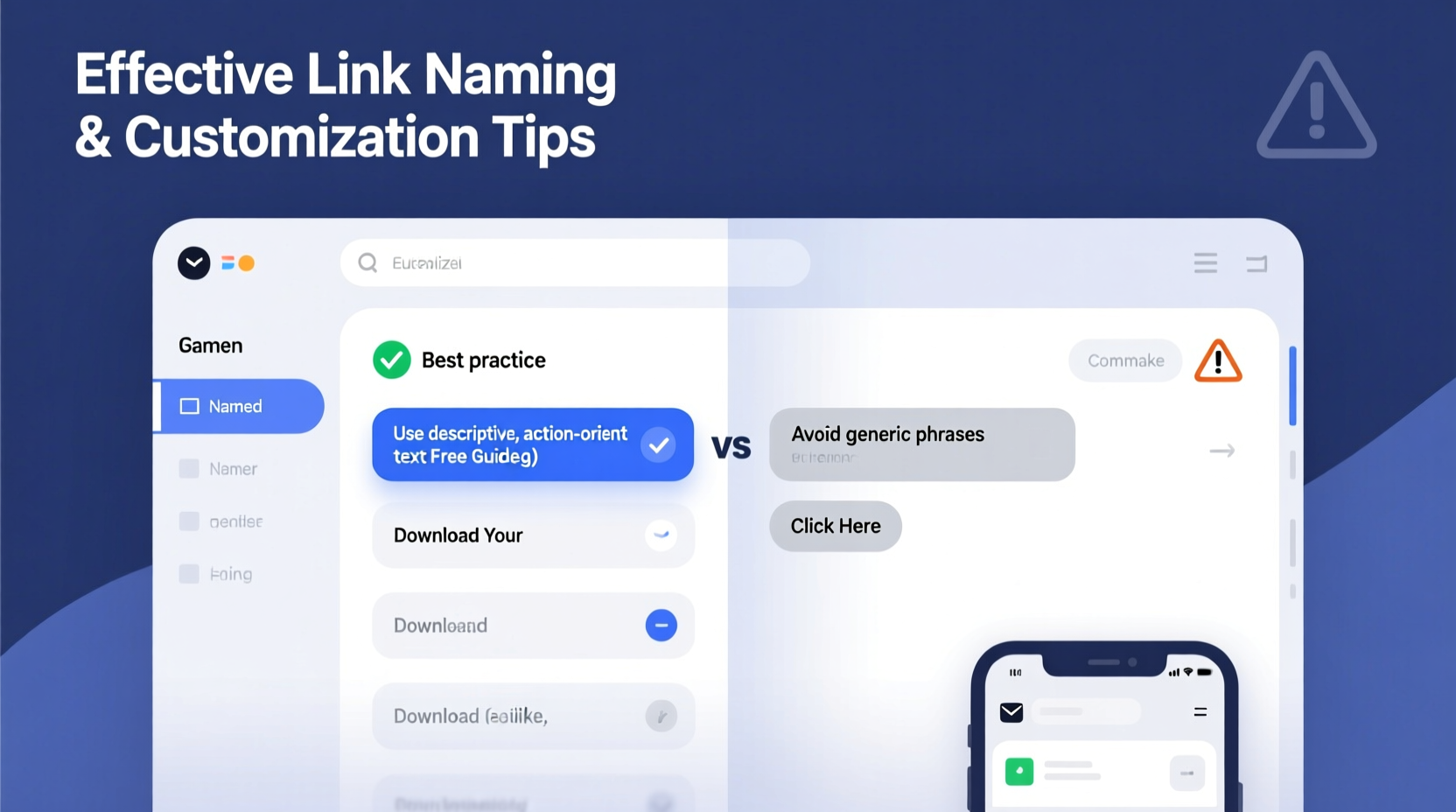
The average professional receives over 100 emails daily. In such a crowded inbox, every element must work efficiently to capture attention. Hyperlinks are often action points—invitations to read more, register, download, or purchase. If those links appear messy, generic, or suspicious, users are far less likely to engage.
Beyond aesthetics, poorly formatted URLs can damage credibility. Long strings of characters, tracking codes, or unbranded domains look unprofessional and may raise security concerns. Worse, default link text like “click here” provides no context and fails accessibility standards. Modern email design demands cleaner, more intuitive linking practices that align with usability, branding, and conversion goals.
“Clear, descriptive link text not only improves user experience but also strengthens brand reliability.” — Sarah Lin, Digital Communication Strategist at InboxLab
Best Practices for Naming Your Links
The anchor text—the visible part of a hyperlink—is your chance to communicate value. Instead of relying on raw URLs or vague prompts, use language that tells the reader exactly what to expect.
- Be descriptive: Replace “Click here” with “Download your free productivity checklist.”
- Match tone and context: In a formal business update, use “Review Q3 financial summary”; in a casual newsletter, try “See behind-the-scenes photos.”
- Keep it concise: Aim for 5–8 words. Too long feels cluttered; too short lacks clarity.
- Avoid redundancy: Don’t repeat the same call-to-action phrase across multiple links unless necessary.
Customizing Links for Professionalism and Trust
Raw URLs—especially those filled with parameters and tracking IDs—are off-putting and hard to remember. Customizing them improves appearance and builds confidence.
Use URL shorteners with branded domains (e.g., yourbrand.co/newsletter) instead of generic ones like bit.ly unless unavoidable. Tools like Bitly, Rebrandly, or built-in CRM features allow you to create clean, memorable paths that reflect your brand identity.
In HTML-based emails, always hide messy URLs behind clean anchor text. For example:
<a href=\"https://example.com/resource?src=email&campaign=fall2024\">Get the full guide</a>
This keeps the interface tidy while preserving tracking functionality behind the scenes.
Step-by-Step Guide to Customizing Email Links
- Identify the destination: Confirm the final URL where the link leads.
- Shorten and brand (if needed): Use a trusted service to generate a clean version with your domain.
- Choose descriptive anchor text: Align wording with the user’s intent (e.g., “Register now,” “Watch the demo”).
- Embed in HTML: Insert the link using proper syntax, ensuring it opens appropriately (new tab recommended for external sites).
- Test across devices: Verify appearance and function in major email clients like Gmail, Outlook, and Apple Mail.
Do’s and Don’ts of Email Linking
| Do’s | Don’ts |
|---|---|
| Use action-oriented, clear text (e.g., “Read our latest case study”) | Use vague phrases like “Click here” or “This link” |
| Brand shortened URLs when possible | Rely on long, parameter-heavy URLs in plain view |
| Ensure links open securely (HTTPS) | Link to HTTP pages or untrusted domains |
| Make links accessible (avoid color alone to indicate them) | Use only blue underlined text without additional cues |
| Track performance via UTM tags (hidden in backend) | Clutter visible URLs with tracking strings |
Real Example: How One Company Improved CTR by 37%
A mid-sized SaaS company noticed declining engagement in their weekly product update emails. Their original format used phrases like “Check it out here” linked to a sprawling URL with tracking codes. After auditing their approach, they revised all links to be descriptive and embedded behind branded short URLs.
For instance, they changed:
“Want new features? Click here → https://app.service.com/update?v=2.1&src=email”
To:
“Explore the new dashboard updates → [View release notes]” (linking to
service.app/notes-v2.1)
Within two months, click-through rates increased by 37%, and support inquiries about missing features dropped by nearly half. Users reported finding the emails “easier to navigate” and “more trustworthy.”
Accessibility and Inclusivity Considerations
Effective link customization isn’t just about looks—it’s about inclusion. Screen readers interpret anchor text to help visually impaired users understand where a link leads. Generic labels like “click here” offer no meaningful information when heard out of context.
To improve accessibility:
- Ensure each link’s text stands alone in meaning (e.g., “Download annual report” vs. “Download here”).
- Use title attributes sparingly—they’re not consistently read by all assistive technologies.
- Avoid opening all links in new tabs unless necessary; if you do, indicate it visually or through context.
Essential Checklist for Every Email with Links
- ✅ Anchor text clearly describes the destination
- ✅ No use of “click here” or similar non-descriptive phrases
- ✅ URLs are shortened and branded where applicable
- ✅ All links use HTTPS for security
- ✅ Links tested across devices and email clients
- ✅ Tracking parameters hidden in backend (UTM, gclid, etc.)
- ✅ Sufficient color contrast between link and body text
- ✅ Logical placement within content flow (not clustered at bottom)
Frequently Asked Questions
Can I use emojis in link text?
Yes, but sparingly. Emojis can draw attention in informal contexts (e.g., newsletters), but avoid them in professional or B2B communications. Ensure they don’t replace essential meaning—pair them with clear text, like “🚀 Launch your trial today.”
Should all links open in a new tab?
Only when appropriate. External resources, videos, or downloadable files should typically open in a new tab to preserve the reader’s place in your email. Internal links (e.g., to another section of your site) usually don’t require this. Overuse can feel disruptive.
How do I track link performance without ugly URLs?
Use UTM parameters embedded in the backend of your link. Services like Google’s Campaign URL Builder let you generate tracked links without exposing complex strings to users. Pair these with branded shorteners for optimal results.
Final Thoughts: Elevate Your Email Game One Link at a Time
It’s easy to underestimate the impact of a well-named hyperlink. But in an environment where attention is scarce and trust is fragile, every detail counts. Thoughtful link customization reflects professionalism, enhances usability, and drives better outcomes. From choosing precise anchor text to leveraging branded URLs and prioritizing accessibility, these small improvements compound into stronger engagement and clearer communication.
Start applying these principles in your next email draft. Audit old messages, refine your templates, and train your team to treat links not as afterthoughts, but as strategic elements of your message. The result will be emails that don’t just get opened—but acted upon.




 浙公网安备
33010002000092号
浙公网安备
33010002000092号 浙B2-20120091-4
Comments
No comments yet. Why don't you start the discussion?