
For sim racing enthusiasts, few things impact performance and immersion as profoundly as force feedback (FFB). In Assetto Corsa, a simulation known for its mechanical accuracy and tire modeling, getting FFB right transforms a good session into a deeply realistic driving experience. Yet many players struggle with muddy, overly harsh, or disconnected feedback—often due to misconfigured settings rather than hardware limitations. The key lies not in chasing maximum strength but in achieving clarity, precision, and consistency across different cars and tracks.
This guide breaks down the optimal force feedback settings for Assetto Corsa, explains how each parameter affects your perception of grip, camber changes, curbs, and tire load, and provides actionable steps to tune your system regardless of your wheel base or model.
Understanding Force Feedback in Assetto Corsa
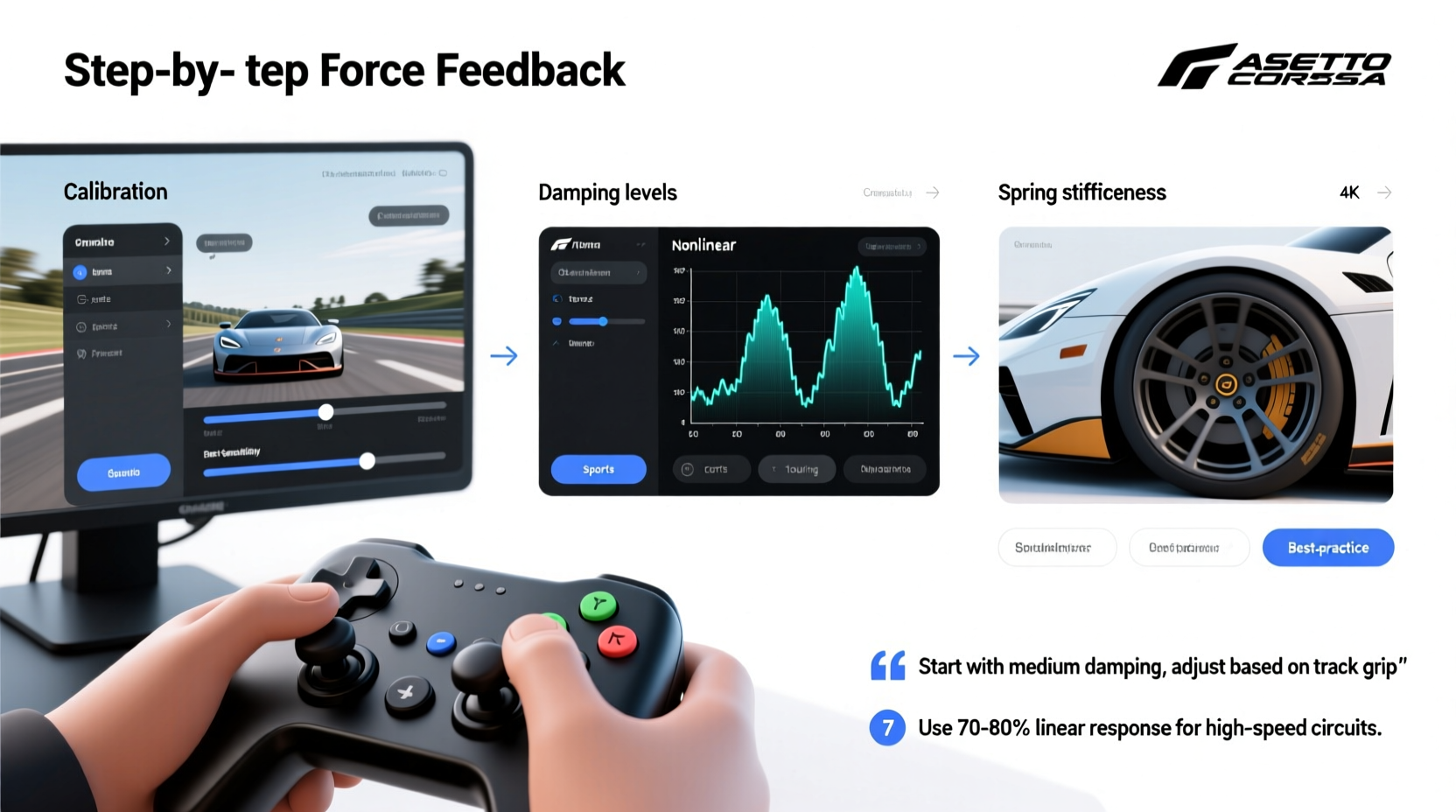
Assetto Corsa uses a physics-driven FFB model that replicates how forces are transmitted through suspension geometry, tire deformation, and road surface interaction. Unlike arcade racers, where FFB is often exaggerated for effect, here it’s about subtlety: reading the limit through nuanced vibrations, resistance buildup, and release patterns.
The game outputs raw force data based on real-time vehicle dynamics. Your wheel base then interprets this signal using gain controls, filtering, and device-specific drivers. Misalignment between these layers leads to misleading cues—such as sudden spikes when hitting curbs or dead zones in the center.
To achieve transparency, you must balance four core elements:
- Gain: Overall intensity of the signal
- Filtering: Smoothing or sharpening of specific frequency bands
- Linearity: Consistency of response from center to lock
- Sampling Rate: How frequently the game updates FFB data
Optimal FFB Settings by Component
Below is a breakdown of critical settings found in cfg\\ac_settings.ini and within common wheel control panels (Logitech, Fanatec, Simucube).
1. Game-Side FFB Settings
| Setting | Recommended Value | Purpose |
|---|---|---|
| FFB Device ID | 0 (default) | Selects connected wheel base |
| FFB Max Torque | 12.0 Nm | Baseline output; adjust if clipping occurs |
| Vibration Gain | 0.5–0.7 | Reduces high-frequency noise without losing texture |
| Autocenter Strength | 0.0 | Disable—rely on physics-based return-to-center |
| Combined Traction / Lock Limiter | 1.0 | Preserves original FFB scaling behavior |
Note: FFB Max Torque should reflect your wheel’s actual peak torque. Set higher than your base's capability may cause distortion.
2. Wheel Base Software Tuning (Fanatec/Simucube/Thrustmaster)
Regardless of brand, three parameters dominate fidelity:
- Overall Gain (100%): Start at 100%, then reduce only if saturation occurs.
- Spring Effect (0%): Never use artificial springs—they mask true road feel. Inertia & Damping: Set both between 5–15% to stabilize low-speed wobble without dulling transients.
For direct-drive users (Simucube, AccuForce), keep damping minimal (5%) to preserve transient sharpness. Belt-driven systems (v2.5 CSL DD) may benefit from 10–12% damping to suppress resonance.
Step-by-Step Calibration Process
Follow this sequence to dial in your FFB reliably:
- Reset all gains in-game and wheel software to defaults.
- Drive a mid-downforce car (e.g., Porsche 911 GT3 R) at moderate speed on a smooth tarmac section.
- Increase FFB gain until you feel clear communication of road seams but before buzz becomes painful.
- Test corner entry: You should feel progressive build-up of resistance as lateral load increases.
- Hit a small curb at ~80 km/h: Impact should be sharp but not jerky. If it yanks the wheel, reduce vibration gain.
- Check center stability: On straights, the wheel should remain neutral without oscillation.
- Refine damping/inertia if the wheel feels either too light or sluggish in transitions.
Real-World Example: Fixing Overpowering FFB on Logitech G29
Mark, an intermediate sim racer, complained of hand fatigue after 20 minutes of gameplay. His Logitech G29 would violently snap back under braking and lose detail mid-corner. He assumed his wheel was inadequate.
Upon inspection, his settings showed:
- In-game FFB Gain: 150%
- Device Spring Effect: 30%
- Vibration Gain: 1.0
After resetting gains to recommended levels and disabling spring effects, Mark reduced overall FFB gain to 85% and lowered vibration to 0.6. The result? Immediate improvement in modulation and endurance. He could now sense front-tire slip onset instead of reacting to violent kickbacks.
“I thought I needed a new wheel,” he said. “But it was just masking the physics. Now I actually learn from the feedback.”
“Good FFB doesn’t shout—it whispers. The best setups reveal nuance, not brute force.” — Luca Raineri, Professional Sim Racing Engineer
Tips for Different Wheel Types
Your ideal settings depend heavily on your hardware tier. Here’s how to adapt:
| Wheel Type | Max Recommended Gain | Filter Advice | Special Notes |
|---|---|---|---|
| Entry-Level (G29, T150) | 80–90% | Moderate low-pass filter | Use slight damping to reduce cogging artifacts |
| Belt-Driven Mid-Tier (T300, CSL DD) | 90–100% | Minimal filtering | Leverage firmware updates for smoother torque delivery |
| Direct Drive (Simucube, AccuForce) | 100% | Avoid filters unless resonance present | Enable 1000Hz+ update rate for full fidelity |
Believe it or not, lower-end wheels can still deliver informative FFB—if properly tuned. The goal isn’t maximum sensation but accurate representation of grip thresholds.
Frequently Asked Questions
Why does my wheel feel numb in corners?
Numbness typically stems from excessive gain or over-filtering. High gain causes motor saturation, flattening dynamic range. Lower overall FFB gain and disable any \"smoothing\" presets in your wheel software.
Should I use FFB scaling mods like Reiza or Custom FFB patches?
Some community patches improve FFB linearity, especially for older cars. However, start with stock physics first. Only introduce mods once you’ve mastered baseline tuning. Poorly applied patches can exaggerate flaws.
How do I know if my FFB is clipping?
Clipping occurs when the requested force exceeds your wheel’s capacity. Signs include sudden cut-offs in resistance, loss of detail near full lock, or audible motor strain. Reduce FFB Max Torque in-game or lower overall gain in driver software.
Final Checklist Before Race Day
- ✅ Autocenter disabled in-game
- ✅ Vibration gain set between 0.5–0.7
- ✅ No artificial spring or damper effects enabled
- ✅ Wheel firmware updated
- ✅ Test drive completed on dry asphalt with medium-grip car
- ✅ FFB response confirmed linear from center to full lock
Conclusion
Mastering force feedback in Assetto Corsa isn’t about finding a magic number—it’s about cultivating sensitivity. The most effective setups don’t overwhelm; they inform. Whether you’re running a budget peripheral or a high-torque direct-drive rig, precision comes from balance, not power.
Take the time to recalibrate, test deliberately, and listen to what the road is telling you through the wheel. Once you feel the subtle shift before a slide, the micro-bumps signaling rising tire temperature, or the clean release at the limit, you’ll realize that proper FFB isn’t just a setting—it’s a skill.




 浙公网安备
33010002000092号
浙公网安备
33010002000092号 浙B2-20120091-4
Comments
No comments yet. Why don't you start the discussion?