
Creating an animated Christmas light display no longer requires expensive commercial equipment. With an Arduino microcontroller, a few electronic components, and some basic coding, you can design a synchronized, dynamic lighting setup that captures attention and spreads holiday cheer. This guide walks through the complete process—from planning your circuit to uploading code that makes your lights dance in rhythm.
Plan Your Display Layout and Lighting Zones
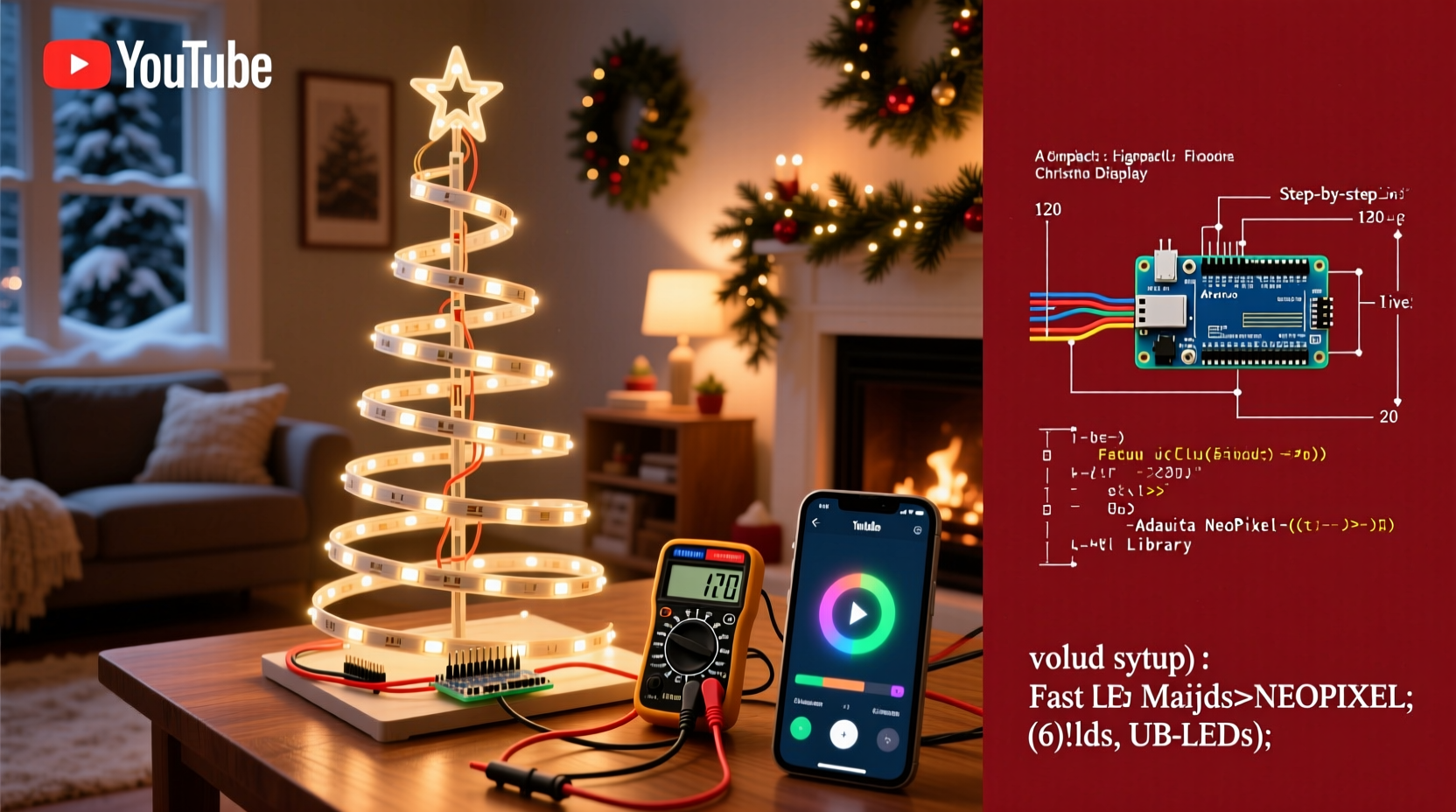
Before touching a wire or opening the Arduino IDE, sketch out your display plan. Decide where lights will go—along rooflines, wrapped around trees, outlining windows—and group them into logical zones. Each zone can be controlled independently, allowing for chasing patterns, wave effects, or coordinated sequences.
Consider power limitations. Most Arduino boards operate at 5V and can only supply limited current per pin (typically 20–40mA). Driving dozens of LEDs directly from the board is unsafe and ineffective. Instead, use external power sources and transistors or relays to switch higher loads under Arduino control.
Map each physical section of your display to a digital output pin on the Arduino. For example:
- Zone 1: Front porch railing – Pin 6
- Zone 2: Roof peak – Pin 7
- Zone 3: Tree wrap – Pin 8
- Zone 4: Window outlines – Pin 9
Choose Components and Assemble the Circuit
The core of any animated light system is reliable hardware. The most common setup uses addressable RGB LED strips controlled by an Arduino Uno or Nano, paired with a logic-level MOSFET or dedicated driver if using non-addressable AC-powered lights.
For beginners, addressable NeoPixel strips are ideal—they allow individual LED control over a single data line. If you're controlling traditional incandescent or non-programmable LED strings, you’ll need relay modules to safely switch household voltage.
Essential Components List
- Arduino Uno or Nano (clone or official)
- WS2812B RGB LED strip (1 meter to 5 meters, depending on project size)
- External 5V or 12V power supply (rated for total LED current draw)
- Logic level shifter (if using 5V Arduino with 3.3V logic inputs)
- Jumper wires, breadboard (for prototyping)
- Resistor (330Ω inline with data line to protect LEDs)
- Heat shrink tubing or electrical tape
Wiring Steps
- Connect the ground (GND) of the Arduino and external power supply together. This shared ground is critical for signal stability.
- Solder or plug the LED strip’s VCC to the external power supply’s positive terminal.
- Connect the LED strip’s GND to the negative terminal of the power supply and to Arduino GND.
- Link the data input (DIN) of the LED strip to Arduino digital pin 6 through a 330Ω resistor.
- If powering more than 30 LEDs, inject power at multiple points along the strip to prevent voltage drop.
| Component | Purpose | Notes |
|---|---|---|
| Arduino Uno | Central controller for animations | Use Nano for compact builds |
| WS2812B Strip | Individually addressable RGB LEDs | Check voltage: 5V or 12V variants exist |
| 5V/10A Power Supply | Power for long LED runs | Calculate max current: 60mA per LED at full white |
| MOSFET (IRFZ44N) | Switch high-power loads | Necessary for non-addressable AC strings |
| 330Ω Resistor | Data line protection | Prevents signal damage to first LED |
Write and Upload Animation Code
With hardware assembled, it’s time to program the behavior. Arduino uses C++ syntax, but libraries like FastLED and Adafruit_NeoPixel simplify animation creation.
Install the FastLED library via the Arduino IDE Library Manager. It supports hundreds of chipsets and includes built-in effects like color wipes, pulses, and noise animations.
Sample Sketch: Rainbow Chase Effect
#include <FastLED.h>

#define LED_PIN     6
#define NUM_LEDS    60
CRGB leds[NUM_LEDS];

void setup() {
  FastLED.addLeds<WS2812B, LED_PIN, GRB>(leds, NUM_LEDS);
}

void loop() {
  static uint8_t hue = 0;
  fill_rainbow(leds, NUM_LEDS, hue++, 7);
  FastLED.show();
  delay(20);
}
This code cycles through rainbow colors across all 60 LEDs, updating every 20 milliseconds. Adjust delay() values to speed up or slow down animations. Replace fill_rainbow() with other functions like breathe(), strobe(), or custom patterns.
Advanced Synchronization Tip
To sync lights with music, use a sound sensor module connected to an analog pin. Read amplitude levels and map them to brightness or animation speed:
int soundLevel = analogRead(A0);
int brightness = map(soundLevel, 0, 1023, 0, 255);
for(int i = 0; i < NUM_LEDS; i++) {
  leds[i].setBrightness(brightness);
}
“With just 50 lines of code, you can create professional-grade lighting effects that rival pre-packaged systems.” — David Lin, Embedded Systems Developer and Holiday Hacker
Real-World Example: The Neighborhood-Favorite Porch Display
In suburban Ohio, Mark Teller transformed his front yard using two Arduino Nanos and 8 meters of addressable LEDs. He divided the display into four zones: roofline, tree trunk spiral, driveway markers, and wreath outline. Each zone ran a different pattern—chasing red/green on the roof, slow pulse on the tree, twinkling on markers, and rotating spotlight on the wreath.
Using a real-time clock (RTC) module, the display activated automatically at 5 PM daily and shut off at midnight. A push-button toggle allowed manual override for guests. After three seasons, the system remained fully functional thanks to weatherproof enclosures and silicone-sealed connections.
Mark uploaded new animations each week—snowfall effect one weekend, candy cane stripes the next—keeping neighbors engaged throughout December. His secret? Version-controlled code stored on GitHub, so he could roll back changes or share designs online.
Deployment and Weatherproofing Tips
Outdoor electronics face moisture, temperature swings, and physical stress. Protect your investment with proper housing and installation practices.
- Enclose the Arduino and power supply in a sealed plastic project box with desiccant packs.
- Use heat shrink tubing on all solder joints; avoid electrical tape outdoors.
- Elevate connections off the ground and route cables through PVC conduit if buried.
- Test the entire system indoors before final installation.
- Label all wires and document pin assignments for future maintenance.
Troubleshooting Common Issues
Even well-designed projects encounter hiccups. Here’s a checklist to diagnose and fix frequent problems:
DIY Light Display Troubleshooting Checklist
- ✅ Confirm all grounds are connected between Arduino, power supply, and LEDs.
- ✅ Check voltage at the far end of the LED strip—brownouts cause flickering or cutoff.
- ✅ Verify data line has a 330Ω resistor and isn’t too long (>1 meter without buffering).
- ✅ Ensure correct number of LEDs defined in code (
NUM_LEDS). - ✅ Test with a minimal sketch (solid color) before running complex animations.
- ✅ Inspect for loose wires or cold solder joints, especially after temperature shifts.
If LEDs show incorrect colors or random flashes, the issue is often timing-related. Addressable LEDs rely on precise signal pulses. Adding a 0.1µF capacitor across the power leads of the first LED can smooth transient spikes.
Frequently Asked Questions
Can I control AC-powered Christmas lights with Arduino?
Yes, but not directly. Use optically isolated relay modules rated for household voltage. Connect the Arduino output pin to the relay’s control input, then wire the relay in series with the AC string. Always follow electrical safety codes and never expose live connections.
How many LEDs can one Arduino control?
Theoretically, thousands—with sufficient external power. However, memory and processing limits apply. An Arduino Uno has 2KB RAM; large arrays (e.g., 300+ LEDs) may require lighter animations or faster processors like the ESP32. For massive displays, consider splitting control across multiple Arduinos using serial communication.
Is it safe to leave the display running unattended?
When properly designed and enclosed, yes. Use fused power supplies, avoid daisy-chaining outlets, and inspect cables regularly for wear. Add a timer or RTC module to limit runtime and reduce fire risk.
Conclusion: Bring Your Holiday Vision to Life
Building a DIY animated Christmas light display with Arduino blends creativity with technical skill, offering full customization at a fraction of commercial costs. From simple color fades to music-reactive spectacles, the only limit is imagination. Start small—a single strand with a chase effect—and expand as confidence grows.
These projects aren’t just about lights; they’re about sharing joy, learning electronics, and inspiring others in your community. Whether you’re teaching kids to code or surprising neighbors with synchronized snowflakes, every blink and fade carries meaning.




 浙公网安备
33010002000092号
浙公网安备
33010002000092号 浙B2-20120091-4
Comments
No comments yet. Why don't you start the discussion?